

Searching for Hostinger VPS services returns dozens of results from providers making similar promises about performance, uptime, and support.
Alternatively, simply a hosting platform that doesn't surprise you with renewed terms and conditions. When comparing VPS plans, look closely at the hosting company's hardware, virtualization, networking, and how they handle overselling.
Instead of just more marketing noise, this guide explains what you need to look for with VPS environment.
What is Hostinger VPS hosting and how does it work?
A VPS (virtual private server) is a way to get a reserved slice of a physical server for yourself. Rather than renting the whole server from the start, the server is split into separate environments by virtualization software, with each slice getting its own CPU, RAM, storage, and even network stack. You can even get root access on a VPS, just as you would on a bare-metal server, at a fraction of the price.
First month $1
Then the normal monthly price. One per customer. No setup fee, and a 30-day performance guarantee on your first order.
See the plans“Excellent experience from start to finish! The server was delivered promptly, and the service was reliable and efficient. I m very happy with the results and would definitely recommend them.”
How KVM virtualization works
KVM (Kernel-based Virtual Machine) is the leading open source virtualization technology used by most serious data center hosts. Each VPS runs its own kernel, not a shared one. That means a single misbehaving tenant can’t affect other tenants. Resources for each VPS are allocated hard, not on a best-effort basis. This isolation model ensures predictable performance, a fact that becomes critical when running production workloads with strict uptime requirements.
Isolating your neighbours from each other has many important implications, not least for security: compromised neighbors can’t affect you, for example. You can also bring your own kernels or OS images and run them, unlike with container-based hosting.
What the provider in question offers
The VPS plans switched to KVM in mid-2023 from older OpenVZ-based systems. Current plans run on AMD EPYC processors with NVMe storage and a 1 Gbps uplink, with server management handled by a control panel rather than cPanel. Plans migrated in February saw immediate performance improvements from the shift to full virtualization.
The community discussion for this topic (replies, views, activity) confirms that the date for this migration is June 30, 2023. Users on older OpenVZ plans had to “opt in” for a complete transition to be performed. The timeline was communicated to all affected customers in early February to allow adequate preparation time for the platform change.
The community discussion for this topic also included detailed migration guides and troubleshooting resources that helped customers prepare their environments for the platform transition. Customers could post questions in the forum thread and typically received a detailed reply within hours from both staff and experienced community members.
Where BuyVPS fits this picture
The KVM VPS hosting platform is spread across two data centers in Amsterdam and New York. Each VPS instance runs on a separate kernel, with strict memory limits and low density on the nodes to ensure what you order is what you get. Of course, we can't make any promises regarding shared-vCPU servers, so reading up on other customers' experiences can assist you in making a more informed decision before you sign up for a plan.
Hostinger VPS pros and cons: what users actually report
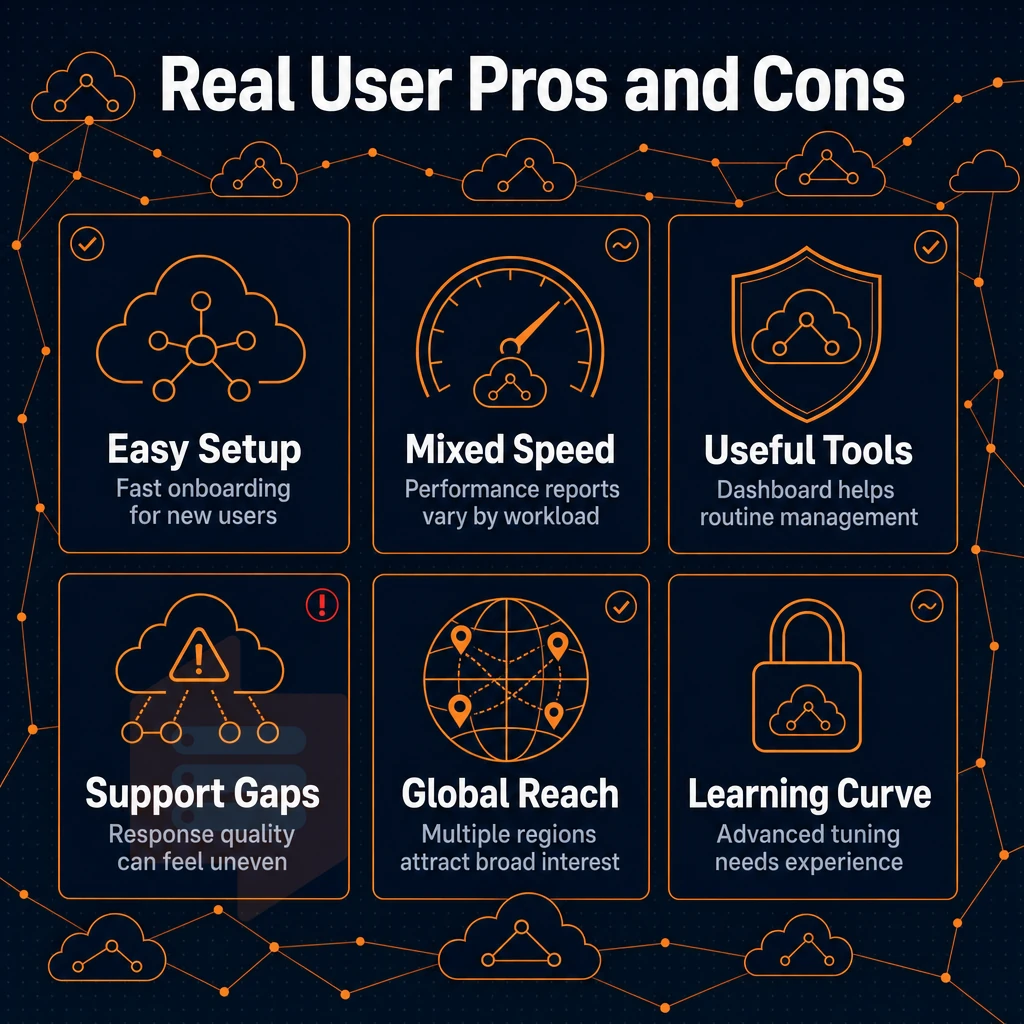
Threads and forum posts about Hostinger VPS hosting vary greatly. There are many positive comments from new users that are attracted to the low cost of entry and the easy to use control panel. However, users that put their servers to work will find many negative comments regarding the performance.
What works well for managing your tasks
Our control panel is very easy to use for new users. It includes one-click OS install, integrated server manager and API access. The large choice of available OS’s is matched by the speed of the provisioning process, which typically takes just a few minutes to set up a new server. The interface design prioritizes clarity, with clearly labeled buttons that guide you through common tasks without requiring prior technical knowledge. The dashboard also features a sortable list of instances, making it straightforward to locate and manage multiple deployments across different regions.
The dashboard also displays real-time metrics for each instance. Each metric card displays detailed info about resource utilization, allowing you to track trends and identify potential bottlenecks before they impact performance. New users can quickly learn the system through interactive tooltips and contextual help documentation embedded throughout the interface. When you submit a ticket through the panel, the typical response time is under two hours, and you can expect a detailed reply that addresses your specific configuration question.
Where managing problems can go wrong
Community signals real resource throttling under load. vCPU sharing leads to performance degradation as neighboring workloads spike. Users report surprise price increases for renewal in year 2 vs. intro price for first year. When customers open tickets about these issues, they often wait days for a meaningful reply from the technical team.
Support is a recurring theme. Most of the time helpful responses are not consistent and many of the threads go back and forth with first-tier chatbots before finally getting to speak with an engineer. However, when things do go wrong it can take a long time to get someone technical to speak with. Customers who open tickets often wait several hours before they receive a substantive technical response from qualified engineers.
Many customers have told us they felt frustrated by the lack of direct engineer contact during critical outages. Resolving complex technical issues often requires escalation beyond automated systems, which can delay critical troubleshooting when time-sensitive problems arise. Customers frequently mention that waiting for a meaningful reply can extend incident resolution times significantly.
Decision guide with column headers
For a low-load site needing a managed-like panel experience, the trade-offs may be acceptable short-term. However, for a site that requires consistent CPU, the rest of the market, BuyVPS for example, provide a more solid CPU baseline by enforcing strict memory limits and low node density on a panel.
Additionally, pinned cores on the exclusive tier of service. Consistent CPU, engineer-led support and a no-oversell architecture are significantly more important as a site's load scales. Knowing where your site's load falls will help you to determine what tier of service you need. Many engineers have found that careful thought about workload patterns early in the planning phase prevents costly migrations later. When questions arise during migration planning, teams typically receive a detailed reply within hours rather than days, ensuring minimal downtime during the transition.
Common use cases for VPS hosting
A VPS can handle workloads that shared hosting cannot. With a VPS you have root access, KVM isolation and allocated resources. Thus a VPS is the right infrastructure for applications that require a constant level of performance or special software.
Core company application workloads
- Web apps and eCommerce stores. High-traffic websites need consistent CPU and RAM. A noisy neighbor won’t throttle your store during sales with KVM isolation.
- Low-latency, pinned resources for game servers like Minecraft, Palworld and FiveM. Shared hosting looks great until your first lag spike and session loss.
- AI and LLM inference. Local model for automated answers running requires committed RAM and CPU which a shared environment cannot guarantee.
Note: One of the most common mistakes is under-provisioning RAM for LLM workloads. Size up before you deploy, not after.
Self-hosted and development environments
- Open-source self-hosted apps like Nextcloud or Gitea require root access and a clean OS installation. Get full control from day one with a virtual private server purchased on a monthly or annual basis.
- Isolate the development and staging environments for each project. Only promote the project to production after all tests have passed, and avoid restrictions imposed by shared-hosting services on your project's pipeline.
- For proxy and DNS servers (like custom DNS resolvers and reverse proxies) you’d need a stable IP and very low overhead. We provide IPv4 and IPv6 dual-stack IP in Amsterdam and New York (EU and US East Coast traffic paths). All of this has been working just fine for us since February.
Once you know your use case, the next step is understanding exactly how the underlying infrastructure differs between plan types, because not all virtual server tiers are built the same way.
Hostinger VPS vs. Dedicated server: side-by-side comparison
Virtual machine plans are not created equal.
| Feature | Shared-vCPU VPS | Dedicated-core VPS |
|---|---|---|
| CPU allocation | Time-sliced; shared across tenants | Pinned cores; no contention |
| Memory guarantee | Soft cap; may vary under load | Hard cap; DDR5 ECC reserved |
| Storage type | NVMe (shared I/O queue) | NVMe RAID10, PCIe direct |
| Virtualization | KVM | KVM, separate kernel per VPS |
| Root access | Full | Full |
| Upgrade path | Varies by provider | In-place; no IP rotation |
| Typical use case | Dev, staging, low-traffic sites | Production databases, latency-sensitive apps |
How CPU time-slicing creates contention
Shared vCPU systems share one physical CPU core by time-slicing between all VM accounts on the server.
Why pinned cores change the equation
Our D-tier plan is running on AMD EPYC “Genoa” processors with physically pinned cores, so no other virtual node instance will be running on those same physical cores.
Given the competitive cloud instance pricing of private-core private virtual server platform compared to full fixed servers, the D-tier would be the appropriate choice when constant CPU performance is critical.
How to choose the right VPS plan for your workload
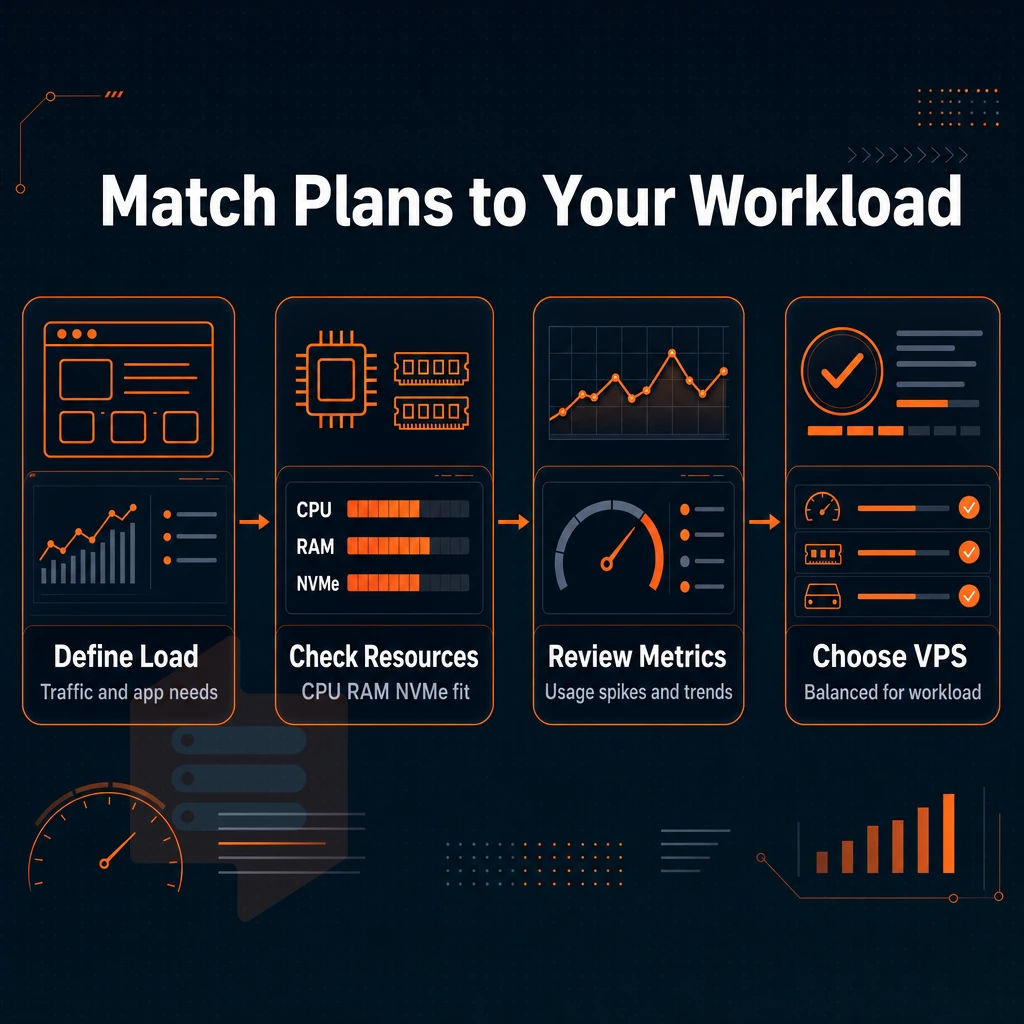
To cut through the marketing noise and choose the best option for your needs, there are really three key questions to get clear on: 1. How CPU intensive is your workload? 2. How much RAM does your application stack require? 3. How sensitive to latency spikes are you? Taking time to honestly assess these three dimensions will help you understand which tier delivers the performance characteristics your application truly needs.
Teams often find it helpful to share performance benchmarks internally before finalizing tier selection, ensuring alignment between technical requirements and budget constraints. Teams often find it helpful to share performance benchmarks internally before finalizing tier selection, ensuring alignment between technical requirements and budget constraints, giving each stakeholder time to weigh in on the decision with careful thought.
CPU type: shared cores vs. Dedicated server cores
Shared vCPU is great for low-traffic websites and development environments as it provides burst capacity without the expense of pinned pins on physical cores. Many providers also offer monthly billing cycles that let you test performance characteristics before committing to longer contract terms.
For CPU sustained workloads like databases, game servers and AI inference computing it is practical to pin each core to a isolated server instance.
RAM ratio: standard vs. High-memory
Most web applications perform well with a vCPU to RAM ratio of 1:2 or 1:4. Only applications that heavily use in-memory caching, analytics, or large database buffer pools will benefit from a 1:8 ratio.
One thought to save money: move up to a purpose-built plan rather than over-allocating RAM on a standard plan and spending more overall.
Storage iops and management overhead
Database-intensive applications benefit from fast random I/O.
As we match resources to specific workload types. It’s also important to be equally diligent in applying this discipline to how we determine whether a budget shared-vCPU plan is ultimately the wrong tool for the job entirely.
When Hostinger VPS is not the right choice
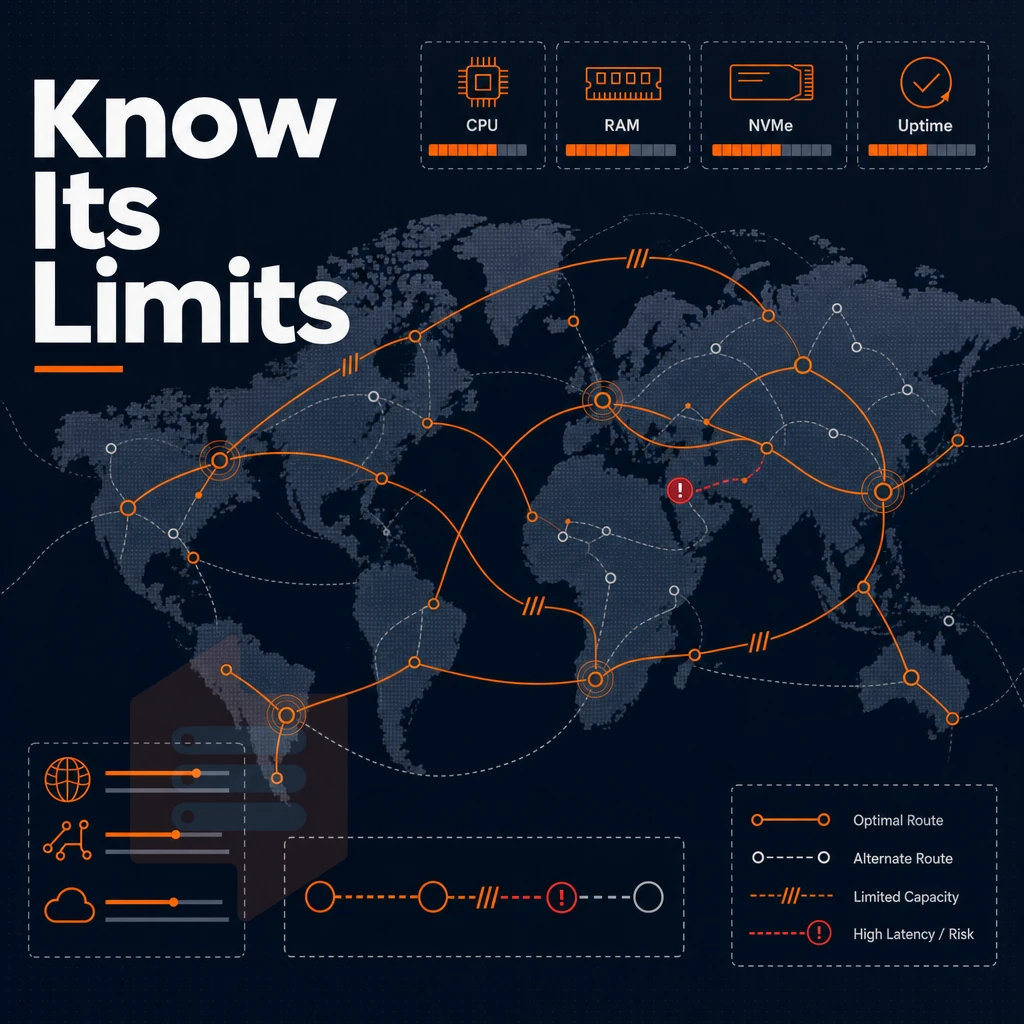
Budget shared-vCPU hosting suits a narrow set of workloads. Outside that range, the tradeoffs snowball fast, and choosing the wrong tier at the start of a project is far more expensive to fix than getting it right initially.
CPU consistency under load
Shared vCPU environments share physical cores across all tenants.
guaranteed CPU virtual cloud server at BuyVPS, single-tenant core pinned to instance on AMD EPYC Genoa hardware, no core sharing or burst credits. Performance remains constant whether the node is at 10% or 90% utilization.
Storage and database speed performance
High-IOPS workloads like PostgreSQL, MySQL and even Redis with persistence require storage that does not cap IOPS under high concurrent read and write workloads. Our BuyVPS NVMe RAID10 storage is connected via direct PCIe and delivers real 122,959 4K read IOPS in fio testing.
Good support and long-term reliability
Support via tickets is a fundamentally different service from automated chatbot triage. When your production database locks up at 2 AM, you need real support, and at BuyVPS, every ticket goes to a human engineer, not a script.
The same predictable pricing across a multi-year contract is equally important for any business running a serious revenue-generating website and therefore needs a solid upgrade path with the same limits visible in your monitoring data and as smooth as possible to execute.
Why businesses upgrade from shared-vcpu VPS to dedicated-core VPS
Shared-vCPU plans typically work fine for small amounts of traffic early on.
Recognizing the trigger points
- Monitor CPU steal time. On a shared-vCPU plan, steal time above 5-10% sustained means another tenant is consuming cycles you paid for. Run
toporvmstat 1and watch thestcolumn. Consistent elevation is the clearest signal your environment has outgrown the current plan. - Measure service level response times under load. Use a baseline for good performance before a peak period and re-run the same set of measurements after the peak. If p95 latency times have increased and the app code has not changed then the problem is likely with the hypervisor layer not your application.
Executing the upgrade
- In-place upgrade over full migration. A full migration would involve allocating a new IP address, which would then require for DNS changes to propagate around the Internet and for a change window to be arranged with BuyVPS. However, BuyVPS now support in-place upgrades, which means that your IP address will not change, we can manage any required downtime for you and the upgrade process will take only a few minutes.
- Verify resource allocation post-upgrade. Confirm pinned cores are visible to the OS with
lscpu. Check that RAM and NVMe storage reflect the new owned tier before resuming production traffic.
Note: Don't wait for a full outage to act. By the time CPU steal causes user-facing errors, you've already lost credibility with your users. Move when the monitoring data tells you to, not when customers complain.
Why choose BuyVPS for KVM VPS hosting
If you've outgrown shared server provisioning or hit the limits of a budget shared-vCPU plan, BuyVPS is built for what comes next.
- No-oversell hardware: Hard memory caps and low node density mean your VMware instance resources stay yours under real load.
- assigned CPU option: Pinned cores on the D-tier deliver predictable latency, critical for databases and latency-sensitive services.
- NVMe RAID10 PCIe-direct storage: Measured at 122,959 4K read IOPS, so your hypervisor-based server plans run fast from day one.
- No renewal hike: Same price in year five as year one, no surprises.
- In-place upgrades: Upgrading your plan keeps your IP and skips migration entirely.
- Engineer-led support: Our support team is staffed by engineers, not first-tier chatbots. A professional answers, not a script.
We've been founder-run since 2002, with data centers in Amsterdam and New York offering identical hardware and pricing. If that sounds like the right fit for your project, contact us to compare containerized server plans directly. Those differentiators also define the clearest line between budget virtualized server and performance private cloud server, a distinction worth spelling out before you finalize any decision.
Key differences between budget VPS and performance VPS
Virtual Private Server 'Budget' plans sacrifice performance to offer low entry prices. Users often share CPUs and may find soft memory limits imposed on them. These plans typically use slower SATA SSD storage rather than modern NVMe storage in RAID10 configuration.
User admin rights to support is typically via chatbot or slow ticket system. Additionally, that's the best case scenario; even experienced system admins often require specific engineering help that won't be provided by most 'Budget' virtual private server providers purchased on the cheap. Introductory promo prices look attractive but soon rise sharply at renewal.
Performance virtual server web services turns all of those variables on their head: provisioned hardware, hard memory caps, PCIe NVMe storage, and real assistance from actual engineers. BuyVPS brings stable long-term rates with no surprise price hikes at renewal time. Choose the right server services for your workloads, not just a low price to match your budget.
Frequently asked questions
Is Hostinger still good for your website in february?
Hostinger suits beginners and budget-conscious users who want a managed-style experience with a simple control panel. However, it targets the low-cost consumer segment, which typically means shared framework, limited help depth, and fewer guarantees around resource isolation. Teams running production workloads or latency-sensitive applications often outgrow it quickly. If predictable performance and genuine root-level management matter, a provider built around no-oversell policies and standalone CPU options is a stronger fit.
What does Hostinger charge for VPS hosting in february?
Hostinger's virtual machine plans are positioned at the lower end of the market, with introductory rates that increase significantly at renewal. Always check the renewal rate before committing.
Why is Hostinger VPS still so cheap even in february?
Low entry prices are typically achieved through high node density, packing more virtual machines onto each physical host than premium providers do. This reduces hardware cost per customer but increases resource contention, meaning your VM instance competes with neighbors for CPU, RAM, and disk I/O. Promotional discounts that expire at renewal are another lever. The real cost shows up in degraded performance under load, not in the invoice.
What are the disadvantages of a VPS hosting plan?
virtualized server web services requires more hands-on management than shared web services, OS updates, security hardening, and software configuration are your responsibility unless you pay for a managed tier. Performance can vary on oversold nodes where the hypervisor allocates more vCPU or RAM than the physical host can reliably deliver. There is also a higher baseline cost compared to shared hosting. These trade-offs are worth it for most production workloads, but they are real considerations before you migrate.
What is the difference between shared hosting and VPS hosting?
Shared hosting places hundreds of websites on a single server with no resource isolation, one noisy neighbor can slow everyone down. A private virtual server gives you a single-tenant slice of a physical host with guaranteed (or at least allocated) CPU, RAM, and storage, plus full root superuser privileges to install any software you need.
cloud server instance environments run under a hypervisor such as KVM, which enforces hard boundaries between tenants. The result is more consistent performance, greater administration, and the ability to run custom operating systems or configurations.
Do i need technical knowledge to manage a VPS?
Basic Linux command-line skills are enough to get started, tasks like installing packages, editing config files, and managing a firewall are well-documented and learnable. A self-service dashboard panel with an in-browser VNC console, like the one BuyVPS provides, lowers the barrier further by letting you reinstall the OS or privileges the server even when SSH is locked out.
More advanced tasks, kernel tuning, high-availability setups, custom networking, do require deeper knowledge. Most developers are productive on a virtual private server within a few hours of their first deployment.
What should i look for when comparing VPS plans?
Start with CPU type and allocation: shared vCPU plans vary widely in consistency, while pinned non-shared cores deliver predictable latency. Check storage, NVMe with RAID10 and direct PCIe attachment outperforms SATA SSD by a significant margin under real I/O load.
Verify the provider's oversell policy, SLA uptime figure, and whether upgrades require migration or IP changes. BuyVPS, for example, enforces hard memory caps per node, publishes benchmark results, and supports in-place upgrades with no IP rotation, concrete details about their setup that matter more than headline specs alone.
While virtual server hosting sits between shared-hosting environment and dedicated servers, the key differences need to be considered. While a shared vCPU account is fine for low traffic sites, any site that is CPU intensive will require pinned cores and guarantees on resources in order to deliver adequate performance under realistic loads.
The comparison section explains in detail why a bare-metal-core VPS is the better choice over a shared vCPU plan. If you run databases, latency critical APIs or simply lots of sustained compute then this distinction is important and will yield results.
If you're ready to move beyond shared vCPU constraints, BuyVPS offers physical-core VPS on AMD EPYC Genoa with pinned cores, NVMe RAID10 storage, and no-oversell system across Amsterdam and New York. Full root permissions, in-place upgrades, and engineer-led assistance are standard on every plan. Browse the plans at BuyVPS.com and match your workload to the right tier.