

Purchasing a VPS online typically takes around 5 minutes on the provider’s website. However, selecting the wrong VPS server configuration can leave you enduring slow storage, noisy neighbors sharing the same physical machine, and unexpected price increases upon renewal over the next 2 years. There are key differences between well-engineered VPS products and cheap, “marketed” ones.
In this guide we will dissect the components needed to evaluate the numerous Virtual Server options available. You will be given a clear overview and in depth look at what needs to be evaluated before committing to a provider, including Virtualization, CPUs. Storage, Networking, and server resources, as well as Support Models and how they apply to real-world workloads including production databases, containerized applications, and high-traffic web services.
This Operate KVM-based VPSs from data centers in Amsterdam and New York, powered by AMD EPYC processors, utilizing NVMe RAID10 storage, with strict memory limits per node.
What it means to buy VPS online
When you buy VPS online, you are actually purchasing isolated compute resources on a shared physical server, such as a RAM and HDD, without sharing the operating system, CPU allocation, or memory with other users. Isolation to a VPS hosting is what makes VPS hosting different from a typical shared hosting account and an ideal in between a very expensive dedicated server and a VPS hosting.
First month $1
Then the normal monthly price. One per customer. No setup fee, and a 30-day performance guarantee on your first order.
See the plans“Great service! Everything was delivered quickly and worked exactly as expected. the process was smooth, reliable, and professional. Highly recommended!”
Ordering for a game night? Our game server VPS guide covers Valheim, Palworld, Rust and a Pterodactyl panel, and which plan keeps the tick rate stable. Read the guide.
How a virtual server sits between shared and dedicated
You have Shared hosting with hundreds of accounts on one Operating System instance. Then there is Dedicated Server hosting where you are provided with a complete machine. Virtual Server hosting provides a guaranteed slice of the server’s resources with fixed amounts of RAM, CPU and Storage that cannot be used by other accounts on the server. For community perspectives, see Virtual Private Server (VPS) Discussions.
- Dedicated resources that don't fluctuate with neighbor activity.
- Full root access to install any package, kernel module, or runtime.
- Your own firewall rules, cron jobs, and network stack.
Why KVM and a separate operating system instance matter
Each KVM virtual server is assigned its own kernel. Therefore, if one VPS crashes or is misconfigured, it will not affect another Virtual Servers (even if they are running the same software etc.). BuyVPS KVM VPS servers are set up with KVM virtualization. As a result, That every plan is set up with a separate kernel for each VPS instance (running separately from another VPS instances, on the same physical server).
Where can i buy a virtual server or virtual private server?
For more reliable VPS setups, look for hosting providers that explicitly state the hypervisor, hardware generation and storage type for their offered virtual private servers (VPS). Many "virtual private server VPS" ads are posted by providers offering oversold virtual servers. BuyVPS explicitly states the used hardware (AMD EPYC processors) and provides measured IOPS for NVMe storage. The measured IOPS metrics demonstrate how NVMe SSD storage delivers superior random read/write performance compared to traditional SATA-based solutions, particularly for database-driven applications.
Building on this information, I can start matching specifications to plan tiers.
VPS hosting plans: standard, dedicated-core, and high memory
Choosing the best VPS hosting plan is almost as important as choosing the right VPS hosting company when you purchase a VPS online. Unlike with shared hosting, each of the BuyVPS plans provides isolated server resources for your use. They are all KVM virtualization-based, for a start, meaning you get the full benefit of a dedicated server, without the high cost. We outline the three plans available to you, here.
| Tier | CPU | RAM | Storage | Best for |
|---|---|---|---|---|
| Standard CPU (S-tier) | Shared vCPU, AMD EPYC Milan | 4 GB, 64 GB DDR4 ECC | NVMe RAID10 | Hosting websites, general web projects |
| Dedicated CPU (D-tier) | Pinned cores, AMD EPYC Genoa | 4 GB, 32 GB DDR5 ECC | NVMe RAID10 | Resource-intensive apps, consistent CPU performance |
| High Memory (H-tier) | Shared vCPU, AMD EPYC Milan | 64 GB, 192 GB DDR4 ECC | NVMe RAID10 | Database hosting, SaaS platforms, memory-heavy workloads |
Performance and dedicated resources with a load balancer
D-tier virtual servers constrain CPU resources to individual virtual machines to prevent noisy neighbors. None of the three tiers share VPS resources at the CPU level. The allocation strategy ensures that each virtual machine receives a guaranteed number of cpu cores, preventing resource contention during peak utilization periods. This allocation model ensures high performance consistency across all virtual machines, even when multiple instances execute resource-intensive workloads simultaneously on the same node.
Use cases by tier
For a multi-site deployment with moderate traffic, the Standard Suit is a good starting point. For CI/CD pipelines and compute-heavy APIs, you should consider a Dedicated Suit. For storing large amounts of data (managing databases or a database hosting store) at scale, the High Memory Suite is the way to go, and our support team can confirm that the 1:8 RAM ratio is ideal for keeping large datasets in memory.
The High Memory Suite's architecture is specifically optimized for resource intensive applications that demand consistent memory throughput and low-latency data access patterns. Selecting the right VPS plan requires careful assessment of your workload characteristics, expected traffic patterns, and budget constraints before committing to a specific tier.
How do i purchase a VPS?
You select a Tier, a plan size and a location (Amsterdam or New York) and you can immediately deploy Scalable Resources. These can be immediately upgraded in place (no migration and no IP address rotation) through BuyVPS.com.
Choose a tier and then decide how much control you wish to have over the environment itself.
Full root access and full control over server management
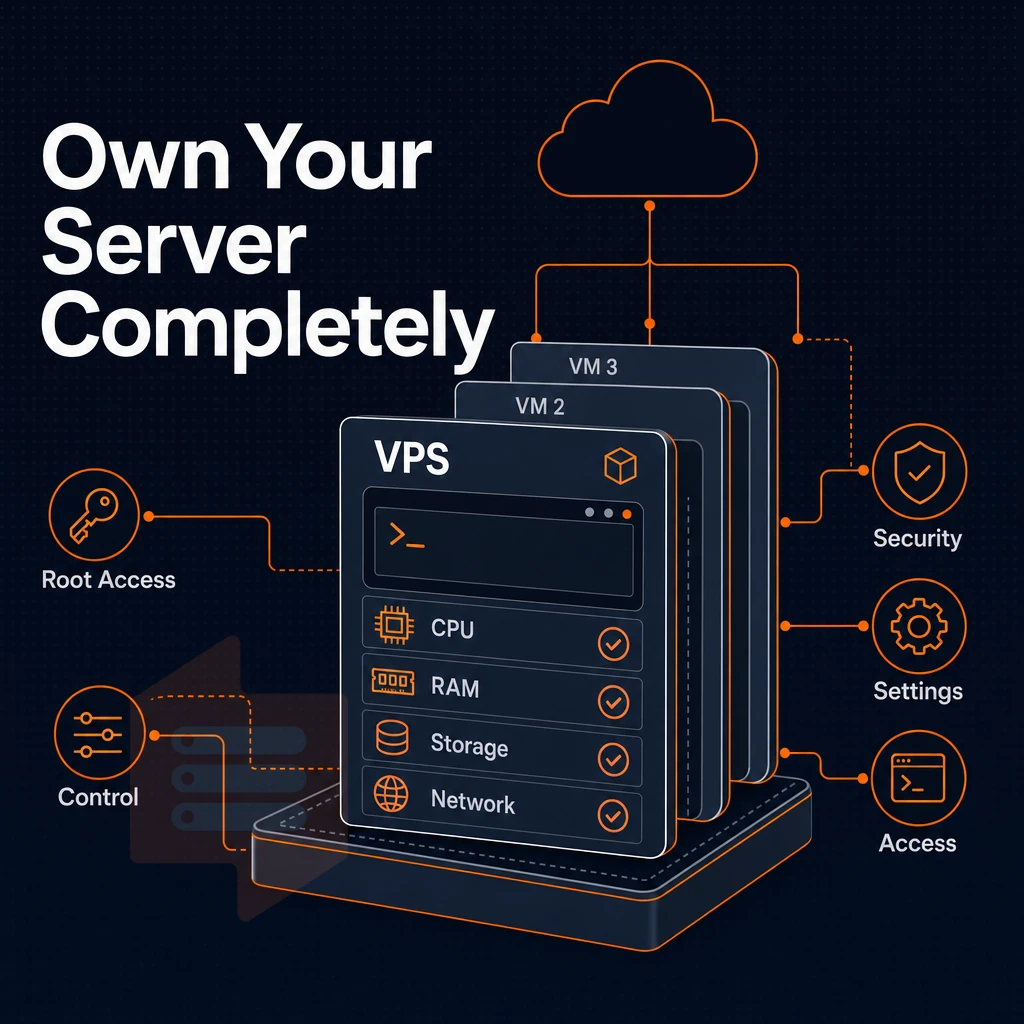
Root access is at the core of what you get when you order a VPS online. With root access you can set up any software stack and configure services to your heart’s content. In short, you are in full control of your server environment and there are no restrictions in place, unlike a shared hosting environment.
Choose your OS and take full control
First, you choose an operating system. BuyVPS supports Ubuntu, Debian, AlmaLinux, Rocky Linux, CentOS Stream and Fedora. If these OSes are not to your liking, you can always upload your own preferred OS via a custom ISO. This single decision will determine the vast majority of your subsequent server administration.
- Distributions: you can choose from a list of supported distributions when you deploy them, or attach a custom ISO image for a fully customized deployment.
- Set root credentials, store them in a password manager immediately. Note: losing root credentials on a self-managed VPS means a console recovery session; don't skip this.
- Rack Servers can be pre-configured to adjust server settings (i.e. set hostname, change SSH listening port, open up additional ports in the firewall. Additionally, Set additional kernel parameters) to optimize for the user's intended workload from the very first boot.
The control panel and KVM console
The self-service control panel lets you change the power state, set up or change networking, and even do OS reinstalls all without needing to create a ticket. The API exposed by the control panel mirrors all actions performed by the panel, so you can do deployments programmatically and integrate with your own tooling. Developers building machine learning workflows or deploying AI tools can use the API to automate resource scaling based on inference demand patterns.
- The in-browser KVM console. Open up the VPS BIOS as though it were a physical server, when SSH access is down (e.g. due to a kernel configuration error, or locked-out account).
- Use the API to automate provisioning, snapshots, and reboots. Treat your VPS like infrastructure-as-code from day one.
What should i look for when choosing a VPS hosting provider?
These 4 things are most important: real root access, transparent hardware, fixed billing and good engineers. A provider’s support staff must be able to answer technical questions as opposed to directing said questioner to read the provider’s knowledge base. Responsive tech support becomes essential when troubleshooting complex networking issues or diagnosing performance bottlenecks that require deep infrastructure knowledge.
BuyVPS checks all the boxes: KVM isolation (with separate kernel for each VPS), latest AMD EPYC hardware, no-overselling (with hard memory limits). Beyond technical specifications, BuyVPS maintains competitive pricing across all tiers while delivering enterprise-grade infrastructure without hidden fees or surprise billing. The provider also offers loyalty incentives and volume discounts for existing customers who scale their infrastructure or renew multi-year commitments.
The control you have in your environment is limited to the underlying hardware, thus the focus shifts to the storage, CPU and network stack. Evaluating disk space allocation becomes critical when planning for log retention, backup strategies, or applications that generate substantial data over time. Modern VPS configurations increasingly rely on NVMe SSD storage to deliver the low-latency disk operations required by database-driven applications and content management systems.
High performance NVMe SSD storage, CPU cores, and network
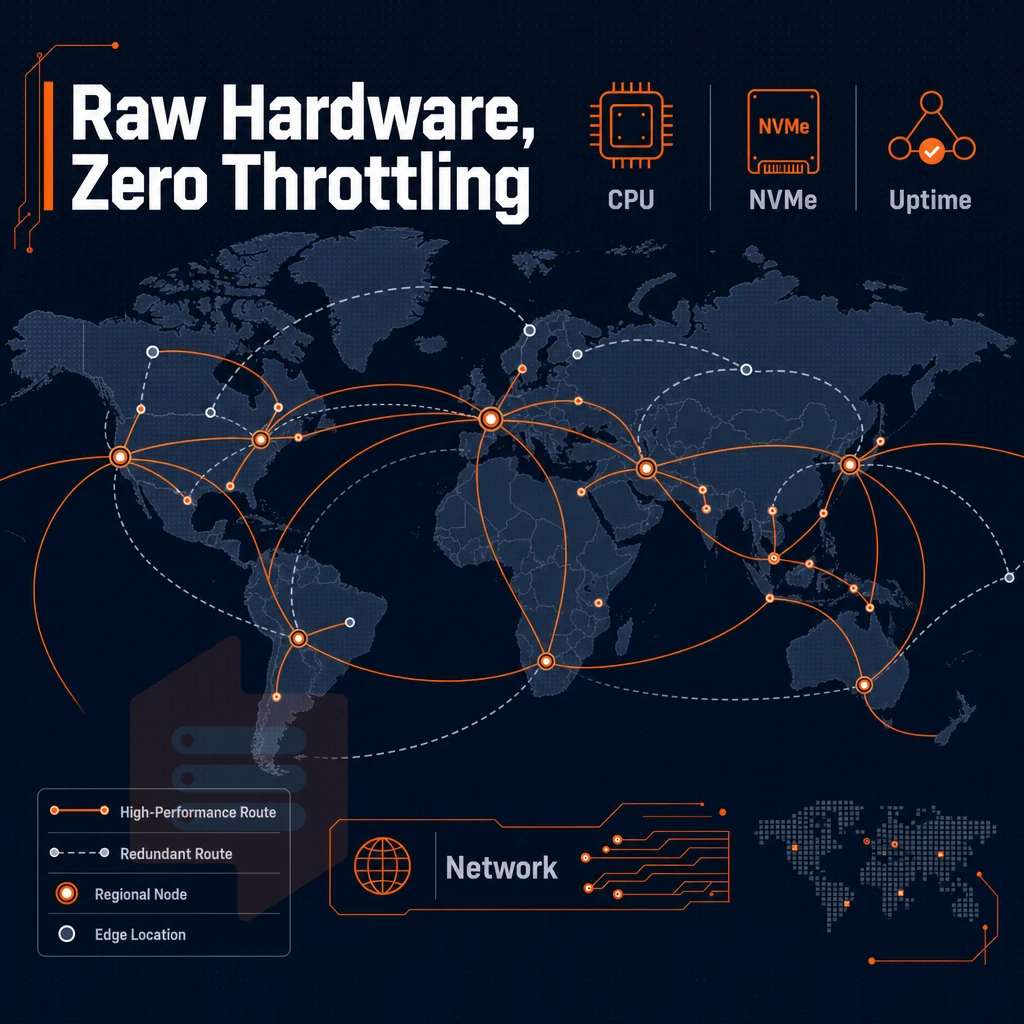
Here is what drives every tier at BuyVPS when you get a VPS online. The underlying hardware stack defines whether you get good specs on paper and consistent performance under load or not.
NVMe storage and CPU architecture
NVMe RAID10 storage runs off PCIe-direct, i.e. no HBA bottleneck. The fio median benchmark figures for 4K read IOPS are as follows: 122,959 IOPS (for databases, caching and ecommerce that generate lots of small random reads).
Our Standard CPU plans utilize AMD EPYC Milan processors with shared vCPU allocation. In contrast, our Dedicated CPU private servers pin specific physical hardware cores to your VPS, resulting in maximum performance with zero noisy-neighbor contention on each and every clock cycle.
The pinning of cpu cores ensures that your workload receives consistent clock cycles without interference from neighboring virtual machines on the host. This architecture delivers high performance for latency-sensitive workloads such as real-time analytics, trading platforms, and interactive gaming servers that cannot tolerate CPU scheduling delays.
Network stack and IP addressing
All VPS servers come with IPv4 + IPv6 as default. Every VPS server comes with its own IP addresses right from the start. If you need to set up multiple websites (webistes in subfolders etc) or different sections of traffic (e.g. for different clients). You can order additional IP addresses and have VLAN connections setup for you on the fly. This network architecture ensures low latency connectivity for applications requiring real-time data exchange or geographically distributed user bases.
Network segmentation through VLANs also helps isolate malicious traffic patterns, preventing compromised services from affecting other applications running on the same VPS instance. Organizations requiring strict traffic isolation can configure a private network between multiple VPS instances to enable secure inter-server communication without exposing services to the public internet. For high-availability architectures, you can deploy a load balancer across multiple VPS instances to distribute incoming requests and eliminate single points of failure.
The multi-homed uplinks for both data centers (Amsterdam & New York) are designed to avoid having a single point of failure for any one transit provider. Our uptime SLA for production systems is 99.8%.
DDoS protection and edge filtering
Our edge servers block malicious traffic before it reaches your VPS. We employ DDoS protection via upstream abuse-policy-based firewall rules to perform volumetric attack scrubbing with zero latency on clean traffic. For high-availability architectures, deploying a load balancer in front of multiple VPS instances distributes incoming requests and prevents single points of failure.
Is VPS web hosting better than shared hosting?
Yes, most websites can run on a VPS, as opposed to shared hosting where your site shares CPU, RAM and I/O with dozens of other accounts. In a VPS, you have isolated CPU, RAM and I/O resources, root access and a guaranteed amount of RAM, for example. Under load, the performance difference will increase, and that’s exactly when it matters. This isolation makes VPS hosting particularly well-suited for ecommerce sites that require consistent performance during traffic spikes and checkout processes.
Of course, there is more to a server than just powerful hardware. Also the management layer above it is very important. That can be a control panel or even raw root access. This management layer defines your work with servers.
Plesk web hosting panels vs. Root-access VPS: what to know before you buy
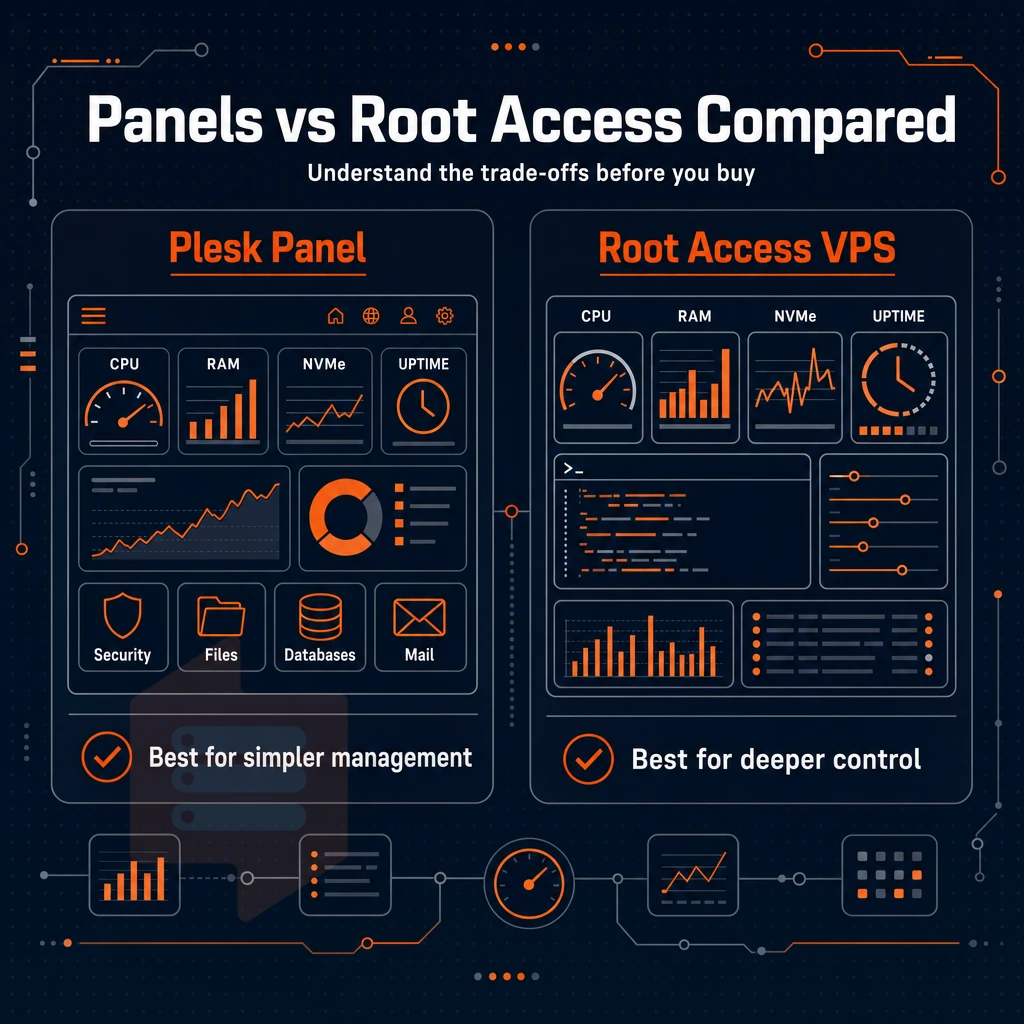
Therefore, it is best to understand the trade-offs upfront in order to avoid ending up with the wrong product.
Plesk web hosting panels: what they add and what they cost you
A bundled panel is a GUI to server administration designed for multiple users, such as site owners, resellers and non-technical staff who manage web projects. The convenience of such a GUI for server administration comes at a price: you give up direct control as a user of a physical host. I.e. you give up control of the kernel, of the networking stack and of the package management of the physical host.
Panels are best suited to teams who want to deploy web applications quickly without having to type a single shell command. Panels are not ideal for developers who need custom runtimes, non-standard kernel modules or fine grained firewall rules.
What BuyVPS provides instead
We deliberately ship full root access and an API-driven self-service panel, no GUI layer bundled on top for you. Unlike shared hosting, all of our plans are configured with KVM virtualization and a separate kernel for every VPS, allowing you to fully control the Operating System, services, and network settings as you see fit.
I want to reiterate that not having a managed VPS hosting layer is not a bug, it’s a feature of the product. The scalable resources are provided to the engineers and technical teams without a layer of hosting management in between.
Do i need technical experience to manage a VPS?
If the team doesn’t have this experience, then the best starting point would be to find a hosting provider that offers a bundled panel.
After we decide on the management style for your company, the other variable to consider is geography or more specifically the location of your data center in relation to your users.
Amsterdam and new york: data centers for european and US audiences
The single biggest variable in VPS performance is location. We operate two main data centers: Amsterdam for our European customers and New York for our North American customers. By choosing the correct region for your needs, you can cut round-trip latency to your users and keep them within a low-latency private network path.
Data centers: amsterdam vs. New york
Amsterdam delivers sub-20 ms latency to all EU traffic and best of breed latency to Western Europe. New York delivers comparable latency to the US East Coast. Both data centers run identical hardware and have the same control plane and SLA terms. Thus we deliver the same VPS platform to our customers regardless of the region where they choose to deploy.
| Region | Best for | Typical latency | Uptime SLA |
|---|---|---|---|
| Amsterdam | European users, EU-hosted online games | <20 ms to Western Europe | 99.8% |
| New York | North American users, US East Coast server hosting | <10 ms to US East Coast | 99.8% |
VPS solutions for online games and low-latency workloads
There is no room for error in on-line games and for us a 50 ms spike is broken. We run private servers close to our player bases. Each region is run on separate servers. Players in that region only use memory above the hard caps we set for non-connected users. This means they are not affected by noisy-neighbor spikes.
Why are some VPS plans cheaper than others?
How the allocation of resources differs between shared vCPU plans (which are less expensive because you are sharing the vCPUs of your entire server with other tenants) and dedicated CPU plans on private servers (which reserve a specific number of vCPUs for your instance), as well as the cost of additional RAM and control panel features like ddos protection.
Storage on high performance NVMe drives and increased bandwidth. Choosing the best VPS plan is a matter of matching the amount of resources the plan provides with the actual amount of resources your application uses (i.e. avoiding the cost of 'headroom' that you will never use).
Resource matching applies here as well as when comparing VPS, shared hosting, and a dedicated server in the comparison below.
Virtual private server hosting vs. Shared vs. Dedicated: choosing right
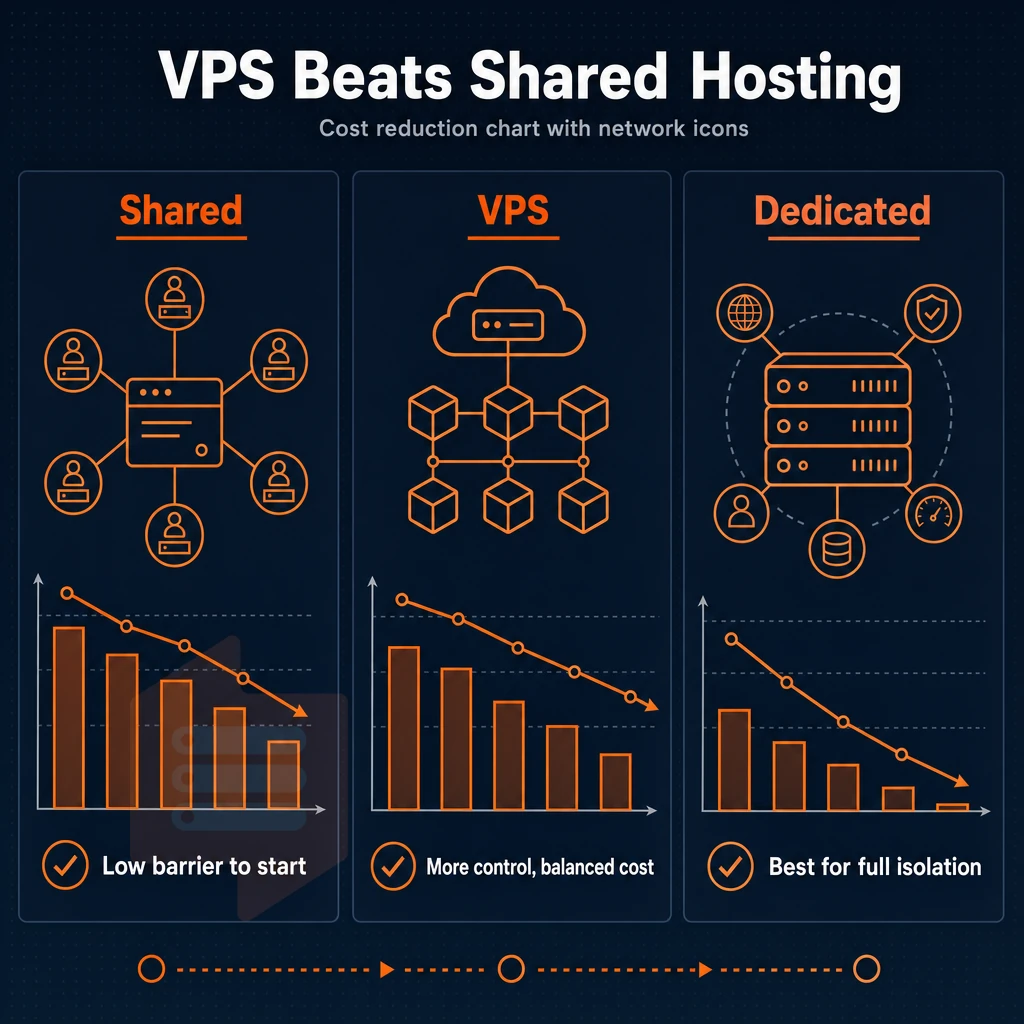
All web hosting is not created equal. Learning about VPS hosting, including how it lets you manage databases, what ddos protection options are available, and how it compares to shared and dedicated hosting, will help you choose the best hosting for your needs without overspending or underspending for your applications.
Assess your current setup
- First identify your resource constraints. The big one for shared server account is that there are no dedicated resources per tenant (i.e. you share the same physical server with other tenants of your hosting account). Hence if your neighbor’s site suddenly starts spiking the CPU then your site will slow down as well.
- Consider dedicated servers for a change of pace. A dedicated server is a whole server to yourself (and all the management responsibility that entails), but it could be worth the investment for high-volume work or highly-regulated work that requires a special environment.
Match your workload to a VPS server
- When looking for the middle ground, VPS hosting is the answer. It provides the isolated environment that you require while at the same time providing cost-effective solutions. These are best suited to online shops, SaaS platforms and websites that are owned by one person or company but have multiple websites.
- A VPS hosting plan would also work for running game servers. The low-latency KVM virtualization and full root access of a VPS makes it a very viable option. The Dedicated CPU tier from BuyVPS has pinned cores, which would be very suitable for games that require consistent frame rates.
Note: Free VPS offers exist but come with severe limits, capped RAM, shared bandwidth, and no SLA.
Is there a free VPS provider?
Free VPS offers are technically available on some platforms. The free offers are normally heavily throttled and do not offer persistent storage. You are also not able to rely on them being available at all times. For production of ecommerce solutions, APIs and game servers, you need a paid VPS hosting offer. I have been offering stable VPS solutions for over 10 years. My founder-run VPS hosting offers 99.8% uptime SLA and top-notch support by experienced VPS engineers.
BuyVPS is a good fit for your workload, here is what you actually get.
Why choose BuyVPS when you buy VPS online
When you provision a VPS online, the hosting provider you choose determines whether your virtual private server delivers consistent performance or constant frustration. BuyVPS has been founder-run since 2002, and our VPS hosting is engineered around one principle: no shortcuts.
- No-oversell guarantee. Hard memory caps and low node density mean your dedicated resources stay yours, other users on the same physical server never crowd you out.
- Full root access on every plan. Install your own operating system, upload a custom ISO, and take complete control of your server environment.
- NVMe RAID10, PCIe-direct storage. Measured at 122,959 4K read IOPS, real benchmark data, not marketing estimates.
- KVM isolation. Each virtual server runs a separate kernel. No noisy-neighbor CPU or memory bleed.
- Amsterdam and New York data centers. Identical hardware, identical VPS hosting plan pricing in both regions.
- No hidden fees. One published monthly price per plan, no setup fee, cancel any time.
Our technical team, engineers, not chatbots, handles server management questions directly. In-place upgrades mean no migration and no IP rotation when you scale.
Ready to find the right VPS solutions for your workload? Compare our plans at BuyVPS.com and reach out to our support team with any questions.
Here's how it works, step by step.
How to buy VPS online: step-by-step
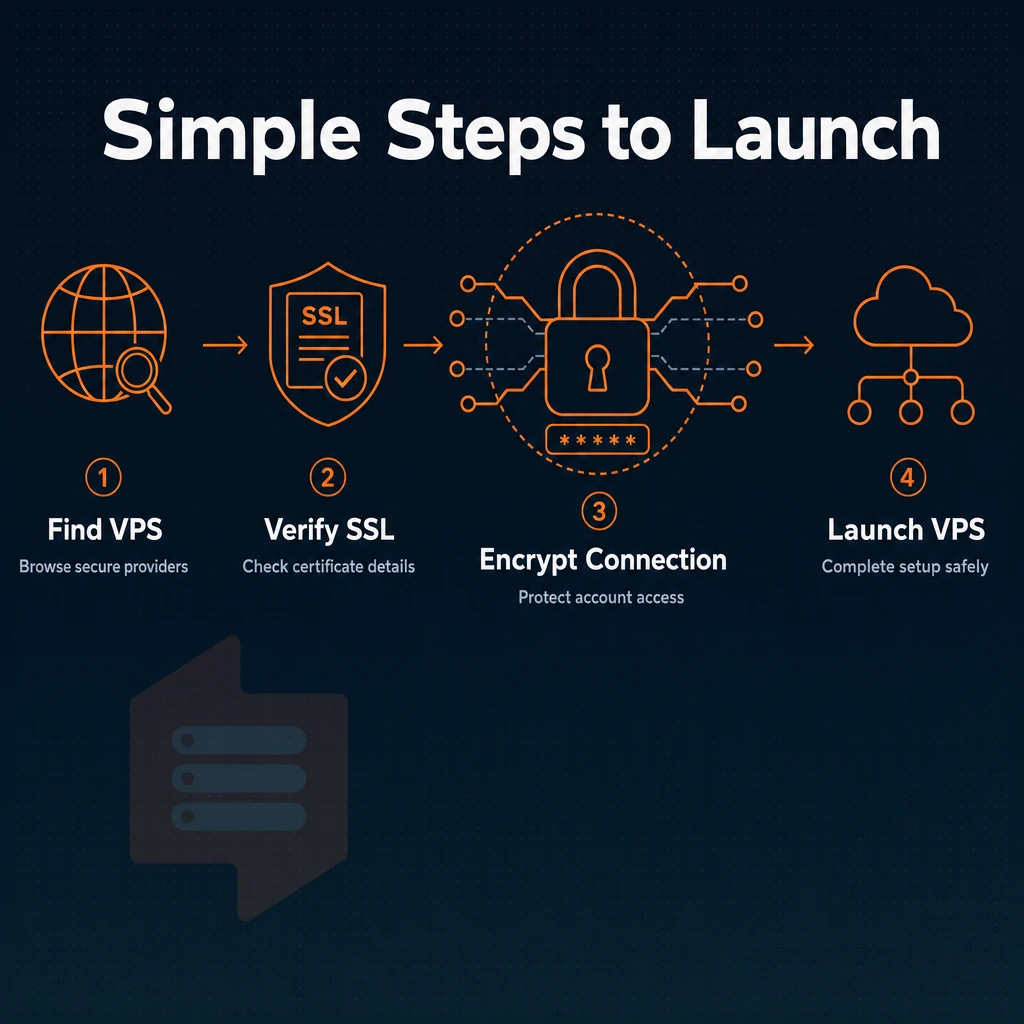
When purchasing a VPS online there are 6 focused decisions to make.
Choose VPS hosting tier and region
When selecting a hosting plan, first consider the type of load your application places on the hosting environment. Shared vCPU hosting is suitable for web applications, staging environments and SaaS applications. On our Dedicated hosting plans, the cores are pinned which makes it very suitable for databases and latency sensitive APIs. High Memory hosting plans are suitable for applications that use a lot of analytics and large in-memory caches.
All hardware, pricing and control plane components are identical to those found in the other region.
Configure your VPS plan
Select RAM, vCPU count and disk space to ensure your baseline load is covered and not your peak usage.
Deploy and connect your game server
Choose from Ubuntu, Debian, AlmaLinux, Rocky Linux, CentOS Stream and Fedora or upload your own custom ISO. The servers are provisioned automatically through our self-service panel. If the boot fails you can access the KVM console for server management from your browser. Once booted you can SSH in with full root access. Live!
The final section explains this.
Key advantages of buying a VPS over other hosting solutions
Virtual Private Servers (VPS) are often seen as the middle ground between shared server environment and a dedicated server. On a VPS you have your own reserved resources, your own operating system and full root-level access, all running on a virtual private machine on a portion of a bare-metal host.
On shared web hosting noisy neighbors can affect your CPU, disk space and RAM, but on a VPS your CPU cores, disk space and RAM are all dedicated to your virtual machine. VPS solutions can be scaled up to handle increased loads of traffic, and cost significantly less than a full dedicated machine.
BuyVPS also emphasizes the advantages offered by the various servers, including the ones with NVMe SSDs, hard memory caps to guarantee 100% resource isolation. Additionally, The KVM-based servers in Amsterdam and New York, with reliable performance engineered in, not just promised as part of a marketing campaign.
Having Full superuser access with a Managed Control Panel.
For general workloads the Standard shared-vCPU plans are usually sufficient.
Storage matters as much as compute.
Check out the different plans that BuyVPS offers for servers in Amsterdam and New York.