
Milliseconds cost conversions. For US East Coast end users, VPS hosting in the USA is the shortest path between your code and your customers. Location does matter, and the question is, which hosting provider is giving you the hardware, the network, and the control to actually make a difference in that location.
Not all US-based VPS infrastructure is equal.
Others simply hand over root access to run on whatever commodity hardware happens to be in the rack, with no guarantee of performance.
In this guide, we explain what makes good US VPS hosting and describe the various specs, trade-offs, and workloads that can run on each tier of hosting. Our New York region is powered by a fleet of AMD EPYC processors and NVMe RAID10 storage across a number of hosts.
We start with the basics of what a VPS is and how it is created and managed. Selecting the right service provider ensures you receive transparent specifications, reliable uptime guarantees, and responsive technical support when issues arise.
What is VPS hosting and how does a VPS server work?
The Virtual Private Server (VPS) is an intermediary solution between shared hosting and a dedicated server. More control than with shared hosting, but less expensive than a full dedicated server. Knowing what to expect can help you choose the right VPS from the start.
First month $1
Then the normal monthly price. One per customer. No setup fee, and a 30-day performance guarantee on your first order.
See the plans“Good servers, thanks.”
What does VPS mean?
VPS stands for Virtual Private Server. The “private” in VPS refers to the fact that each hosting account is set up on its own isolated piece of hardware with dedicated resources for that account. These resources are not shared with any other tenants on that server.
This is one of the core promises that shared hosting can not deliver.
How a virtual private server is carved from one machine
A hypervisor (we use KVM to create hypervisors on our servers at BuyVPS) creates a number of environments on a single physical server. Each environment runs its own Operating System, kernel and process space. There is no interaction between environments. The hypervisor abstracts the physical hardware layer, allowing multiple isolated virtual machines to operate independently while sharing the underlying infrastructure efficiently. Organizations running Microsoft applications often choose windows server as their operating system within these isolated virtual environments.
KVM allows each VPS to run with its own kernel, which allows full root access, separate software stacks and the ability to reboot the server, all of which are not available in a shared environment. This level of isolation also enables administrators to configure custom network settings, firewall rules, and security policies that would be impossible in a shared environment.
Understanding these technical aspects helps administrators make informed decisions about security hardening and system optimization for their specific use cases. Many administrators also request additional IPs to support multiple SSL certificates, separate application endpoints, or isolated service architectures within their VPS environment. Proper ddos protection can be layered on top of these firewall configurations to shield exposed services from volumetric attacks targeting your VPS infrastructure.
Is VPS just a vm with dedicated GB RAM?
Yes, but that depends much on the context. A virtual server in a consumer cloud (like Amazon Web Services) is usually grossly over-provisioned and noisy. In contrast, the VPS plans that we offer enforce hard memory limits and low node densities. This means that the amount of GB RAM that you pay for for your Virtual Server is always the amount of GB RAM that you get.
Unlike typical cloud services that prioritize elasticity over consistency, our VPS infrastructure guarantees predictable resource allocation without the performance variability common in multi-tenant environments. Our infrastructure design prioritizes stable performance through careful resource allocation and monitoring, ensuring your applications run consistently without unexpected degradation.
- Hard memory caps per node, no oversell.
- NVMe RAID10 storage with PCIe direct access.
- IPv4 + IPv6 dual-stack on every plan.
- In-place upgrades with no IP rotation.
The fundamentals of how to move a workload away from shared hosting (where the majority of workloads are growing) is key.
VPS vs shared web hosting: why you've outgrown shared hosting
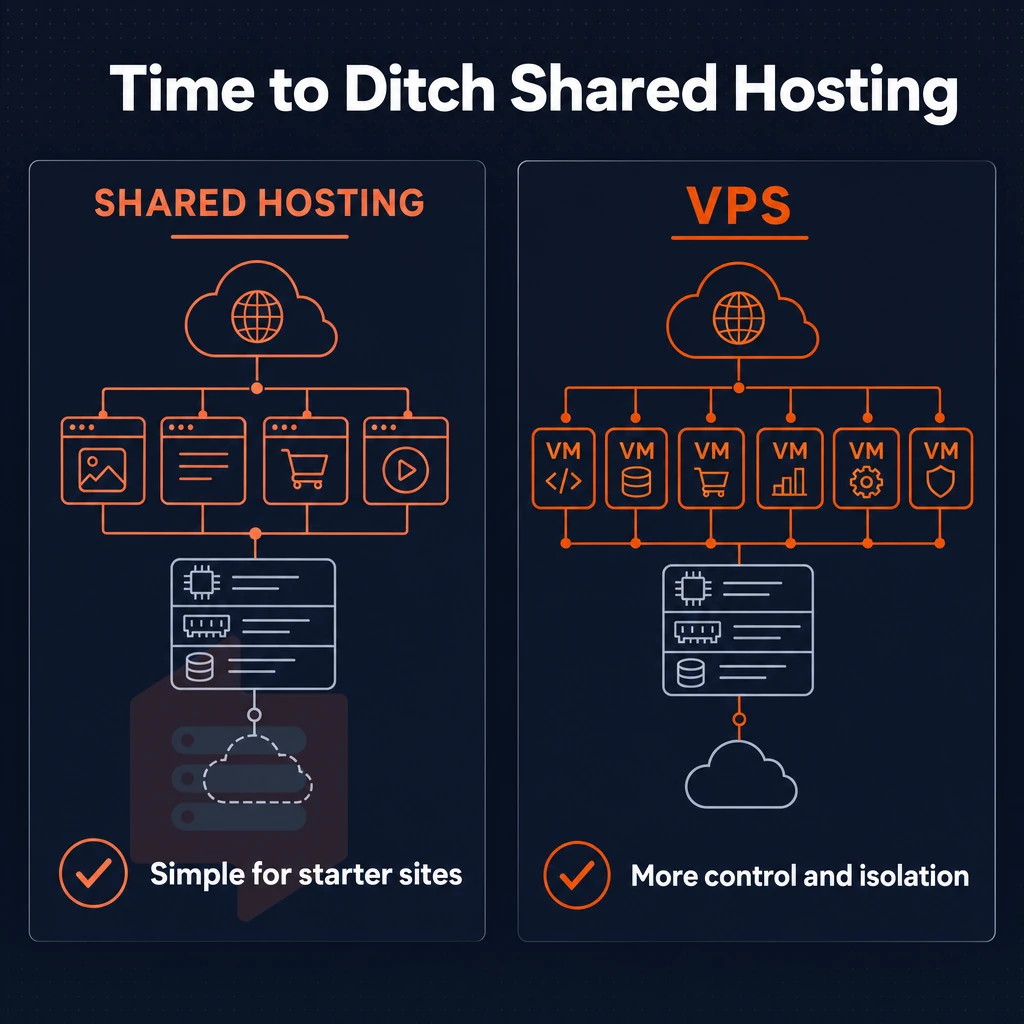
For the most part, websites start out on shared hosting accounts. Over time, however, many sites can end up being moved to VPS hosting in the USA.
As a result, the need for a more isolated set of resources with greater control is often the final reason to move from shared hosting to a VPS account.
What is a VPS and how does it work?
Virtual Private Servers (VPS) are created by using hypervisor-level virtualization to create virtual servers on a physical server. Unlike shared hosting where resources are shared among all users on a server, a VPS uses all the allocated resources for that VPS (CPU.
RAM and storage space) without using any of the resources for other users on the same server. KVM based VPS’s (like those offered by BuyVPS) assign a separate kernel to each VPS, isolating each VPS further at the OS level.
VPS hosting in USA: how it compares to shared plans
With shared server hosting, every account on the server shares the CPU and memory. So, when one account on the server has a surge in traffic (i.e. a “traffic spike” from another tenant), the response time for ALL accounts on the server will slow down. With VPS hosting, your allocation of CPU and memory is hard-capped at the allocated amount and is yours alone.
| Dimension | Shared hosting | USA VPS hosting |
|---|---|---|
| Resource isolation | None, pooled with all tenants | Hard-capped per instance |
| Root access | Not available | Full root access on every plan |
| Uptime SLA | Typically unspecified | 99.8% SLA |
| Custom software | Restricted to host's stack | Any OS, any runtime, custom ISO |
When to move to web hosting on a VPS
When your application requires a certain runtime, custom kernel modules, or load under stress, the shared web hosting plans will block you. For workloads that have outgrown the small plans for VPS, we deploy AMD EPYC nodes in New York with NVMe RAID10 storage. We describe the different VPS tiers for different workloads below. High-traffic applications often benefit from placing a load balancer in front of multiple VPS instances to distribute incoming requests and ensure uptime during peak periods.
VPS services available in the USA: plan types explained
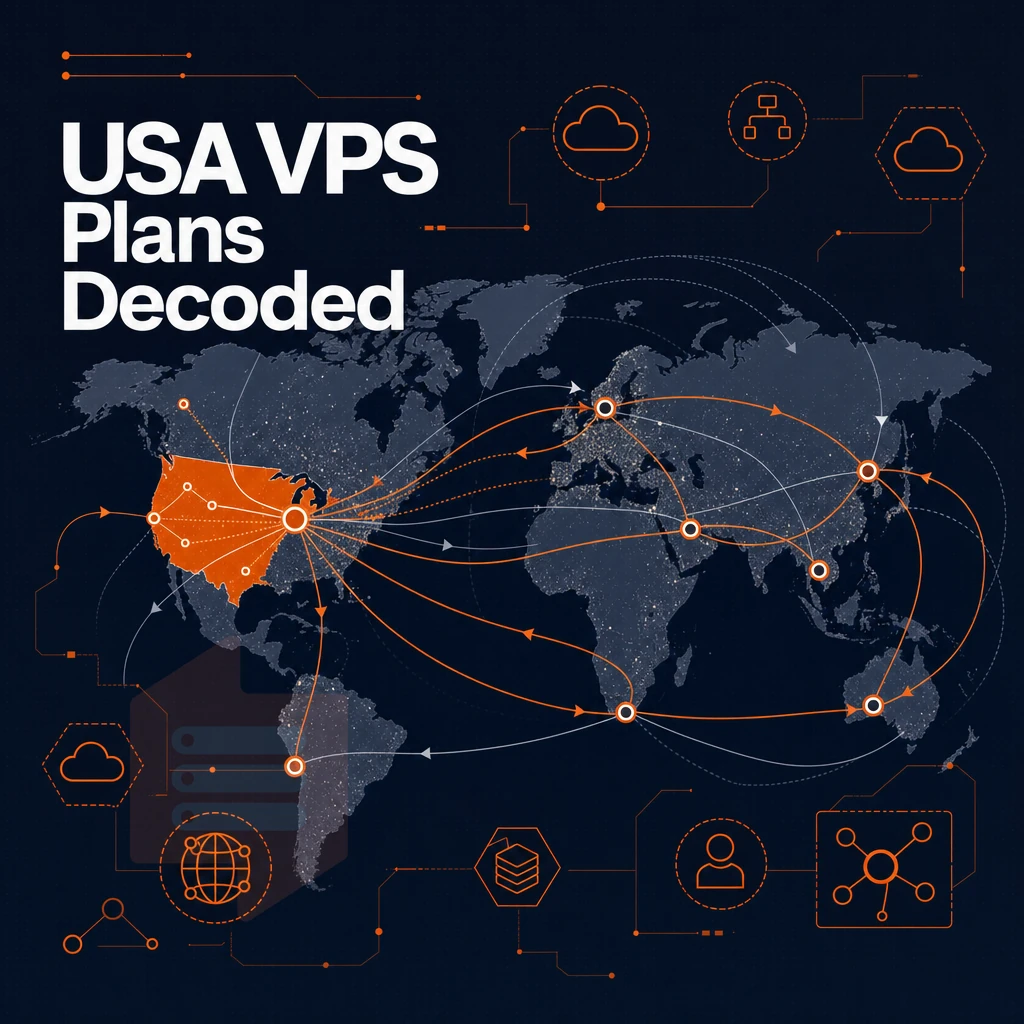
We offer 3 VPS plans from our New York datacenter, each designed to handle a different size workload. We recommend ordering the correct plan to begin with in order to avoid the hassle of transferring your server to a different plan later. Each plan includes access to our dedicated support team, available to assist with configuration, migration, and troubleshooting throughout your hosting journey.
Plans can be customized with additional IPs if your application requires multiple addresses for SSL certificates or service isolation. Selecting the right tier from the start ensures your workload matches the infrastructure capabilities your service provider has allocated for that plan. Responsive technical support becomes especially critical during initial setup and when scaling your infrastructure to meet growing demands.
Standard CPU VPS, general workloads
The Standard tier is provisioned with shared AMD EPYC vCPUs and NVMe RAID10 storage. This tier is best suited for hosting websites, development environments, and lightweight APIs. We can host multiple websites on a single web server without over-provisioning, perfect for hosting multiple websites on a single web server.
Note: Shared vCPU means neighboring workloads share physical cores. Burst-heavy tasks may see variable latency, move up to Dedicated if consistency matters.
Dedicated CPU VPS, latency-sensitive workloads
Our Dedicated CPU plans lock specific CPU cores to your VPS, preventing any interference from neighboring servers. Thus, CI/CD pipelines, real-time APIs and game servers are perfectly served by these plans as they guarantee the predictable performance that these applications require. Our Dedicated CPU plans offer a dedicated server experience within a KVM container, offering you dedicated resources, full root access and no sharing at all.
These plans also include built-in ddos protection to safeguard your critical applications from volumetric attacks and ensure uninterrupted service availability. For applications requiring horizontal scaling, a load balancer can distribute incoming traffic across multiple Dedicated CPU instances to ensure high availability and fault tolerance.
High memory VPS, data-heavy applications
High Memory plans are provided with a 1:8 vCPU-to-RAM ratio.
Is VPS just a vm behind a load balancer?
Yes, technically a VPS is a VM. USA VPSes sold by BuyVPS run under KVM with a separate kernel for each instance (as opposed to a single kernel for the whole server for a hypervisor-based system).
VPSes deployed as VPS USA plans include, as standard, dual-stacked IPv4/IPv6.
Once you have decided on the right tier for your application, you have to choose the operating system for your application. The choice of the operating system determines your software stack and your security solution.
Windows operating system and Linux VPS options: choosing your OS
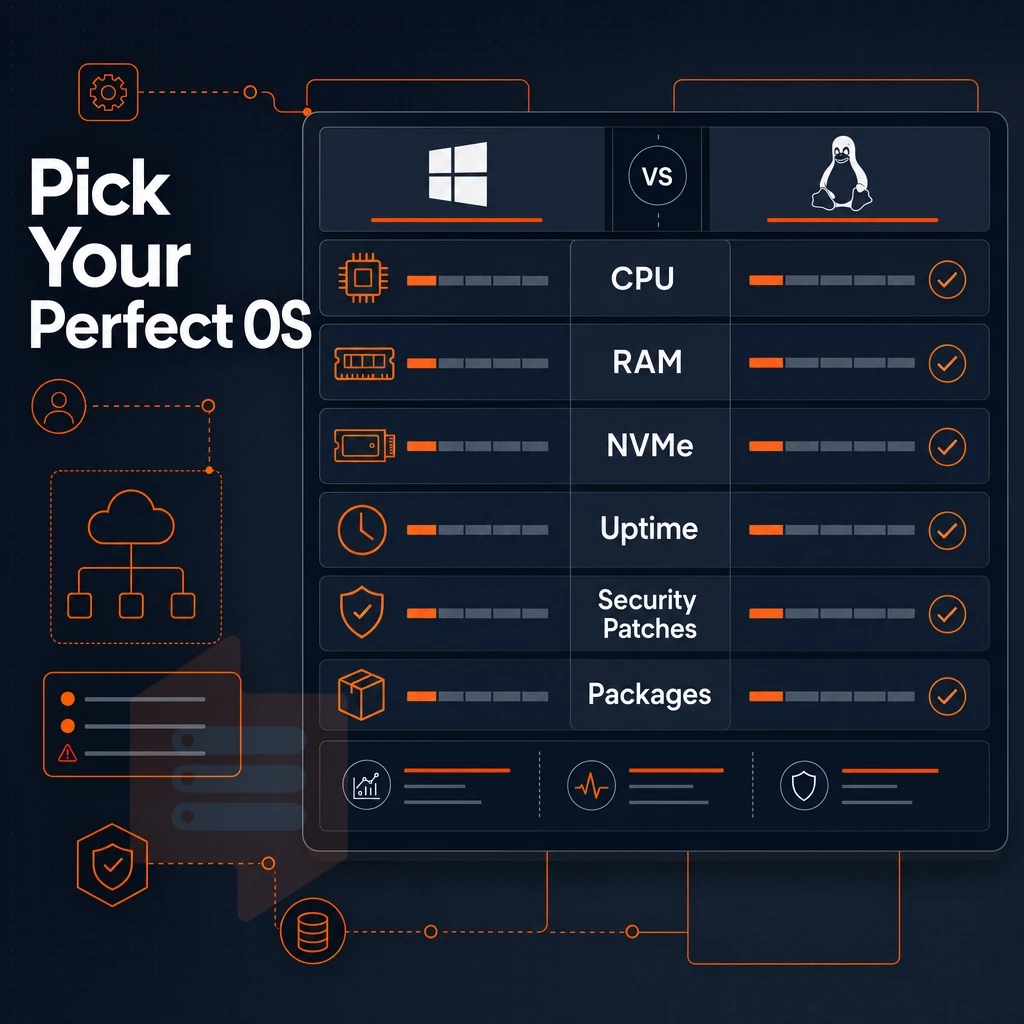
The choice of Operating System affects many things, for example the packages that are available to install. How frequently security patches are released for the OS and the level of control that can be had over the server configuration. Unlike with multi-tenant hosting, a VPS offers full isolation, which means you can choose to run whatever OS you like, without any influence from other tenants on shared servers.
Linux distributions on a VPS
For production work, Linux VPS remain the best choice. At BuyVPS we support Ubuntu, Debian, AlmaLinux, Rocky Linux, CentOS Stream as well as Fedora. Each of these distributions is provided with root access by default, which means that you as a user have full control of the server, from the kernel upwards.
AlmaLinux and Rocky Linux are binary-compatible RHEL rebuilds suitable for teams with existing RPM-based tooling or compliance workflows. Ubuntu LTS and Debian stable are typical choices for web stacks, containers, and CI/CD environments. Fedora is for developers that need kernel features earlier than scheduled in the upstream development cycle.
Windows operating system as a buyer consideration
I need to host some.NET Framework applications, Active Directory, MSSQL servers and so on, in short, some workloads require a windows VPS. As it stands, BuyVPS offers only Linux distributions for VPS hosting, but the platform supports custom ISO upload. Those able to technically set this up can look into other OS configurations for VPS hosting, provided the required licenses are verified for such use.
When purchasing VPS USA infrastructure for Windows-based workloads, confirm that the provider supports the Windows operating system and has included the necessary licensing in the plan for the purchased VPS infrastructure.
What is VPS vs VPN?
These two terms are frequently confused. A VPS offers a virtualized server, compute, storage, and networking you administer. A VPN (Virtual Private Network) encrypts and tunnels traffic between endpoints. A VPS can run a VPN server, but the two are not the same product. One is infrastructure; the other is a network protocol layer.
At the network edge, all plans have unlimited traffic. Therefore, running a VPN service on a VPS for example will not lead to any unexpected overage on BuyVPS. Beyond the OS choices, the set of features in a VPS hosting plan, storage, network, and the tools to manage it all, determines whether a provider can truly deliver on what they promise or not.
Key features to look for in a USA VPS hosting service provider
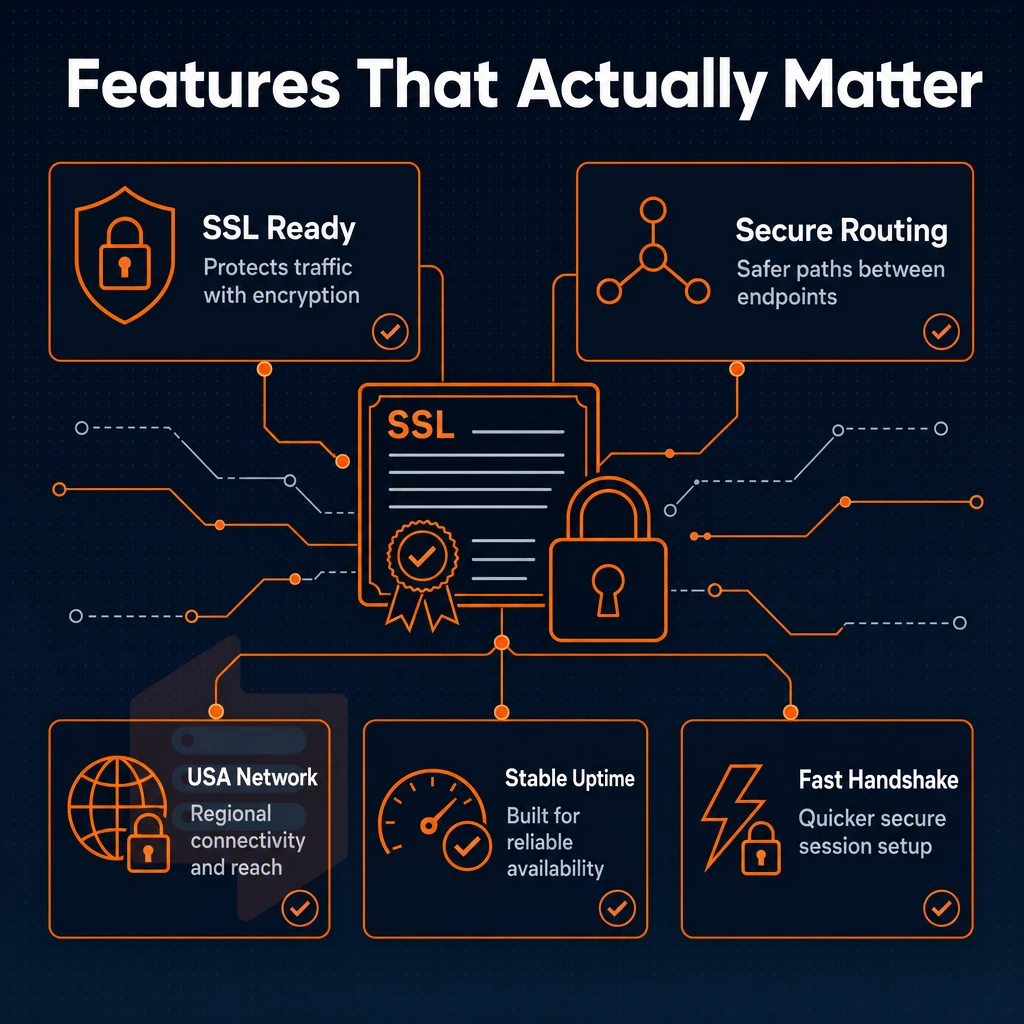
Picking a US VPS is about a few concrete technical criteria. Get them right, and you have a stable, high-performance VPS. Get them wrong, and you feel it under production load.
Storage, network, and virtualization on a modern VPS platform
For database intensive work or high traffic volumes, NVMe SSD storage is required.
KVM Virtualization uses a separate kernel for each Virtual Environment. This ensures that there is no “noisy-neighbor” interference between Virtual Environments. In addition, all plans are provisioned with IPv4 + IPv6 dual-stack support, and additional IP addresses can be assigned on request. Additionally, private network connectivity can be set up using VLANs, for multi-server deployments. This can be particularly useful for enabling your own VPN between servers, without exposing traffic across the public Internet.
Edge DDoS Protection using Edge Filtering at the network boundary, before traffic even reaches your server.
Control panel and management tools
Self service panels with full API access and not just a GUI to manage servers. In our self service panel you also have an in-browser VNC console to recover servers running unlimited traffic web projects that were misconfigured and need to be fixed immediately without needing to raise a ticket first.
Uptime SLA and support services
Of course, the features we’ve described are only as good as the data center(s) that’s hosting them. Therefore, the location and routing of data center(s) is worthy of as much scrutiny as the ‘features’ that we’ve outlined.
US VPS data center locations: new york coverage and low-latency routing
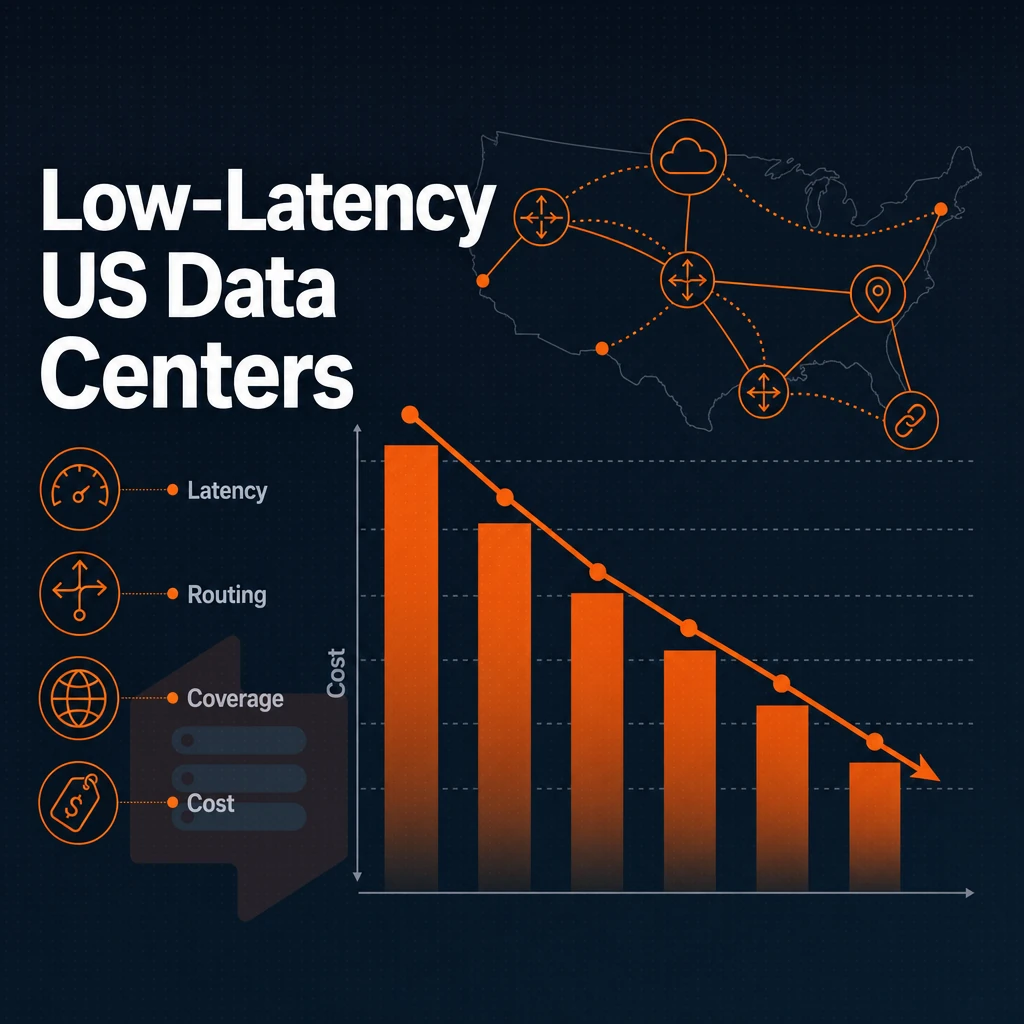
The location of your VPS can greatly affect the time it takes for your users to receive a response. For US-based VPS hosting, our New York location is ideal for USA-based clients, as it places your VPS and workload within milliseconds of the US East Coast’s largest population centers. This provides a significant advantage for latency-sensitive applications.
New york data center: coverage and routing
This makes for very consistent performance for web apps and ecommerce sites under heavy load, as opposed to what the benchmark numbers would indicate.
We utilize KVM virtualization, meaning that each VPS runs its own kernel, and therefore won’t get affected by misbehaving neighbors. 99.8% uptime SLA is in place to back up these commitments.
East coast reach vs. EU coverage
New York is our only US location, so we won’t spread ourselves too thin across regions. For teams serving both US and European audiences, our Amsterdam node runs identical hardware and pricing to our New York location. You can run your online store from New York and then mirror or expand to our Amsterdam location without having to relearn how to configure everything.
Choosing the right web hosting region for your projects
The low latency of our locations is consistent, even during peak hours. The specifications, control panel and support for both locations are identical.
| Region | Best for | Uptime SLA | Network |
|---|---|---|---|
| New York | US East Coast users | 99.8% | Multi-homed, IPv4 + IPv6 |
| Amsterdam | EU-facing workloads | 99.8% | Multi-homed, IPv4 + IPv6 |
Having great infrastructure in the right location still depends on one more variable: the quality of support and the quality of administration tools a provider offers.
Virtual server support services and administration: what to expect from your VPS provider
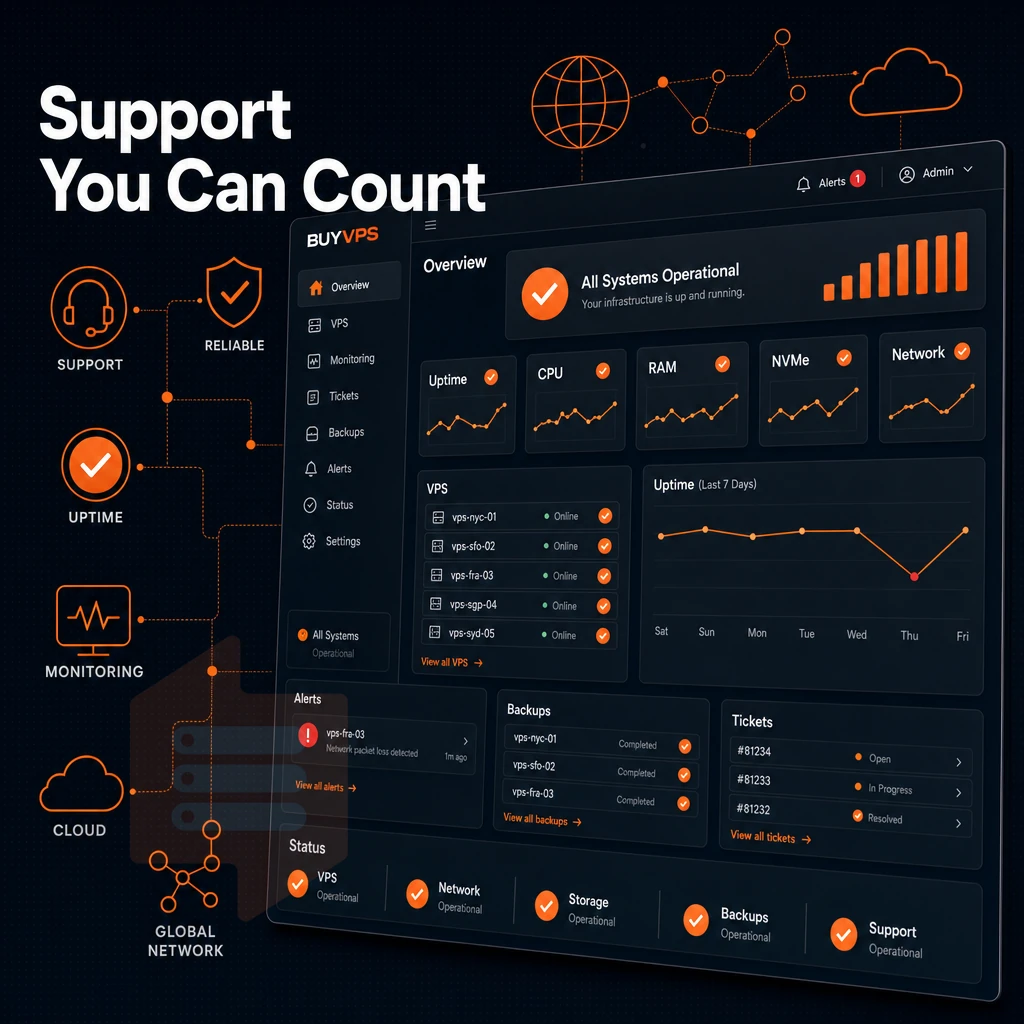
The quality of support offered by a hosting provider is what can turn a frustrating VPS experience into a very productive one. If you are moving from a shared server environment to a VPS server or are trying to scale out an existing infrastructure, knowing what to expect from a provider before you sign up can save a lot of time and heartache in the long run.
Understanding your VPS services responsibilities
Most VPS plans are unmanaged by default. This means that instead of having the VPS administrator update the OS for you and handle security patches and other software updates, you’ll be responsible for administering the server. Managed VPS hosting plans are available from VPS hosting providers and transfer some of the server administration responsibilities to them for a higher cost and less flexibility.
BuyVPS runs on a self-managed basis, giving you full control of your server. You get root access, the ability to upload your own custom ISO images and a self-service control panel which comes with API access. The infrastructure is managed for you, but the server stack is your to manage as you see fit.
- Before you buy, check what support tier you will be buying and ask to confirm what form of response they will provide (e.g. are engineers providing the support or is it 1st tier support via a script). I can confirm at BuyVPS that engineers respond directly and it’s none of that chatbot handoff stuff, no ticket in a queue of tickets providing links to the documentation for you to read.
- You test a control panel before it’s needed under pressure. A reliable VPS panel presents the power controls of individual instances as well as networking options within the control panel. In addition, console access via VNC within a web browser should be possible. BuyVPS offers a VPS control panel that presents all of the above options as well as a full API to automate everything.
Note: If you expect the provider to manage your application layer, confirm that explicitly. Assuming managed support on an unmanaged plan leads to unpatched systems.
Escalation and real-time access
- VNC over SSH when SSH connections fail. It is very important to be able to recover from a misconfigured server without having to raise a support ticket. In-browser VNC console provides critical self-service safety net.
- Contact support for the following types of infrastructure issues. Network issues, Hypervisor related issues and hardware related events will require assistance from your provider. BuyVPS can be contacted by support@buyvps.com or +31 85 369 6285.
Combine the best hardware with the right location, OS flexibility, and top-notch engineer support, and BuyVPS becomes the obvious platform for serious workloads in the US.
Why choose BuyVPS for VPS hosting in the USA
If you've outgrown communal hosting or need dedicated resources without the cost of a physical server, BuyVPS delivers a reliable VPS built for serious workloads. Our New York data center puts USA VPS hosting close to US East Coast users, giving you low latency where it counts.
- No-oversell guarantee. Hard memory caps and low node density mean your virtual server gets the GB RAM you paid for, every time.
- Full root access on every plan. Install any Linux distributions, load your own ISO, and take complete control of your server environment.
- KVM isolation. Each VPS runs a separate kernel. Your virtual machine is never affected by neighbors on the same bare-metal host.
- NVMe RAID10 storage. PCIe-direct NVMe SSD storage with 122,959 4K read IOPS measured, consistent performance under real load.
- No hidden fees. Transparent pricing with no hidden fees. In-place upgrades keep your dedicated IP and avoid IP rotation.
Our support team is engineers, not first-tier chatbots. If you're ready to buy VPS USA or want to compare US VPS plans, reach out to us at info@buyvps.com or call +31 85 369 6285. To see how those strengths translate across real workloads, the use cases below cover the most common deployments.
Common web hosting use cases for USA VPS
USA VPS hosting supports a wide range of workloads. For example, teams of developers use a VPS with unlimited traffic to host a large number of web applications within a single account, or to host high-traffic ecommerce sites and online stores that require constant levels of performance. Additionally, applications that have outgrown shared environment plans are often deployed to a VPS. These include game servers, private networks for internal services, load balancers, and even VPNs.
Full root access and a clean server environment (mirroring the development environment) to handle whatever workload comes your way. All in a VPS hosting in the USA environment that provides you with dedicated resources and low latency to US audiences. All for a fraction of the cost of a dedicated server and complete control over the OS of your choice.
Choosing a VPS over traditional multi-tenant hosting is probably the single most important infrastructure decision for a growing site or application. You get dedicated resources, root access and good performance, all things that you won't get on a entry-level hosting environment.
When evaluating USA virtual private server providers, weight the factors that matter long-term: no-oversell policies, unlimited bandwidth, NVMe storage, KVM isolation, and a support team staffed by engineers rather than first-tier scripts. BuyVPS checks every one of those boxes, with VPS plans running on AMD EPYC hardware out of New York, with Amsterdam available if you need a second region. Browse the plans at BuyVPS.com and find the tier that fits your stack.