

Most people who are looking at cloud VPS already know what VPS hosting is. What they are trying to figure out is how an entire physical server will perform under load, how a company will live up to the numbers they post for uptime.
Additionally, How much a server will cost when the time comes for your contract to renew. These are the questions that you should be looking to answer for any managed VPS hosting plan, and the answers can vary greatly from one company to another, depending on their hardware, network, and business model.
This guide goes beyond the basic features of cloud-based VPS hosting and explains in detail what actually matters: the virtualization, the storage throughput, the CPU allocation and the network design.
A good example for a well-engineered virtual private server hosting in the cloud is the offer from BuyVPS: KVM on AMD EPYC Servers with NVMe RAID10 Storage and without any overselling.
What is cloud VPS as a web hosting service?
Cloud VPS hosting is a type of hosting that is between shared hosting and a bare metal dedicated servers. cloud virtual server hosting allows you to have isolated compute resources on a physical server which has been partitioned into individual environments. Each of these individual environments is running its own operating system, storage and network stack.
First month $1
Then the normal monthly price. One per customer. No setup fee, and a 30-day performance guarantee on your first order.
See the plans“Excellent service! Thank you for providing the server so quickly. The service was fast, reliable, and exactly what I needed. Highly recommended!”
What virtual servers are and why they offer more power
A single server can host many virtual servers, each functioning like dedicated hosting with a fixed allocation of CPU, RAM and NVMe storage, and no other tenant can use your allocated resources. This is similar to a dedicated server, but it is running on virtualized platforms. See Virtual private server on Wikipedia for background.
This is different from shared hosting where dozens of accounts are competing for the same CPU and memory. A noisy neighbor on shared hosting can slow down all accounts. On VPS hosting, your allocated resources are enforced at the kernel level. With VPS hosting, one user cannot monopolize the server's processing power or memory, ensuring predictable application response times even during peak usage periods.
KVM: the hypervisor that enforces isolation
KVM (Kernel-based Virtual Machine) is the standard hypervisor for VPS hosting. As a web hosting provider, it creates a separate kernel for every instance, so every VPS environment is 100% isolated from other instances on the same server (host).
As a hosting company, BuyVPS uses KVM on all of our VPS plans, none of them are hosted on a server as a container to attempt to circumvent the above tenants isolation. This architecture ensures that virtual servers remain completely independent, preventing resource contention and maintaining security boundaries between tenants on the same physical hardware.
The practical upshot is that you can load custom kernel modules, run Docker, and even configure networking on a QEMU-based virtual machine just as you would on real hardware or a Windows server environment.
VPS vs. Shared hosting and dedicated hosting servers
VPS servers occupy a clear middle ground: Understanding the distinctions between shared and dedicated hosting helps clarify why VPS solutions appeal to organizations outgrowing entry-level plans but not yet requiring entire physical machines. Many businesses begin with a shared hosting solution before migrating to VPS as their traffic and resource requirements grow beyond what multi-tenant environments can reliably support. Selecting the appropriate web hosting service at each growth stage ensures that infrastructure costs remain aligned with actual resource consumption and performance requirements.
- Shared hosting is the lowest cost form of hosting. You have no guarantees of resources and do not have root access.
- VPS hosting, VPS hosting creates a isolated environment, you get root access and you can scale up as much as you want without having to purchase any new hardware.
- Dedicated hosting (server rental), a full physical machine, highest cost, longest lead time.
VPS hosting is generally used for most production workloads because it provides the user with the control of a dedicated server, without the troubles of having to manage a full physical server. The next section compares the merits of all three options, including private servers, for production use, and shows where cloud VPS fits in practice. This balance makes VPS an ideal solution for hosting websites that require reliable uptime and dedicated resources without enterprise-level infrastructure costs.
Managed vs unmanaged VPS hosting: shared vCPU vs dedicated core
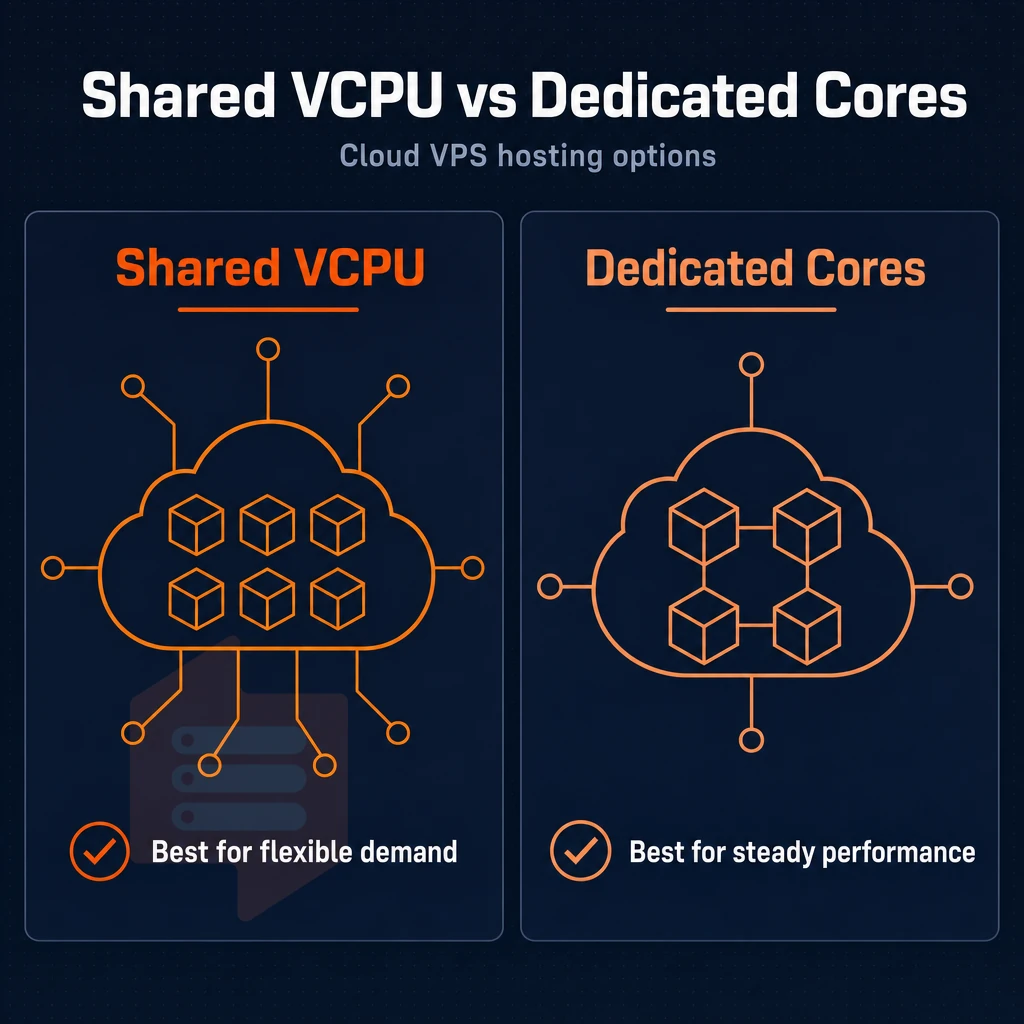
When evaluating cloud virtual private server hosting, buyers make two independent decisions: the amount of server administration that a buyer wants to own. Additionally, the amount of CPU isolation that a buyer needs to have their private servers perform reliably under real workloads.
Buyers choosing unmanaged hosting take on complete responsibility for server configuration, security hardening, and ongoing maintenance in exchange for maximum flexibility and lower costs. Unmanaged VPS hosting appeals to technical teams who prefer direct control over their infrastructure and are comfortable handling system administration tasks independently.
Managed vs unmanaged private servers
Managed VPS hosting is provided by the host, and means the host will do the OS updates, security patches etc for the server environment. For non-technical people and teams, a stable platform to host their sites, without having to employ a sysadmin, managed VPS is a good option. Many providers also bundle additional services such as automated backups, monitoring dashboards, and malware scanning to further reduce the operational burden on customers.
Reputable providers distinguish themselves by offering excellent support through multiple channels, ensuring technical issues are resolved quickly and minimizing downtime for business-critical applications. Providers with strong technical expertise can also offer proactive guidance on server optimization, helping customers identify performance bottlenecks before they impact end users.
Unmanaged hosting gives you full root access to your server, but you are completely responsible for the administration of it. You have full control of the server, from the kernel up, and you can install any packages, and set any firewall rules that you need. By default, most VPS hosting providers offer unmanaged server hosting, as this is the preferred type of hosting for developers and engineers.
Developers often use this flexibility to deploy open source tools such as custom monitoring stacks, containerization platforms, and specialized web servers tailored to their application requirements. Selecting the right operating system for your unmanaged VPS, whether CentOS, Ubuntu, Debian, or another distribution, depends on your application stack and familiarity with package management systems.
Note: Unmanaged VPS hosting is not a shortcut to savings if your team lacks Linux administration skills. A misconfigured firewall or missed security patch creates risk that outweighs any cost benefit.
Shared vCPU vs dedicated servers and dedicated-core VPS
Shared vCPU plans are plans where all the processing power of the physical server is pooled to service all the tenants.
Dedicated-core plans are a type of plan where we pin physical CPU cores to a single VPS. This results in very low latency even for heavy traffic loads on a virtual private server VPS, making it a good choice for applications such as databases, real-time APIs, and latency-sensitive web applications. Organizations requiring absolute resource guarantees often compare these plans against dedicated hosting, where an entire physical machine is allocated to a single tenant.
When traffic spikes occur, a load balancer can distribute incoming requests across multiple dedicated-core VPS instances to maintain responsiveness and prevent any single server from becoming overwhelmed. Pinning cores ensures that each virtual machine receives more power for compute-intensive tasks compared to shared vCPU configurations where resources are dynamically allocated across tenants.
Choosing the right tier for your operating system
- So first you should try to get a good grip on how proficient your team is with Linux. If you can easily manage packages, lock down SSH, and write simple cron jobs, unmanaged is probably your best bet.
- You should profile your CPU load. A steady moderate load can be run off shared vCPUs. Workloads with massive spikes in CPU usage or that require very low latency require pinned cores.
- This matches a tier to BuyVPS's offerings. Their Standard CPU offering is an S-tier for shared vCPU workloads on AMD EPYC Milan processors. Their Dedicated CPU tier offers pinned cores on EPYC Genoa processors for a consistent and scalable VPS to handle heavy loads.
Next, it is important to have a good grasp of the concrete, and verifiable features of VPS cloud hosting.
Key benefits of cloud infrastructure VPS hosting
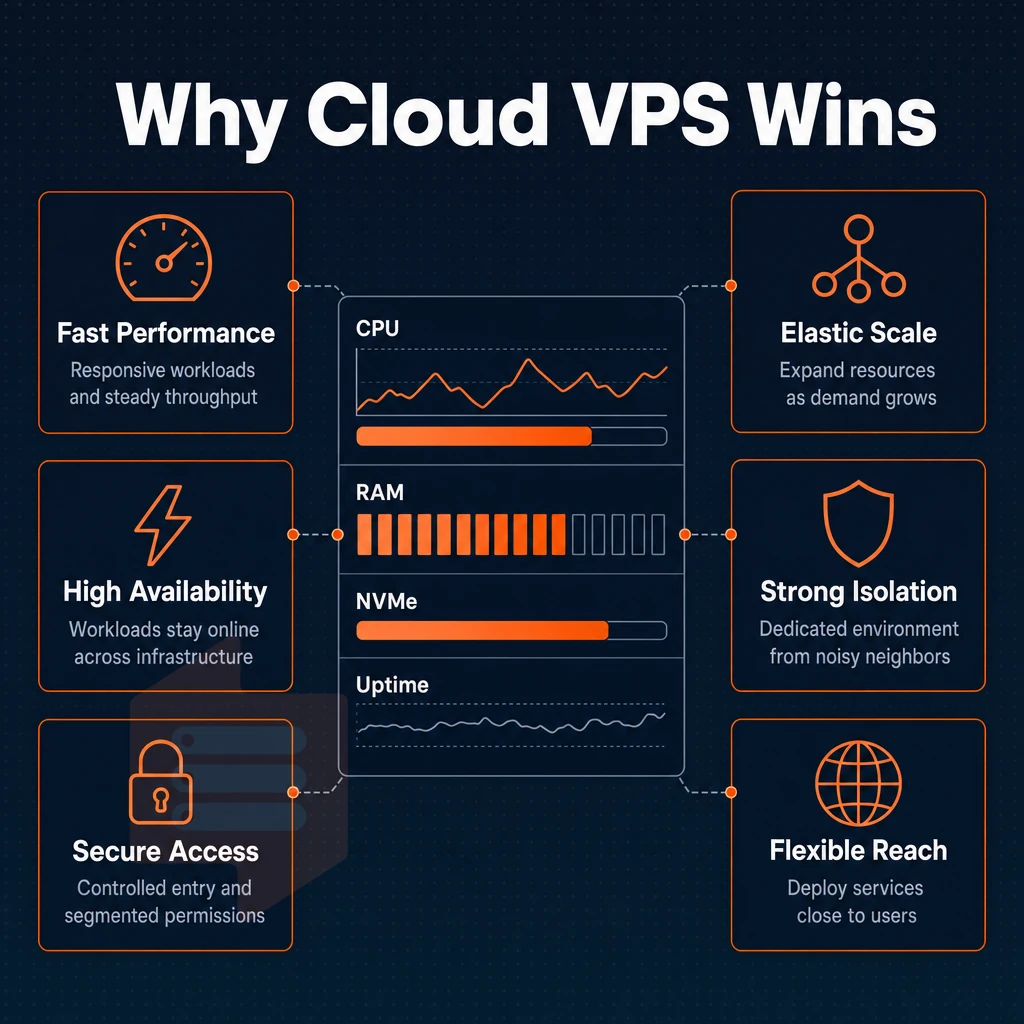
cloud server hosting differs from shared hosting in a fundamental way. virtual server hosting is delivered from individual Virtual Private Servers that are hosted on a physical server. But unlike cloud hosting setups, each VPS is isolated from the others, delivering guaranteed resources, full root privileges, and total control.
The advantages of VPS hosting are even greater in the cloud, because you can scale up and down as you need without any disruption to your customers. This flexibility allows businesses to scale resources dynamically in response to traffic patterns, seasonal demand, or application growth without provisioning new hardware.
Dedicated servers with isolated environment and resources
Unlike shared hosting, on a cloud VPS node a virtual machine has a hard memory cap (RAM and NVMe storage assigned to your instance). Memory on your Windows Server instance cannot be used by other tenants on the same hardware, and with unlimited traffic capacity reserved for you, they also cannot use up all of your 'headroom' and negatively impact your performance.
The isolation provided to workloads running on adjacent windows server instances (whether serving web sites, hosting databases, processing queues of work, etc.) is also improved. Running a dedicated email server on an isolated VPS instance ensures that mail delivery performance remains unaffected by other tenants' resource consumption patterns.
At BuyVPS we have hard memory caps and a low node density. This means your allocated RAM is always available to you and is not lent out from a shared pool as it is with other providers.
Operating system freedom and complete control
Full superuser access to a server is the ultimate in control. You can install any operating system (e.g. Ubuntu, Debian, AlmaLinux, Rocky Linux, a custom ISO etc.) and any software stack you require, all without any restriction. Unlike many hosting providers that restrict your configuration, you can set up the server to run exactly as required by your application, customize your kernel parameters, mount in object storage, set up firewall rules and run whatever versions of software you need.
For teams running non-standard dependencies, legacy runtimes or security-hardened configurations, the level of control that you have in isolated dedicated hosting environments is not available in shared or managed environments.
Scalability and unlimited traffic workload versatility
More VPS resources can be added to meet growing demand without having to deal with server migrations and IP changes. Web applications, game servers, video streaming, online stores and test environments will all benefit from the ease of scaling up to handle greater loads of traffic.
Compared to bare metal, cloud-based virtual server hosting allows you to hit production-grade performance levels for a fraction of the typical long-term financial commitment to servers. This is where the reality of how most development teams run their workloads on a day to day basis intersect with the strengths of VPS hosting in the cloud.
For startups and small businesses seeking the best value, this model eliminates upfront hardware costs while delivering enterprise-grade infrastructure on demand. Organizations seeking excellent value will find that cloud VPS plans deliver predictable monthly costs alongside the flexibility to adjust resources as business requirements evolve.
Common use cases for cloud VPS servers
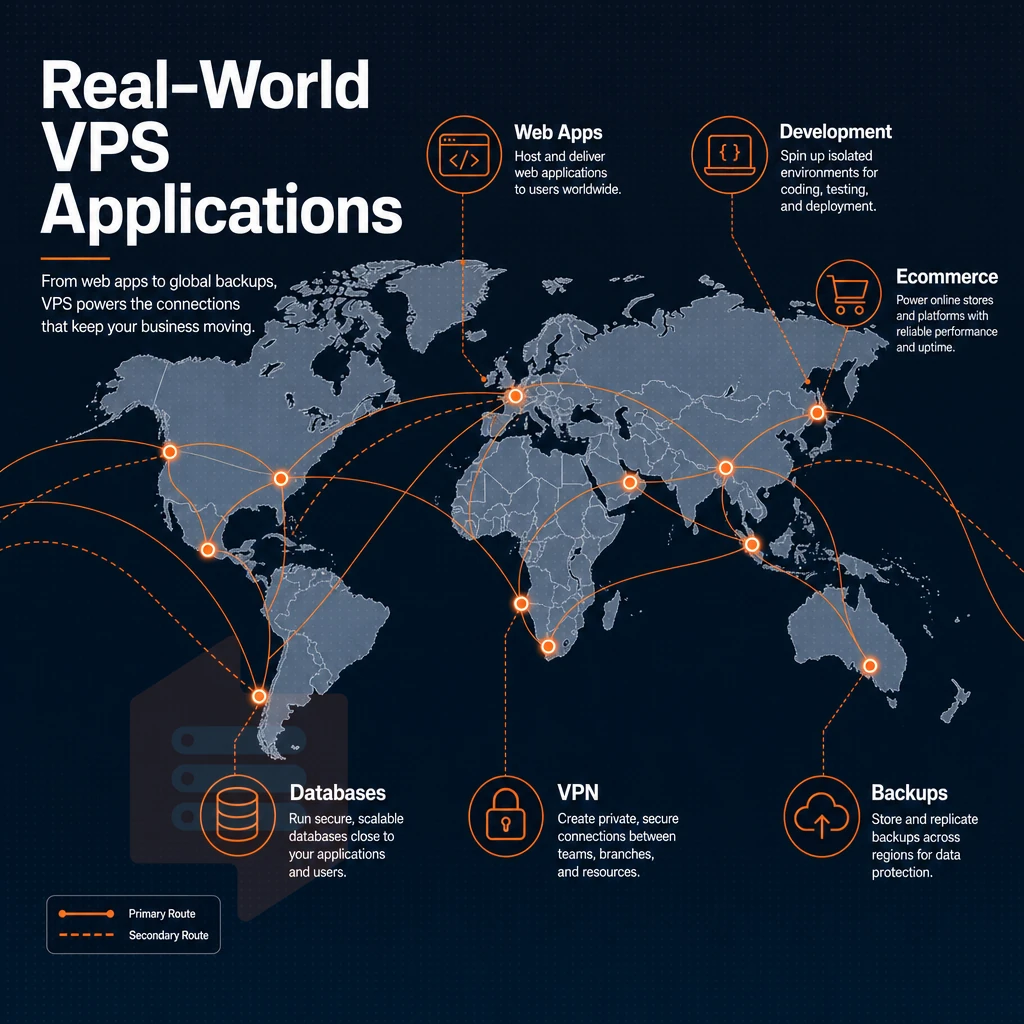
VPS hosting is suitable for a variety of workloads. VPS hosting can be the catalyst that drives you from a shared hosting plan to a cloud VPS.
Choosing a web hosting plan for sites and web applications
Most of our customers come to VPS after outgrowing a shared server. Alternatively, Need for custom server setup (e.g. specific databases, server software, etc.) are typical reasons for that move.
Unlike shared hosting, a VPS allows you to have full administrative access to a partition with isolated resources. You have full control over the runtime, kernel parameters and the rest of the deployment pipeline. Shared hosting resources are variable and affected by other users on the shared hosting server.
Web applications that use databases will immediately notice the difference.
Virtual private server options for gaming and low-latency workloads
Gaming servers are very sensitive to jitter and packet loss. In situations like these, dedicated servers in private web hosting environments with pinned CPU cores and a fixed network path are much more valuable than raw performance. Our Dedicated CPU server tier isolates individual cores at the hypervisor level.
Latency to players in Europe and on the US East Coast is covered by our Amsterdam and New York locations.
Dev environments, email, and multi-tier infrastructure
In-place upgrades and fully snapshot-able KVM environments are a huge win for development and test environments.
- Stable IP addresses for email and DNS servers + full control of PTR records on all plans.
- A shared hosting account will not work for a load balancer pointing at separate app and database nodes. A VPS will.
- Object storage and data-intensive work flows benefit from our high NVMe throughputs. VLAN’d private networks are available on request.
Knowing what you can run on a VPS is just half the story. In the next section we will explain how to check a VPS host against a set of criteria, going beyond shared web hosting, to find the one that best suits your needs.
What to look for in a cloud VPS hosting provider
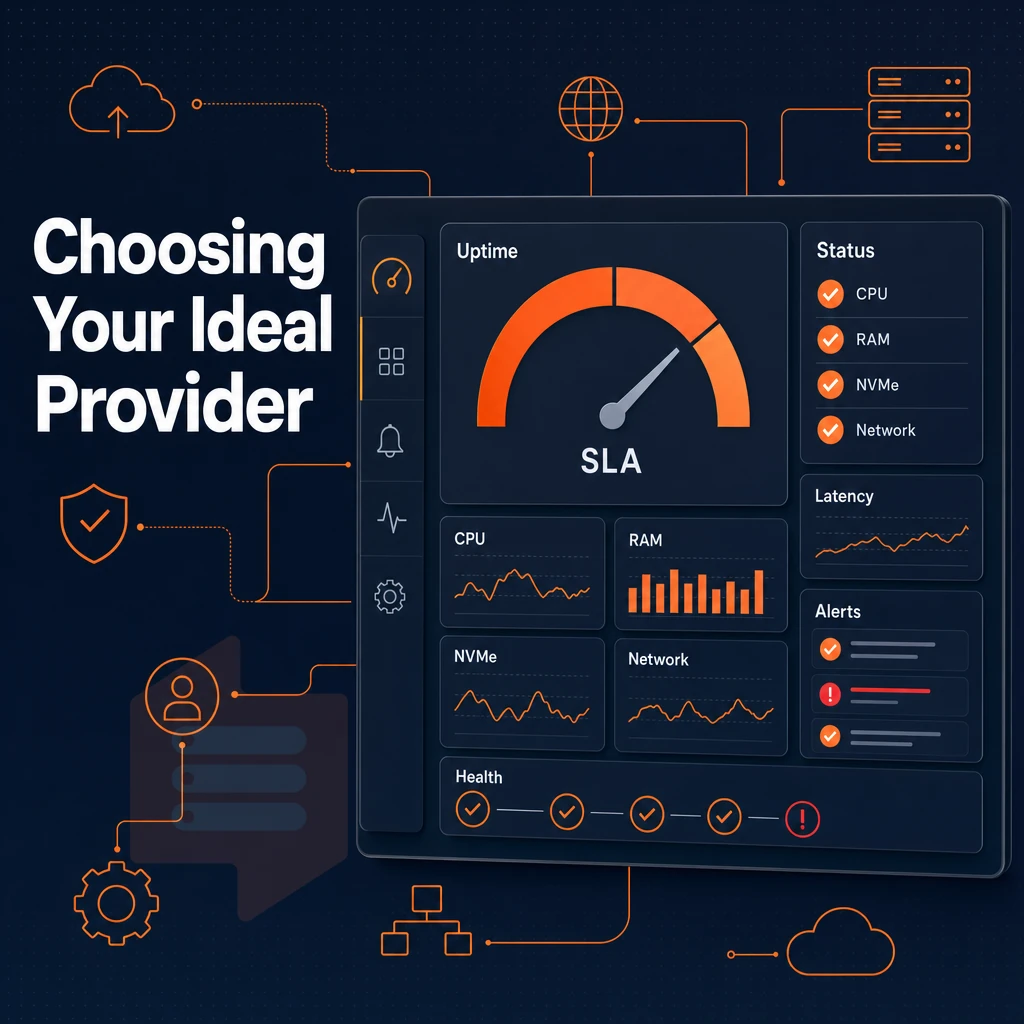
Not all Virtual Private Servers (VPS) are created equal. Some deliver better performance, reliability and transparency than others. Here are 8 key points to evaluate before you choose a web hosting provider to ensure you get more than just commodity hosting that has been ‘oversold’ to increase profits.
Virtual private server virtualization, storage, and email server
The reason for this is that each VPS runs its own kernel. That means that even though your VPS and my VPS and everyone else's VPS are running on the very same physical servers within a shared cloud infrastructure.
This yielded 122,959 4K read IOPS (fio's median value) across the private network, a figure that few, if any, bare metal configurations offered by hosting providers can hope to match at such extreme levels of density.
Load balancer network, locations, and SLA
A web hosting plan built around data centers in Amsterdam and New York will allow for good coverage of audiences in the EU as well as the US East Coast with routing that is close to real time.
Check whether the web hosting provider operates a multi-homed private network with edge filtering and not a single upstream connection to a larger provider. Also check whether there is a published uptime SLA for your windows server environment; everything that is not written down is not enforceable.
| Criterion | Minimum bar | BuyVPS position |
|---|---|---|
| Virtualization | KVM with kernel isolation | KVM, separate kernel per VPS |
| Storage | NVMe RAID | NVMe RAID10, 122,959 IOPS measured |
| Upgrades | In-place, no IP rotation | In-place, no migration |
| Support | Engineers, not chatbots | Engineer-led replies |
Pricing, upgrades, and use-case fit
In-place upgrades are very important for an online store or gaming servers.
In addition to the features listed as market-standard, make sure your host includes unlimited traffic, and support for your preferred flavor of Windows Server. If you plan on doing serious work on your server, full server access is a must.
With these criteria in mind, we will examine how BuyVPS measures up.
Why choose BuyVPS for cloud VPS hosting
BuyVPS is a web hosting provider built for workloads that outgrow shared hosting and demand genuine dedicated resources. Every virtual private server runs on KVM with a separate kernel, true isolated environment, not container-based virtualization. Our no-oversell policy enforces hard memory caps per node, so the dedicated resources assigned to your VPS stay yours under real load.
- True isolation: KVM hypervisor with a separate kernel per VPS, no noisy neighbors sharing your server environment.
- Proven storage performance: NVMe RAID10, PCIe direct, 122,959 4K read IOPS measured (fio median). Your web applications, email server, and online store get consistent performance from the physical server up.
- Pinned cores for demanding workloads: Our Dedicated CPU tier uses AMD EPYC Genoa with pinned cores, predictable processing power and low latency, unlike shared hosting where multiple users contend for the same physical hardware.
- Full control on every plan: Full root-level access, custom ISO upload, and your choice of operating system, Ubuntu, Debian, AlmaLinux, Rocky Linux, CentOS Stream, or Fedora.
- Two regions, identical specs: Data centers in Amsterdam and New York with identical hardware, IPv4 + IPv6 dual-stack, and in-place upgrades, no migration, no IP rotation.
- Transparent pricing, engineers on support: When you contact us, engineers reply, not first-tier chatbots.
We have operated as a founder-run hosting company since 2002. If you are evaluating VPS hosting providers for your next cloud VPS infrastructure project, reach out to our team to discuss which VPS hosting plan fits your workload.
Cloud hosting VPS: key takeaways
cloud VM hosting gives each virtual private server its own dedicated resources on a shared physical server, delivering consistent performance that shared hosting simply cannot match. in contrast to shared hosting, your VPS server runs in an isolated environment with full privileged access, your chosen operating system, and no interference from other users on the same physical server.
When choosing a VPS hosting provider, prioritize dedicated resources over raw headline specs, confirm whether managed VPS or unmanaged VPS hosting fits your team's technical expertise. Additionally, Verify that the web hosting service covers your target region. BuyVPS deploys KVM-isolated private servers across Amsterdam and New York with no-oversell guarantees and in-place scaling. Explore BuyVPS cloud VPS plans.
cloud-based VM hosting sits in the right spot for most workloads: more control and consistent performance than shared hosting, lower overhead than a dedicated server. When choosing a virtual private server VPS, the decision between shared vCPU and dedicated hosting plans with pinned cores matters most under sustained load, since shared vCPU works well for variable traffic while pinned cores eliminate the noisy-neighbor problem entirely.
Managed versus unmanaged is equally decisive.
If you're ready to move beyond shared server, or looking to consolidate workloads onto a more predictable platform, explore BuyVPS's Standard, Dedicated, and High Memory VPS plans. Both Amsterdam and New York are available with identical hardware and no-oversell guarantees. See the full plan lineup at BuyVPS.com.