
Most teams looking for cPanel VPS hosting are already past the stage of shared hosting and know they need more control, but want to make sure they are buying the right amount of server.
The cPanel VPS hosting market is extremely crowded, and the difference between a well configured KVM instance and an oversold container sold as a VPS is huge.
The guide differentiates between a low cost VPS and a cPanel VPS that has good performance. It details the key hardware and virtualization options that are important for cPanel VPS servers. It outlines what you and other users should expect from the network and the Service Level Agreement (SLA) of a good provider. This step by step guide walks through each decision point in the VPS selection process, ensuring you understand the technical trade-offs before committing to a provider. See also: Amsterdam and New York.
It then goes through the whole stack (storage, CPU isolation, RAM caps, support, and what comes at extra cost) to give you a clear guide to buying a VPS. Unlike a basic shared hosting plan, BuyVPS VPS servers are powered by KVM isolated servers that run on the fast AMD EPYC processor with NVMe RAID10 storage.
These VPS servers are hosted in two locations, Amsterdam and New York. Customers can also choose from a range of add ons including automated backups, additional IP addresses, and enhanced security features to customize their server configuration.
What is cPanel VPS hosting from leading hosting providers?
cPanel VPS hosting is a Virtual Private Server (VPS) with cPanel control panel. You have isolated and dedicated server resources, plus a graphical interface to administer your entire hosting environment.
First month $1
Then the normal monthly price. One per customer. No setup fee, and a 30-day performance guarantee on your first order.
See the plans“Great service! Everything was delivered quickly and worked exactly as expected. the process was smooth, reliable, and professional. Highly recommended!”
Not every server needs a control panel; our n8n VPS guide shows a docker compose install with HTTPS webhooks that takes a few minutes.
What the cPanel interface and add ons deliver on a VPS
A Virtual Private Server (VPS) is a virtual machine carved out from a physical server. Unlike shared hosting, each VPS ‘slice’ has its own dedicated CPU, RAM and NVMe storage, and your neighbor’s usage cannot affect yours. The underlying physical hardware determines the performance ceiling of every VPS instance, regardless of how resources are allocated through virtualization layers.
When evaluating VPS providers, verify that the physical machine uses enterprise-grade components like ECC RAM and redundant power supplies to ensure stability. Enterprise-grade components directly impact system reliability, reducing unplanned downtime and ensuring consistent performance during traffic spikes or resource-intensive operations.
cPanel is a layer on top of a virtual server.
How it differs from shared web hosting
No root access, you can't install custom software, and there are no guarantees on resources.
cPanel VPS hosting turns the model on its head.
Choosing between a virtual private server and dedicated server
A dedicated server is simply a physical server that you use entirely as you wish. A cPanel VPS on the other hand is a middle ground between a shared hosting account and a dedicated server. It gives you more control than a typical shared account and better isolation than servers that are shared with other users.
The architecture of a virtual private server provides resource isolation through hypervisor-level partitioning, ensuring predictable performance that shared environments cannot match. The key difference lies in resource allocation: dedicated servers provide exclusive access to all physical hardware, while VPS instances share underlying hardware through virtualization but maintain logical separation.
However, it uses fewer resources than a dedicated server. For most websites, a cPanel VPS is the sensible choice, and we explain where each type of hosting crosses a boundary to another type in the next section. Scaling from a VPS to a dedicated server becomes necessary when your applications consistently demand more resources than virtualized environments can efficiently provide. Many businesses find that starting with a VPS allows them to upgrade incrementally as traffic grows, avoiding the immediate capital expense of dedicated hardware.
How to install cPanel on a VPS: step-by-step guide
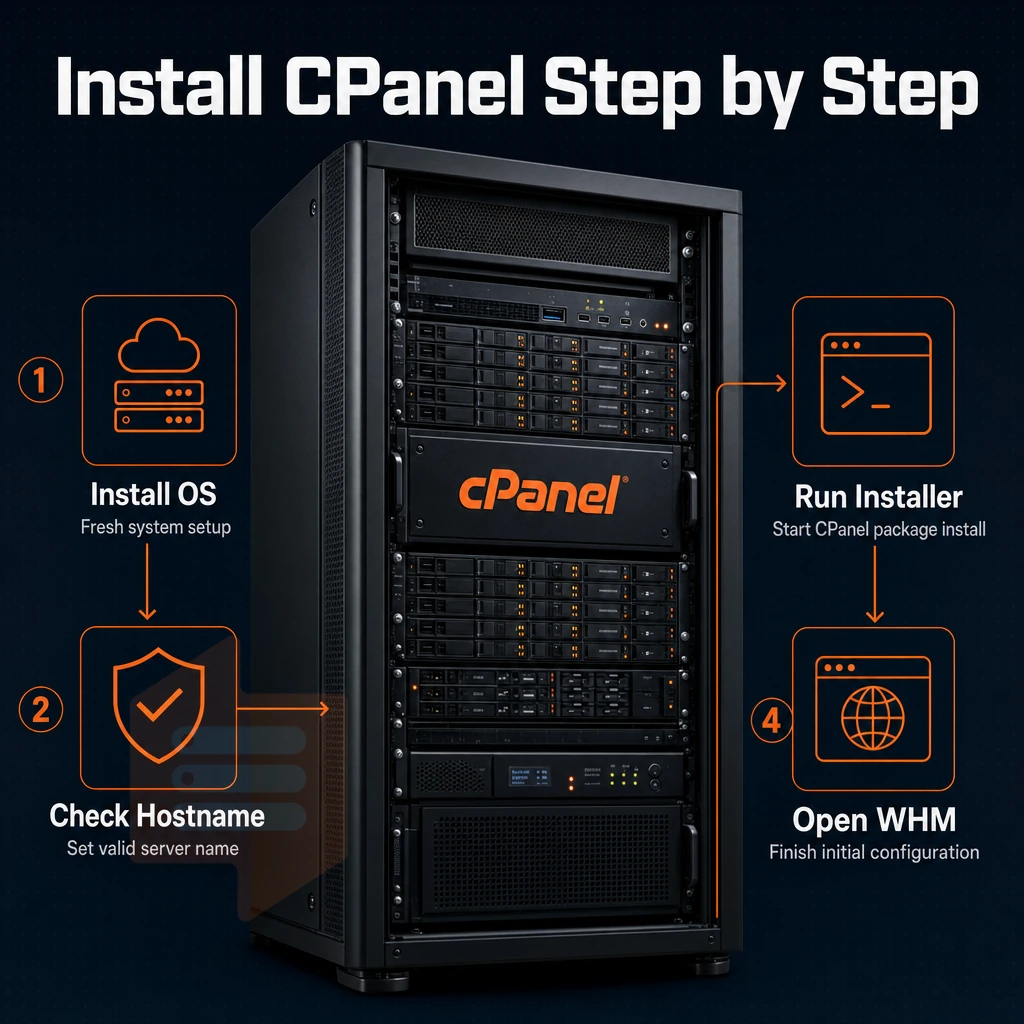
To start to install cPanel on your VPS you first need to install an OS on your VPS, and a fresh install is easier than trying to install on an existing server. On every plan on BuyVPS we provide full superuser access, giving you total control of the server so you can install and configure cPanel from the initial login to completing the final configuration.
The operating system must be a clean CentOS, AlmaLinux, or Rocky Linux distribution, as cPanel requires specific kernel versions and libraries that may conflict with pre-existing configurations.
Preparation: understanding the difference between cPanel license and OS
- When provisioning a new server for cPanel, choose an compatible OS. cPanel supports AlmaLinux, Rocky Linux, CentOS Stream, all of which are available on BuyVPS. The most commonly used for new server deployments is AlmaLinux.
- Make sure that you have sufficient disk space and RAM, cPanel requires at least 20 GB of disk space and 1 GB of RAM. A VPS with dedicated resources will handle increased load better.
- To start with you need to purchase a cpanel license. cPanel is commercial software, so you can buy it directly from cPanel or from an authorized reseller. You need to write down the license key that you receive after the purchase. A cPanel license for a VPS is not tied to any specific piece of hardware as it is with dedicated servers, instead it is tied to the IP address of your server.
Install cPanel via SSH on a dedicated server
- Connect as root. SSH into your VPS using full administrative access:
ssh root@[your-server-IP]. - Run the installer. Use the one-line installer from the cPanel documentation. This will take approximately 20-40 minutes to complete.
Note: Disable SELinux and NetworkManager before running the script, both are known to cause installation failures.
Post-install: whm access and initial setup
- Open Web Host Manager. Navigate to
https://[your-server-IP]:2087in a browser. Log in with your root credentials. - Complete the setup wizard in WHM. The wizard will set up nameservers, contact email, and more. Complete all steps of the wizard before adding accounts.
Enter your license key when prompted.
Once you have installed cPanel on your dedicated server and set up WHM for yourself, you should be aware of the full suite of tools that cPanel offers on top of the core server functionality. Regular system maintenance through WHM includes scheduling security patches and planning periodic software upgrade cycles to keep your environment stable and secure.
cPanel hosting for VPS resellers and WordPress users
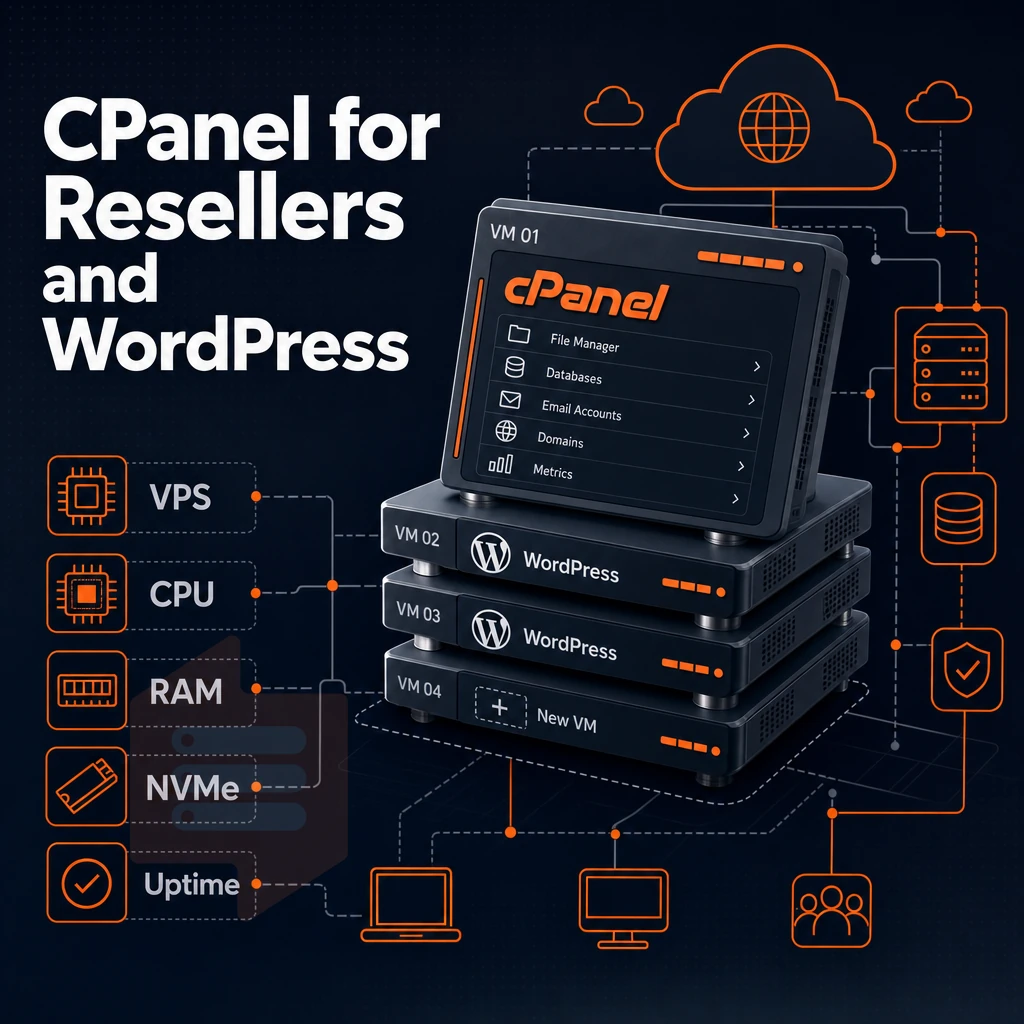
Most hosting control panel VPS deployments are used by two types of users: the reseller hosting business, and the web development agency managing a large number of WordPress powered sites. Both types of users grow out of shared hosting plans very quickly.
Why resellers need dedicated hosting root access
Shared server hosting accounts are typically provisioned through a single account, but reseller accounts can require dozens of individual accounts with their own resource limits to service clients.
Each client or user account has its own username and password to login to there own WHM/cPanel management account space. Emails and other panel-based/WHM features can also be managed and provisioned on a per client or user basis with their own disk space and bandwidth quota.
The most critical capability is having total control to set limits for CPU, RAM and bandwidth per account to prevent one account from starving out another. This type of account isolation only exists in a root-access VPS or dedicated server environment and not in a shared server environment where the host has carved up the partition into separate accounts.
Administrators use full root access to implement custom resource allocation policies, fine-tune kernel parameters, and deploy specialized monitoring tools that ensure fair distribution of system resources across all tenant accounts. Root-level access enables administrators to set resource limits at the kernel level using cgroups and namespace isolation, providing granular control beyond what application-layer quotas can achieve.
When hosting resellers run their accounts on shared servers they hit a hard ceiling very quickly. No WHM access, no custom nameservers for their clients, no per account bandwidth throttling.
WordPress users and multi-site control panel management
For WordPress administrators managing 5 or more sites WHM’s built-in staging, per-site database and one click cloning is very powerful. Each WordPress installation lives in its own web host manager account, so a plugin conflict on one site will not affect other sites. The one click staging environment allows developers to test theme updates and plugin configurations safely before pushing changes to production sites.
Developers can clone an entire site configuration to test major structural changes without risking downtime on the live environment. Site-specific databases remain isolated within each account, preventing cross-contamination of data and simplifying backup procedures for individual client projects.
For WP-heavy VPS environments, we also offer the WP Squared licensing option as a hosting dashboard licensing option, structured for WordPress deployments rather than by account count for general WP or WP-heavy sites.
Matching cPanel hosting environment to the workload
BuyVPS offers KVM based VPS servers with full privileged access on AMD EPYC hardware backed by NVMe storage. You can install your favorite WHM control panel and setup your DNS cluster to scale as needed without any bottlenecks.
BuyVPS combines the very best server hardware, total isolation between servers, and a support model built for web applications, resellers, and agencies alike.
Why choose BuyVPS for your cPanel VPS hosting environment
BuyVPS gives you a clean, predictable foundation for server management panel VPS hosting. Every isolated virtual machine runs on KVM with a separate kernel, true isolation, not traditional shared server hosting-style resource contention. Our no-oversell policy enforces hard memory caps per node, so server resources stay consistent under real admin panel/WHM load.
- Full sudo access on every plan, install website control panel cleanly on your chosen operating system with no restrictions.
- NVMe RAID10 storage, 122,959 4K read IOPS measured, keeping database-heavy hosting environments fast.
- Dedicated-core D-tier VPS, pinned AMD EPYC cores deliver predictable latency for cPanel server management at scale.
- In-place upgrades, no IP rotation, domain zone files and hosting management panel configurations stay intact when you scale.
- Data centers in Amsterdam and New York, identical hardware, dual-stack networking, ECC memory throughout.
We have operated founder-run infrastructure since 2002. Our engineers, not chatbots, handle support. Reach us at info@buyvps.com or compare plans at BuyVPS.com to find the right VPS hosting tier for your server admin panel environment.
cPanel VPS hosting gives you the control of a dedicated environment with the familiarity of web hosting panel's interface, administrator access, WHM for reseller management, and a clean upgrade path as your workload grows. The critical distinction is that a VPS runs hosting interface on isolated resources, so performance stays predictable even when traffic spikes. Getting the install right matters: a clean OS baseline, correct hostname resolution, and a licensed server management interface build are the steps most often skipped.
If you're ready to put this into practice, BuyVPS offers dedicated hosting through KVM-isolated VPS instances on AMD EPYC hardware in Amsterdam and New York, with full system access and NVMe RAID10 storage. Additionally, In-place upgrades that keep your IP and data intact. Browse the plans at BuyVPS.com and deploy a control panel software-ready VPS in minutes.