

For many developers, the transition from shared hosting to self managed VPS hosting occurs when shared hosting begins to impede performance in order to ensure proper functioning of other websites on the same server.
Developers rely on root access to adjust config files and manage CPU usage without being throttled. While self managed VPS hosting covers a wide spectrum, most providers fall into one of two categories.
The first type of provider gives its customers root access and then essentially forgets about them.
This guide to self managed VPS hosting will cut through the marketing hype to explain clearly what you can expect from your VPS, and what you will be expected to manage. We will look at the key factors you should use when comparing hosting providers, covering the hardware, the network, optimal speed, the support model, and the ease with which you can upgrade your VPS.
We cover the basics to help you get started with self managed hosting, whether you’re looking to move a production server from a managed hosting platform. Alternatively, Are looking to set up your first dedicated servers. Many providers also offer free migration assistance to help transfer your existing configurations and data from your current host without downtime.
What are self-managed VPS hosting plans with free migration?
Self managed VPS hosting refers to virtual private servers which are managed by you, and by you only, without any intervention from your host. This means you get to decide on the OS, the software stack, the firewall rules and updates, among other things. The only defining characteristic of self managed hosting is thus the lack of hosting support, and that’s the trade-off you make.
First month $1
Then the normal monthly price. One per customer. No setup fee, and a 30-day performance guarantee on your first order.
See the plans“Sjoerd helped me with the setup of my VPS, super helpful team, smooth onboarding, and overall a great experience, thanks again”
A good first project on a self-managed server is a small PaaS of your own; our Coolify and Dokploy VPS guide walks through the install and the sizing.
What self managed VPS hosting actually means
A self managed VPS comes with a blank OS image and root access. You then configure the server environment as required for your workload. Unlike a managed VPS, there is no control-panel agent to patch your kernel for example and no support ticket is automatically fixed for you. For more context, see Virtual private server.
This model is also referred to as unmanaged VPS, terms that are used interchangeably throughout the industry.
How it differs from managed VPS hosting
Managed VPS hosting includes OS updates, security patches and monitoring by the host with self managed VPS hosting you would be responsible for these tasks. It provides cost efficient solutions while offering up control but it is less convenient.
Who reaches for a self managed virtual private server
Typical users include:
- Developers deploying custom application stacks.
- Teams running containerized workloads via Docker or Kubernetes.
- Sysadmins who need root access to tune kernel parameters.
Full root access, KVM isolation and your choice of Linux distribution are the bare minimum for a self-managed server. Most self-managed providers support popular linux operating systems including Ubuntu, Debian, CentOS, and Rocky Linux, giving you flexibility to choose the distribution that best matches your application requirements.
Self managed vs fully managed VPS servers hosting
The core difference between self managed VPS hosting and managed VPS hosting is who is in control. With self managed VPS hosting you are in complete control of your VPS, whilst managed VPS hosting shifts the responsibility of managing your VPS to your provider. This has an impact on your work load, costs and degree of control.
What each model covers in server configurations
With a managed VPS, the provider handles OS updates, security configuration, and server configurations. You focus on your application. With self managed VPS hosting, you own every layer, from kernel patches to firewall rules.
Most VPS hosting providers offer the option between full root access and managed hosting. Depending on the skills of your team and how much of the server management you wish to handle, one model is more appropriate than the other.
| Factor | Self-managed VPS | Fully managed VPS |
|---|---|---|
| Root access | Full | Varies by provider |
| Control level | Complete control | Provider-defined limits |
| Technical skill required | High (Linux, networking) | Low to none |
| Support scope | Infrastructure only | OS, software, security |
| Web hosting fit | Developers, sysadmins | Agencies, non-technical teams |
Which model and operating systems fit BuyVPS
All of our self-managed plans include root access to a fully-managed server running in KVM isolation. Our engineers will answer your support questions, but we leave the OS-level configuration to you and your team. You can manage your server configurations, monitor resource usage, and access billing information through our intuitive client area dashboard.
The client area dashboard provides quick access to essential server metrics and configuration tools, streamlining routine administrative tasks for development teams. Secure remote access protocols like SSH with key-based authentication ensure that you can safely manage your infrastructure from any location while maintaining strict security controls.
Note: For a managed VPS, review our managed VPS guide before committing.
Who should use self-managed VPS hosting?
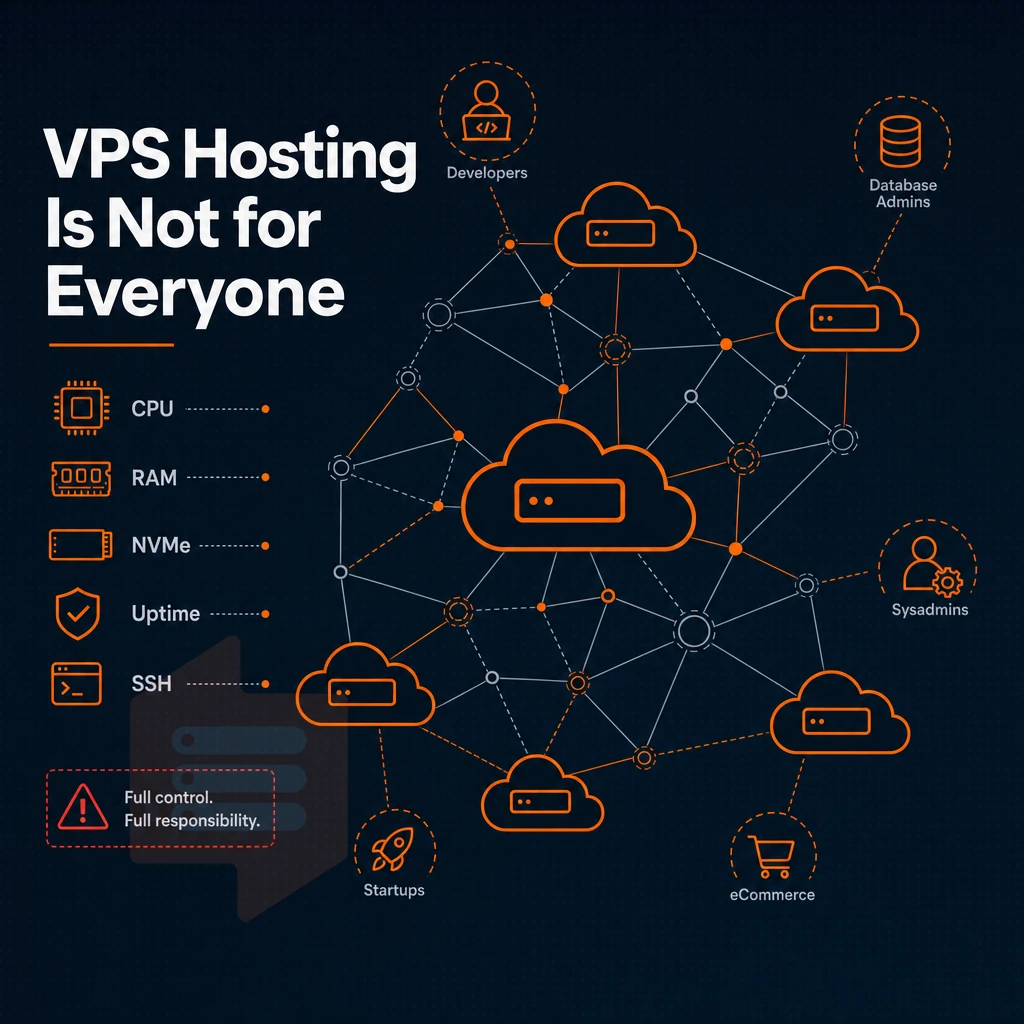
Self-managed VPS hosting is best for a very specific type of user: the technically savvy individual who spends most of their time at the command line and wouldn’t trade their VPS for even the best shared hosting or fully managed VPS plans in order to retain control of their server.
Full control over your virtual server for developers and sysadmins
Development teams and system administrators are typically the customer for Root Access.
The biggest advantage for applications requiring non-standard runtimes, specific PHP versions, or custom-compiled binaries is that you can run them under a hosting plan in environments where managed setups would never allow such setup.
VPS server configurations to host multiple websites for agencies
Instead of shelling out for a full dedicated server, a VPS can provide similar isolation for a fraction of the resources required.
At BuyVPS we enforce hard memory and disk space caps per node, so hosting lots of websites under one roof does not mean one noisy neighbor brings them all down. A properly configured VPS with adequate resource allocation allows you to host multiple websites while maintaining performance isolation between each site through containerization or virtual host configurations.
Install custom software and operating systems for specialized workloads
Most game servers, proxy setups, and DNS services require custom software stacks that no control panel will preconfigure for you.
High-traffic sites and applications with periodic traffic spikes belong here too.
A fully managed VPS with hands-off administration would be a different product offering. The type of product offered here is intended for use by customers who configure a server to do precisely what they need it to do and nothing else.
You'll likely wonder which additional features, such as non volatile memory express storage, a quality plan for high-traffic sites needs to stand apart from run-of-the-mill plans.
Key features to look for in the best VPS plans
Not all self-managed VPS hosting is equal.
VPS hosting plans built on reliable infrastructure
High performance sites need NVMe SSD storage. That’s storage that connects via PCIe (not by SATA cable like traditional hard drives). On our nodes, we get 122,959 4K read IOPS in fio tests. This means very fast load times for high volume sites. This translates directly to faster performance for database queries and asset delivery, particularly when serving concurrent users during peak hours.
No overselling.
Custom software freedom and OS control for multiple websites
Our quality plan provides you with full root access and custom ISO support. That means you can install the software you require to develop on your server in whatever way you see fit. As opposed to the shared hosting environment that restricts you to carving a slice out of a physical server with no control plane access.
Network essentials: IP, DDoS, and dual-stack
- A dedicated IP address allows you to keep your reputation separate from other tenants.
- DDoS protection at the edge stops volumetric attacks from ever reaching your workload.
- IPv4 + IPv6 dual-stack is enabled by default on all BuyVPS plans, no additional charge for it.
- In-place upgrades enable you to scale storage and memory without IP rotation or migration downtime.
Here’s how we implement these key features to set the floor for what you can expect from us.
Why choose BuyVPS for self-managed VPS hosting
BuyVPS is built for engineers who want full root access and complete control over their server environment, no hand-holding, no restrictions. Every self-managed VPS runs on KVM with a separate kernel, giving you true isolation from other virtual machines on the same bare-metal host.
- Three plan families: Standard CPU (S-tier), Dedicated CPU (D-tier) with pinned cores, and High Memory (H-tier), each with full root access and custom ISO support.
- NVMe RAID10 storage: PCIe-direct NVMe SSD delivers 122,959 measured 4K read IOPS for faster loading speeds under real traffic spikes.
- No-oversell guarantee: Hard memory caps and low node density mean your dedicated resources stay yours.
- In-place upgrades: Add resources without migration or IP rotation, your dedicated IP address never changes.
- Data centers in Amsterdam and New York: Identical hardware, dual-stack IPv4 + IPv6, and a 99.8% uptime SLA.
- Engineer-led support: Real engineers reply, not chatbots, when server management issues arise.
No renewal hikes. Same cost in year five as day one. Explore our VPS hosting plans or reach out to our team at support@buyvps.com to find the right configuration for your workload.
Frequently asked questions about server environment
How does a Linux VPS hosting plan differ from a dedicated server?
Self-managed VPS hosting gives you a virtual private server with full root access and no provider-side intervention on the OS or software layer. This model suits developers and sysadmins who want full control without paying for managed services they don't need.
Can you self-host a VPS without a traditional hosting plan?
Yes, that is exactly what self-managed VPS hosting is. The provider supplies the hardware, network uplink, and a control panel with VNC console access; the rest is up to you.
What is the difference between self-managed and fully managed VPS?
With a self-managed VPS, you own every layer from the OS upward, updates, patches, monitoring, and incident response are your responsibility. A fully managed VPS includes provider-side administration: the host's team handles OS updates, security patches, and often application-level support. Self-managed plans cost less and give you more freedom; managed plans trade that control for reduced operational overhead.
How much does VPS hosting usually cost?
VPS pricing varies widely based on CPU type, RAM, storage, and whether cores are shared or dedicated. Entry-level shared-vCPU plans with NVMe SSD storage are cost-effective for low-traffic workloads or multiple VPS deployments, while dedicated-core and high-memory tiers carry a higher but predictable monthly cost. For exact figures, experienced users know to check the current plans at BuyVPS.com directly, since prices can change and quoting a stale number does you no favors.
What are the top considerations when choosing a VPS hosting provider?
Start with hardware transparency for informed server management: confirm the CPU generation, whether vCPUs are shared or pinned, RAM type, and storage technology, NVMe RAID10 with PCIe direct attachment makes a measurable difference under real I/O load. Evaluate the control plane, a self-service API, in-browser VNC console, DDoS protection, and in-place upgrades without IP rotation across multiple websites, as these features save significant operational time.
Finally, confirm the support model: engineer-led responses beat first-tier chatbots when you hit a real incident. BuyVPS ticks all of these boxes from its Amsterdam and New York locations, giving you full control through KVM isolation, AMD EPYC hardware, hard memory caps to prevent oversell, and no surprise renewal fees.
Self-managed VPS hosting provides users with root access to configure the server however they choose. However, users will be required to have some level of Linux administration skills in order to effectively manage their VPS.
In terms of choosing the right VPS plan, KVM virtualization, NVMe storage. Additionally, Memory capped servers (where the amount of RAM assigned to a server is capped and therefore cannot be consumed by other, noisy users) are key.
Evaluate web hosting plans based on in-place upgrades (no IP rotation / migration pain), dual-stack IPv4/IPv6 support, and engineer-led support 24/7, giving you full control and someone to reach at 2 AM when things fail.
BuyVPS checks every box: AMD EPYC hardware, NVMe RAID10 storage, KVM isolation with a separate kernel per VPS, free migration assistance, and no-oversell architecture across both Amsterdam and New York. Browse the plans at BuyVPS.com and find the tier that fits your workload.