


Where low-latency and control meet, game server VPS instances. Be it a Minecraft cluster, a dedicated CS2 server or even a full game back-end with matchmaking. Players expect performance and you need control of your server. A shared hosting environment that peaks during loads is not a trade-off, it’s a problem.
While raw specs may not matter as much in a mature market for a virtualized VPS server hosting games, there are several factors which impact performance in addition to plain clock speed.
Isolating memory for example, or offering high performance NVMe I/O are just two, and the network path between the server and the players also plays a significant role for example. A VPS server that scores well on paper can still deliver suboptimal frame rates due to overselling memory by the hypervisor or a clogged storage stack during concurrent writes.
In this guide we will explain what differentiates a powerful gaming VPS from an oversold underperforming server. We start with the basics: what is a gaming VPS and how does it work? Understanding the architecture behind a powerful server ensures you can identify providers who deliver true resource isolation rather than marketing promises.
A properly configured VPS server delivers the resource isolation and performance consistency that competitive gaming communities depend on for tournament-grade reliability. Selecting the best VPS requires evaluating not only advertised specifications but also the provider's track record with resource allocation transparency and network infrastructure quality.

What are gaming VPS servers and how do they work?
A gaming VPS server is a virtual private server which is running game server software on isolated servers with guaranteed resources. In contrast to normal shared server environment, a VPS does not borrow CPU and RAM from other users. In contrast to a bare-metal dedicated server, a VPS can be provisioned in seconds and upgraded on the fly. This flexibility makes VPS hosting ideal for growing gaming communities that need scalable resources without the commitment or expense of purchasing physical hardware.
First month $1
Then the normal monthly price. One per customer. No setup fee, and a 30-day performance guarantee on your first order.
See the plans“Excellent experience from start to finish! The server was delivered promptly, and the service was reliable and efficient. I m very happy with the results and would definitely recommend them.”
What game servers actually run on
Every gaming VPS is running in a KVM Hypervisor. KVM allows every VPS to run its own Kernel and OS, even if they are on the same physical machine. Unlike with some VPS providers, a noisy neighbor on the same physical server will not be able to affect your tick rate or cause random lag spikes during matches.
Game processes (e.g. a Minecraft Java server, a CS2 community server, or a Valheim dedicated instance) run straight on the isolated environment above. Popular titles like ark survival also benefit from the isolated environment, where resource-intensive world saves and taming calculations run without interference from neighboring tenants.
Many games also require specific port configurations and firewall rules to enable proper communication between clients and the server instance. Most games also implement their own authentication systems and player management protocols that require specific server-side configurations to function correctly.
How gaming VPS providers differ from shared hosting
The typical multi-tenant hosting environment has dozens of accounts on one server with no guarantee of resources. Game servers require consistent CPU power and low-latency disk I/O, a VPS can provide both. Unlike traditional web hosting, game servers demand predictable performance under sustained load, making VPS isolation a critical architectural choice for multiplayer environments. Consistent resource allocation directly translates to a smoother gaming experience, eliminating the stuttering and lag spikes that plague overcrowded shared environments.
- Dedicated resources: CPU and RAM are reserved for your instance.
- Root access: install any game engine, mod, or custom binary.
- Stable networking: IPv4 + IPv6 dual-stack, no shared bandwidth pool.
Where the best gaming VPS fits in the stack
We offer KVM nodes in two locations: Amsterdam and New York.
Key benefits of hosting game servers on the best VPS
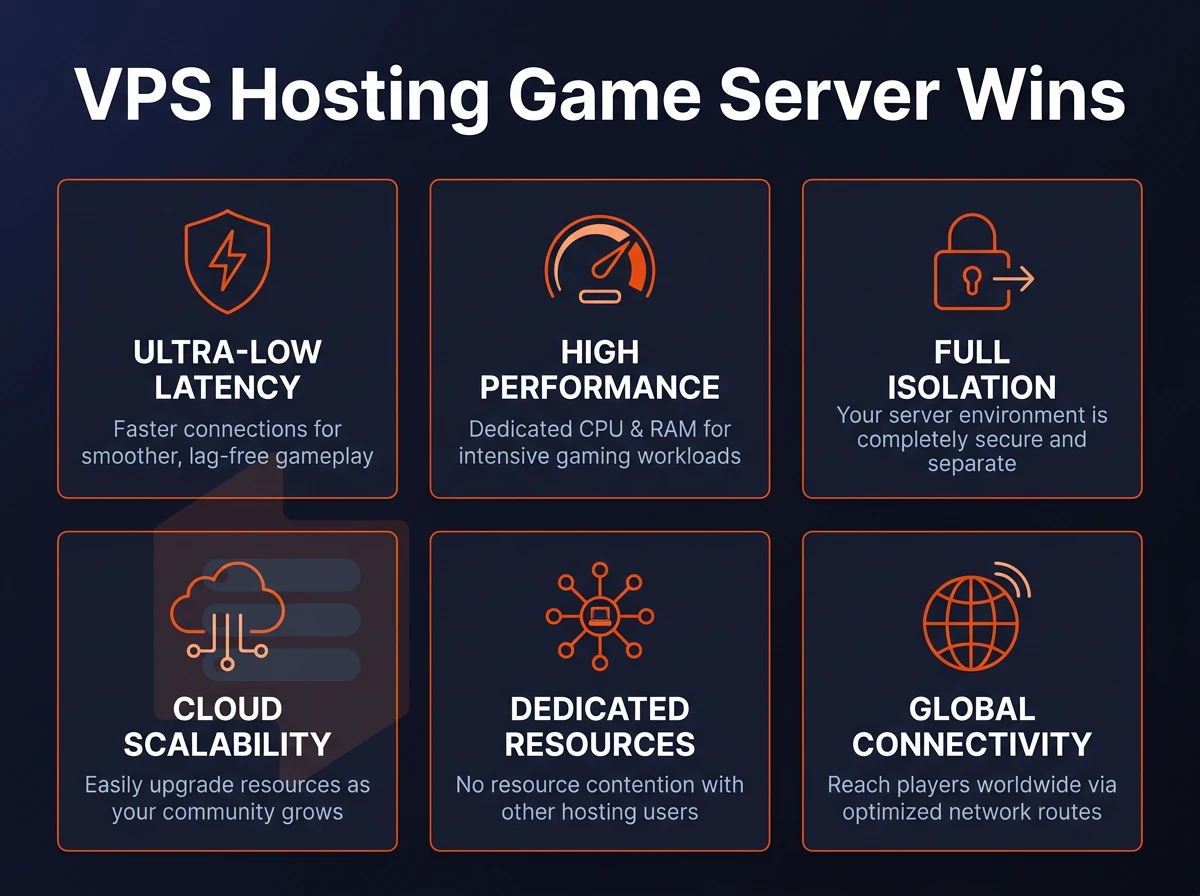
The failure of shared hosting and home connections to serve online gaming communities is the result of three weaknesses. Each of the VPS hosting advantages maps to a specific server performance weakness.
Hosting game servers: dedicated resources and isolation
KVM virtualization sets up each VPS with its own kernel and even a hard memory cap. Game servers run with constant CPU and RAM allocation, i.e. without being part of some shared resource pool. This kind of isolation is essential for stable operation of gaming communities. With full root access, administrators can fine-tune kernel parameters and install custom monitoring tools to track resource usage across all game instances in real time. One of the major advantages of this approach is that game servers never experience performance degradation from noisy neighbors competing for the same physical resources.
Proper tuning of these parameters ensures optimal performance during peak player activity, when CPU scheduling and memory allocation become critical to maintaining stable frame rates. Resource guarantees at the hypervisor level ensure uninterrupted operation even during hardware maintenance events or when neighboring VMs experience sudden load spikes. Players notice the difference immediately when their gaming experience remains smooth and responsive regardless of what other tenants are doing on the same physical hardware.
Full control over root access and software
Full root access on a VPS allows you to install whatever server software your game requires (e.g. custom builds, mods, plugins etc as well as whatever config files are required). And with SSH access to your server you can manage it all from the command line instead of through some control panel. We have many customers run multiple game servers on a single VPS, each running on a different port via a different process.
This level of access gives you complete control over security policies, network configurations, and resource allocation for each game instance. Some providers also offer a web-based control panel for users who prefer graphical management tools over command-line administration. This architecture ensures you maintain full control over every aspect of your server environment, from kernel parameters to firewall rules.
How much RAM do i need for a game server VPS?
How much RAM is needed for a game server depends on the amount of players and the type of game engine it’s running. For a small server with a few players (e.g. Minecraft, Valheim) 2-4 GB RAM is sufficient. A 64 player tactical shooter for example would need 8-16 GB RAM or even more.
When hosting multiple game servers on one VPS the amount of RAM can add up quickly. Our Standard CPU plans for game hosting start with 4 GB RAM, while our High Memory plans offer up to 192 GB RAM for very large, highly concurrent deployments.
Choosing the right plan for your operating system
Select the appropriate server for your work load. Casual communities with predictable player counts should be running on a Standard CPU VPS where the operating system can share resources freely, while more competitive games that require pinned cores for low-latency consistency should be running on Dedicated CPU VPSes. Choosing the best VPS configuration requires balancing your game's technical demands against budget constraints and expected player growth over the next six months.
Both our Standard and Dedicated CPU VPSes are available in our Amsterdam and New York datacenters, near where your players are.
Understanding game server cost: what drives VPS pricing?
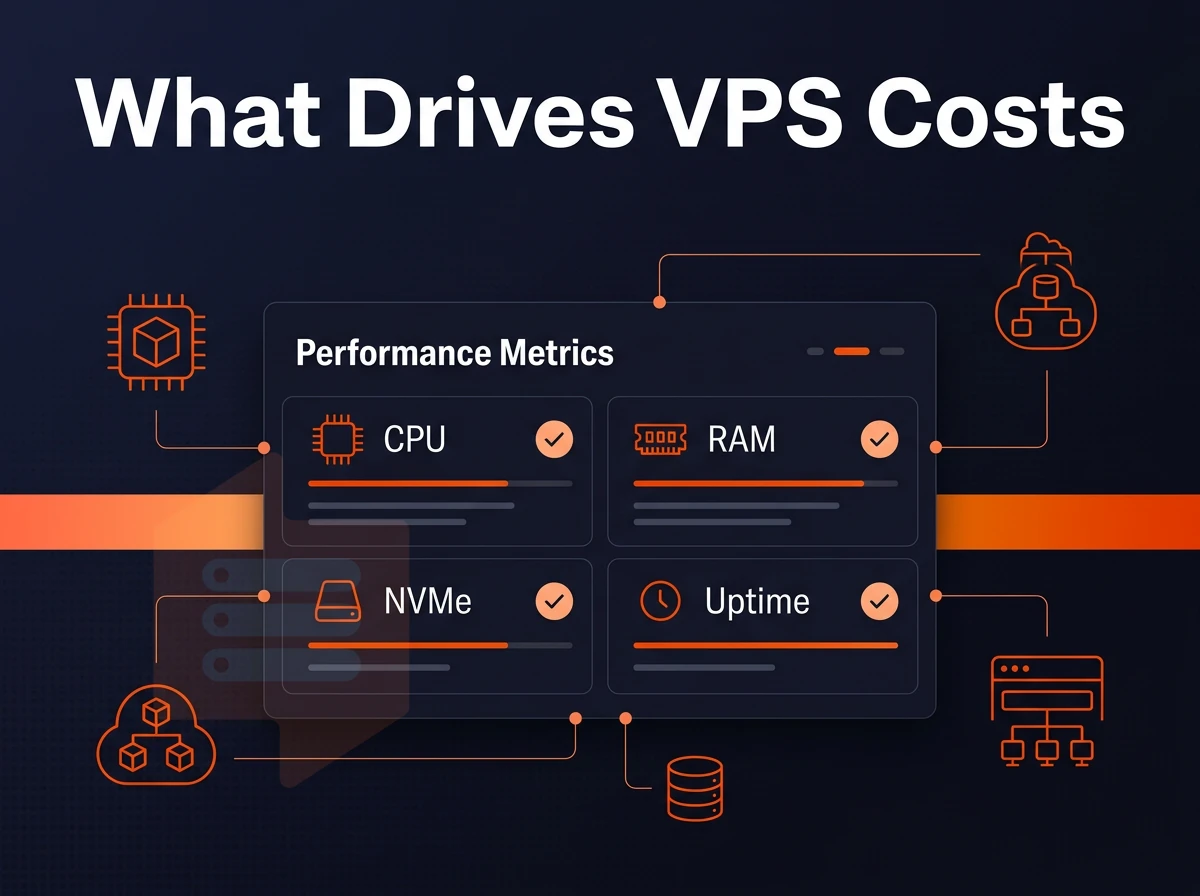
Pricing for a VPS (Virtual Private Server) game host is based on a few physical variables and what you agree to in your contract.
What drives game servers cost
Increasing the amount of RAM on an online server for gaming allows for more GB of memory to load world state, players and physics before performance starts to degrade. RAM is the primary cost for game servers.
The type of CPU is the second important factor. With shared vCPU accounts the CPU cores of all accounts are shared and distributed as required. With cheaper dedicated (pinned) cores for game hosting, however, your CPU cores are reserved exclusively for your account and thus do not have to share them with other accounts. This is essential for games with a strict tick rate.
The amount of disk space and type of storage used also affects performance. The disk space allocated also scales with the size of the map and the number of mods.
Bandwidth allocation determines the number of connections your server can handle without packet loss. Unlike unmetered plans or high-cap plans better suited for large player bases, a good entry-level game hosting plan will give game developers a decent allocation of bandwidth.
Many providers also include anti ddos protection as part of their bandwidth allocation to prevent malicious traffic from overwhelming your game server during attacks. Robust protection against ddos attacks ensures your game server remains accessible even when targeted by malicious actors attempting to flood your network with traffic.
Billing cycles and hidden fees for NVMe ssds
Billed for longer, the effective monthly cost reduces. Many providers charge for a renewal upgrade after the first year of using their windows server host, while others offer a price-lock guarantee on the rate, ensuring it never changes.
When comparing pricing structures, evaluate how your chosen plan stacks up against what other providers charge for equivalent resource allocations and contract terms. Researching which providers consistently rank as the best VPS options for gaming workloads helps you avoid overpaying for features you don't need while securing the performance guarantees that matter most.
Be aware of any hidden charges for overage on bandwidth, snapshots, etc. as well as for different support tiers. While a VPS is not shared web hosting, you are locked into the full configuration of the environment (including firewall access rules) as you set it up.
What operating system options are supported on a gaming VPS?
Most VPS hosts support Ubuntu, Debian, AlmaLinux, Rocky Linux, CentOS Stream and Fedora as standard OS options. With most hosts allowing upload of custom ISO images to install alternative Linux distributions to support specific game server software requirements.
KVM virtualization is set up to give each VPS its own kernel. This kind of OS level virtualization means that for technical support of this kind of set up, changes to a single VPS will never affect other VPSes.
Unfortunately, Windows is not included in our list of supported Operating Systems, as the majority of dedicated server OSes are some flavor of Linux. Knowing this about costs to you, we then need to decide what plan to recommend based on the actual needs of your game to your selected VPS host servers.
Choosing the right VPS plan for your game's requirements
Every game server does not require the same amount of power and resources to run. Choose a VPS that fits your game’s resources needs and save yourself from potential problems and money loss.
Light servers: Minecraft servers and small lobbies
Small servers with less than 20 players (Minecraft servers, Garry's Mod servers etc) can run fine on a shared vCPU server. Fast ssd storage on NVMe RAID10 and plenty of RAM to play with are provided. As with anything online, low latency to players is more important than the number of physical cores.
Mid-tier and survival games on NVMe ssds
Games like ARK: Survival Evolved (a survival evolved title) require consistent performance and a lot of power to simulate a world with many creatures and players. World simulation, AI and player physics causes high CPU load in an unpredictable way. This is not a problem with dedicated cores (as opposed to shared vCPU plans) as it would cause noisy-neighbor type problems.
Modded or high population servers require more NVMe storage to hold mod packs, world saves and plugin data. Our Dedicated CPU VPS server tier is built for this type of work and provides you with dedicated resources, pinned AMD EPYC Genoa cores and DDR5 ECC RAM.
Does a gaming VPS include DDoS protection?
All of our plans come with edge filtering at the network level. We host our servers in 2 locations: Amsterdam and New York. We have an abuse-policy-based firewall in place by default for all of our servers.
Scaling without operating system migration
Our in-place upgrade path means you can upgrade to a higher tier without IP rotation or server migration. The plan tier you choose initially will get you started, but the underlying VPS server network operating system that your traffic flows across is what your players will feel on a moment to moment basis.
Network performance and low latency for online games
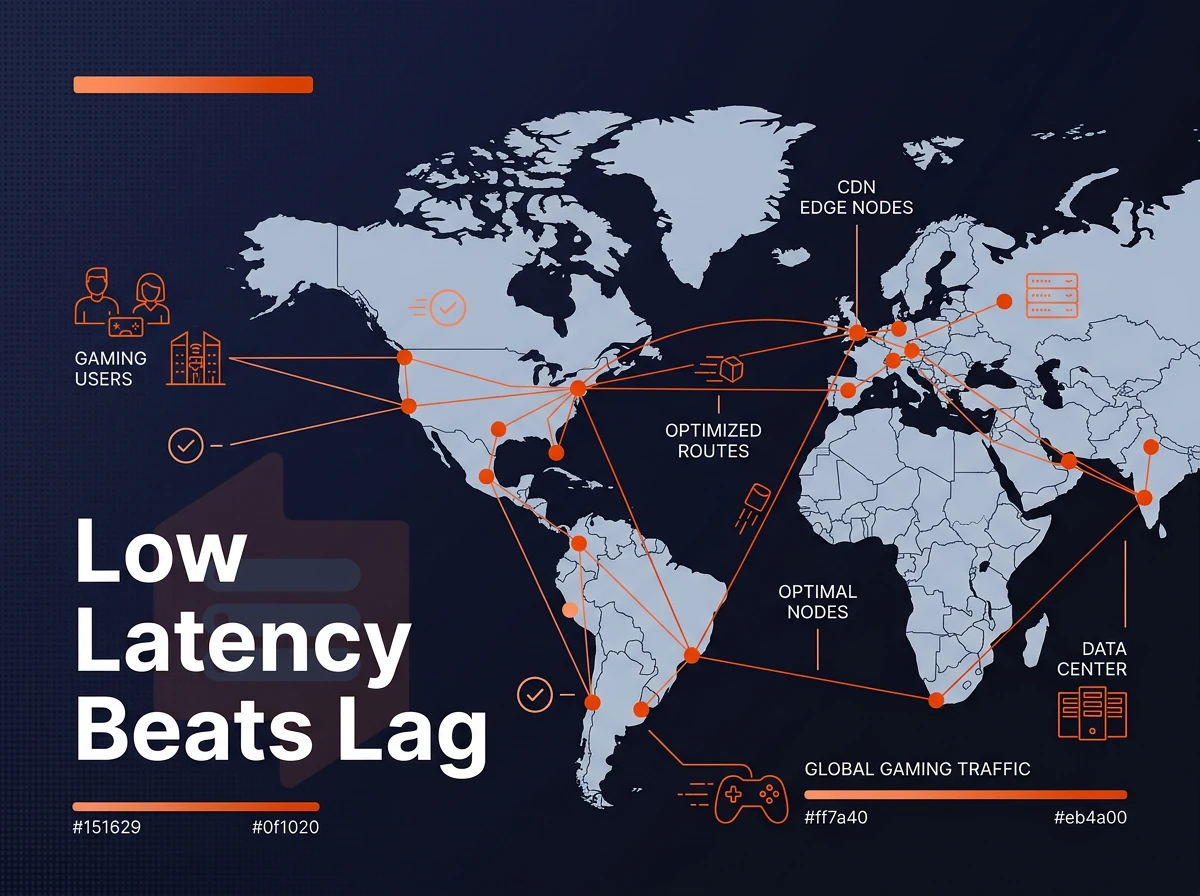
For online games, the single most important network metric is low latency.
Operating system location and routing
For online gaming the biggest latency factor is the physical distance between players and the game server. We host a number of data centers, including in Amsterdam for EU-based gaming communities and New York for US East Coast based communities. Host your online game servers in the geographic region closest to your player base to achieve the lowest ping.
Our windows server environment runs on a multi-homed network, meaning that all traffic will be routed through multiple up-stream providers at the same time.
NVMe ssds storage and DDoS protection
Fast world-state reads and save operations are achieved by a NVMe RAID10 storage solution with PCIe-direct access. Slow storage hampers game servers under high concurrent player loads. DDoS protection at the network edge (layer 3/4) can filter big volumetric attacks and thus ensures a uptime of 99.8% or higher on private servers.
Is a VPS server better than a dedicated server for gaming?
For most gaming projects, the answer is yes. A VPS provides root access, dedicated resources and KVM virtualization for maximum isolation, all without the higher price tag of a dedicated server and fixed capacity. A dedicated server is only useful when a single game instance needs the full resources of an entire physical machine. For most communities, this is far above their current player count. Windows Server is available for upload as a custom ISO should your game require it.
| Factor | VPS | Dedicated server |
|---|---|---|
| Resource isolation | KVM, hard memory caps | Full physical node |
| Scalability | In-place upgrade, no IP change | Hardware swap required |
| DDoS protection | Network-edge filtering | Varies by provider |
| Best for | Most gaming workloads | Single high-density instance |
Why choose BuyVPS for gaming VPS hosting?
The criteria above point to one conclusion: gaming workloads need a windows VPS provider that doesn't cut corners on isolation, storage, or network. Our gaming VPS hosting runs on KVM virtualization with a separate kernel per VPS, so your game server never competes for resources with other tenants.
- Dedicated cores available: The D-tier VPS uses pinned AMD EPYC Genoa cores, no shared CPU contention for latency-sensitive multiplayer games.
- NVMe RAID10 storage: Measured at 122,959 4K read IOPS (fio median), our NVMe SSDs handle fast world loads and frequent saves without bottlenecks.
- Full root access on every plan: Install any server software, upload a custom ISO, and configure access rules exactly as your game's requirements demand.
- No-oversell policy: Hard memory caps per node mean dedicated resources stay dedicated, critical for stable operation under real player load.
- Amsterdam and New York data centers: Low latency for gaming communities in Europe and North America, with in-place upgrades and no IP rotation.
Explore our VPS plans or reach out to our engineering team at BuyVPS.com to find the best gaming VPS configuration for your project. Once you've chosen a plan, the steps below walk you through getting a live game server running from scratch.
How to set up and run game servers on your VPS
A Virtual Private Server (VPS) allows for the isolation that is required to run high numbers of game servers as well as to provide full root access should you require custom mods. Below are the simple steps to provision and test a game server.
Deploying your virtual server and choosing an OS
Log into the BuyVPS control panel to create a new server. You can choose from a selection of Linux distributions backed by nvme storage, including Ubuntu, Debian, AlmaLinux, Rocky Linux, CentOS Stream and Fedora. The most commonly used distribution for a game server is Ubuntu LTS as it has the largest selection of packages available.
Once you have set up your environment, connect to it via SSH. Having full SSH access to a server allows you to change everything: from kernel parameters over the network stack to the configuration of services that are running on it.
Can i upload a custom ISO or use a custom OS on a gaming VPS?
Yes. Whether you need a specific OS build for a game title or a hardened ISO, your VPS server lets you upload and mount your ISO in the control panel and install from there. Our Virtual Machines, which include ddos protection, are run on KVM, so as long as the ISO boots on standard x86-64 hardware, it will work fine on a BuyVPS Virtual Machine.
An in-browser VNC console can be useful as a fallback to the SSH console that is not unreachable e.g. during OS installation or a misconfigured firewall.
Installing virtual server software and testing connectivity
Install your game's dedicated server binary via the package manager or a platform like SteamCMD. Open only the ports your server requires, for example, UDP 27015 for Source-engine titles, using ufw or firewalld. Tighten access rules to block unused ports immediately.
Finally, test server reachability from a client machine using the game's built-in browser or a tool like nmap. Confirm the process is running with systemctl status and set it to restart automatically on reboot.
When choosing a VPS for game server hosting, there are three primary factors to consider: compute resources, network, and account overselling.
Your game requirements drive your plan selection (e.g. CPU-bound code needs pinned cores and predictability around clock speed. Meanwhile, Memory-intensive mods and lots of players need hard RAM caps, not soft ones that disappear under load).
BuyVPS runs KVM-isolated VPS instances on AMD EPYC hardware with NVMe RAID10 storage across Amsterdam and New York, no oversell, no shared-core surprises on the Dedicated tier. Additionally, In-place upgrades that keep your server IP intact. Browse the plans at BuyVPS.com and match your game's specs to the right tier before your next session.