


Choosing a good VPS host is not as easy as it sounds. Not only is the market densely populated with providers, also the offered features are mostly advertised with fancy numbers and not very informative. And often the price for the next term of service is higher than expected after the first term.
This guide differentiates from other purchasing guides by focusing on what really matters to your business: the hardware and network configuration that drives your website's performance, and the level of support you can expect when a server fails. Additionally, The terms of service and contract. Every provider reviewed has been evaluated against the same non-negotiable criteria for selecting a VPS hosting provider: CPU type, storage I/O, network configuration, virtualization isolation, and pricing transparency.
A notable example of a high quality hosting provider is BuyVPS, a founder-run KVM VPS hosting provider with nodes in Amsterdam and New York that has been providing excellent services since 2002. Their infrastructure emphasizes reliability, with each physical host configured to minimize single points of failure through redundant power supplies and network paths.
The main reason for featuring BuyVPS in our roundup of VPS services is their no-oversell architecture with pinned dedicated cores, off site backups, and published benchmark results for fio and Geekbench 6. As a result, You can see the real numbers for yourself and trust their marketing rather than having to take their word for it. BuyVPS also offers a 30-day money back guarantee, allowing you to test their infrastructure risk-free before committing long-term.
Their transparent approach extends to documenting all infrastructure features, including network uptime SLAs and hardware replacement policies. When selecting a provider, verify that they publish the physical specifications of the hardware used to host your virtual machines, not just vague marketing promises. Regular automated backup scheduling protects against data loss from hardware failures or configuration errors that could otherwise result in unrecoverable system states.
What makes a VPS host the best choice in 2026
The difference between a mediocre VPS host and a top-notch host lies in four key areas: the hardware generation, storage technology, virtualization technology, and support provided. Get one of these wrong and it doesn’t matter how you get the others right. For community perspectives, see Current best VPS hosting.
First month $1
Then the normal monthly price. One per customer. No setup fee, and a 30-day performance guarantee on your first order.
See the plans“Good support, fast VPS. Thanks!”
Hardware and storage fundamentals
Performance is bound by CPU architecture. Modern AMD EPYC processors (e.g. Milan for shared workloads, Genoa for pinned-core dedicated tiers) give server administration teams using modern control panels greater memory bandwidth and better core-level performance than prior generations of silicon.
The type of RAM is just as important as the amount. For standard workloads, DDR4 ECC RAM is still perfectly fine.
Storage is where many providers cut corners to hit price points. Storage that is NVMe RAID10 over PCIe-direct connections is the bare minimum we consider for infrastructure. Our test results for fio style 4K read IOPS are 122,959 under production like load and not just theoretical numbers under artificial test conditions.
Virtualization and OS flexibility
KVM virtualization runs each VPS with its own kernel, as opposed to shared hosting where all tenants share resources and therefore suffer when another tenant gets suddenly popular. Each VPS gets dedicated resources, and the memory is capped hard at the hypervisor level. This isolation model enhances security by preventing vulnerabilities in one instance from affecting neighboring virtual machines on the same physical host.
For technical users, the ability to run specific software stacks on a virtual server is important. They should look for a serious provider who supports Rocky Linux, as well as other operating systems such as Ubuntu, Debian, and custom ISO uploads. They should refrain from using a provider with a library of pre-configured templates. Many providers bundle cpanel or similar control panels with their VPS offerings, but experienced administrators often prefer direct command-line management for greater flexibility and reduced overhead.
What are the top 5 managed VPS hosting providers?
Ranking is based on workload. So evaluate on these and not the sales blurb. Compare the hardware specifications, isolation guarantees, and management features across providers to determine which configuration aligns with your application's resource profile. When comparing providers, verify that each host publishes verifiable benchmark data rather than relying on theoretical performance claims that cannot be independently validated.
- BuyVPS offers high performance KVM VPS on AMD EPYC processors with NVMe storage in a RAID10 configuration. This is ideal for online shops, databases and APIs with high latency requirements. Unlike many other providers, they don’t claim unlimited bandwidth, but instead specify the actual network capacity and a 99.8% SLA. Upgrades are performed immediately, without IP address rotation. Offsite backups are your responsibility, but with full root access to your server, setting up backups is easy enough.
- Dedicated CPU providers. If your application is CPU-bound, you can look for dedicated CPU providers who offer pinned cores and DDR5 ECC memory.
- High-memory providers should prioritize the RAM-to-vCPU ratio for applications that are running in-memory databases or with large caches.
- Managed VPS providers, Best for companies with no sysadmin staff and who require less root access.
- Budget shared-resource VPS: the lowest price point, but beware of overselling. Always check the memory limits for a given resource class before you purchase.
The market for virtual private servers is vast. Pick the right tier for your needs and make sure the specs promised actually exist and are not just marketing blurb.
Key criteria for evaluating VPS hosting providers
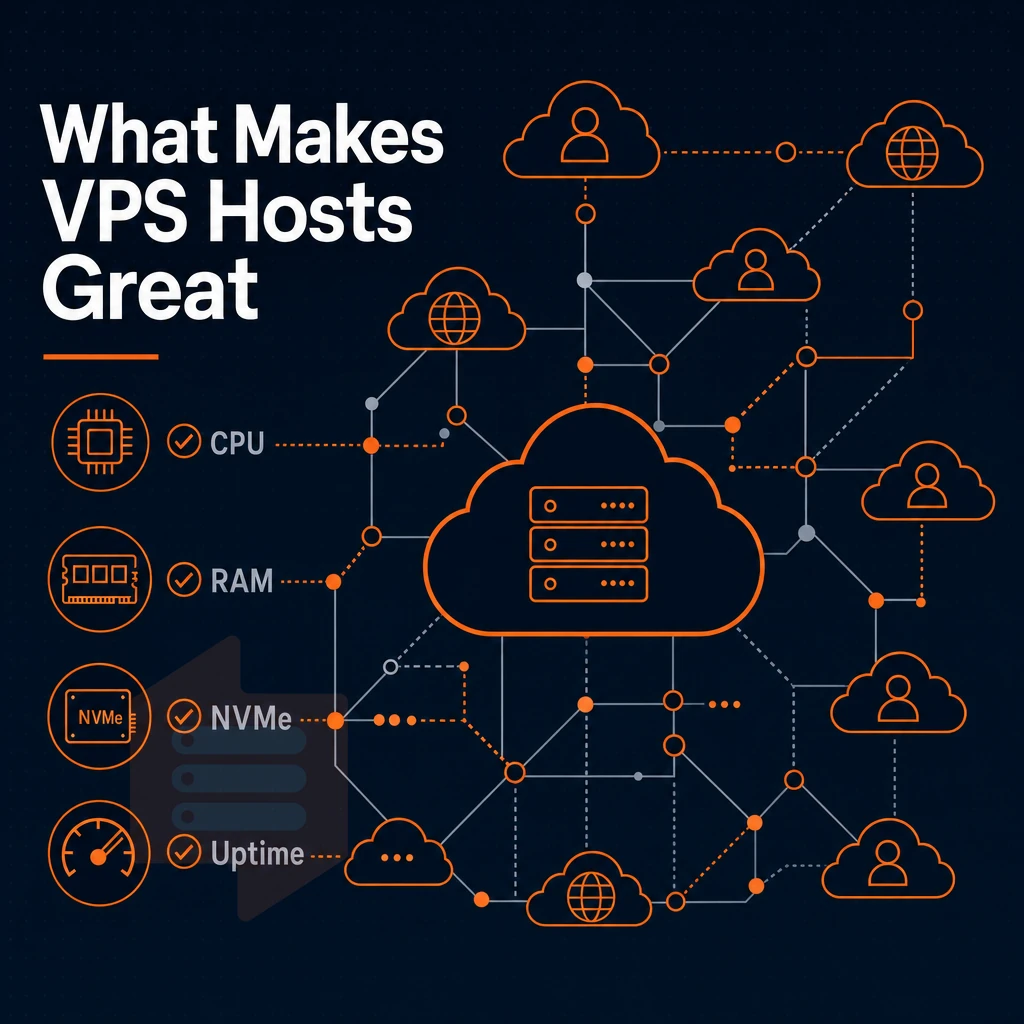
There are a number of key technical dimensions to evaluate when picking a good VPS host. Picking a bad one costs you in performance, flexibility, and predictability. This is the buyer’s guide to VPS hosting, distinguishing between good and great hosts. Whether you run a small online store or manage enterprise infrastructure, selecting the right VPS provider directly impacts your business continuity and operational efficiency.
Evaluating the features offered by each provider, such as backup automation, monitoring tools, and API access, helps you identify which host aligns with your operational requirements. A reliable host provides transparent documentation of their infrastructure specifications, enabling you to verify claims about processor models, network topology, and virtualization architecture before signing a contract. Automated backup solutions with configurable retention policies ensure that your data remains recoverable in the event of hardware failure or accidental deletion.
CPU type and core allocation
Shared vCPU plans use to distribute cpu cores between customers. They are suitable for low load websites. For constant load websites though, pinned dedicated CPU cores are much better as they do not get affected by other VPS instances that are noisy neighbors. Our Dedicated CPU VPS plans use AMD EPYC Genoa processors with pinned cores.
This means that your allocated CPUs are 100% dedicated to your VPS and not affected by other VPS instances on the same server. Shared vCPU plans are well suited for development environments and staging servers where consistent performance is less critical than cost efficiency.
RAM, storage, and disk space
DDR5 ECC RAM is great under heavy load, while ECC DDR4 RAM is still perfect for most loads. On storage, RAID of NVMe disks is more important than the total amount of storage space available. BuyVPS measures 122,959 4K read IOPS (fio median) on the NVMe RAID10 storage with direct connection to PCIe. The storage I/O performance affects your website under real load.
DDoS protection and network quality
Unprotected servers can get taken down by DDoS attacks in minutes. Essential features for you to look for when choosing a VPS are edge filtering and multi-homed uplinks. BuyVPS edge filtering and abuse-policy-based firewall protection is provided for you across both of our data centers. Every VPS plan has IPv4 + IPv6 dual-stack and comes with a published 99.8% uptime SLA. Isolation at the hypervisor level combined with edge filtering delivers better security than configurations that rely solely on application-layer defenses. Edge filtering also inspects packet headers and payload signatures to identify malicious traffic patterns before they reach your application layer, protecting sensitive customer data from exfiltration attempts.
Modern threat actors launch ddos attacks using botnets that can generate hundreds of gigabits per second, making upstream filtering capabilities a critical selection criterion. These edge filtering systems are specifically designed to operate at wire speed, processing traffic without introducing measurable latency even during sustained attack conditions. Layered defenses that combine network-level filtering with host-based intrusion detection provide comprehensive security postures that adapt to evolving threat landscapes. When evaluating VPS providers, prioritize those that transparently document their security features rather than relying on vague marketing claims about protection.
Virtualization and isolation
KVM with separate kernels per VPS for true OS level isolation. Hard memory caps per node and low node density prevent overselling and protect you when a cloud servers node fails, and while the vast majority of providers don't enforce such rigid self-discipline, BuyVPS does by design. This isolation model also strengthens security by preventing vulnerabilities in one instance from compromising neighboring workloads on the same physical hardware.
Full root access and operating system flexibility
Full root access on your virtual server means you can install any package, modify your kernel or even upload your own custom ISO image. We support Ubuntu, Debian, AlmaLinux, Rocky Linux, CentOS Stream and Fedora. Upload your own custom ISO in the self-service panel. The panel also provides API access and an in-browser VNC console. Many developers prefer Ubuntu for its extensive package repositories and long-term support releases that simplify server maintenance workflows.
For users who prefer graphical interfaces over command-line management, many providers offer cpanel as an optional control panel add-on for simplified website and email administration. The self-service panel includes features such as automated snapshot scheduling, one-click OS reinstalls, and bandwidth monitoring to streamline daily server management tasks. The self-service panel also enables administrators to create manual snapshots before system changes or schedule automated backup routines to protect against data loss.
What are the top 10 best VPS hosting services?
Additionally, Then map that out against the provider archetypes in the following table, a handy decision-making aid.
| Criterion | Budget shared-vCPU VPS | Managed cloud VPS | BuyVPS (dedicated or standard tier) |
|---|---|---|---|
| Core allocation | Shared, variable | Shared or burstable | Pinned cores on D-tier; shared on S-tier |
| Storage | SSD, variable RAID | Network-attached SSD | NVMe RAID10, PCIe direct |
| Uptime SLA | 99.5-99.9% | 99.9% | 99.8% published |
| Root access | Sometimes restricted | Often abstracted away | Always included |
| Locations | Varies | Many regions | Amsterdam + New York |
For predictable latency, no-oversell guarantees, and transparent billing with no renewal surprises, BuyVPS is your best bet. Evaluate potential VPS host s on these criteria, not just specs on a data sheet.
Shared hosting vs. VPS plans: when to upgrade
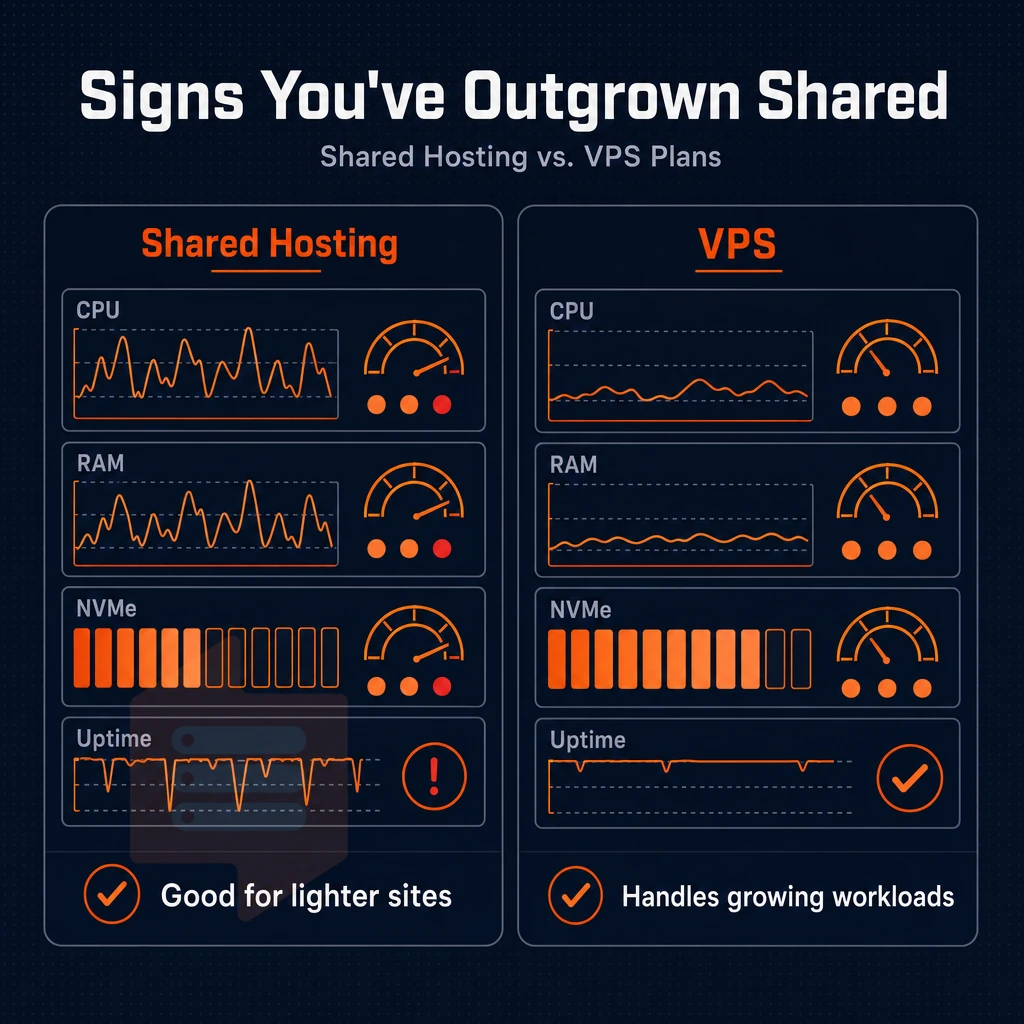
Shared hosting is great until it isn’t. Before you know it, rising traffic and increasingly resource hungry applications start to reveal the weaknesses of shared hosting. If you catch the problems in time you can avoid the downtime.
Signs you've outgrown shared hosting
- Slow page loads under real traffic load. On a shared server all tenants share the same CPU power and RAM. One busy neighbor can affect all others. If your response times go down during peak hours it’s likely due to resource contention.
- This kind of security exposure is outside of your control. A compromised account on a shared node could affect you as well. There is no way to harden the server environment, set up a firewall, or even separate processes on the provided servers.
- No room to scale. Even with shared hosting plans, the limits on memory and CPU are strict. Before you can scale your business to grow, you hit a ceiling.
Note: A single viral traffic spike on shared hosting can exhaust your CPU quota and trigger automatic throttling, often with no warning. Diagnosing the root cause requires analyzing server logs, resource graphs, and application profiling data to determine whether the bottleneck stems from CPU, memory, or disk I/O constraints.
What a virtual private server gives you instead
- VPS hosting uses dedicated resources, as opposed to shared hosting that uses pooled resources. Your VPS is allocated a fixed amount of RAM and CPU power, meaning no other users will be vying for resources on your instance.
- Full root access. Install any runtime, configure any custom PHP settings and lock down your SSH access as well. You control the stack.
- There is plenty of room for many websites. Developers who have many websites (e.g. for staging, for different customers, for many small services) can run them all isolated in containers.
Is VPS web hosting worth it?
Yes, for ecommerce sites, growing businesses and developers who manage work for clients. The performance gap with a dedicated server is very narrow for modern KVM hypervisors, but the cost gap is very wide. A VPS provides the control and isolation that any serious business requires without the capital expenditure of leasing an entire physical machine.
We run our Linux VPS servers on AMD EPYC processors in our Amsterdam and New York datacenters. Our systems are configured with NVMe RAID10 storage and hard memory caps. Low node density means that the resources allocated to you are the resources that you get, without any overselling.
Managed VPS vs. Unmanaged VPS: which is right for you
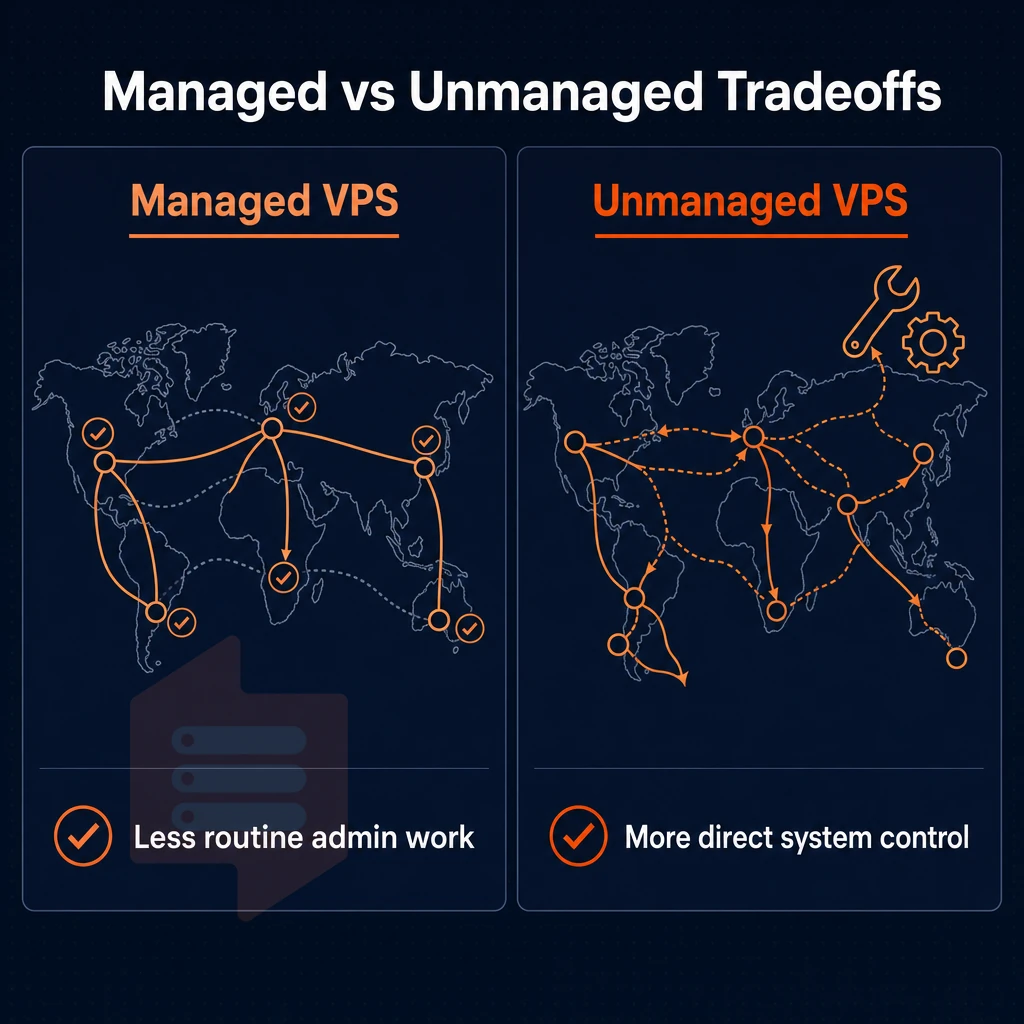
Deciding between a managed VPS and self-administered VPS ultimately comes down to one thing: how much of the underlying infrastructure you want to own. That decision affects your set of tools, the people you need on staff, and the amount of risk you take on.
What dedicated server management actually covers
In a managed VPS, you hand over OS-level management to your hosting provider. They automatically patch for security issues, monitor your servers for problems and take steps to secure your server. They also provide a graphical tool such as cPanel or Plesk on most managed servers. In the event of a server failure, the hosting provider’s staff diagnose and fix the problem before you can even open a support ticket.
Many hosting providers bundle cpanel licenses directly into their managed plans, eliminating the need to purchase separate control panel software or negotiate volume pricing with third-party vendors. Managed plans typically include proactive security monitoring, automated firewall rule updates, and regular vulnerability scanning to protect against emerging threats. Managed plans typically include automated backup scheduling with configurable retention policies, ensuring your data remains recoverable in case of hardware failure or accidental deletion.
Managed hosting is designed for people without a dedicated sysadmin. Teams at design and web development agencies, with client sites, small e-commerce shops, or non-technical founders can benefit from the abstraction. However, you will trade off flexibility against convenience as the hosting provider dictates the server configuration and typically does not allow for too much fine-tuning.
Most managed providers include cpanel or a similar control panel interface, simplifying tasks like email configuration, database management, and SSL certificate installation for non-technical users. The control panel interface typically includes features like one-click backups, staging environments, and automated SSL renewal to streamline routine maintenance tasks.

What an unmanaged VPS demands from you
With an unmanaged VPS you get a clean OS install and full root access. That’s it. No phone support, no email support, no firewall configuration, no kernel updates, no security monitoring, no log rotation, no performance tuning, etc. You install whatever packages you need and configure them however you see fit.
This model is best suited for developers, DevOps engineers and IT infrastructure teams who need full control of their stack. It does not restrict you to the software that a provider usually supports and does not lock you into specific control panels. The physical server abstraction is done by KVM and everything above the hypervisor is up to you.
Full root privileges is included by default. Every BuyVPS plan is isolated using KVM, has a separate kernel for each VPS and comes with a fully automated self-service API to set up virtual servers in a matter of minutes.
What is the cheapest managed VPS hosting?
What you think is the cheapest option, may well be a shared-vCPU server offering from a provider aiming at the budget consciousness market. Such servers typically are underoptimized as to vCPU to node ratio, use lower-end storage and offer lower quality of service. The advertised lowest price usually does not account for the cost of control panels licensing, backup add-ons, or the price hikes that come with renewal.
A more useful frame for evaluation is the lowest cost per unit of reliable performance. The BuyVPS Standard CPU VPS plans are run on AMD EPYC Milan processors with NVMe RAID10 storage and have hard memory caps per node (i.e. no overselling).
And since the billing is predictable (no “renewal shock”, the cost in year three will be the same as year one). For those running online stores who need real performance but can't afford or don't wish to pay for the sysadmin to manage trade-offs, the consistency is more valuable than the number.
VPS hosting use cases: what workloads fit best
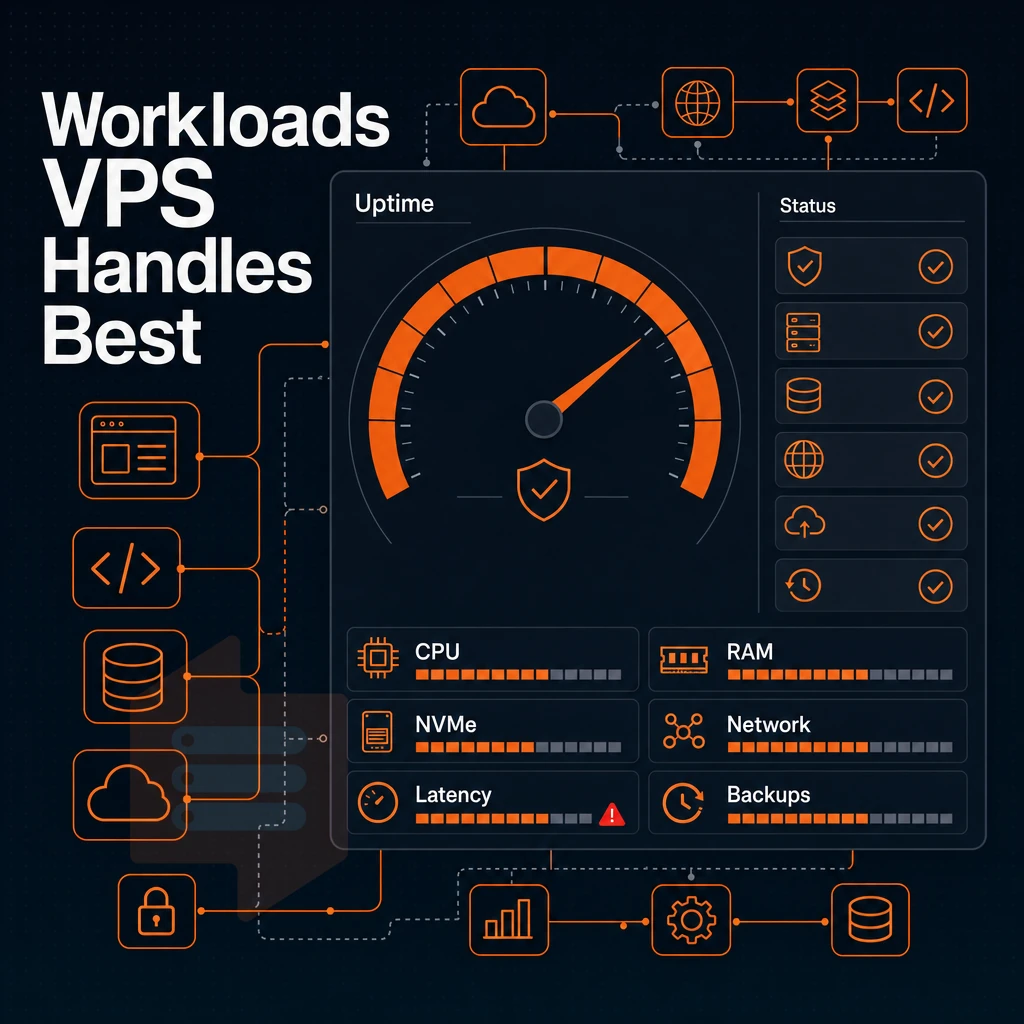
Many production workloads can be hosted with VPS hosting. However, different workloads require different amounts of resources. Choosing the right virtual machines for the right tasks is what makes for a smooth deployment, and avoids problems at 2 am.
Web applications and e commerce
Dynamic web applications require consistent CPU power and fast storage. An e commerce site, especially an online shop with checkout processes, under load, cannot afford noisy-neighbor CPU throttling and slow disk I/O.
Our NVMe RAID10 storage delivers 122,959 4K read IOPS for high-performance database-backed storefronts. And with KVM isolation and hard memory caps, your applications on cloud servers will enjoy consistent, predictable performance that cannot be achieved in shared web hosting environments.
Databases, backend apis, and cloud servers
Databases are memory hungry and latency sensitive. Our High Memory tier (H-series) is optimized for these workloads. The 8:1 RAM to CPU configuration ensures that databases such as PostgreSQL, MySQL and Redis never run out of memory and do not incur any swapping.
For Backend APIs, the Dedicated CPU tier of performance.cloud has the advantage of using pinned cores. Unlike shared vCPU environments, there is no scheduling jitter, which is important for latency-critical microservices and high-throughput REST APIs.
Game servers and development environments
A game server requires a low latency network connection and burst computing power. With servers in Amsterdam and New York, we can place players on the correct continent from the onset.
VPS configurations are a natural fit for development and staging environments. You can spin up a full production-like stack and then test destroy it. This leaves no trace on your server and you can easily tear it down when you are done. With superuser access and custom ISO support, setting up each environment for parity with production is a straightforward process.
If you run privacy-focused self-hosted services like mail, VPN, or Nextcloud, you need high availability and a kernel isolated from other users. KVM gives you that by running a separate kernel for each VPS.
VPS hosting comparison: what to look for in a side-by-side review
When choosing the best VPS host, don’t just compare the specs. Compare providers against a set of equal criteria. Use this framework to objectively compare your shortlist of VPS hosts.
The comparison table
The above table outlines the 10 key differentiators between a good and a great VPS offer. The BuyVPS table columns are populated with actual numbers verified by us.
| Criteria | BuyVPS | Typical budget provider | Leading hosting providers |
|---|---|---|---|
| Virtualization | KVM, separate kernel per VPS | KVM or OpenVZ | KVM or proprietary hypervisor |
| CPU tier | AMD EPYC Milan (shared) / EPYC Genoa (pinned) | Shared vCPU, unspecified generation | Shared or dedicated vCPU, varies by tier |
| Storage | NVMe RAID10, PCIe direct, 122,959 4K read IOPS | SSD or NVMe, RAID not always stated | NVMe or SAN-backed, IOPS rarely published |
| RAM | DDR4 ECC (Milan) / DDR5 ECC (Genoa) | DDR4, ECC not guaranteed | DDR4 or DDR5, ECC varies |
| Network / IP stack | IPv4 + IPv6 dual-stack, 99.8% uptime SLA | IPv4 standard, IPv6 optional | Dual-stack common, SLA varies |
| Root access | Full root on every plan | Yes, on most plans | Yes, on VPS tiers |
| Custom OS | Custom ISO upload supported | Preset images only | Custom ISO on higher tiers |
| Upgrade path | In-place, no migration, no IP rotation | Requires snapshot migration | Varies, some require re-provisioning |
| Pricing model | No renewal hike, same cost in year five | Introductory rate, higher on renewal | Tiered discounts, renewal hikes common |
| Data center regions | Amsterdam + New York | One or two regions | Multiple global regions |
Root access, OS control, and backup strategy
With full full administrative access you can install whatever stack you like, kernel hardening and setup up backups to run automatically etc. Without full sudo access and control panels you are at the mercy of your provider who will restrict certain things and force you to work around the problems that cause most of the failures on shared services.
Custom ISO support. We have custom ISO support for customers running custom hardened images or even custom distributions that aren’t typically supported by our website or application. Most websites or apps have pre-stored templates for typical configurations, but security minded customers require customized security baselines.
How to make the final call
Published numbers of IOPS and amount of ECC RAM are more important than marketing copy. Check if there is an in-place upgrade path to avoid IP rotation and problems with DNS-dependent services. Also check if vendor’s pricing model is sustainable in the long term. For customers that need additional security isolation and more consistent performance on top of KVM, look at a configuration with pinned EPYC cores and storage on NVMe RAID10.
Amsterdam and new york: BuyVPS data center locations explained
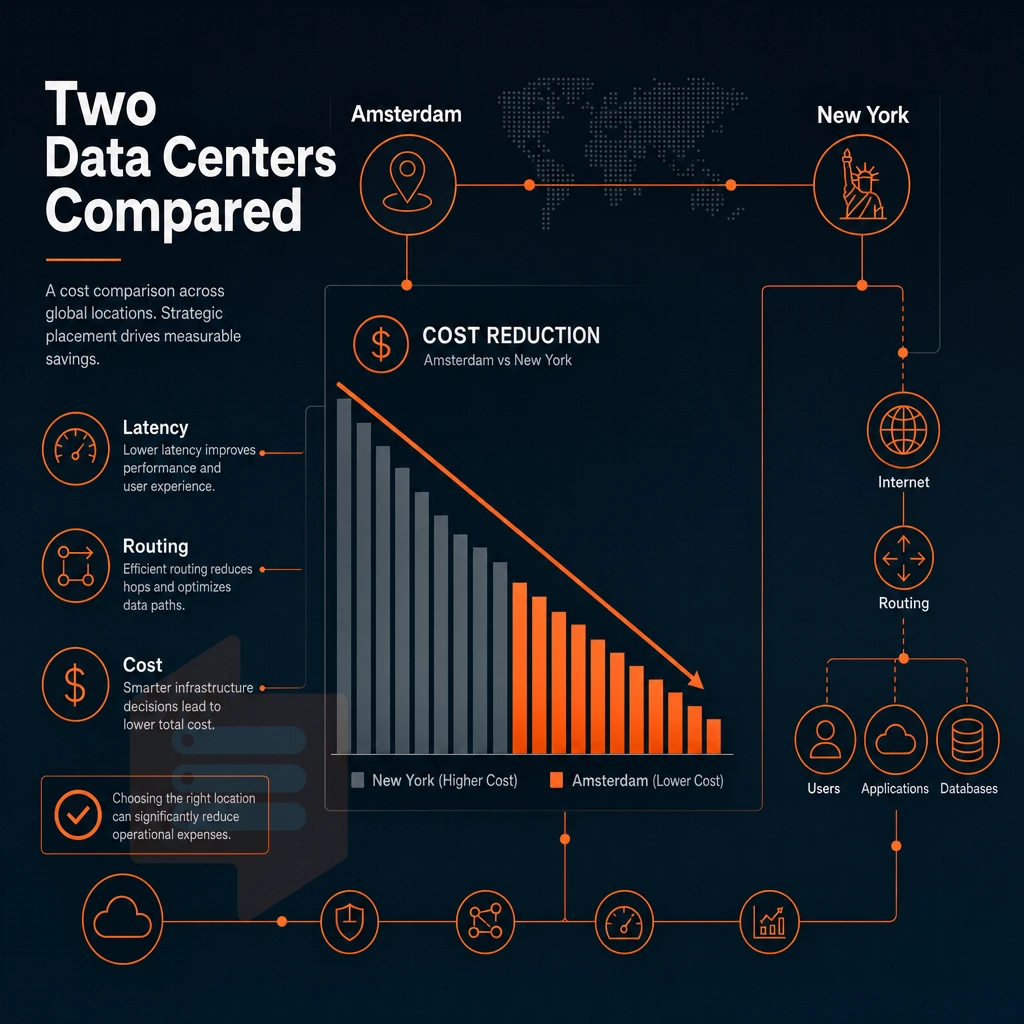
We offer two locations for our customers: Amsterdam (EU) and New York (US East Coast). Typically, we choose a location based on the location of your users and the required network speed for your application. Both locations run the same hardware, same control plane and same prices. So, location is a purely geographic decision.
Understanding each data center region
Our Amsterdam location connects European audiences to low latency Tier III data centers across the EU. As a European hub, Amsterdam helps simplify data residency for organizations subject to European privacy regulations. If your users are in Europe, start here.
New York data center location covers US East Coast workloads with solid connectivity to rest of North America. For applications serving users on the eastern coast of US, lower round trip times are available compared to other parts of the country. Same AMD EPYC hardware, KVM isolated virtual servers, and high-performance NVMe RAID10 storage as in Amsterdam, no compromises on server configurations.
Note: BuyVPS does not operate outside Amsterdam and New York. Do not assume global or worldwide coverage, plan your architecture around these two regions only.
How to choose your region for best value
- Map the geography of your audience. Once you know where your users/cusotmers are based in more detail, you can send European traffic down to Amsterdam and send North American traffic down to New York.
- Check the compliance requirements for your application. If your application is dealing with the data of EU users then this data will remain within European jurisdiction when processing in Amsterdam. For US regulated workloads, New York is the appropriate location.
- Assess your needs for a control panel. The panels offered in both regions are identical and support self-service, API access and in-browser VNC access. If you are used to cPanel on your server then know that BuyVPS offers full full server control as well as more control via a native control panel (cPanel is not included and therefore does not add any overhead to your server).
- Verify upgrade path for in-place upgrades in both regions, without IP rotation. Scale in one region and the other will grow with you.
Verification across multiple websites
Run a latency test from your users located in different parts of the world to the region you chose. Make sure your VPS will respond in time in production. In case of borderline results, switching to other identical servers is a piece of cake. For more context, see Virtual private server.
How to choose the best VPS plan for your needs
When choosing a VPS, there are three key things to get right for smooth server management: the level of CPU contention you can tolerate, the ddos protection on offer, and the amount of memory needed to keep applications running smoothly. Additionally, The rate at which your application will scale. Once you get these three things right, issues with the network, storage, support, etc. become a matter of secondary importance.
Standard CPU: a great starting point
The Standard (S-tier) VPS runs on shared vCPU threads (in AMD EPYC Milan processors) with NVMe RAID10 storage. This is the perfect solution for a small website, a project that is in the making, or a low traffic site. It provides high performance at a constant monthly rate and is the ideal starting point for full administrative full sudo access, control panels, and KVM isolation while not committing to a fixed set of pinned compute cores.
The amount of disk space available starts at 60GB for the entry level server and scales up to the S-64 configuration. This allows you to right size from the start without over-provisioning.
Dedicated CPU: when contention is not an option
For latency-sensitive workloads (real-time APIs, game servers, CI/Build environments etc) it is often important to pin specific CPU cores to a VPS instance. Our Dedicated (D-tier) VPS plan utilizes AMD EPYC Genoa processors, paired with DDR5 ECC memory.
We assign specific physical CPU cores to instances on this plan, to prevent variance caused by noisy neighbors. Published fio benchmarks for storage on this plan, which can host multiple websites simultaneously, demonstrate 122,959 4K read IOPS via direct PCIe-connected NVMe storage, matching the IOPS generated by the corresponding CPU core.
The perfect VPS tier for applications where a shared scheduler would introduce jitter which you cannot absorb.
More resources: the high-memory tier
The High Memory (H-tier) VPS is configured with a 1:8 vCPU-to-RAM ratio and is intended for use with databases. In-memory caches and other analytics workloads that may use all available RAM before ever maxing out available CPU. Like all H-tier nodes, these have a hard cap on memory and are configured for low density of nodes. What you provision for RAM is what you get.
Upgrade path and billing flexibility
As your business grows, you can upgrade your servers in place, S-tier to D-tier or even go for more of same without any downtime. We’ll handle all the upgrades for you, with no need for a migration window, and no changes to your IP addresses or DNS settings.
We offer the billing cycle that best matches your level of budget confidence.
Why choose BuyVPS as your VPS host
Finding the best VPS host comes down to architecture, not marketing copy. BuyVPS is a hosting provider built on verifiable specs, no oversold nodes, no renewal hikes, no surprises. Our VPS hosting runs on AMD EPYC hardware across two data centers: Amsterdam and New York. Every plan ships with full unrestricted server access, IPv4+IPv6 dual-stack, and KVM isolation with a separate kernel per VPS.
- No-oversell architecture. Hard memory caps per node and low node density mean your dedicated resources stay yours under real load.
- Pinned CPU cores on the Dedicated tier. Predictable latency for databases, e-commerce, and latency-sensitive workloads.
- Measured NVMe RAID10 performance. PCIe-direct storage benchmarked at 122,959 4K read IOPS (fio median), not a spec-sheet estimate.
- In-place upgrades. Scale your VPS plan without migration or IP rotation. Your server address stays stable as your business grows.
- Same price in year five. No renewal hike, ever. Best value compounds over time.
- Engineer-staffed support since 2002. Founder-run, with real engineers handling tickets, not first-tier chatbots.
If you want enhanced security, high availability, and complete control over your server environment, explore our best VPS plans or reach out to our team to discuss which tier fits your workload.
VPS hosting faqs: your top questions answered
When choosing the best VPS host to suit your needs, you’re wading through a lot of noise. Here are four of the most common questions, answered directly and factually.
What defines the best VPS providers?
When you’re shopping for a good web hosting service, there are a few key numbers to aim for. KVM virtualization with isolated kernels for your containers, NVMe storage, dual-stack IPv4/IPv6 networking, and server settings backed by an uptime SLA of 99.8% or better for starters. And don’t underestimate the value of good support, look for direct responses from engineers (not some first-tier support drone reading from a script).
BuyVPS meet our criteria for high-performance VPSes, with support for AMD EPYC CPUs and offering high performing NVMe RAID10 storage, delivering 122,959 4K read IOPS. Engineer-led support is available 24/7 from two datacenter locations: Amsterdam and New York.
Is VPS hosting worth it for small and growing businesses?
For small websites hosted on shared servers, a VPS becomes more cost effective when high traffic loads cause slow downs or a noisy neighbor is affecting performance. Unlike shared server hosting, a VPS offers dedicated RAM, full system access and a separate kernel.
This calculus is fairly simple for growing businesses and they can take advantage of in-place upgrades without any IP moves and DNS changes. BuyVPS takes the unusual step of enforcing hard memory caps on a per-node basis, so your allocated memory remains allocated under load.
What trade-offs come with cheap VPS plans?
Most low-cost VPS hosting solutions are offered as part of an oversold server, using old hard disks and offer little or no support. Even if the host does offer a money back guarantee, it does not guarantee your uptime or protect you against a crash of your primary workloads. Look for the number of hosts on a node, type of storage used, and SLA details in addition to low price.
VPS unlike shared hosting and dedicated servers
| Dimension | Shared hosting | VPS | Dedicated server |
|---|---|---|---|
| Resource isolation | None, shared pool | Hard caps per VM | Full machine |
| Root access | No | Yes | Yes |
| Uptime SLA | Varies | 99.8%+ | 99.9%+ |
| Scalability | Limited | In-place upgrade | Hardware swap required |
A dedicated server gives you the highest possible performance but costs a lot of money and offers limited flexibility. A VPS server on the other hand gives you isolated resources, superuser privileges and scalability. That makes it the most practical choice for most users, since you don’t have to deal with the hassle of a bare metal server.
The core features every best VPS host must deliver
A quality VPS host provides a set of core features including KVM virtualization with properly isolated resources. Fast NVMe storage, full root-level access and a sound data center and associated infrastructure with a meaningful uptime SLA. Beyond these core features, a good web host provides transparent and sound pricing with no surprises for renewal, and VPS plans that grow well with your business.
VPS web hosting
sits in the right place for teams that have outgrown multi-tenant hosting but don't need a full dedicated server. Your virtual private server should give you complete control over the hosting environment, from the operating system up. Review the full criteria on our best VPS guide before committing to any plan.
Finding the best VPS for your workload: final takeaways
Choose the VPS host that fits your workload’s resource profile now and as your business grows. Dedicate a VPS with a dedicated core to CPU-intensive tasks and put memory-intensive workloads on the highest-RAM plans. Make sure the data center is geographically close to your users. Check for in-place scalable upgrades to prevent any downtime or IP transfer and make sure they offer real benchmarks, hard memory caps, full root privileges, and intuitive control panels on all plans.
BuyVPS delivers on all of those criteria, KVM isolation, NVMe RAID10 storage, and no-oversell architecture across both Amsterdam and New York. It's the best value for teams that need a predictable, transparent virtual private server without managed-VPS overhead. Compare VPS plans and find your perfect fit.
When choosing a VPS host, there are three important things to consider: performance under load, cost, and hosting platform. You want a host that can provide consistent performance, predictable costs, and the right hosting platform for your work.
That huge range can mean shared vCPUs for dev environments, pinned dedicated cores for latency sensitive production traffic, and managed hosting or unmanaged VPS (with full complete server control) for everything in between. Managed hosting trades off control for convenience, while unmanaged VPS gives you the full flexibility to run any stack you choose.
You also want to pick the right provider. As an example, hard memory caps, NVMe RAID10 storage and KVM isolation ensure that serious VPS infrastructure is not mixed up with commodity hosting that is heavily oversold. BuyVPS offers all of this with their deployments built on AMD EPYC hardware and with engineer-led support. They have identical offerings in Amsterdam and New York.
If you've worked through the criteria above and know what your workload demands, browse BuyVPS plans and find the tier that fits.