

Where you buy your cloud VPS hosting is a decision that will influence your infrastructure for years to come. Choose your web hosting services badly and you'll find yourself locked into a resource-starved oversold host that jacks up the price on renewal, burdened by support requests that are dealt with by bots. But choose a dedicated server well and you'll be provided with a scalable, performant and cost-effective service that costs no more in year five than it did on day one.
The above guide cuts through the hyperbole around VPS plans and details the fundamental differences between a properly configured VPS and a basic commodity host.
All of our VPS hosting plans are available in both Amsterdam and New York. Additionally, these VPS plans are configured using a number of core components including AMD EPYC CPUs, NVMe RAID10 storage, and KVM isolated servers with guaranteed, hard memory caps per node. These components, and this support model, have been taken into account when writing the above guide to VPS hosting. For more context, see Virtual private server.
What is a cloud VPS server and why buy one
Cloud VPS hosting is similar to dedicated server hosting in that a cloud VPS gives you a slice of a physical server with a fixed amount of RAM, CPU cores, and disk space, all allocated separately from other customers on the same server.
First month $1
Then the normal monthly price. One per customer. No setup fee, and a 30-day performance guarantee on your first order.
See the plans“Perfect and fast VPS with good support.”
What a virtual private server actually is
In order to create multiple servers on a single physical server, a hypervisor partitions the server into virtual servers, where each server is running its own Operating System and Kernel. The traffic from your workloads will never compete with that of a neighboring virtual server.
How it compares to other web hosting services
The way that Shared web hosting works is to pool all the resources of all hundreds of accounts on one server. One busy account can affect the performance of other accounts and you will not have root access to your account. Dedicated Server Hosting is single-tenant hardware and therefore is much more expensive than Shared web hosting.
The Virtual Private Server (VPS) is an intermediate offering that allows users to have root access to their server for maximum control, along with guaranteed and predictable server performance. In addition to a host of Linux distributions, the range of VPS hosting services also includes Windows VPS hosting as well as support for uploading custom ISO images.
Why buyers searching "buy cloud VPS" are ready to provision now
We track transactional searches to better serve our customers. We assumed you’d read that shared web hosting is not enough for you by now. Our Standard and Dedicated CPU web hosting offers are based on AMD EPYC processors and are combined with high performing NVMe storage in a RAID10 setup and hosted in Amsterdam and New York. Deploy in minutes.
Cloud, shared, and dedicated server hosting: key differences
There are three tiers of hosting services widely used today: shared hosting, cloud VPS hosting, and dedicated servers.
Side-by-side: high performance resource model and control
| Tier | Resource model | Root access | Performance | Scalability | Cost tier |
|---|---|---|---|---|---|
| Shared hosting | Pooled CPU, RAM, and disk with all tenants | No | Degrades under neighbor load | Limited; plan upgrades only | Entry-level |
| Cloud VPS | Dedicated resources per virtual machine | Yes | Consistent; isolated kernel | In-place resize, no IP change | Mid-range |
| Dedicated server | Full physical hardware, single tenant | Yes | Maximum; no hypervisor overhead | Hardware swap required | Premium |
High performance VPS under heavy load
Shared hosting fails when a noisy neighbor uses up all resources of the server. A VPS server on the other hand isolates your workload at the hypervisor level and therefore guarantees you a fix amount of RAM and CPU power. A cloud server running on KVM even with a separate kernel guarantees constant latencies and does not degenerate during peak usage.
What VPS plans offer that shared hosting can't
Compared to shared hosting, VPS hosting allows for root access, custom OS images, and full firewall control.
Choosing the right tier based on GB RAM
For simple websites with little traffic, Shared hosting is often the best option. For growing applications like APIs, databases and e-commerce sites, Cloud and VPS hosting are more suitable. If you have very specialized needs and you are the only tenant and need to utilize 100% of all CPU's then a dedicated server is the way to go.
VPS plans provide the flexibility to host websites of varying complexity, from personal blogs to resource-intensive web applications requiring custom configurations. Evaluating your hosting needs carefully before committing to a plan ensures you select the right balance of resources, control, and cost for your specific use case.
For most web applications and their associated development teams. A VPS (Virtual Private Server) is often the most practical solution as it offers complete control of the server along with reasonable and predictable performance and ample scope for future growth.
With full root access, development teams can install any software stack, configure system-level security policies, and optimize kernel parameters to match their application's specific requirements. This level of control becomes especially valuable when multiple users need isolated development environments or when teams require granular permission management across different application tiers.
KVM VPS hosting on AMD EPYC hardware with NVMe RAID10 storage in Amsterdam and New York data centers. Now that you know which of the three VPS hosting tiers is best for your needs of VPS hosting, you can select from individual plans in that tier.
How to choose the right VPS plans for your needs
Selecting a suitable VPS hosting package is determined by 6 factors. Using this list to configure your VPS ensures it’s optimized for your workload right from the start.
Assess your workload and GB RAM resources
- Match RAM and CPU cores to your application. Resource-hungry workloads, databases, compilers, game servers, need dedicated resources. BuyVPS D-tier pins CPU cores to your instance; S-tier shares them. Note: shared hosting and a dedicated server sit at opposite ends of the spectrum, a VPS lands in between, giving you isolated server resources without dedicated server cost.
- Use NVMe SSD storage instead, to minimize latency compare d to standard SSD storage. All our BuyVPS VPS plans are equipped with NVMe RAID10 storage, connected with PCIe, with over 120,000 4K read IOPS.
- Choose your preferred virtualization model: KVM VPS servers run with their own kernel. S-tier VPS servers are suitable for randomly changing loads, D-tier VPS servers are optimized for low latency, while H-tier VPS servers are perfectly suited for memory-intensive analytics tools. A Linux VPS on KVM is a real machine.
Choose your operating system and control
- Select an operating system. BuyVPS supports Ubuntu, Debian, AlmaLinux, Rocky Linux, CentOS Stream, and Fedora. Custom ISO upload is available on every plan, useful when a standard image won't do. Note: lock in your operating system before provisioning; reinstalling later costs downtime.
- Check out the control panel and API access. The self-service panel features an in-browser VNC console as well as a full API. You can either automate the provisioning or manage it manually, whatever works best for you.
Commit to the right billing term
- We try to balance the commitment of longer term contracts with flexibility. For short term projects, monthly billing is fine, but for longer projects, the effective cost of a longer term contract reduces significantly with no renewal price hike. In-place upgrades are available across all VPS plans so you’re never ‘stuck’ on an undersized plan.
Stepping back from the VPS plans criteria you have established and looking at what really separates a good provider from a poor one in terms of the underlying infrastructure decisions they take.
What separates the best VPS web hosting providers from the rest
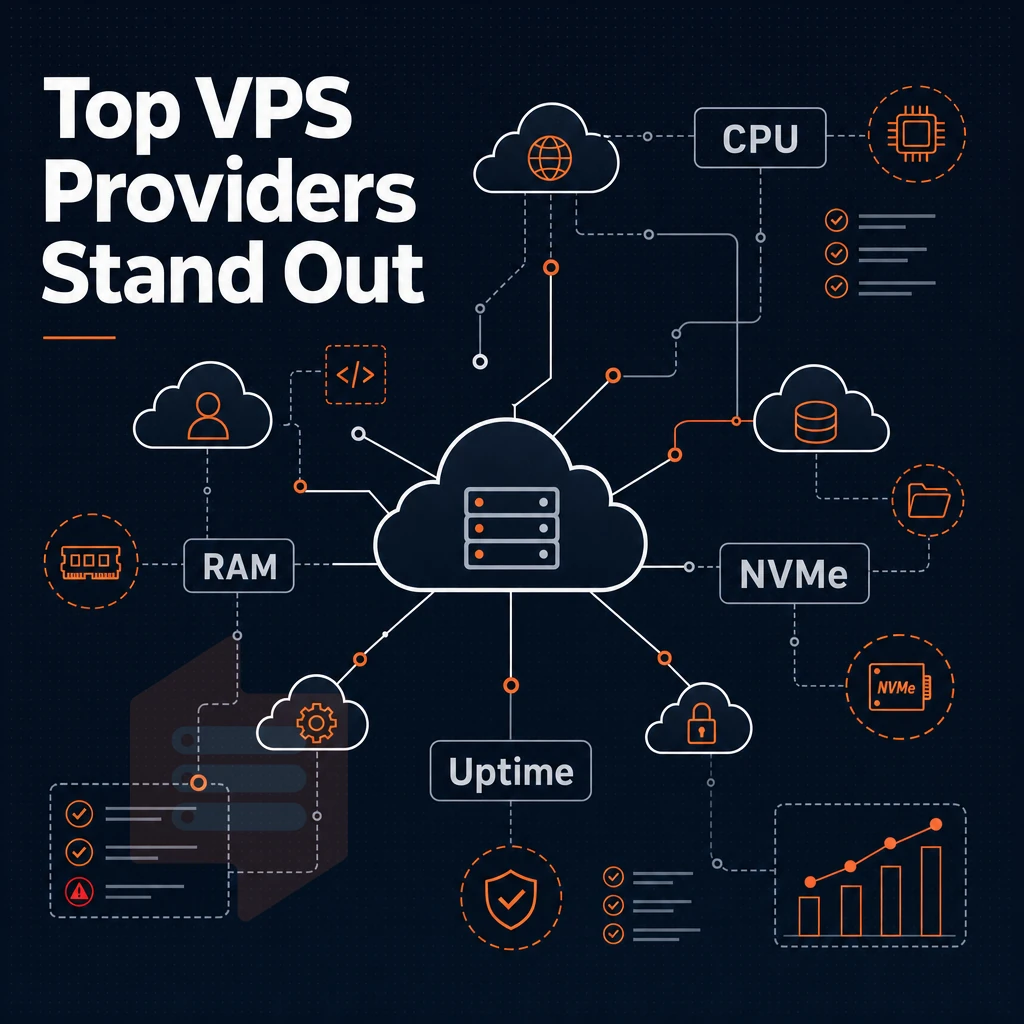
Not all VPS servers are created equal. There's a big difference between a reliable web host with a solid VPS hosting plan that can scale to handle large volumes of websites and a shoddy host that will slow down your sites under load. Many hosting companies oversell resources or use outdated hardware, resulting in unpredictable performance that degrades as more virtual machines are added to each physical node.
Hardware, GB RAM, and storage fundamentals
The AMD EPYC processor family delivers more cores, higher memory bandwidth, and greater disk space efficiency than ever before in server generations. Paired with high-performance NVMe RAID10 storage on a dedicated server (not commodity SSD storage), the I/O bottleneck that kills database intensive workloads is gone.
In addition to all the normal features for a VPS (virtual private server) each VPS gets its own operating system kernel, which is not affected by noisy neighbors at the hypervisor level. Modern workloads demand nvme ssd storage configurations that eliminate latency spikes, particularly for applications handling concurrent database queries or real-time analytics processing.
Space numbers don’t mean much without a description of the underlying system.
Choosing a web hosting provider that doesn't oversell
The only honest form of overselling is hard memory caps per node. The rest of overselling (in the form of soft limits) is just stacking more tenants on top of each other than your dedicated server hardware can support. Reserving real RAM for each operating system is a core part of solid VPS configuration, ensuring your virtual machines perform reasonably well under load, not just in synthetic benchmarks. For community perspectives, see Virtual Private Server (VPS) Discussions.
The hard caps and low node density at BuyVPS are a deliberate part of their architecture.
Network, security, and support quality
Multi-homed uplinks enable us to spread load across multiple carriers to mitigate single carrier failures. Our edge filters and firewalls are managed at the network boundary to block large volumetric attacks before they ever reach your dedicated server infrastructure.
Each VPS plan includes enterprise-grade ddos protection that automatically detects and mitigates threats in real time, ensuring your applications remain accessible even during sustained attacks. Comprehensive firewall management tools are accessible through the control panel, allowing administrators to define custom rulesets and monitor traffic patterns across all deployed instances.
A 99.8% uptime SLA only counts if the support is any good. And being able to change out cloud hosting configurations quickly via self-service control panel with API access means most routine work never gets added to support's queue in the first place. The control panel interface allows you to add resources like CPU cores, RAM, and storage on demand without opening a support ticket or experiencing downtime.
Automated backups can be scheduled through the same control panel, ensuring your data is protected without manual intervention or additional overhead. Provisioning a new VPS takes only minutes, giving you instant access to a fully configured environment ready for deployment. Scaling your infrastructure to meet sudden traffic spikes or seasonal demand requires just a few clicks, eliminating the complexity traditionally associated with capacity planning.
No renewal hike is also important. In short, transparent pricing equals to cost in Month 1 equals to cost in Year 5. No surprises.
Knowing what good infrastructure looks like is half the battle, the other half is applying that knowledge when comparing web hosting services side by side.
Comparing VPS providers: what to look for before you buy
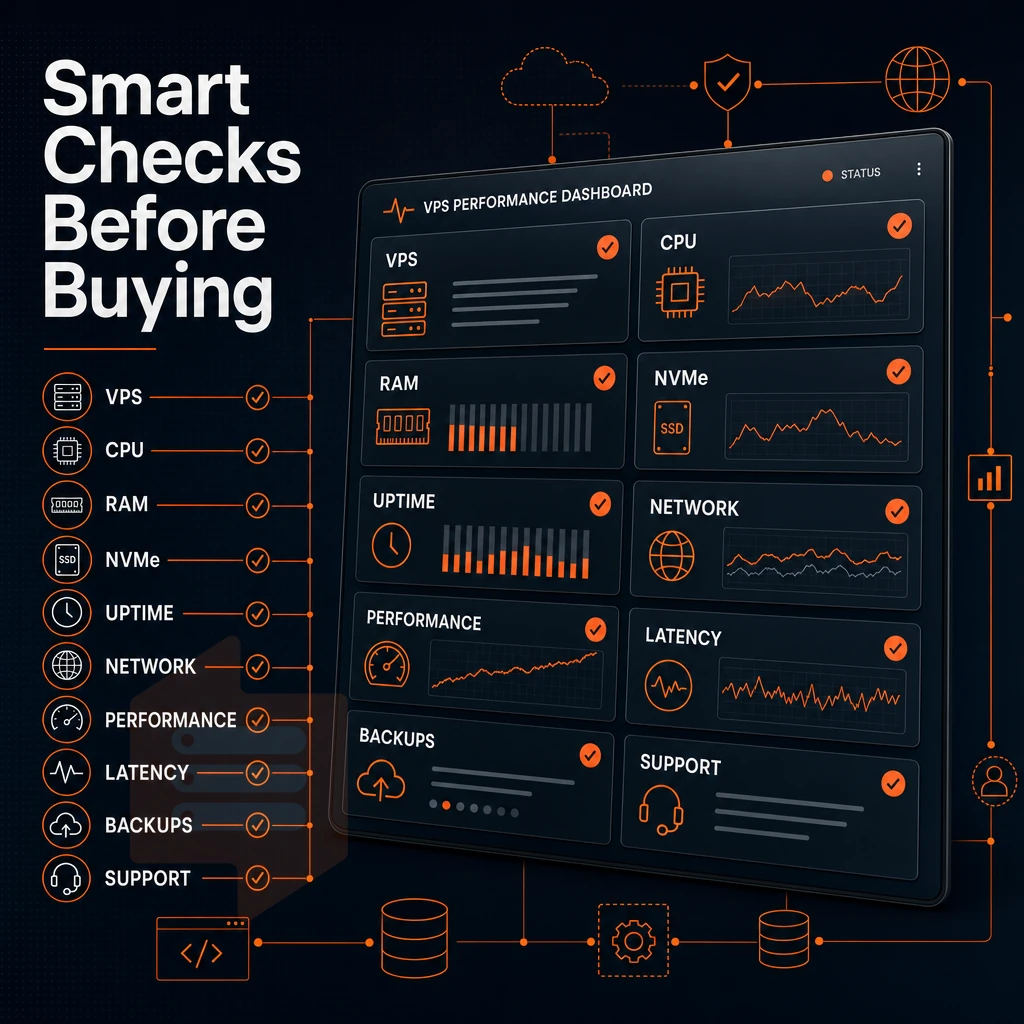
Not all cloud VPS services are equal.
VPS server providers: core infrastructure checks
Begin with the physical server layer. By running KVM with kernel isolation, each VPS runs its own kernel, so you won’t be affected by a noisy neighbor.
Please ensure that root access and custom ISO images are available. Without these two features your possibilities to configure a dedicated server in the first place are restricted significantly from the very start. Full administrator access is essential for installing custom software stacks, hardening security configurations, and deploying containerized workloads that require kernel-level modifications.
Network and upgrade flexibility with administrator access
Many cloud platforms offer dual-stack IPv4 + IPv6 as the default. Check if a cloud firewall at the edge of your platform is included and not an add-on. Also, in-place upgrades without IP rotation are much easier to manage than upgrades that require IP rotation and thus re-pointing of your DNS for your scaled out application.
Our facilities are located in Amsterdam (EU) and New York (US East Coast). Both data centers feature redundant power systems, climate control infrastructure, and carrier-neutral connectivity to ensure maximum uptime and network performance for all hosted services. This enterprise grade infrastructure is designed to support mission-critical applications that require consistent availability and low-latency access across both European and North American markets.
The carrier-neutral design provides direct access to a global network of tier-1 transit providers, reducing latency and improving routing efficiency for international traffic. By partnering with multiple tier-1 transit carriers, we maintain direct peering relationships with global providers to optimize routing paths and minimize packet loss across intercontinental connections. Deploying across multiple locations allows businesses to serve geographically distributed users with reduced latency while maintaining redundancy for disaster recovery scenarios.
Best VPS hosting plan providers publish their benchmarks
Hosters who actually stand behind their hardware's performance numbers, including disk space, publish said numbers for their productions.
- KVM with kernel isolation.
- Pinned or shared cores (know which).
- Custom ISO upload supported.
- In-place upgrades, no IP rotation.
- IPv4 + IPv6 dual-stack included.
- Published benchmarks available.
BuyVPS are one of the few companies left that actually meet all of these criteria.
Why choose BuyVPS for your cloud VPS hosting
BuyVPS delivers high performance VPS hosting built on enterprise-grade infrastructure, no overselling, no renewal hikes, no surprises. Every virtual private server runs on KVM with a separate kernel, giving you true isolation and full root access from day one.
- Dedicated resources, not shared pools: Hard memory caps and low node density mean your VPS server keeps its allocated CPU cores and GB RAM under demanding workloads.
- Blazing fast NVMe storage: NVMe RAID10 PCIe-direct storage delivers 122,959 measured 4K read IOPS, real benchmark, not a marketing claim.
- AMD EPYC processors: Dedicated CPU plans pin EPYC Genoa cores to your virtual server for predictable, consistent performance.
- Two data centers, identical specs: Amsterdam and New York run the same hardware, control panel, and cloud VPS hosting plans.
- In-place upgrades: Scale your VPS plan without migration or IP rotation as your project grows.
Founder-run since 2002, our engineers handle support directly. Reach us at support@buyvps.com to discuss which cloud VPS hosting plan fits your workload.
Buying a cloud VPS comes down to three decisions: the right resource tier for your workload, a provider that doesn't oversell hardware, and a pricing model with no renewal surprises. Shared hosting runs out of headroom fast. A well-specified VPS hits the middle ground, full root access, isolated resources, and predictable performance under real load.
The provider matters as much as the plan.
BuyVPS offers Standard, Dedicated CPU, and High Memory VPS plans across Amsterdam and New York, with no-oversell guarantees and in-place upgrades. Browse the plans at BuyVPS.com and find the tier that fits your stack.