

With VPS hosting, you get dedicated compute resources, full root access and a fixed monthly bill, all without the need to invest in expensive server hardware. Whether you need to deploy a production application, host databases or simply run your own private development environment, virtual private server leasing is the perfect mid-point between shared hosting and high-end bare metal servers.
Instead of finding a hosting provider, the real challenge is finding the right things to evaluate. CPU architecture, amount of memory, disk I/O, network performance. Additionally, the level of customer service, support, and data center quality are key to determining whether a VPS will actually perform well under load or subtly degrade at the worst possible time.
Typically, hosting providers end up over-selling their servers, slowing down I/O as servers become crowded, and hiding price hikes in the small print for renewals. A major incident caused by resource contention or hardware failure can result in significant revenue loss and reputational damage for production applications. Responsive technical support becomes essential when diagnosing performance bottlenecks or resolving unexpected outages that threaten application availability.
We cut through the bulk of information to highlight what really matters. We compare VPS hosting plans and their various tiers of service, including those that feature shared vCPU, pinned dedicated CPU cores, and large memory VPS hosting plans. And, we outline a host of criteria to match the proper VPS hosting service with your given workloads. We begin with the basics of what VPS hosting is, and how you pay to rent servers online.
What is a VPS server and how does renting one work?
A VPS (Virtual Private Server) is a middle ground between a shared hosting account and a full dedicated server. You have isolated resources on a shared server, but you are limited to the physical resources of the server, unlike shared hosting which never has any limits. It is this type of isolation that makes VPS server hosting the typical choice for developers and small to medium-sized businesses. For more context, see Virtual private server.
First month $1
Then the normal monthly price. One per customer. No setup fee, and a 30-day performance guarantee on your first order.
See the plans“Good servers, thanks.”
What a virtual private server is vs a dedicated server
KVM is a type of hypervisor that virtulizes a single server by creating multiple independent environments ('Virtual Machines' or 'VMs') on that single server. Each VM runs its own Kernel and Operating System and has been allocated a fixed amount of RAM and CPU. Multiple users can be hosted on the same server hardware, but cannot consume resources of another tenants.
This is in contrast to typical shared hosting which has no resource limits or very lax limits. One very busy website can negatively impact all other websites on the server node. With a VPS, you do not have to worry about this type of issue.
How renting private servers works
Chose a plan, chose an OS (Ubuntu, Debian, AlmaLinux, Rocky Linux and more) and within minutes your environment is provisioned.
No IP address change with no downtime to you.
Root access and your control panel
All of our Virtual Private Servers (VPS) come with full root access. You can install any software, set up and manage firewalls and services just as you would on a dedicated server. Our control panel provides API access.
A in-browser VNC console as well as an OS re-install handled at the data center level, without requiring you to sign up for cloud services or manage add-on services that you have to pay for to have managed for you. Backup solutions, monitoring tools, and additional services remain optional, allowing you to customize your environment without mandatory bundled costs.
How much does it cost to rent a VPS?
Our pricing is based on the amount of RAM your VPS will have, the CPU Tier that you select, and the length of the billing cycle. The final price remains transparent across all billing periods, with no surprise increases at renewal time. Some providers bundle backups, monitoring, or managed security into their base pricing, while others charge separately for additional services that can significantly impact your total monthly cost.
Now that we’ve covered the basics, let’s see how VPS compares to the other popular options, such as shared hosting and bare-metal servers, to help you choose the right tier.
Virtual private server hosting vs. Shared hosting vs. Dedicated server
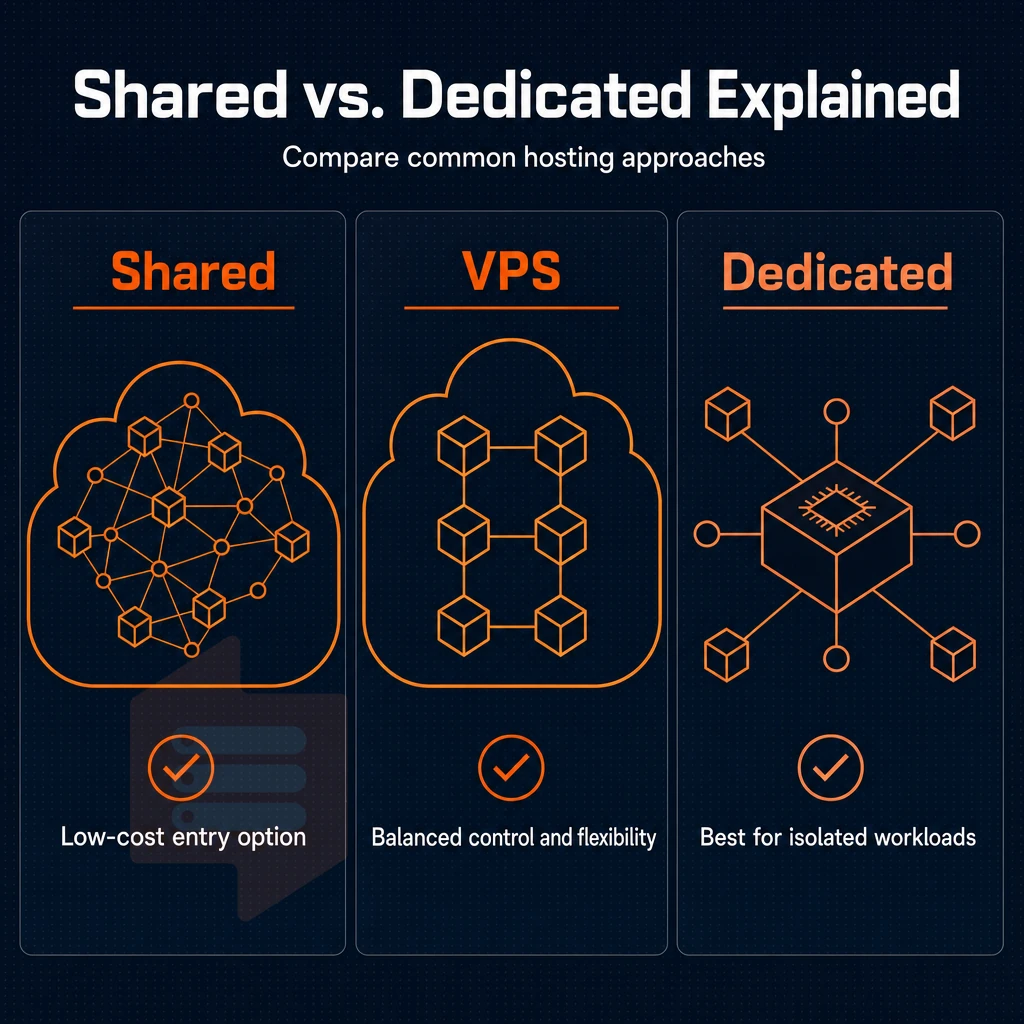
When evaluating web hosting services, there are essentially three tiers of service to consider: shared web hosting, VPS hosting, and bare-metal dedicated hosting. Each tier offers different trade-offs between cost, control, and performance and thus will be more suitable for certain workloads than others.
Resource isolation and performance
Shared servers host dozens of websites on the same server. One noisy website can affect the latency of other websites on the same server. Virtual Private Servers (VPS) offer dedicated resources such as fixed vCPU, RAM and NVMe storage that other tenants on the server are not able to use. Dedicated servers offer an even higher level of power by renting out an entire physical server to a customer.
Hard boundaries are enforced by the KVM virtualization provided at BuyVPS. Each VPS runs its own kernel, and nobody can abuse CPU or memory on your VPS. Measured storage throughput: 122,959 4K read IOPS, you won't get that in shared environments. This isolation makes VPS infrastructure particularly well-suited for private networks where security boundaries between tenants must remain strictly enforced at the hypervisor level.
Strict resource isolation at the hypervisor level also helps mitigate the impact of ddos attacks by preventing malicious traffic targeting one tenant from consuming resources allocated to other virtual machines on the same physical host. These hard resource boundaries ensure stable operation even during traffic spikes, as the hypervisor prevents resource starvation across virtual machines.
| Criteria | Shared plan | VPS | Bare-metal |
|---|---|---|---|
| CPU cores | Shared pool | 1-8 vCPU (pinned on D-tier) | All physical cores |
| RAM | Shared pool | 4 GB, 192 GB | Full board capacity |
| Disk | Shared HDD/SSD | NVMe RAID10 | Varies by build |
| Root access | No | Yes | Yes |
| Server management burden | Minimal, provider handles OS | Medium, you manage the OS | High, full stack on you |
| Typical use case | Brochure sites, low traffic | Apps, APIs, staging, SaaS | High-throughput, compliance workloads |
How much does a VPS server cost vs a physical server?
Cost scales with isolation. So cheapest are shared server accounts, yet you have no guarantee of performance. VPS hosting , which is to be cost effective for the majority of production workloads, is another matter entirely.
Finally there is bare metal.
No secret renewal hikes, and you won’t be stung by any hidden fees either.
Which tier fits your workload?
Choose shared for static sites or low-traffic sites and move to a VPS the moment you need root access, more processing power, or a custom OS. Go to bare-metal servers only if you have a single tenant that needs to own 100% of all CPU cycles, most users and teams never need this.
Most developers and small to medium sized businesses find that VPS hosting provides the right mix of control, performance and affordability. Once you have decided that VPS is the right tier of hosting for you, you will then need to decide on the most suitable VPS hosting plan to meet your specific needs. For teams requiring predictable performance without the expense of dedicated hardware, VPS represents an ideal solution that balances technical capability with budget constraints.
Types of VPS hosting plans: shared vcpu, dedicated vcpu, and high memory
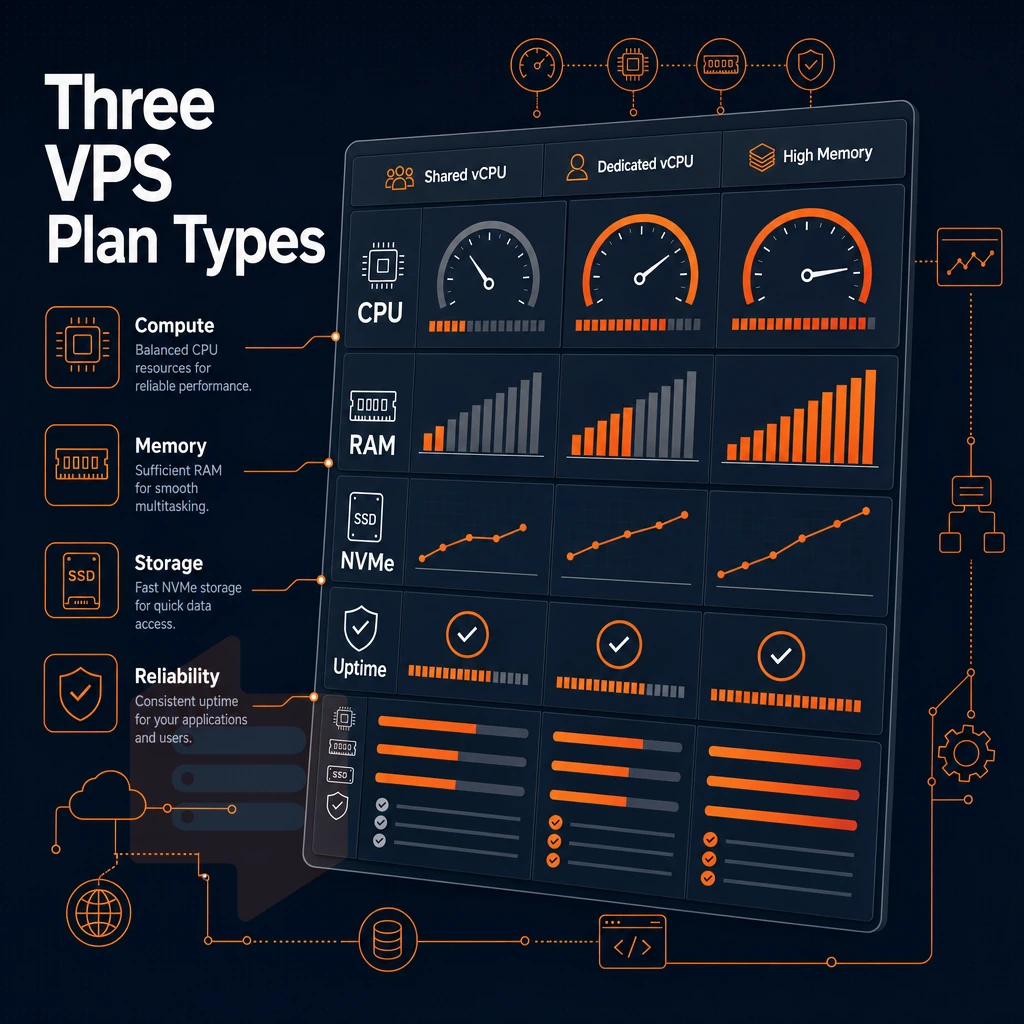
Rented VPS servers are usually sold in categories of plans. These determine several things your web hosting support team and infrastructure must manage: the degree of CPU contention, the amount of memory you can allocate on a per VM basis, and the throughput on the storage devices. As opposed to multi-tenant hosting, on a VPS you rent, you have isolated resources on a physical host.
There are three basic categories of plans. Plans with higher resource allocations naturally provide more disk space, enabling you to store larger databases, media libraries, and application files without hitting storage limits. The storage type, whether traditional SSD, NVMe, or older spinning disks, directly impacts database query speeds and application responsiveness across all plan tiers.
Choosing the right VPS hosting plan
- Standard CPU (shared vCPU): Virtual machines in this tier share CPU threads across tenants. Processing power is allocated on demand, making it cost-effective for moderate workloads. At BuyVPS, Standard-tier VPS runs on AMD EPYC Milan with NVMe RAID10 disk space and KVM isolation per instance.
- Dedicated CPU (pinned vCPU): Cores are pinned exclusively to your VPS. No noisy-neighbour CPU contention. BuyVPS Dedicated-tier hardware is AMD EPYC Genoa with DDR5 ECC RAM, the right fit for latency-sensitive databases, real-time APIs, and high-frequency tasks.
- High Memory: A 1:8 vCPU-to-RAM ratio gives in-memory databases, analytics engines, and large caches the headroom they need. Disk space is provisioned on NVMe RAID10, and KVM isolation applies across all tiers.
Deploying your chosen VPS plan
- Login to your BuyVPS control panel and select your tier.
- Choose a location for your instance (Amsterdam or New York) and choose an Operating System from the list of supported OSes (Ubuntu, Debian, AlmaLinux, Rocky Linux, CentOS Stream, Fedora, or upload a custom ISO).
- Confirm and deploy, your server is online within a few clicks.
Note: Upgrading between tiers is in-place at BuyVPS, no migration, no IP rotation. Start on Standard and move to Dedicated or High Memory without reconfiguring DNS or firewall rules.
Can i find a $5 VPS or dedicated server?
There are ultra-low-cost VPS plans available but these often come with trade-offs, such as oversold nodes, aging data center hardware with low-performance spinning disks, and poor support. The savings quickly evaporate for production workloads as one begins to factor in the downtime and slow I/O that such cheap solutions provide. Here at BuyVPS we focus on delivering no-oversell infrastructure: fixed memory caps, high-performance NVMe RAID10 storage and quality engineer-led support. We do not compete on price alone.
Reliable providers also implement regular backups as part of their infrastructure strategy, ensuring that your data remains protected against hardware failures or accidental deletions. A responsive technical team can diagnose performance bottlenecks quickly, minimizing the impact of unexpected issues on your production environment. Investing in quality infrastructure ensures stable operation during traffic spikes and resource-intensive tasks, preventing the cascading failures that plague oversold environments. Providers offering quality technical support ensure that server issues are resolved promptly, reducing downtime and maintaining application stability during critical incidents.
While choosing the right plan tier is important, evaluating the network as well is crucial. Look into the bandwidth terms, the uplink quality and the DDoS protection of a potential provider. Providers with robust mitigation infrastructure can absorb volumetric ddos attacks before they saturate your server's network interface, preserving application availability during hostile traffic surges. Advanced filtering at the network edge can distinguish legitimate requests from malicious traffic patterns, reducing the load on your VPS before packets even reach your virtual machine.
Unlimited traffic and network performance: what to look for when you rent a VPS
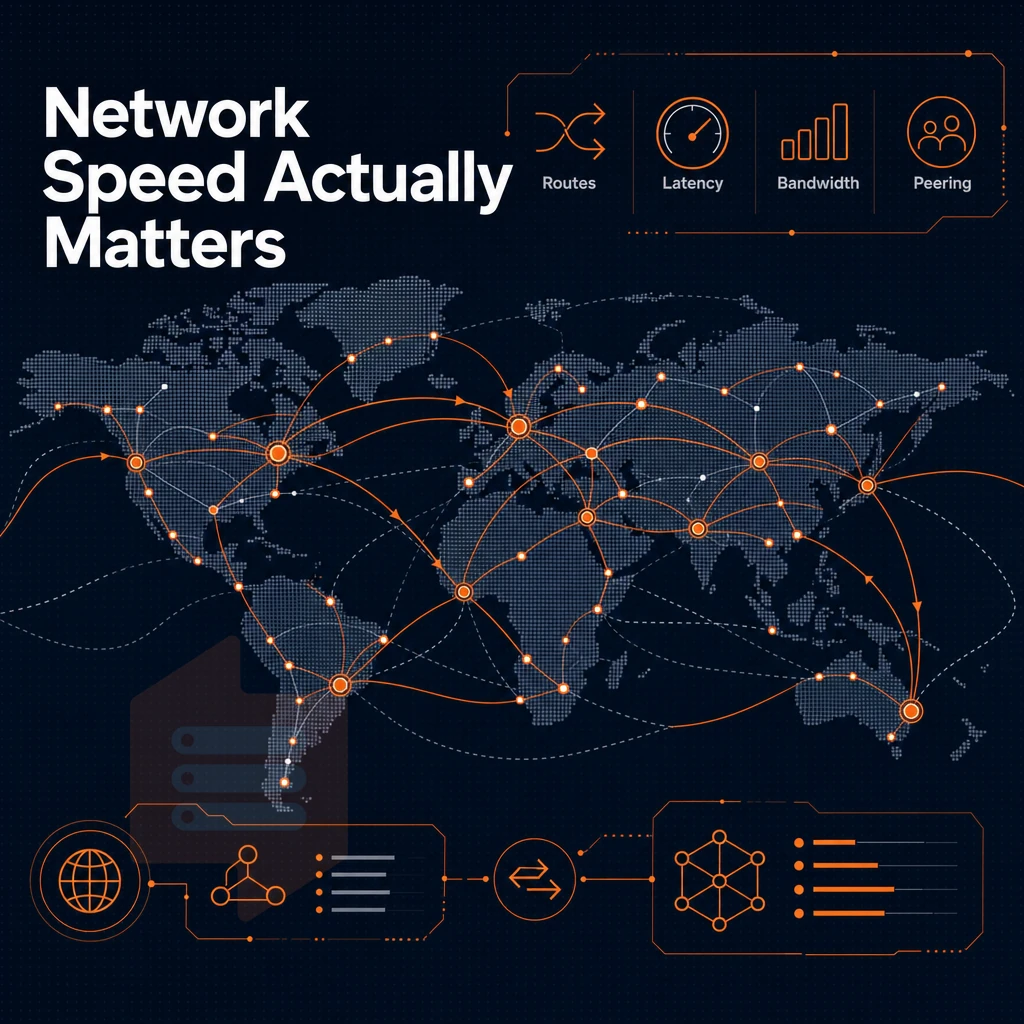
Your bandwidth restrictions with a VPS rental could affect how much work you can do to sustain your workloads. Unsurprisingly, be wary of claims of “unlimited” bandwidth, what they mean by it matters more than the word itself.
Unlimited traffic: what the fine print actually says
Unlimited traffic is often sold with a fair-use clause or port-speed cap rather than a strict data transfer limit. What this means in practice is that you’ll be renting a shared 1 Gbps port that will start to slow you down once you exceed some unannounced threshold. Metered bandwidth, rebranded.
Always verify whether the offer “unlimited” specifies a burst ceiling or a sustained throughput.
Network quality indicators that actually matter
Multi-homed uplinks allow traffic to exit from multiple upstream providers.
Dual stack IPv4 + IPv6 is included on all BuyVPS offers. In addition to the included IP addresses, further IP addresses can be ordered as required for example for multi tenant setups or for SSL termination. Private VLANs can also be connected to enable isolation of internal traffic.
Edge network security for volumetric noise filtering before it hits your instance(s). Edge filtering and an abuse-policy firewall are enabled on all Amsterdam and New York nodes.
Defending against DDoS attacks
DDoS protection is an edge service, operating outside of the OS. It cleans traffic before it fills up your uplink, to ensure real traffic can reach your servers during an attack. Host-based firewalls are too late in the chain to be of much use during a DDoS.
Our edge filtering blocks volumetric and protocol abuse traffic at the edge, so your VPS only gets clean packets and you don’t have to get involved during an event.
How much is VPS per month?
The cost of a VPS can vary greatly depending on the resources offered, the contract length, and features included.
Thus, the backup strategy and storage reliability are the next critical criteria to evaluate.
Automatic backup, data loss prevention, and storage reliability
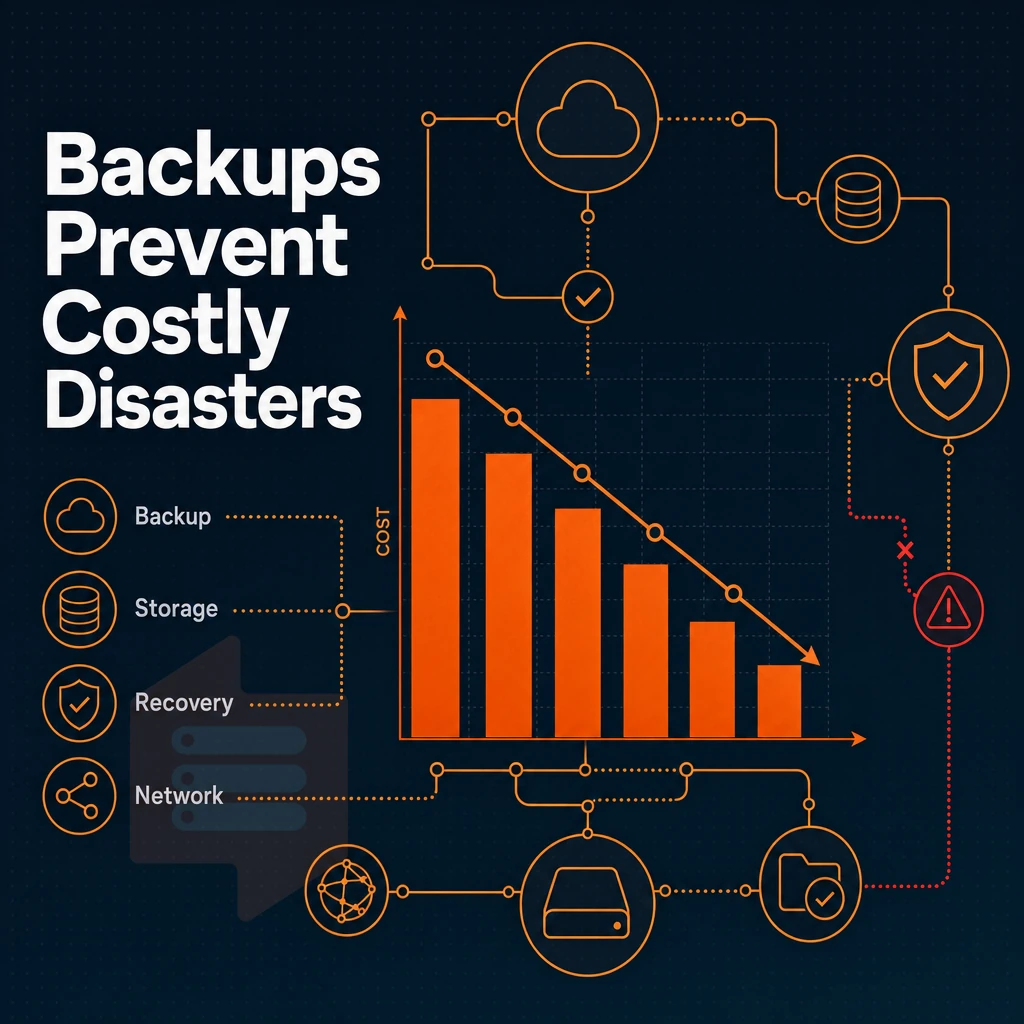
One of the worst things that can happen to a rented VPS is data loss. It can happen quickly, due to a misconfiguration, a ransomware attack or a disk failure. Storage redundancy and a good backup policy are therefore essentials that you must put in place on day one.
Automatic backup: what to verify before you sign
Auto backups are often offered as an add-on by providers rather than being included by default. It's therefore important to check how often backups are made, how much disk space they consume, for how long they are retained, and whether snapshots are held offsite before committing to a VPS rental agreement.
A dedicated backup server in a separate failure domain is the way to go. Your VPS snapshots, no matter how frequently they’re generated, are completely and utterly useless in the event of a host failure. Ensure that your scheduled backups are running on a daily (or more frequent) basis and that you can restore from them yourself as needed.
Raid10 is redundancy, not a backup
Individual drives are additionally protected against failure.
RAID10 (also known as RAID1+0) is a mirrored configuration across the physical disks in a single machine.
VPS vs dedicated server: how server resources are shared
A VPS instance shares the underlying hardware of the server with other VPS tenants. A VPS however is KVM isolated, and runs on private networks, with hard resource caps set for each instance. A dedicated server on the other hand is the entire physical server host, dedicated to your sole use.
VPS plans are suitable for SaaS platforms and development projects that require cost efficient servers. Dedicated servers are required when guaranteed high performance of bare metal servers or excess storage space above virtual servers is needed.
Once you have taken care of the data, the question remains how much control your web hosting setup gives you over your virtual server and which tools you can use on a daily basis to exert that control, ideally with just a few clicks.
Full root access, control panel, and server management options
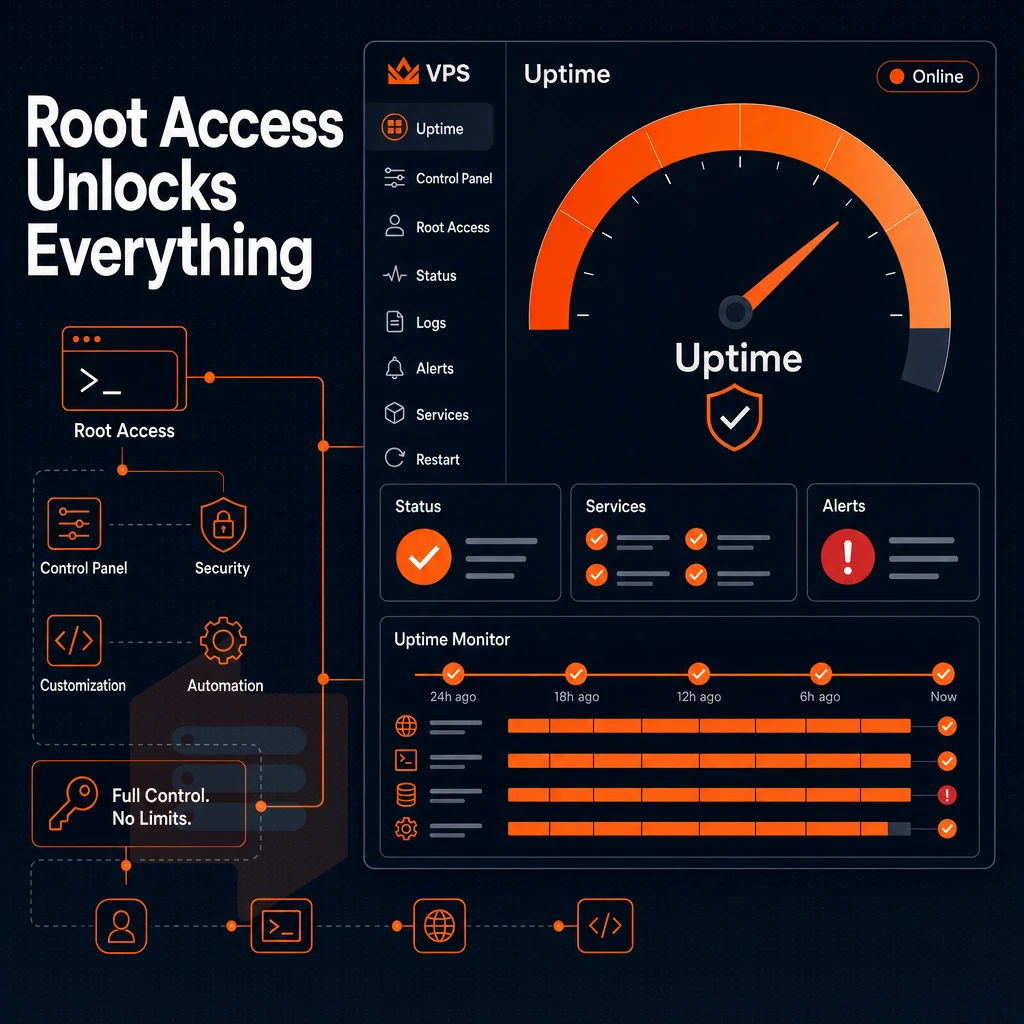
Control of a VPS server is one of the key factors in determining how you will go about deploying services on it. With BuyVPS you get direct and unmediated access to the server and its operating system from day one.
Full control over your operating system and stack
Full full administrative access grants you full control of the server, allowing you to manage the kernel parameters, custom software builds, firewall configuration and server settings. You can upload your own custom ISO, switch between distributions or even alter the kernel as required. Typically developers and sysadmins will require full superuser access to create reproducible environments and to manage servers that do not follow a typical configuration.
Every plan also supports upload of custom ISO images.
Control panel and API access
The self-service panel for provisioning, reboots and configuration changes does not require CLI access. An in-browser VNC console allows to recover misconfigured servers without any external tools. The panel API can be used for scripted deployments as well as for integration with your own automation pipelines.
This is in contrast to providers which perform instance replacements upon upgrades of servers.
Do i need technical skills to rent and manage a VPS server?
BuyVPS is unmanaged by design, which means you have to do OS updates, security patches, etc. as well as server administration, all of which can be easily done if you have some Linux experience. If you need the hosting provider to manage the OS layer for you, then look at the managed VPS hosting options available from other providers. These typically trade off configuration options for convenience.
Basic knowledge of Linux command line and basic Linux operations (e.g. SSH in, install packages using a package manager) is sufficient to start running VPS.
Having full control over your stack only matters if you have the right workload to run on the platform. Here’s a rough mapping of common use cases to the tiers of VPS we offer.
Common use cases for renting a virtual server
Dozens of workloads can run on a rented virtual server. Below are the most common use cases and the corresponding BuyVPS offer.
Hosting websites, apps, and ecommerce
- Web applications and hosting websites: Deploy your app stack, NGINX, PHP, Node.js, with full admin-level access. Standard CPU VPS handles most traffic loads cleanly. For multiple websites on one plan, the S-tier's shared vCPU and NVMe storage keep costs predictable.
- Ecommerce sites: Checkout flows demand consistent response times. Dedicated CPU VPS pins cores to your instance, eliminating the noisy-neighbor latency spikes that hurt conversion rates.
- SaaS platforms: Multi-tenant apps need headroom for burst traffic. Standard tier scales in-place, no IP rotation, no migration.
High performance data and media workloads
- Database hosting store and manage databases: PostgreSQL, MySQL, and Redis all benefit from the High Memory tier's 1:8 RAM ratio. In-memory datasets stay hot, cutting query latency significantly.
- Jellyfin / media servers: Transcoding is memory-hungry. High Memory VPS handles concurrent streams without swapping. Note: Standard tier is sufficient for direct-play-only setups.
What operating systems can i run on a rented VPS?
Ubuntu, Debian, AlmaLinux, Rocky Linux, CentOS Stream and Fedora are all supported OS options on every BuyVPS plan. You can deploy any of them in minutes via the self-service client or upload your own custom ISO image to run from it. The KVM virtualization platform isolates each VPS at the kernel level, so the OS you choose to run in a VPS has no impact on the other VPS instances on the same server.
Development, game servers, and proxies
- Development and staging environments: Spin up a clean environment, test, then destroy it. In-place upgrades mean your staging IP stays stable when you promote to production.
- Game servers (Minecraft, Palworld, dedicated game servers): Dedicated CPU VPS eliminates tick-rate jitter. Amsterdam and New York locations cover EU and US East Coast player bases.
- FTP and proxy servers: Light on CPU, consistent on uptime. Standard tier VPS offers the right balance. BuyVPS offers a 99.8% uptime SLA backed by multi-homed uplinks.
Knowing the use cases of different plans is good to have as context when choosing, but best to verify against a concrete check list of requirements before signing up.
How to choose the right VPS server to rent: a buyer's checklist

Choosing a VPS is about matching 7 specific variables to your project’s needs. Read through each point and pick a plan that fits best.
Compute, memory, and storage
First off, consider starting with the number of CPU cores and the amount of RAM you require.
Storage type is almost as important as storage size.
Network and location
First consider your bandwidth needs.
For latency, place your VPS as close as possible to your users. For the Western world, our managed VPS hosting covers Amsterdam (EU) and New York (US East Coast) servers, allowing for a large population of users to be served without the need for a global infrastructure.
Upgrade path, support, and billing
Growing requires Scalable resources. Upgrading in-place (no migration, no IP rotation) means Zero Downtime when you move up a tier. Verify this before signing.
Technical support quality differentiates providers from each other. Find out if the people answering the questions are able to access the host node for the account in question.
For competitive pricing to matter in the long run, also audit the billing terms for the next year, especially the renewal rate. Also negotiate a no-renewal-hike guarantee or try to make the final pricing transparent in a formula.
Here is a handy checklist: vCPU is shared or pinned, RAM headroom, storage is NVMe RAID10, monthly transfer, data center location, in-place upgrades, 24/7 engineer-staffed triage and support, and lastly renewal pricing transparency. Verify all these before you sign up for a service.
The location is one of the 7 variables for deciding on a CDN and deserves special treatment.
Amsterdam and new york data centers: latency strategy for european and US audiences
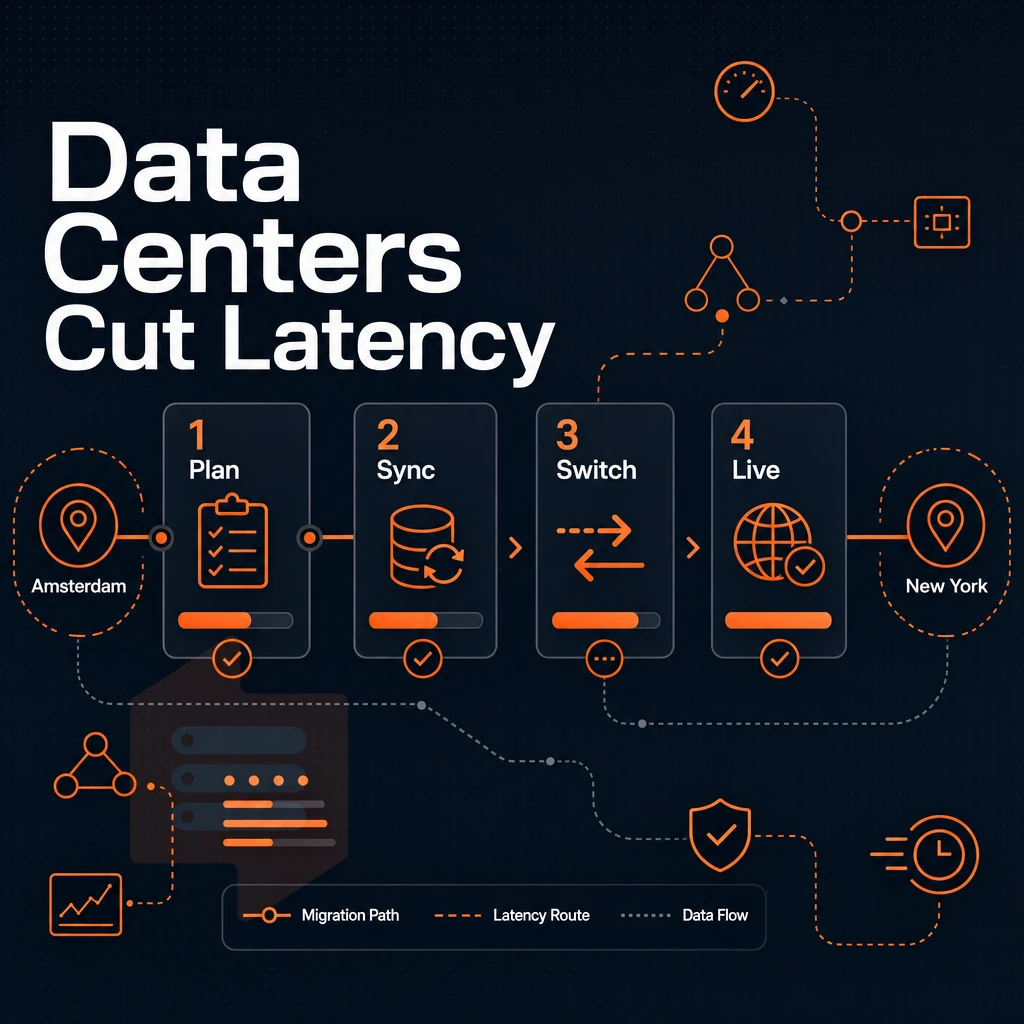
The location of your server has a huge impact on the experience that your users have. We have two locations, Amsterdam and New York. These two locations serve the European and North American markets with the least possible latency. The choice of region is the highest impact setting that you change when signing up for a server.
Amsterdam data center: serving european audiences
Our Amsterdam server is located at the heart of Europe’s internet infrastructure. For visitors from Western, Central and Northern Europe, our server is most efficient when located closest to them. This keeps routing within region and avoids transatlantic routing and resulting latency. The server also satisfies EU data residency requirements for customers that process personal data and are subject to the GDPR.
Typical Use Case: An e-commerce shop for German and French customers deploys the application server in Amsterdam. For most of Western Europe the round trip time is under 10 ms, so no CDN for static assets is needed to keep page loads fast.
New york server: US east coast coverage
The New York server is geographically situated in the heart of the densely populated US East Coast corridor.
Identical hardware across global locations
Both our global data centers are running the same AMD EPYC hardware, control plane and network stack. There is no compromise between regions. You get maximum performance and stability in Amsterdam as you do in New York.
- Amsterdam: optimal for EU audiences, GDPR data residency.
- New York: optimal for US East Coast and North American traffic.
- Both: identical specs, same self-service panel, in-place upgrades.
By picking the right location, you’re left with only one question: which provider can you trust with the deployment of your server? We explain why BuyVPS is the optimal choice for this type of workload.
Why choose BuyVPS to rent your VPS server
When you rent a virtual private server, the hosting provider's infrastructure determines whether you get consistent performance or constant firefighting. BuyVPS is a founder-run operation since 2002, engineers reply to support, not chatbots.
- No-oversell policy: Hard memory caps per node and low node density mean your VPS server gets dedicated resources that aren't quietly shared with other users on the same physical machine.
- Pinned CPU cores on the Dedicated tier: Guaranteed CPU cores eliminate the noisy-neighbor problem. Maximum performance is predictable, not aspirational.
- Provable storage speed: NVMe RAID10 PCIe-direct storage measured 122,959 4K read IOPS (fio median). Fast data access is published, not claimed.
- Full full server control + KVM isolation: Every VPS plan ships with full privileged full admin access, a separate kernel, and custom ISO support, full control over your operating system and server settings from day one.
- In-place upgrades, no IP rotation: Scale your VPS resources without migration headaches or losing your IP addresses.
- Identical hardware in Amsterdam and New York: Both data center locations run the same AMD EPYC hardware, control panel, and high performance network, choose the region closest to your users.
Ready to compare VPS hosting plans? Visit BuyVPS.com to review configurations and reach our technical support team directly.
Key takeaways: what to know before you rent a VPS server
A virtual private server sits between shared server hosting and a dedicated server, giving you isolated server resources, full complete system access, and a dedicated control panel without the cost of owning physical hardware. When you VPS rental, match your VPS plan to actual CPU, RAM, and storage requirements, not projected ones.
Before committing, confirm unlimited traffic terms, automatic backup coverage, and DDoS protection policies. Check that the data center location aligns with your users, that renewal pricing is transparent, and that in-place upgrades are available. The right VPS hosting setup scales with your workload, no migration, no surprises.
Renting a VPS gives you dedicated resources, unrestricted server access, and predictable performance, without the cost of a full bare-metal server. The plan type for private servers matters: shared vCPU works for general workloads, pinned dedicated cores eliminate noisy-neighbor latency, and high-memory configurations handle data-intensive applications. Storage reliability is non-negotiable; NVMe RAID10 with verified IOPS benchmarks is the baseline worth demanding from any provider.
Network quality and data protection are equally critical.
BuyVPS checks every box for a reliable virtual server: AMD EPYC hardware across Amsterdam and New York, NVMe RAID10 storage with published benchmarks, generous disk space allocations, additional IP addresses on demand, no-oversell infrastructure, and engineer-led support. Browse the Standard, Dedicated, and High Memory plans at BuyVPS.com and pick the tier that fits your workload.