


Buying a VPS server in the USA is not as simple as selecting your required RAM and checking out. Many factors affect performance when serving users globally, latency, hypervisor isolation, storage performance, and more.
We believe that a shared-CPU server with highly oversold servers can have very different performance characteristics than a pinned-core VPS with NVMe RAID10 storage and hard memory limits per server.
We cut through the hype and look at the important specs that separate a quality US VPS from the commoditized alternatives: processor, virtualization, network and support. Our New York region is powered by AMD EPYC processors running KVM isolated VPS (each running on their own separate kernel) with root access and IPv4/IPv6 dual-stacked on all plans. Our team provides 24/7 technical support to ensure your VPS infrastructure remains operational and responsive to any configuration or connectivity issues.
Whether you're hosting a latency-sensitive API, database-driven app, or high-traffic web app, we spell out the specs you need to compare hosts on equal footing, starting with what a VPS is and why US hosting matters.
What it means to buy VPS hosting in the USA
A Virtual Private Server (VPS) is a type of hosting that falls in the middle ground between shared hosting and a dedicated server .
First month $1
Then the normal monthly price. One per customer. No setup fee, and a 30-day performance guarantee on your first order.
See the plans“Excellent experience from start to finish! The server was delivered promptly, and the service was reliable and efficient. I m very happy with the results and would definitely recommend them.”
For this reason, a VPS is often the preferred hosting option for developers, growing SaaS products and businesses who require consistent performance from their web hosting. For more context, see HostPapa . This hosting model scales efficiently as organizations grow, allowing businesses to expand their infrastructure incrementally without the capital expense of purchasing physical hardware.
What is VPS hosting and how does it differ from shared hosting?
On shared hosting you have all tenants sharing the same CPU power, RAM and storage space. A VPS slices a physical server into separate virtual servers (KVM virtualization). Each VPS has its own OS and gets guaranteed CPU cores, amounts of RAM and storage, that other tenants on the same server can not use.
The result is more similar to a Virtual Dedicated Server (VDS) than a shared account. You get root access, your own kernel, and full control over installed software, enough to compile custom software from source, configure kernel modules, and deploy specialized applications requiring specific system libraries or dependencies.
Why location matters when you buy VPS hosting in the USA
By hosting in the USA you keep your visitors close to you in North America which reduces round-trip latency to them. Data hosted on a virtual private server in the USA is also under the jurisdiction of the laws of the USA, which can be a factor for compliance, certain types of contracts, and data residency requirements.
We serve the US East Coast from our New York location. We run the exact same hardware as we do in Amsterdam, so teams with users on opposite sides of the Atlantic can take advantage of exactly the same performance as they do in Amsterdam.
What dedicated server resources actually mean in practice
On BuyVPS we enforce a hard memory cap for every guest on a VPS plan at the hypervisor level. So while your neighbor’s workload may burst unexpectedly, it will never burst into your allocation of memory. In practical terms this means that a VPS is not a shared server and is therefore quite different from a typical oversold shared server offering. We can now contrast this with shared hosting and with dedicated servers.
VPS hosting vs shared hosting vs dedicated server: key differences
Most hosts offer three tiers of service to customers, and choosing the wrong one means you will get poor performance or limited flexibility. Here’s how they compare. Understanding the distinctions between shared, VPS, and dedicated hosting empowers customers to align infrastructure choices with their application requirements and budget constraints.
| Dimension | Shared hosting | VPS | Dedicated server |
|---|---|---|---|
| Isolation | Shared kernel, shared RAM | Own operating system, KVM-isolated | Full hardware isolation |
| Root access | None | Full root access | Full root access |
| Resources | Shared, no guarantees | Guaranteed resources per plan | Entire machine, dedicated hardware |
| Uptime SLA | Typically 99.5-99.9% | 99.8%+ with hard memory caps | 99.9%+ |
| Cost tier | Lowest | Mid-range, cost-effective | Highest |
Performance and resource guarantees
VPS hosting differs from shared hosting by devoting guaranteed resources to each user, never seized by other users, noisy neighbors are capped hard at their allocated memory.
Control panel flexibility and complete control
A VPS gives you complete control over your stack. You can choose from a variety of different Operating Systems and install any applications that you require. You can manage your server via API or via your VPS control panel. The only type of hosting that gives you less control is shared hosting. With shared hosting you are locked into the environment provided by your hosting company and you have no root access.
This level of control extends to installing custom software stacks, configuring security policies, and optimizing the environment for specific application frameworks without vendor restrictions. System administrators can manage firewall rules, configure automated backup schedules, and deploy monitoring tools to track resource utilization across all hosted applications.
Can i run several websites on a VPS or dedicated server?
A VPS has no limits on hosted sites and you can host as many domains, databases and applications as you like.
Decision guide
We recommend using shared hosting for static sites or very low traffic sites. Then use a VPS if you need root access, guaranteed resources, or can host multiple sites from one instance. Finally, reserve dedicated servers for the few cases where even the largest VPS instance will not be enough. Once you have decided VPS is the way to go for your needs, read on to get the most out of a single VPS instance.
How to run several websites and a large number of applications on one VPS
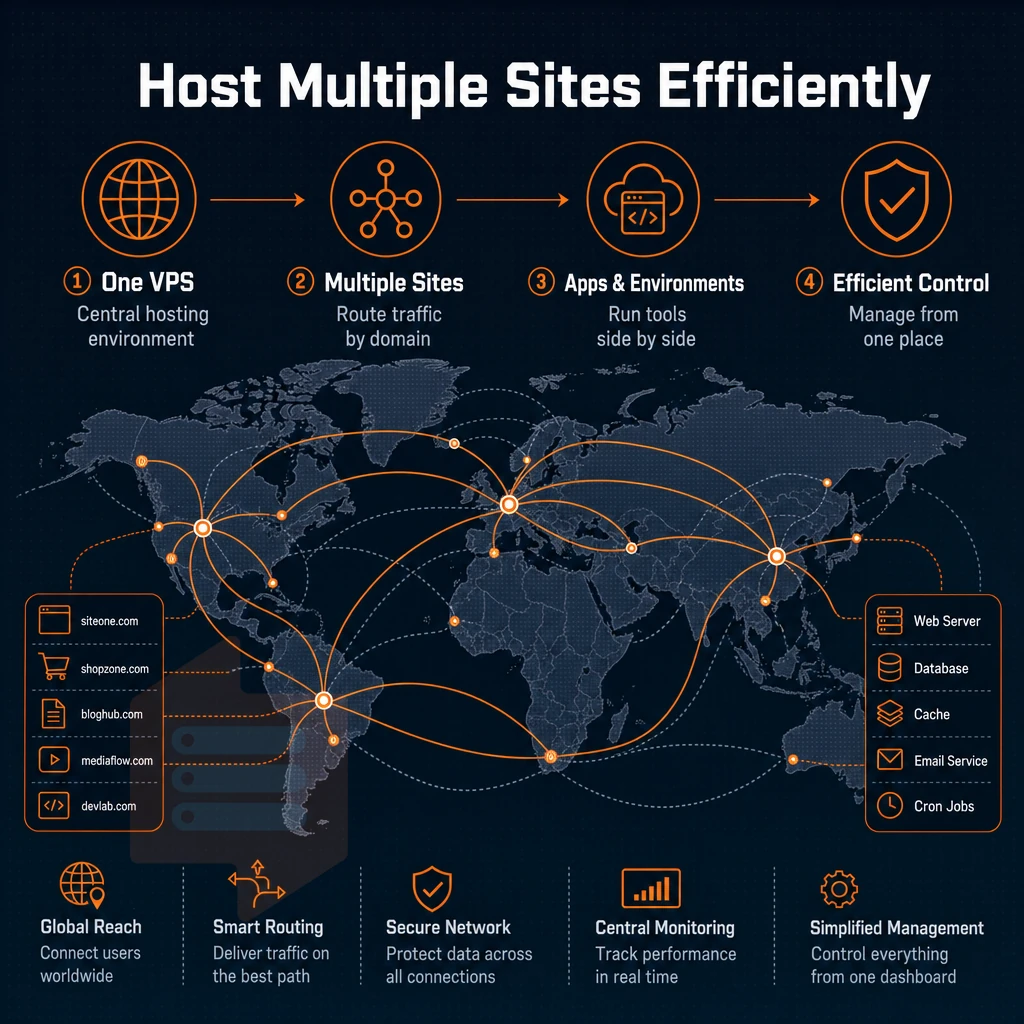
One VPS, many sites, applications, and environments, that's how VPS hosting differs from shared hosting, which isn't designed for large sites. Below is a step-by-step guide to hosting many sites on a single VPS.
Preparation: plan your resource layout
- Map each of your sites to a domain name. Create a list of all your current and future projects with their respective domains before you start setting up servers. Knowing how traffic will flow to all of your domains in advance allows you to intelligently allocate CPU and RAM to all of your domains from the start.
- Choose a reverse proxy (like Nginx or Caddy) that can send the incoming requests to the correct application based on the hostname. This is how you can run multiple websites from a single IP address without having to assign them to different ports.
Execution: configure virtual server hosts and isolation
- For each site, create a virtual host block that defines the document root, the SSL certificate and the upstream app port. Misconfiguration of one virtual host block will not affect the others.
- Use containers or separate users to isolate apps. Each app should run under its own system user, or within a Docker container. That way a memory hogging app can’t consume more resources than it’s been allocated. This is why VPS instances tend to perform better than shared servers with multiple websites.
- Running staging and production environments side by side. Binding a non-public port or subdomain to your staging app. This is useful for e-commerce storefronts and SaaS micro-apps. Test on identical infrastructure before going live.
Note: Skipping resource limits (cgroups or Docker memory caps) is the most common mistake. Without them, one runaway process can starve every other site on the box.
What operating systems can i install on VPS hosting servers?
We support Ubuntu, Debian, AlmaLinux, Rocky Linux, CentOS Stream and Fedora. All of these can be installed within minutes from our customer area. Additionally you can upload your own ISO file, if you need a special distribution for your project. Each operating system image can be deployed directly through the control panel interface, streamlining the provisioning workflow for teams managing multiple environments.
Teams can also install custom software packages and dependencies immediately after deployment to match their specific application requirements. Each linux distribution is optimized for different use cases, from Ubuntu's ease of use to Debian's stability for long-term production deployments. The control panel also provides snapshot and backup tools that preserve the entire system configuration for rapid disaster recovery or cloning to new instances.
We are different from many other companies, who only have a single location with dedicated hardware on the West Coast of the US, for example in Los Angeles.
Upgrading your virtual private server in place as your project grows means you can add RAM and CPUs to your current machines without moving your data and IP addresses.
Choosing the right VPS plan: standard, dedicated CPU, and high memory
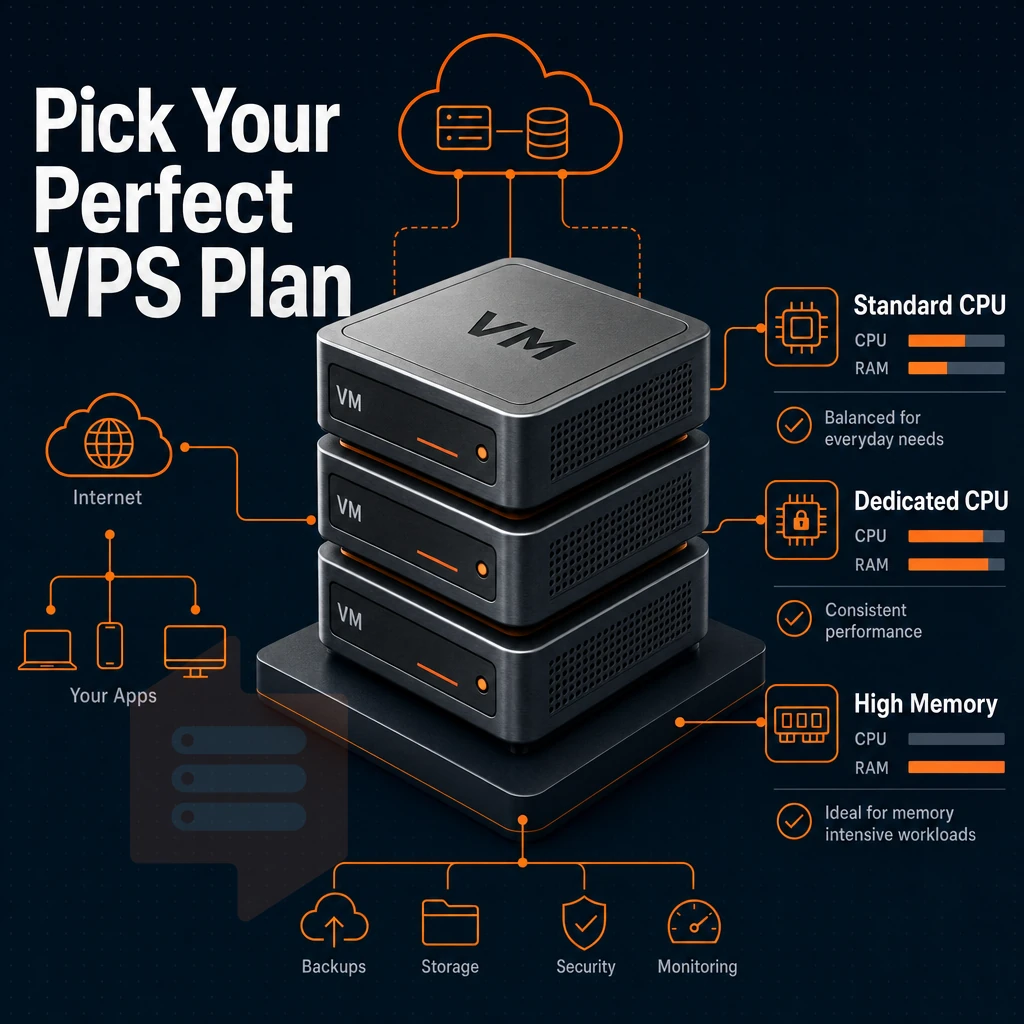
Not all workloads need the same resources. Our VPS offerings are grouped into 3 tiers: Standard CPU VPS, Dedicated CPU VPS, and High Memory VPS. This allows you to select a suitable hosting plan for your specific needs, as opposed to paying for unused headroom with a larger plan. Teams running production and staging environments can deploy workloads across different servers in each tier to match performance requirements with cost efficiency. Matching workload characteristics to the appropriate tier ensures a cost effective infrastructure strategy that avoids overprovisioning while maintaining performance standards.
Workloads requiring consistent computational power benefit from dedicated resources that eliminate performance variability caused by resource contention across shared infrastructure. Each tier is designed to deliver enterprise grade reliability through isolated resource allocation, ensuring predictable performance for mission critical applications. Organizations can seamlessly upgrade between tiers as their application demands grow, ensuring infrastructure scales in alignment with business requirements without service interruption. Isolating resources by tier prevents workload interference and ensures that each application receives predictable access to compute, memory, and storage without contention from unrelated processes.
High performance tiers explained
Standard CPU tier is a shared vCPU environment on AMD EPYC Milan processors with NVMe SSD storage and DDR4 ECC RAM.
Our dedicated CPU tier assigns physical EPYC Genoa cores and DDR5 ECC memory exclusively to your VPS for the lowest possible latency, the ideal server for real-time APIs, games, CI/CD builds, and other CPU-intensive workloads.
The High Memory cloud server uses a 1:8 vcpu to RAM configuration, optimized for in-memory databases, large caches, and high-end analytics that stall waiting for data to stream in from disk.
All tiers are configured with KVM, separate kernel for each VPS, hard memory limits and low node density to prevent any form of overselling across the board.
Matching your workload to a tier
Small businesses, startups and development teams will get reliable compute in the Standard tier without overcommitting budget. High-Performance CPU or low-latency services run better on a dedicated server in the Dedicated tier, whereas Memory-intensive applications (like Redis-clusters, columnar databases and in-memory analytics) will perform best in the High Memory tier. Growing businesses often start in the Standard tier and migrate to Dedicated or High Memory configurations as their user base expands and workload demands increase.
Do i get full root access when i buy a VPS server in the USA?
Yes. All VPS plans at BuyVPS come with full root access immediately after provisioning. You can then change the OS, kernel parameters, firewall rules, etc. as desired.
Our New York (US East Coast) dedicated server location offers the same hardware as Amsterdam, with the same user friendly self-service, in-browser VNC, API access, and all other features. Superuser access capabilities are detailed in the next section.
Full root access, custom OS, and complete control over your virtual server
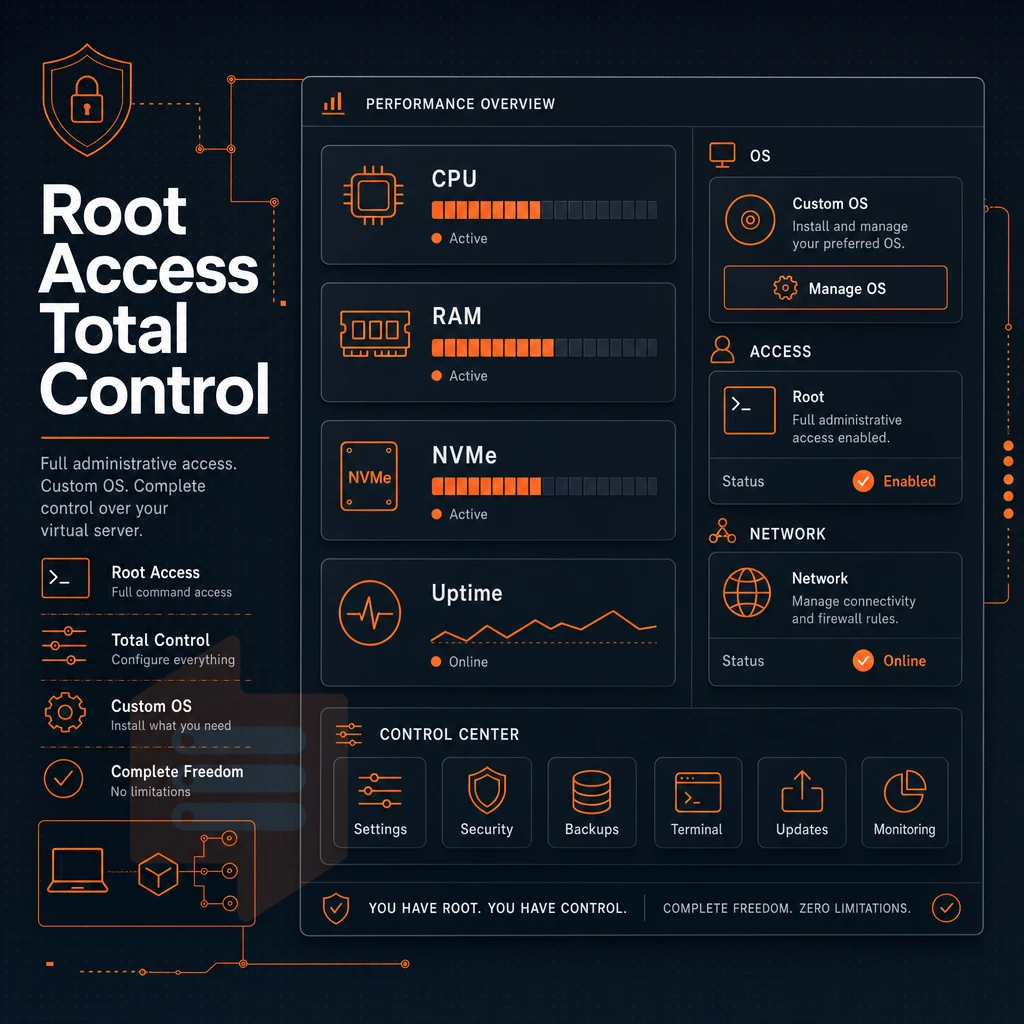
All our BuyVPS plan s are provided with full administrative access immediately on launch. Unlike shared hosting, there’s no restriction on what you can do with your server, no restricted control panels and no artificial limits placed on your use of your environment. You’ll have full control of your server, it’s all yours.
What root access unlocks
full root privileges lets you go as deep as you want into the stack. You can install and uninstall packages as desired. You can also tweak kernel parameters, create custom firewalls and more. You can install whatever software you need for your particular workloads.
- Package management via
apt,dnf, oryum. - Kernel parameter tuning through
sysctl. - Custom firewall configuration with
iptablesornftables. - Full control over users, permissions, and system services.
Give customers running production workloads, database clusters, containerized microservices, the same access to resources as bare-metal customers.
Operating system choices
We support popular Linux distributions including Ubuntu, Debian, AlmaLinux, Rocky Linux, CentOS Stream, and Fedora. If we don't support your distribution, simply upload a custom ISO and it boots straight from it. Unlike many web hosts, we let you choose the operating system, not the other way around.
What is the difference between a shared vcpu and a dedicated CPU VPS?
On a shared vCPU account, CPU threads are pooled across all virtual servers. Bursting is allowed, but unlike a dedicated server, CPU cycles are shared, so all virtual servers on the account compete for cycles during bursts.
On our Dedicated CPU tier, we pin CPU cores to a VPS so there is no contention for CPU cycles, no noisy-neighbor effect, and low latency all the time.
The self-service panel provides an API and in-browser VNC console. You can reboot, reinstall or reconfigure a server without needing to open a support ticket. Access to reconfigure the network is also provided and we take a closer look at the underlying infrastructure.
Network performance and data center locations: new york and amsterdam
We have two locations to choose from: our US East Coast location in New York and our European location in Amsterdam. Both locations have identical hardware, unlimited bandwidth, control plane, and pricing, so the decision is simply a matter of latency to your users.

Network and infrastructure specs
Multi-homed uplinks for all plans, with IPv4 and IPv6 dual-stack enabled.
Cloud infrastructure: new york vs. Amsterdam
| Dimension | New York (US East) | Amsterdam (EU) |
|---|---|---|
| Primary audience | North America | Europe |
| Hardware | Identical to Amsterdam | Identical to New York |
| Storage performance | 122,959 4K read IOPS | 122,959 4K read IOPS |
| IP stack | IPv4 + IPv6 | IPv4 + IPv6 |
Is a USA VPS server good for e-commerce and business applications?
Yes, decisively. A VPS hosted in New York places your application within the walls of a data center which services the largest US population base. The end result is lower round-trip times which translates to better checkout times and reduced cart abandonment.
Companies like BuyVPS offer reserved CPU ‘D-tiers’ which come with pinned cores. This is ideal for applications installed with full sudo privileges. Scaled in-place without having to re-IP payment processing gateways and other applications that have session-based logic with strong network performance as well as robust security underpinning said network performance.
Dedicated server security features, DDoS protection, and management
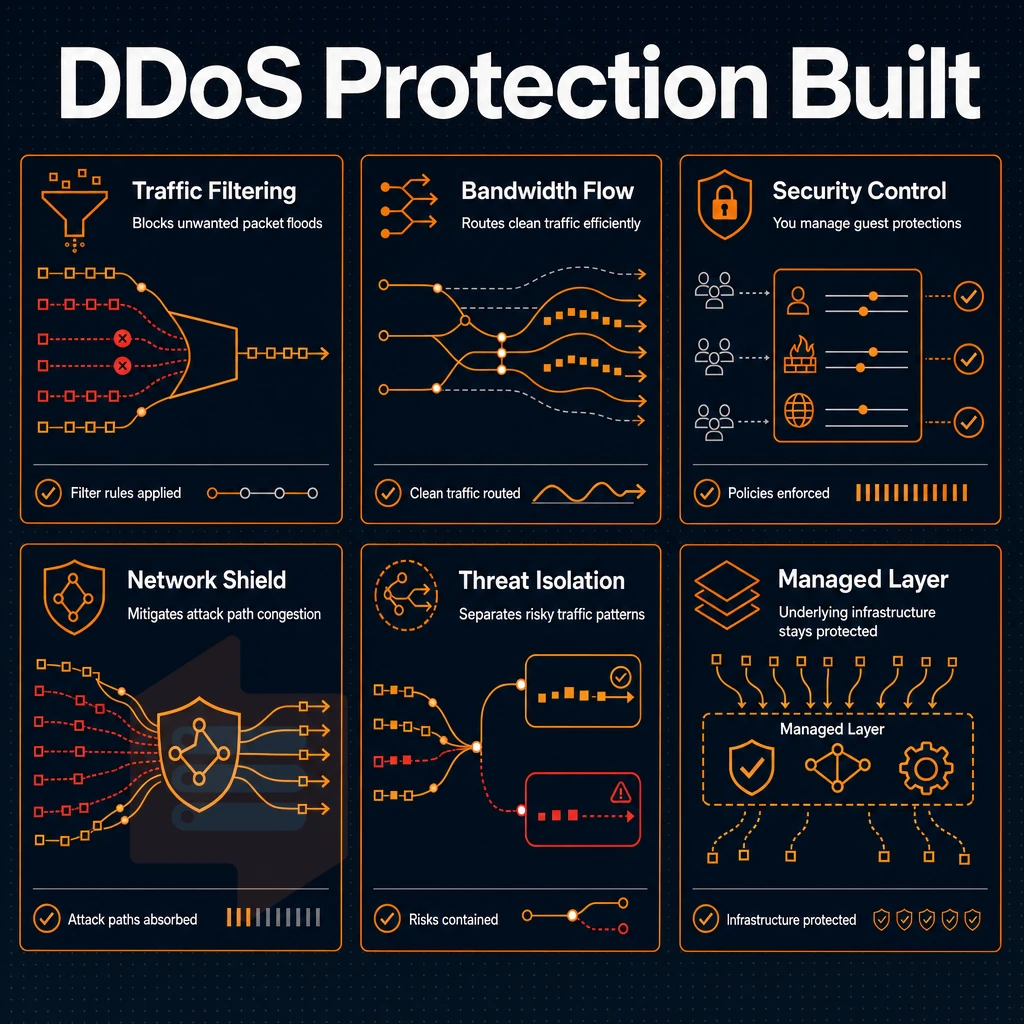
As a customer running a VPS in a virtualized environment you control the security posture of your guests. We control the underlying infrastructure layers. Here is how we work together to provide our virtualized services.
Security features and DDoS protection
Edge filtering and an abuse-policy-based firewall operate at the network level. DDoS protection is applied before traffic reaches your server, with volumetric attacks scrubbed at the edge.
KVM virtualization is extremely isolated between instances. In addition to normal user space isolation, each VPS runs its own kernel and thus if one server has a problem with noisy neighbors (shared memory), it will not affect another server. And kernel panics are also fully isolated from another server.
Note: KVM isolation protects you from other users at the hypervisor level, but it does not replace OS-level hardening inside your own instance.
Dedicated server management: your responsibilities
Full root-level access to your server allows for full control of your server. You will be responsible for patching the server, adding firewall rules, and monitoring the server.
- As a general measure, patch the OS regularly. On Debian/Ubuntu systems, enable unattended-upgrades. On AlmaLinux or Rocky Linux systems, configure dnf-automatic.
- Configure a host firewall. Use
ufworfirewalldto restrict inbound ports to only what your application needs. - Monitor for abnormal performance such as high CPU and memory usage. Also monitor for unusual activity such as failed login attempts. Catch problems before they become incidents.
How quickly can i upgrade my VPS plan if my project grows?
In-place upgrades to larger plans are implemented immediately. No data migration, no changes to IP addresses. Upgrades are managed through your self-service portal and additional resources applied to your current server(s). No scheduled downtime window is required and no DNS changes are necessary.
Our technical support team of real engineers is available to help with complex virtual machines issues at support@buyvps.com or +31 85 369 6285. Also the upgrade process of a server is important and should be looked at closely, because handling the growth of a server is just as important as handling the first setup of a server.
Scaling your VPS: in-place upgrades and no renewal price hikes
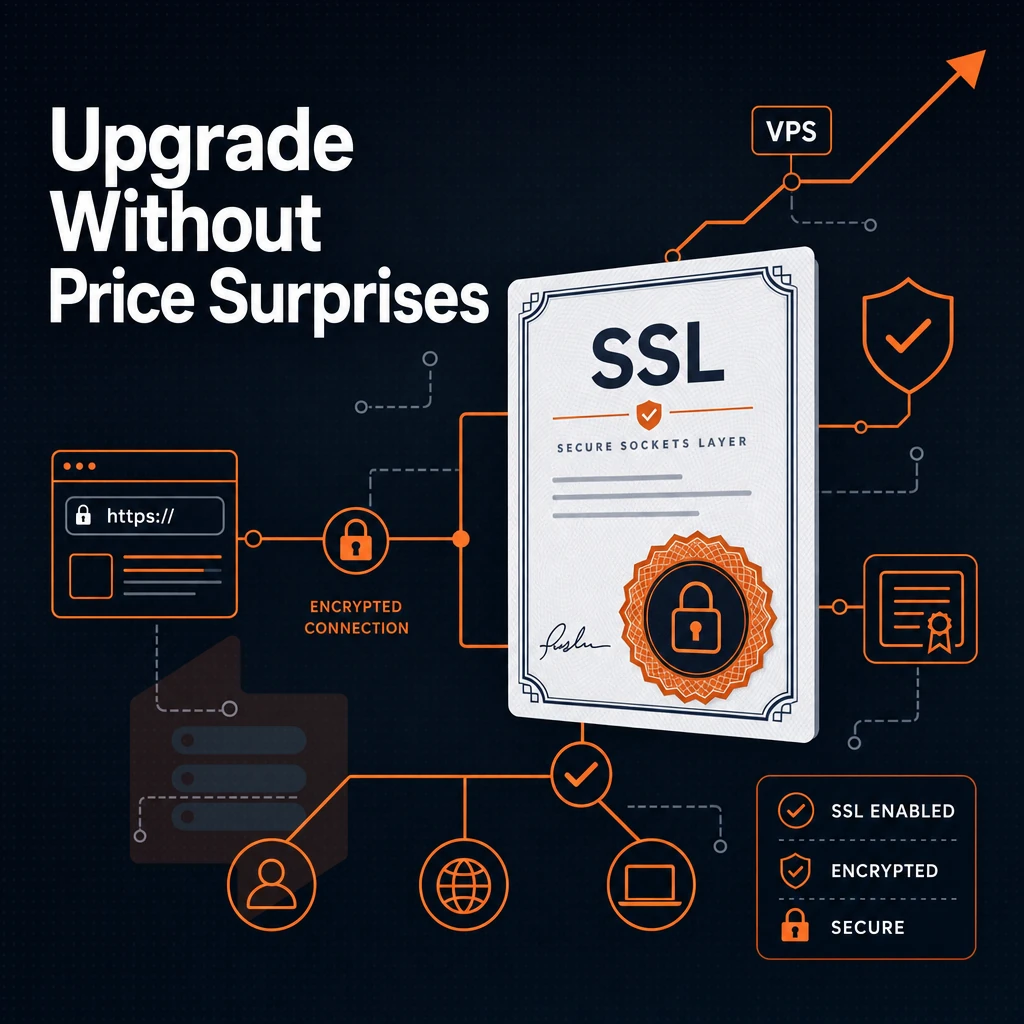
Scaling a VPS should be a technical event, not a logistical one. So, when your project finally takes off. You should be able to scale your VPS without having to migrate to a new server with a new IP address and dealing with the subsequent DNS propagation delays.
In-place upgrades: how they work
Upgrades are handled at the hypervisor level. Therefore when you move to a larger plan, all the CPU, RAM and storage is simply re-allocated to your existing KVM powered VPS instances without any disruption. Your IP addresses, hostname, disk space, operating system and application configs will all remain unchanged, there is no need to copy any data, provision new servers or even arrange a window of time for the DNS to cutover.
This is very different from a hosting service that treats an upgrade to a new server as a new-server event and assigns new IP addresses and requires you to reconfigure your DNS. SSL certificates and firewall rules.
What stays the same after scaling
The underlying KVM instance persists, leaving all layers on top, processes, services, cron jobs, SSH keys, monitoring tools, untouched. You get more power without touching a single config file.
In production hosting environments, even a short-term IP change can trigger multiple processes: re-issuance of server certificates, purging of CDN caches, and reconfiguration of downstream APIs.
Pricing commitment across billing cycles
We offer monthly, 1 year, and 2 year billing cycles with increasing discounts as the cycle lengthens. Importantly, however, the rate locked on day 1 for your hosting plan is the rate you'll pay in year 5, no increase on renewal, no bait-and-switch.
We’re maintaining the same price point in year 5, with competitive pricing to ensure your budget isn’t eroded as your infrastructure matures.
The predictability for long-term hosting such as multi-year hosting is significant for many businesses, allowing them to accurately forecast costs for items such as their VPS line item year after year. With the mechanics of scaling your VPS covered, it is also worth identifying the optimal workloads to run on a US-based VPS.
Common use cases: who should buy VPS server USA
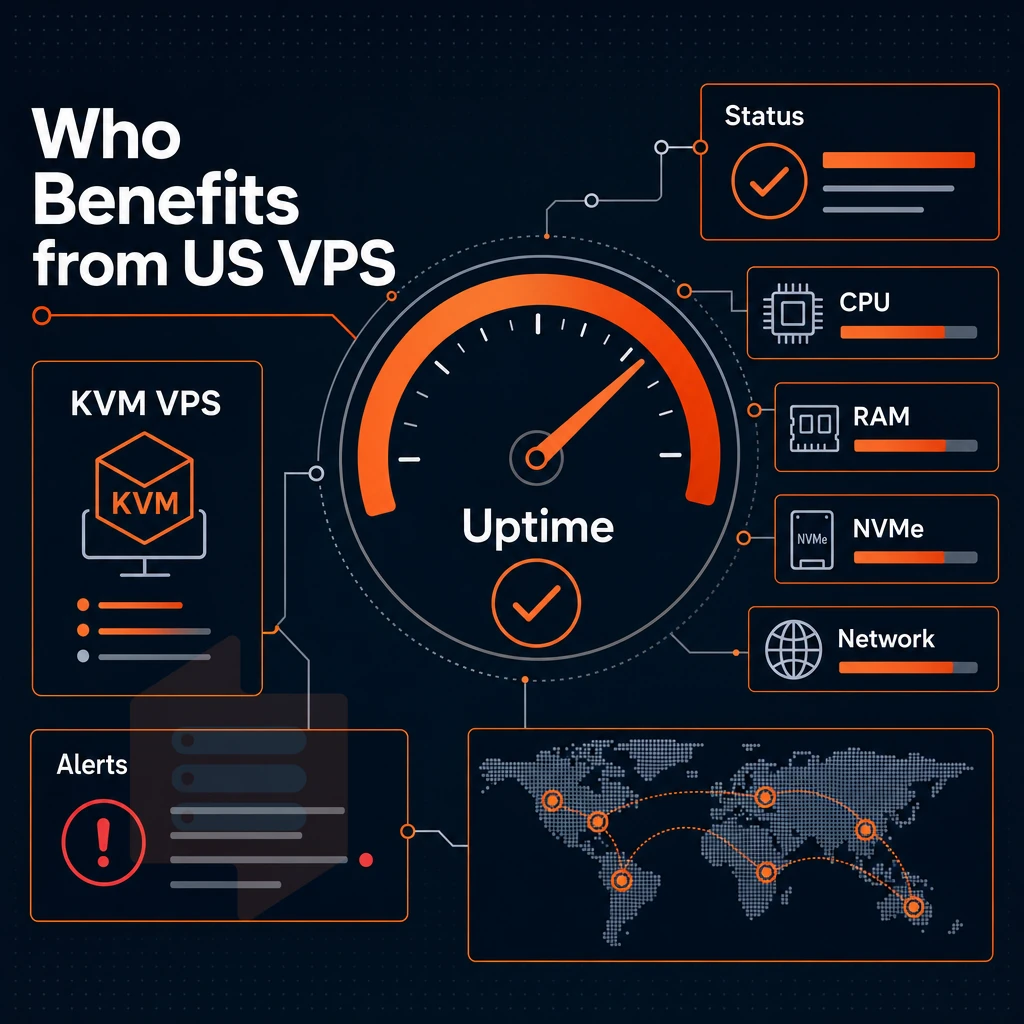
A KVM VPS with full system access on fast NVMe storage can host a large variety of services. The best buyer for such a server is determined by the specific workload it will be hosting, not by its size.
Developers, agencies, and small businesses
Linux VPS hosting provides isolated environments for development, staging and production. You have full control of your server: custom kernels, containerized applications and no noisy neighbors eating up your RAM.
Companies that host websites for their clients, such as advertising agencies, benefit from not placing different clients on the same server. Alternatively, multiple sites can be hosted on a single server with strict controls on resources. In addition, small businesses that run CRM packages or other small business applications can now have their own virtual server without the cost of a full physical server.
E commerce and compliance workloads
Online stores require consistent I/O performance at the operating system level as well as low-latency connections to payment processors such as those based in the US. Our New York location allows you to serve East Coast customers and have connections to relevant financial infrastructure. We offer US-jurisdiction hosting for compliance reasons to serve businesses that operate under US compliance frameworks and have associated data-residency requirements.
VPS hosting for a large number of concurrent users
Concurrent connections from game servers, VPN endpoints, and media servers such as Jellyfin maintain a constant connection for long periods of time on a virtual dedicated server, regardless of the operating system, exposed to typical overselling.
We use hard memory caps and low density on our nodes to ensure small websites and high volume of service receive the resources that were allocated to them. We also have an in-place upgrade path for your virtual dedicated server so you can scale as needed without having to go through IP rotation or downtime from a migration. Below are the specifics on what we bring to each of those use cases.
Why choose BuyVPS to buy a VPS server in the USA
When you buy a VPS server in the USA, infrastructure decisions matter. Our New York data center puts your virtual private server close to US East Coast users, cutting latency for e-commerce, SaaS, and business-critical workloads. Every VPS plan runs on KVM virtualization with a separate kernel, genuine isolation, not a virtualized environment shared with noisy neighbors.
- No-oversell policy: hard memory caps and low node density mean dedicated resources stay yours, unlike shared hosting where other users compete for the same physical server.
- AMD EPYC CPU cores with pinned cores on the Dedicated tier, high performance and predictable latency under real load.
- NVMe SSD storage on RAID10 with 122,959 measured 4K read IOPS, complete control over I/O-intensive workloads.
- Full privileged access and custom ISO on every VPS hosting plan, install any Linux distribution, configure your own operating system, manage your stack end-to-end.
- In-place upgrades with no IP rotation, your virtual server scales as your project grows, zero disruption.
- Founder-run since 2002 with engineer-staffed technical support and a 99.8% uptime guarantee.
Explore our VPS hosting servers and hosting solutions at BuyVPS.com/buy-VPS, or reach our team directly to compare plans for your workload.
The core advantages of USA VPS hosting server
Our VPS servers from our USA data center offer businesses low latency to market to customers in North America, fully dedicated resources to guarantee performance. Additionally, Full root user access to install and configure with any OS and applications you need. With KVM virtualization, each VPS gets to be treated as a fully separate server at the kernel level. And with NVMe SSD storage, I/O can be guaranteed at consistent levels under real world loads.
Scalability ties it together. As your project grows, a quality VPS hosting plan lets you add CPU cores, RAM, and disk space in place, no migration, no new IP. Ready to buy a VPS server in the USA? Explore BuyVPS hosting solutions at buyvps.com/buy-VPS/.
When purchasing a VPS server in the USA, there are three key decisions that need to be made: the suitable VPS resource tier, the appropriate location of the VPS server. Additionally, The appropriate level of VPS server control.
The standard CPU VPS servers are optimal for most web applications. There are also pinned CPU VPS servers and High Memory VPS servers which have pinned CPU cores and are able to handle very memory-intensive applications such as databases, analytics and multi-site applications under load.
Full root access and custom OS support are key to allowing your VPS to run as you need it to (as your application stack requires. Not as some managed control panel has been set up to offer). In-place upgrades, and no IP rotation, complete the set of key features to stop your growing applications hitting a barrier.
BuyVPS offers virtual server hosting out of New York (US East Coast) and Amsterdam, with AMD EPYC hardware, NVMe RAID10 storage, and hard memory caps that prevent the neighbor-noise problems common on oversold nodes. Browse the plans at BuyVPS.com and find the tier that fits your workload.