


The pricing for a DigitalOcean VPS seems fairly straight-forward at first.
In this guide we’ll explore the pricing of DigitalOcean in greater depth, look at where the ‘hidden’ costs surface, and compare it to the pricing of other VPS providers.
Additionally, Then go on to compare the commodity VPS offerings of the various providers with those providers that have created platforms that are centered around performance and cost. At scale, the difference in pricing between these types of providers is far greater than the initial cost, and is therefore worth understanding.
What is DigitalOcean VPS pricing and how does it work?
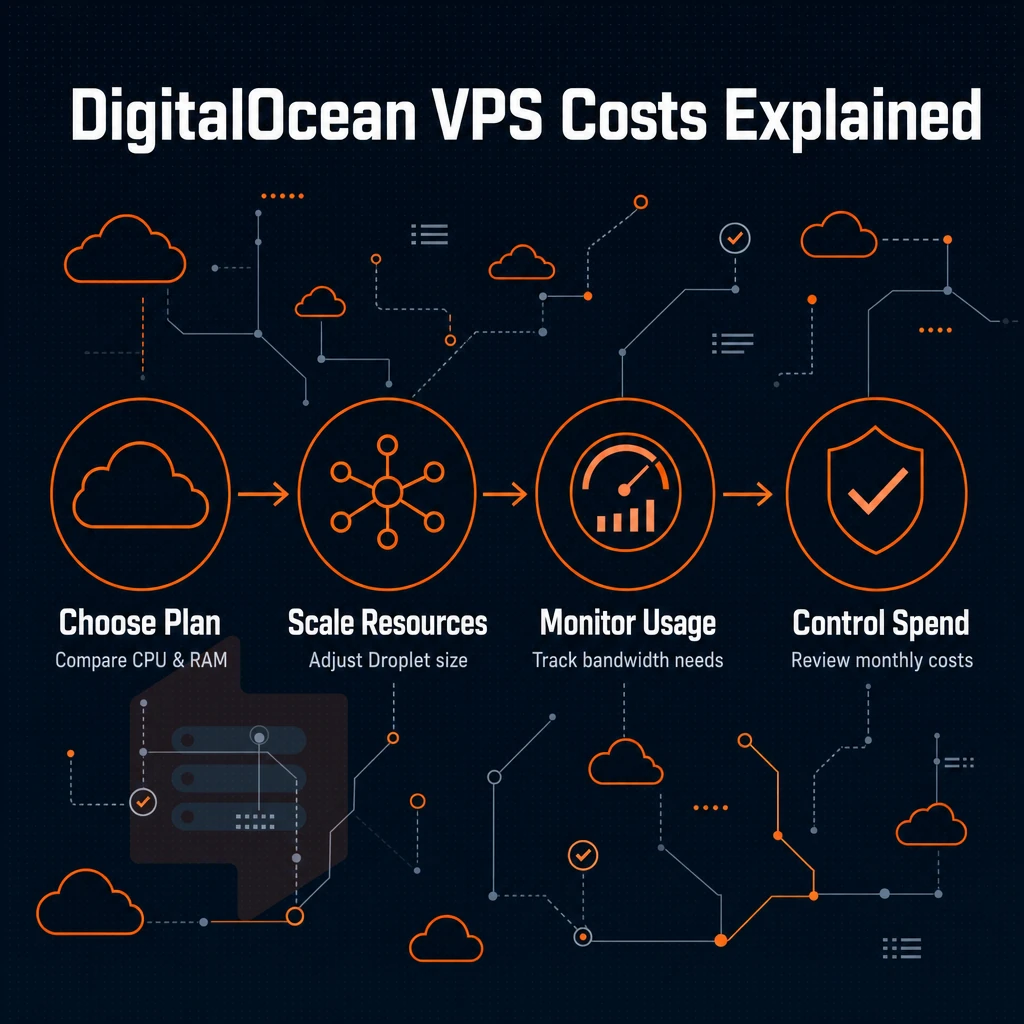
DigitalOcean offers several Droplet VPS plans, each of which is offered in various sizes with respect to CPUs, amounts of RAM, and amounts of storage. Each plan includes a bandwidth allowance, which is bundled into the plan and does not need to be purchased as an add-on.
Hourly billing explained
Each Droplet is charged for by the hour. So a server can be left running for a weekend load test and then charged only for the hours it was running. This way of billing is ideal for short-lived loads that would cost too much if a long period was pre-paid. For community perspectives, see Is DigitalOcean Overpriced? My Shocking Price Comparison!.
VPS plans and how they scale
VPS plans scale linearly, meaning that RAM and storage double while the price for the respective VPS doubles as well. Low traffic projects such as a staging server for a website would typically run on a Basic Droplet while CPU optimized Droplets are intended for compute intensive projects and in moving up to a higher tier of service you are purchasing dedicated resources rather than increasing shared resources.
Understanding which tier fits your specific use cases prevents overspending on unused capacity or underprovisioning critical applications. Seasonal applications that experience variable user activity should select tiers with enough headroom to accommodate peak demand without triggering automatic scaling charges or performance throttling.
What's bundled vs. Billed separately
Note that in addition to inclusions in each tier, storage, and outbound bandwidth, for example, managed data stores, load balancers. Additionally, Even object storage are offered as separate services on top of the cost of the Droplet itself. These services can increase cost dramatically and need to be accounted for once you have a solid understanding of the relevant tier structures.
If your application serves static assets globally, you may also need to budget for a cdn service to reduce latency and offload traffic from your origin Droplet. When decommissioning test environments or scaling down after a traffic event, remember to delete unused Droplets and their associated volumes to avoid ongoing charges for idle infrastructure.
Pros and cons of DigitalOcean VPS pricing
Popular with developers for their hourly billing and flexible plans, pricing has increased over time. Although there are some restrictions on accounts and services, it is worth knowing about before you sign up. Many developers appreciate the ability to spin up a test instance, evaluate performance during a product launch, and then destroy it without long-term commitment.
First month $1
Then the normal monthly price. One per customer. No setup fee, and a 30-day performance guarantee on your first order.
See the plans“Sjoerd helped me with the setup of my VPS, super helpful team, smooth onboarding, and overall a great experience, thanks again”
Pricing tiers are regularly updated to reflect changes in infrastructure costs and competitive positioning in the VPS market. Some providers also impose a monthly bandwidth allowance, after which overage fees apply, so reviewing the terms carefully helps avoid unexpected charges.
Pros: dedicated vcpus offer flexibility and billing clarity
- Pay by the hour or month, billing automatically flips between hourly and monthly caps for you. Run a short job, create a node for it, then destroy the node. You only pay for what you actually used.
- We offer a very wide range of plans. Our shared vCPU plans are minimal to start, and we have several memory optimized instances on top of that. You can grow as needed without over provisioning.
- Easy to manage as a developer. Clean API combined with easy to use control panel means you can set up in no time.
Cons: where costs and performance slip
- Shared vCPU contention: on entry-level servers, physical servers’ cores are shared. Under load, consistency cannot be guaranteed. A noisy neighbor can easily impair your workloads.
- Bandwidth overage expense. Your traffic overage charge rapidly compounds on high-traffic workloads.
- Plan prices have increased over the last few years. Some of the new tiers are more expensive than their predecessors.
Note: Shared vCPU contention is the most common complaint across competing hosts in this tier too, not unique here, but worth planning for.
How BuyVPS compares to other providers
BuyVPS Dedicated CPU VPS pins cores to your instance so you don't deal with neighbor contention.
DigitalOcean VPS pricing vs. Other providers: side-by-side comparison
The main differences between VPSes are the vCPU, storage, and billing model.
Side-by-side comparison table of spaces
| Provider type | vCPU model | RAM | Storage type | Billing model | Bandwidth included |
|---|---|---|---|---|---|
| Leading cloud platform (droplet-style) | Shared vCPU | From 1 GB | SSD | Hourly / monthly | Metered traffic above threshold |
| Budget VPS provider | Shared vCPU | Varies | HDD or SSD | Monthly only | Limited |
| BuyVPS (S-tier / D-tier) | Shared (S-tier) or dedicated cores (D-tier) | From 4 GB | NVMe RAID10 | Monthly, 1-yr, 2-yr, no renewal hike | IPv4 + IPv6 dual-stack, generous allocation |
Where droplet-style plans fall short
Standard Droplets include shared vCPU and metered egress. That’s fine for small, low traffic websites, but relational stores and apps that get constant use require dedicated cores to avoid the ‘noisy-neighbor’ problem and variability in latency. Web applications with database backends benefit most from dedicated cores, ensuring query response times remain stable even during traffic spikes. Mobile apps with real-time sync or push notification backends similarly depend on dedicated vCPU allocation to maintain responsiveness across concurrent user sessions.
Dedicated vCPU allocation gives you direct control over CPU scheduling, eliminating the unpredictability that comes from hypervisor contention in shared environments. Dedicated cores also deliver fast, predictable I/O throughput for workloads that depend on low-latency disk access and consistent network performance. Applications serving dynamic content over the internet require stable compute allocation to handle unpredictable request patterns without degradation. In cases where application logic involves heavy background processing or batch jobs, dedicated vCPU ensures these tasks complete on schedule without interference from neighboring tenants.
Why billing model matters for general purpose droplets
While hourly billing is suitable for short experiments, production computing tasks are better paid for with a fixed, guaranteed monthly cost for a complete year or even two. At BuyVPS you pay the same rate at renewal as you did originally. This makes for a very reliable and consistent billing model which is one of several reasons we recommend it for performance oriented deployments. We continue to discuss the reasons for this in the following section.
Why BuyVPS handles performance-focused production workloads well
For production server tasks that are running on VPS servers, developers want consistent performance and don’t want to be impacted by shared vCPU usage or surprised by secret price increases. We at BuyVPS have designed our VPS offerings to meet these requirements.
- No-oversell, hard RAM caps: low node density means your instance gets the resources it was provisioned with, under real demand.
- Dedicated CPU D-tier: pinned AMD EPYC Genoa cores eliminate the noisy-neighbor CPU contention common on general-purpose plans.
- NVMe RAID10 PCIe-direct storage: 122,959 4K read IOPS measured, fast enough for data-heavy applications and database engines.
- KVM isolation: each VPS runs a separate kernel, not a shared one.
- In-place upgrades, no IP rotation: scale your plan without re-provisioning or updating DNS.
- Amsterdam and New York: deploy in EU or US East with identical hardware and no renewal price hike in year five.
Compare BuyVPS plans to see how our specs align with your workload. You can review detailed specifications and pricing breakdowns on our site without needing to download lengthy PDF documents or create an account first. Each plan page includes a direct link to our knowledge base articles covering setup, migration, and performance tuning for that specific tier.
Frequently asked questions about long periods
Where can i find a link to DigitalOcean VPS plans with costs and speeds?
DigitalOcean publishes its Droplet pricing on its website, with entry-level plans aimed at developers and small production tasks. Costs scale with vCPU count, RAM, and storage tier. For a direct comparison, providers like BuyVPS offer Standard, Dedicated CPU, and High storage VPS tiers, all with transparent, no-renewal-hike pricing you can verify before committing. When evaluating alternatives, consider whether you need the managed-services layer or simply reliable compute with predictable billing.
What are the monthly costs for VPS hosting spaces?
VPS pricing varies widely depending on the resources allocated and the provider's infrastructure model. A shared-vCPU entry plan from most providers targets light hosted applications, while dedicated-core or high-RAM capacity configurations expenditure more. The key is matching the plan to your actual workload, overpaying for shared resources you can't rely on under load is a common mistake. BuyVPS, for example, enforces hard RAM allocation caps and low node density, so the resources you pay for are the resources you get. Decisions should be based on measured performance requirements rather than marketing claims or superficial feature comparisons. Seasonal businesses and event-driven sites should model their peak demand scenarios to avoid under-provisioning during critical periods when user activity spikes.
Which provider offers cheaper spaces and services, Aws or DigitalOcean?
DigitalOcean is generally less expensive than AWS for equivalent raw compute specs, largely because AWS bundles a broader managed-services ecosystem into its pricing model. However, you can delete the assumption that 'cheaper' is straightforward, because AWS charges separately for egress, load balancers, and many add-ons that can push the real bill well above the headline instance price.
If you need straightforward VPS compute without the cloud-solution overhead, purpose-built VPS providers often deliver better value, BuyVPS, for instance, includes IPv4 and IPv6 dual-stack, NVMe RAID10 storage, and in-place upgrades with no hidden migration fees. Decisions should be based on your actual compute requirements rather than marketing claims about cloud flexibility or ecosystem size.
What are the disadvantages of digitalocean's load balancer across spaces?
DigitalOcean's shared Droplet tiers use shared vCPUs, which means noisy-neighbor effects can impact performance under real load. The service also lacks the bare-metal performance isolation that pinned-core VPS providers offer. For computing demands that require predictable CPU latency, a dedicated-core VPS, such as BuyVPS's Dedicated CPU tier running on AMD EPYC Genoa with pinned cores, is a more reliable choice than a shared-vCPU Droplet. Production workloads running database queries or real-time APIs benefit from knowing exactly which physical core the server process is scheduled on, eliminating jitter from hypervisor contention. Pinned cores eliminate scheduling delays and deliver consistent execution speed for latency-sensitive applications that cannot tolerate variable response times.
Their pricing is simple to understand, but the per hour usage + add-ons for excess bandwidth, storage, etc. + the managed services charge will quickly add to the initial price of the Droplet(s) and can result in surprise higher monthly bills than the initial price quoted. The key to a overhead effective deployment of DO Droplets is to choose the right size for your required workload (general purpose, CPU, or RAM optimized).
Effective capacity planning and workload management ensure you avoid over-provisioning while maintaining the performance headroom needed for traffic variability. Many developers overlook the bandwidth allowance included in each tier, which can lead to unexpected overage charges when applications scale beyond their baseline transfer limits.
If predictable, flat-rate rates matters to your team, it's worth comparing alternatives before committing. BuyVPS runs KVM VPS on AMD EPYC hardware, shared or pinned dedicated cores, out of Amsterdam and New York, with NVMe RAID10 storage, hard RAM caps per node, and no renewal hikes. In-place upgrades mean no IP rotation when you scale. Visit BuyVPS.com to review the available plans and see how the specs stack up against what you need.