


The top cPanel VPS providers for your needs is a balance between a control panel you are familiar with and the actual power needed to run your applications.
Dealing with resource conflicts and, worst of all, dealing with robots in automated support queues as opposed to experienced engineers.
We strip away the bias and help you compare the better cPanel VPS hosting options, including a comparison with founder-run BuyVPS, a KVM VPS hosting service offered from two data centers in Amsterdam and New York, with AMD EPYC processors and NVMe RAID10 storage.
We outline the critical factors for evaluating a cPanel VPS hosting service, and provide a framework you can use to make a buying decision. First, we start with the basics: what is cPanel VPS hosting and how do the two levels of service work together?
For a complete overview, explore our best cpanel VPS hosting guide.
What is cPanel VPS hosting and how do hosting providers work?
A cPanel VPS is a combination of a Virtual Private Server and the cPanel control cpanel. The Virtual Private Server part gives you your own, fully isolated VPS with as much bandwidth and disk space as you need. Meanwhile, The cPanel control cpanel gives you a full web hosting control cpanel, usually used by professional web hosting companies. This You can manage with just a few clicks of your mouse. No in-depth Linux command-line skills are required. The intuitive interface simplifies cpanel access for both beginners and experienced administrators who need to configure domains, email, databases, and security settings. The cPanel control panel also includes comprehensive database tools that let you create, manage, and optimize MySQL and PostgreSQL databases through phpMyAdmin and other integrated utilities.
First month $1
Then the normal monthly price. One per customer. No setup fee, and a 30-day performance guarantee on your first order.
See the plans“BuyVPS offers simple and reliable VPS hosting solutions for different online needs.”
The graphical interface eliminates the need for manual configuration file editing, allowing administrators to deploy SSL certificates, configure FTP accounts, and manage DNS zones without touching the command line. The interface provides centralized tools to manage domains across multiple hosting accounts, streamlining zone file updates and DNS propagation monitoring from a single dashboard. The control panel also bundles security tools including firewall configuration, IP blocking, and SSL management to protect hosted sites from common threats. The user friendly control panel architecture ensures even non-technical site owners can perform complex hosting tasks through visual workflows and guided wizards.

How the virtual private server layer works
A VPS is different from shared hosting where dozens of accounts compete for CPU power and RAM. Because a VPS is virtually isolated from other accounts, it runs its own kernel and control panel environment, meaning a noisy neighbor cannot cause excessive load or compromise your setup for hosting websites. This isolation makes VPS hosting far superior to basic hosting environments where resource allocation is unpredictable and performance can degrade without warning.
Proper VPS architecture ensures each hosting environment maintains dedicated kernel space, preventing cross-contamination of processes and delivering consistent performance regardless of activity on adjacent virtual machines. Unlike shared hosting plans where resource allocation fluctuates unpredictably, VPS environments guarantee fixed CPU and memory allocations that remain consistent under load.
Root access is included as standard.
What the control panel adds on top
cPanel sits on top of the OS, handling most daily administrative tasks.
- Domain and DNS zone management.
- Email account creation and routing.
- MySQL and PostgreSQL database provisioning.
- SSL certificate installation.
- File manager for uploads and permissions.
WebHost Manager (WHM) is an extension to cPanel that allows web hosts and resellers to manage cPanel accounts for their customers.
What are the cheapest VPS hosting providers with cPanel?
Most providers offer entry-level cpanel VPS hosting, but the cheapest options are usually oversold with heavily throttled I/O.
Unlike other data centers and hosting companies, we deliberately keep our node density very low. The price difference compared to super cheap web hosting from other data centers and hosting companies reflects real, unused server resources, not marketing fluff.
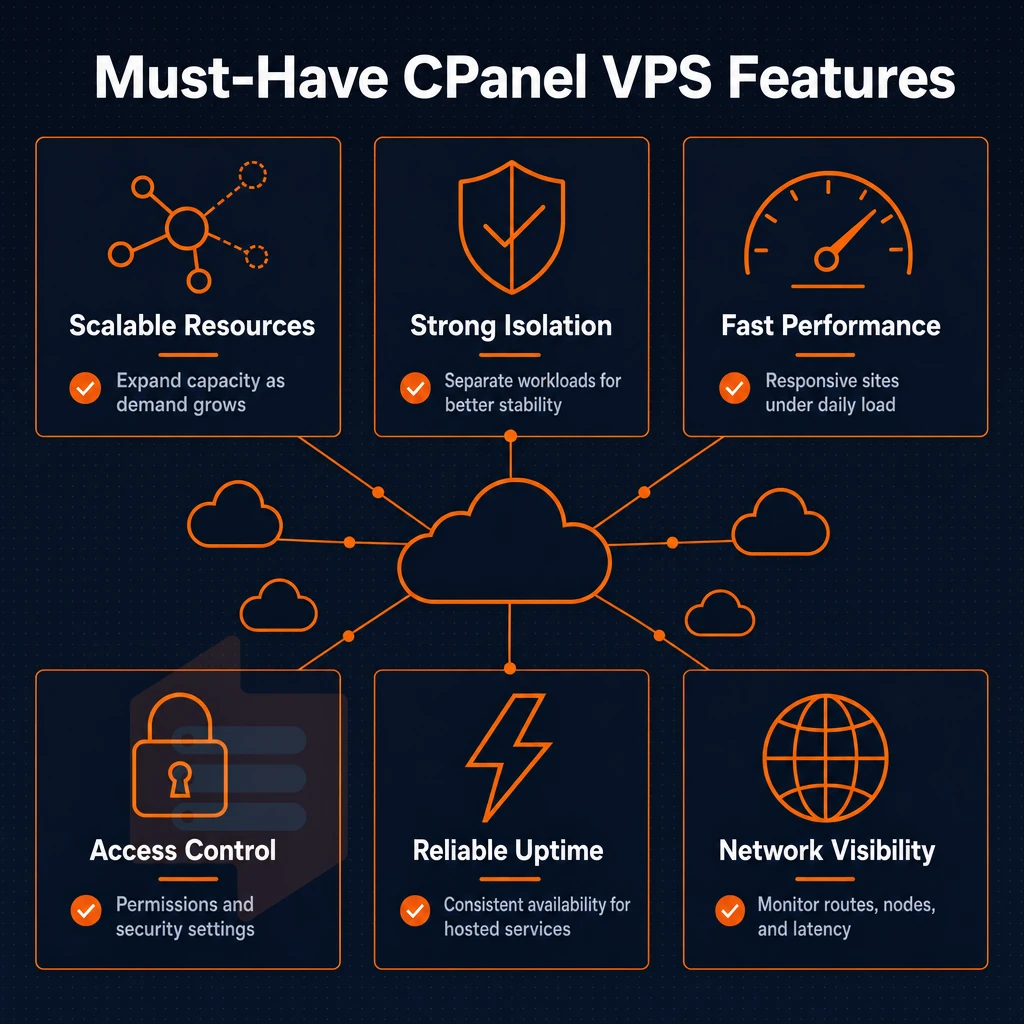
Knowing the technology is only half the battle, you need to know what features make a good cPanel VPS control panel and what makes one perform poorly under load.
Key features to look for in a cPanel VPS server
When choosing a cPanel VPS server, there are several technical layers involved in evaluating a server compared to just reading off the specs. This checklist will cover what to look for when evaluating a server to ensure proper performance in a variety of workloads.
Web hosting virtualization, storage, and resources
KVM virtualization uses a separate kernel for each virtual server.
For cPanel workloads dedicated resources are important. Pinned CPU cores prevent gettid enforced CPU steal. Hard memory limits guarantee that a noisy neighbor cannot silently steal your VPS resources. Low node density also helps guarantee headroom on traffic spikes since there are fewer tenants per host.
Network and OS compatibility
Dual stack IPv4 + IPv6 is mandatory for modern hosting platforms, also for SSL certificates and for correct email deliverability. cPanel is confirmed to work with AlmaLinux, Rocky Linux and CentOS Stream. You need to verify with your hosting provider if they offer OS images for these distributions. Root access is required to install cPanel, to configure WHM and to manage all layers.
Which hosting providers are best for cPanel hosting?
When selecting a managed host, it is best to evaluate them by your specific needs for an upgrade and to manage servers. The best option would be an in-place upgrade without IP reassignment, as reassigning IP addresses means you'll have to change your DNS and the cPanel interface access will be suspended for your existing clients.
Additionally, an API-accessible control panel with an in-browser VNC console allows you to fully manage servers where SSH is not unavailable. Root access to the underlying Operating System is also essential, so avoid any VPS hosting provider that only manages servers via a graphical interface and grants you no root access.
Unlike many web hosting providers, we cover all bases for you, with KVM isolation, NVMe RAID10 storage, dedicated CPU types on AMD EPYC Genoa processors, AlmaLinux and Rocky Linux images available, dual-stack networking. Additionally, In-place upgrades possible for servers in Amsterdam and New York. Our infrastructure is designed for minimal downtime, with redundant network paths and proactive monitoring that catches issues before they affect your hosted sites.
If you are looking for hosting services with reliable servers, fixed resources, an easy-to-use control panel, and a 100% no-migration hiccup promise, as opposed to shared vCPU pools on oversold servers, BuyVPS is the obvious choice. For 20+ years, we have run dedicated servers -grade infrastructure as a VPS platform, with engineer-led support.
Our commitment to reliable hosting extends beyond hardware specifications to include transparent resource allocation and direct access to experienced system administrators who understand production workloads. When issues arise, our engineers provide hands-on server troubleshooting rather than routing you through tiered support scripts or automated ticket systems.
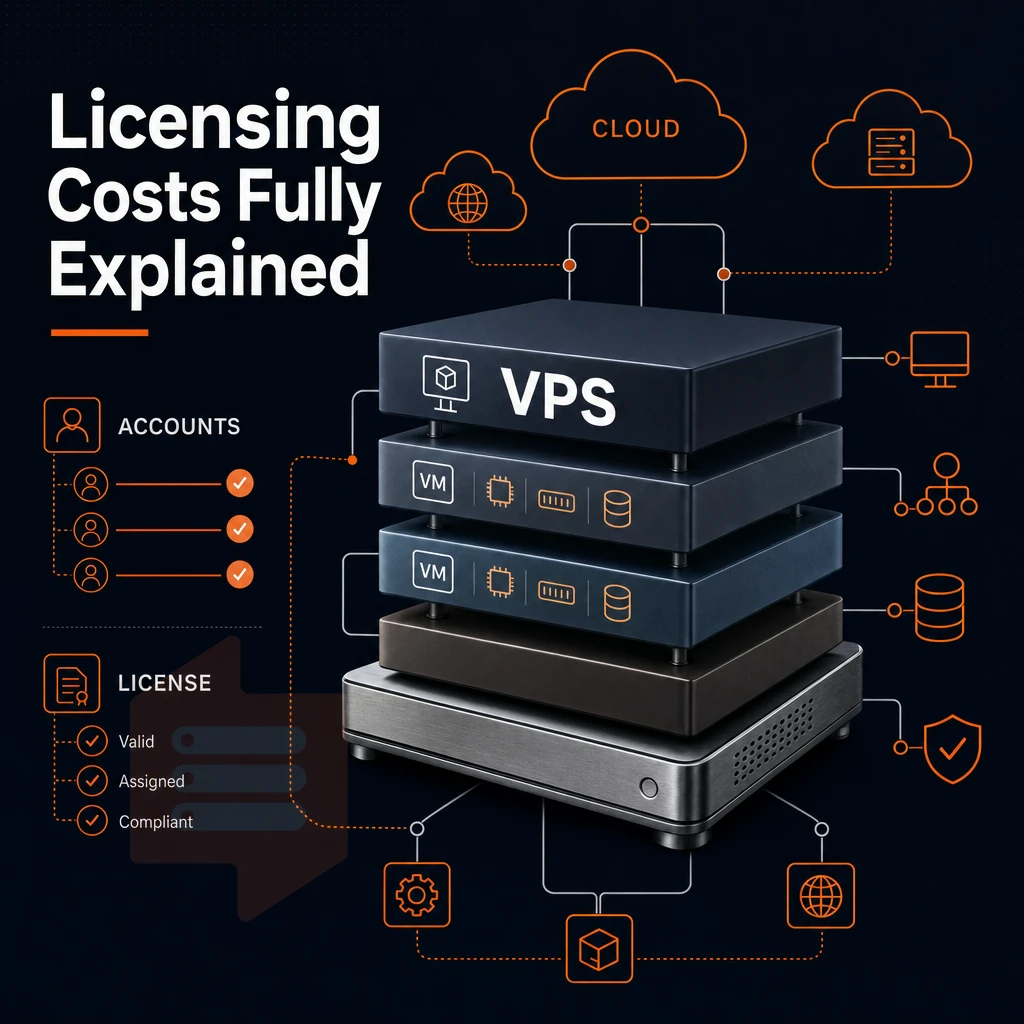
Beyond your server's technical foundation, the cost of a cpanel license is often overlooked by buyers of hosting services and can add significantly to monthly costs.
Understanding cPanel hosting licensing and pricing costs
cPanel went per-account pricing for VPS hosting, which completely flipped the economics for hosting VPS accounts. Now the cPanel license fee is a function of the number of accounts you actually host, which can end up being much more than you thought as you compare different VPS hosting plans.
Understanding cPanel pricing for hosting plans
- The cost of a VPS hosting plan includes the cost of the server and the cost of the cPanel license. These are two separate cost items, and neither cost includes the other. Therefore, you need to budget for both from the start.
- Find out if the license is bundled with the VPS or if you get charged for it monthly. This additional fee is usually hidden in the base VPS price, so check the checkout page carefully.
- Be aware of per-account scaling and factor that into your cost to ensure you have modeled the expected number of accounts for your small reseller operation. The monthly cost can quickly scale to an unexpected total.
Note: Community forums consistently flag this as the most overlooked expense when switching to a cPanel hosting plan. Verify the per-account tier that applies to your workload before signing up.
Evaluating free trials and alternatives
- You can test cPanel with a free trial. A short evaluation period is available to ensure that the control panel best suits your needs before the license fee kicks in.
- Compare the various control panels that you can use on your VPS plans. While cPanel has a licensing cost, there are many open-source alternatives that provide similar functionality for no cost at all.
What are the top 5 VPS web hosting providers?
Strong dedicated server options typically offer root access, KVM isolation, NVMe storage, and transparent pricing, look for all four when comparing your shortlist.
- BuyVPS, KVM VPS hosting on AMD EPYC processors with NVMe RAID10 storage, hard memory caps to prevent overselling, in-place upgrades without IP address changes, engineering-led support. Amsterdam and New York datacenters. Independent, family-owned and operated since 2002.
- Provider B, broad global footprint, managed tiers available.
- Provider C, strong developer API, hourly billing.
- Provider D, large marketplace of one-click apps.
- Provider E, budget-focused, high-density nodes.
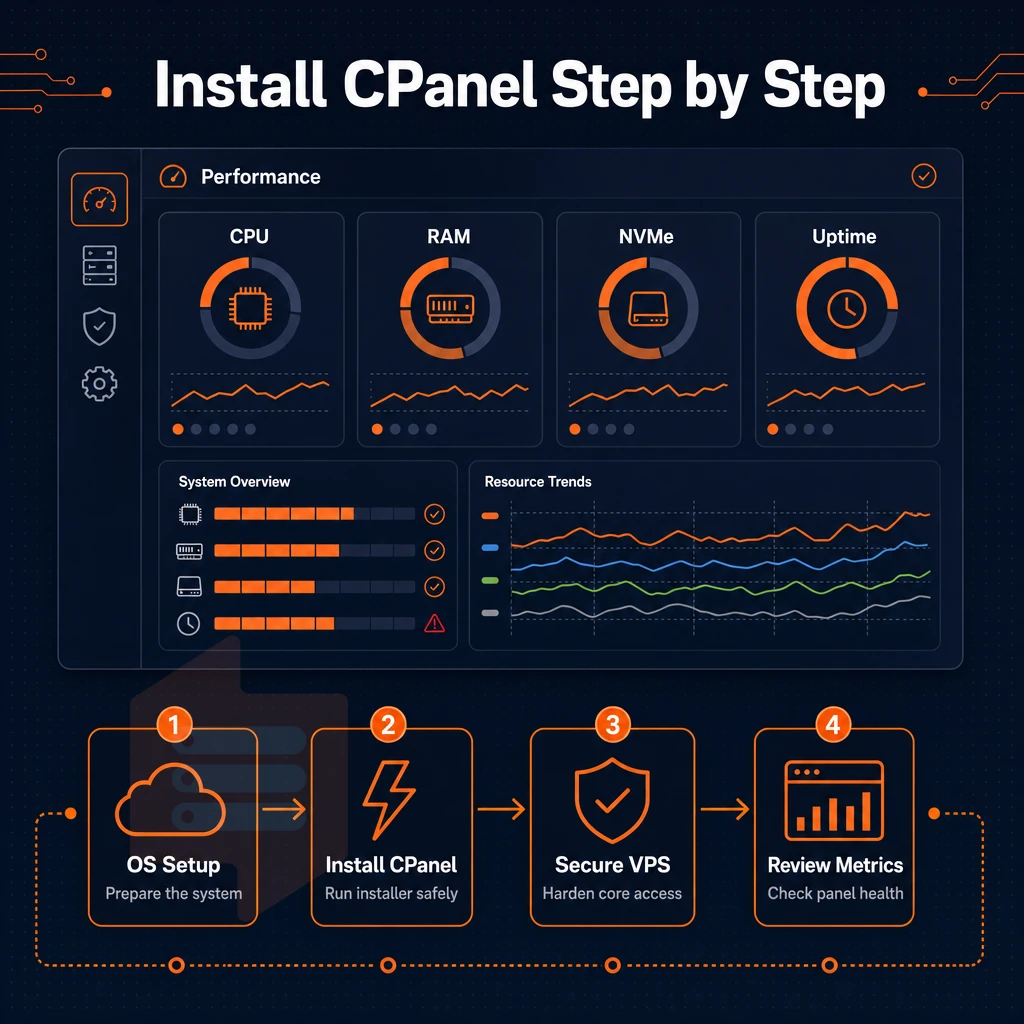
Now that you have selected your preferred provider, sized your VPS resources, and got a grip on license costs, it is time to get cPanel installed as your server's control panel.
How to install cPanel on a VPS: step-by-step overview
This guide will go through the typical OS setup, installation, and post-install hardening.
How to install cPanel: prerequisites and OS choice
Full Root Access is required for all installations.
Running the installer and completing whm setup
Log in as root and run the official installation script from the command line:
cd /home && curl -o latest -L https://securedownloads.cpanel.net/latest && sh latest
The process compiles dependencies and configures Apache, Exim, and MySQL automatically. Once complete, access WHM at https://[your-server-IP]:2087 to run the setup wizard, which handles hostname, nameserver configuration, and dns zones in one guided flow. dns management settings established here affect every account you create.
Post-install security settings and advanced options
These are the most common attack vectors to disable.
Manage websites for multiple clients using WHM account creation tools to create as many websites as you like, all provisioned under separate cPanel accounts, with set resource limits per account.
Which VPS hosting provider is best for your needs?
This depends on your use case.
Also worth checking out is the option for a cpanel pre installed image to reduce setup time even further.
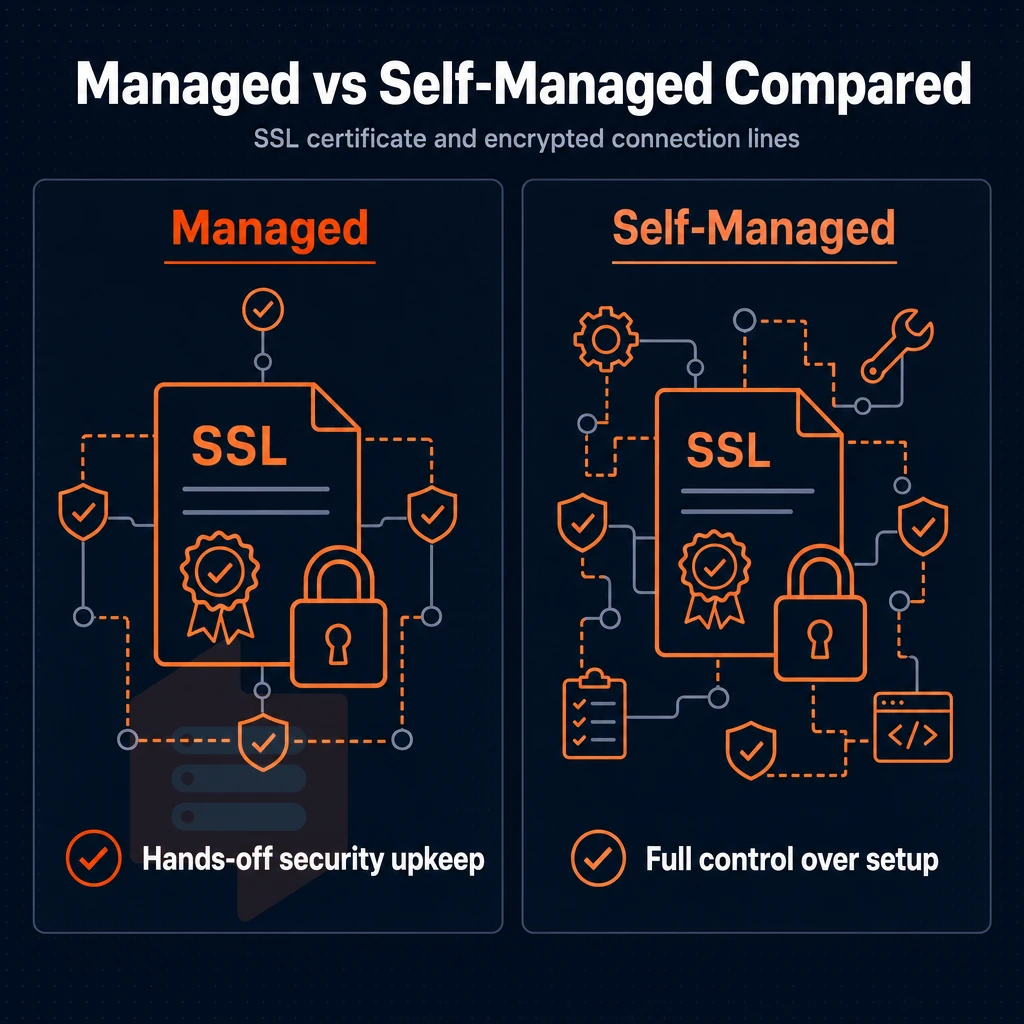
With cPanel installed as your control panel, the next big decision covers everything from dns management to routine maintenance, will you handle it all yourself?
Managed support vs. Self-managed: which cPanel VPS approach fits you?
The distinction between managed and self-managed cPanel VPS web hosting has far-reaching implications, affecting everything from the workload of your day-to-day activities to the speed with which you can solve problems. Get this wrong and you’ll either be paying for unnecessary help, or struggling to solve problems beyond your skills.
Managed support: who it's built for
The managed support from your hosting provider handles OS updates, security patches, cPanel upgrades, and server problems, so you can focus on running your sites.
This model is geared towards WordPress users, agencies and operators on managed VPS plans who run numerous sites and need issues fixed immediately, without having their own sysadmin on staff.
Self-managed: full server control for technical teams
Self-managed VPS hosting is ideal for developers and hosting resellers, giving them full control with root access, kernel tweaking, and automation tools like Ansible or cron jobs.
With WHM you can manage domains and create unlimited accounts on a per-client basis. VPS accounts are isolated, so a usage spike on one account won't affect others.
Comparing cPanel hosting vs VPS hosting with cPanel
The shared cPanel hosting account has many other customers on the same OS instance. A cPanel VPS is a fully dedicated virtual machine that you have full control of a server. You have your own kernel and can log in as root. This means you can make any server management decisions, such as setting up firewall rules and deciding which version of PHP to run.
Our KVM infrastructure at BuyVPS is not just isolated for you, it’s also managed by our expert engineers so self-managed does not mean unsupported.
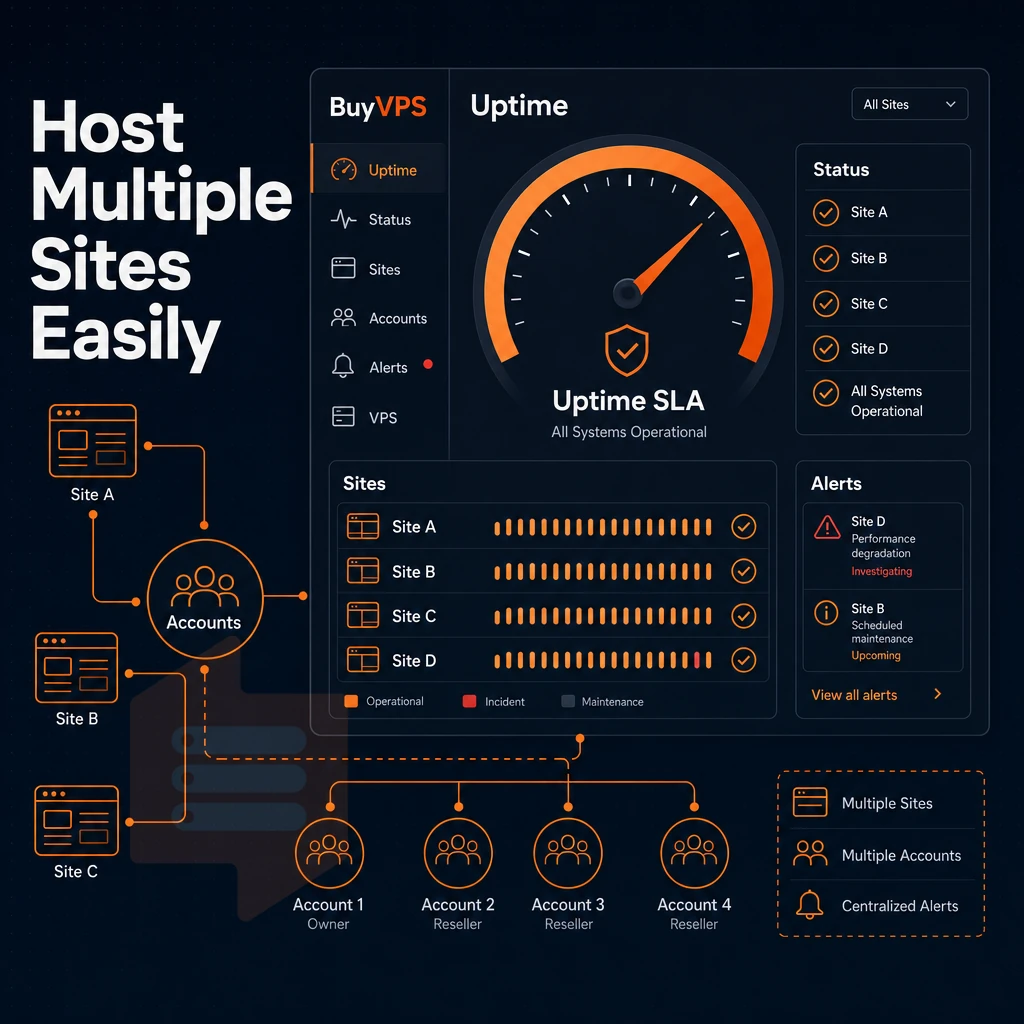
Whether you opt for managed or unmanaged VPS hosting with cPanel, the real test of any hosting solution is scalability. At present, cPanel VPS performs particularly well for multi-site and reseller hosting that gets shoved beyond the limits of ordinary shared hosting.
cPanel VPS web hosting for multi-site and reseller use cases
cPanel VPS hosting earns its place when shared hosting is not sufficient anymore. The reasons are pooled resources, no root access and a single server environment. This makes cPanel VPS hosting suitable for agencies, resellers and developers who run serious applications and websites on their hosting accounts.
Agency and reseller use cases
Isolate your clients' websites and accounts with a VPS running WHM. You can set up and manage separate cPanel accounts for each of your clients, complete with their own dedicated resource limits, DNS zones and email accounts. Also, hosting resellers can provision and suspend individual accounts of their other tenants, without having to affect them in any way.
Developer and e-commerce environments
Developers with many projects online will appreciate hosting their sites in isolated environments with as much RAM and CPU as needed. Online store owners will need tools for managing databases, SSL certificates, and more. cPanel provides all of this in one comprehensive interface without the need for customization.
Do i need root access to install cPanel on a VPS?
Yes. cPanel needs root access to install cPanel RPMs, modify the kernel's networking stack, and manage system-wide services. Because shared hosting accounts never have root access, it is not possible to effectively host large numbers of websites on a shared server.
That hosting, along with its server management demands, is handled effectively on a KVM VPS like those we offer at BuyVPS, running AMD EPYC processors in our Amsterdam and New York data centers, with each instance getting its own kernel and root access from the start.
| Dimension | Shared hosting | cPanel VPS |
|---|---|---|
| Root access | None | Full root via KVM |
| Resource isolation | Pooled, noisy-neighbor risk | Dedicated RAM and CPU per VPS |
| Multiple websites | Limited by plan | Unlimited accounts via WHM |
| Uptime SLA | Varies | 99.8% (BuyVPS) |
Our cPanel VPS offerings suit people managing client sites or setting up reseller accounts. Shared hosting is a starting point, not a platform, and at BuyVPS we meet the specific requirements of this use case.
Why choose BuyVPS for cPanel VPS hosting
BuyVPS provides the high-performance virtual private server foundation you need to install and run cPanel VPS hosting with full server control. Our KVM virtualization gives each VPS a separate kernel, true VPS isolation, not a shared container. Every plan ships with full root access and custom ISO upload, so you install cPanel exactly as your hosting environment requires.
- NVMe RAID10 storage, PCIe-direct NVMe with 122,959 measured 4K read IOPS keeps cPanel and WHM responsive under real load.
- Dedicated CPU D-tier, pinned EPYC Genoa cores deliver predictable latency for busy cPanel VPS servers managing multiple accounts.
- No-oversell policy, hard memory caps per node mean your dedicated resources stay yours.
- Two data centers, Amsterdam (EU) and New York (US East Coast), identical hardware and no renewal price hikes.
- In-place upgrades, scale your VPS hosting plan without IP rotation or migration downtime.
Engineer-led support (not chatbots) is available when cPanel troubleshooting gets complex. Reach us at support@buyvps.com or compare VPS plans at BuyVPS.com to find the right fit for your cPanel hosting needs.
Those differentiators don't exist in isolation, they reflect what the strongest cPanel VPS providers consistently get right across hardware, virtualization, cpanel pricing, and upgrade paths.
Best cPanel VPS hosting providers and what they get right
The typical hosting company is marketing cPanel VPS Servers to their customers as easy to setup.
Hardware and storage: the real differentiators
Current EPYC processors offer greater per-core performance than older Xeon processors. When paired with NVMe storage rather than SATA SSD storage, they remove the I/O bottleneck that makes shared resource servers perform poorly under load.
KVM virtualization means each VPS gets to run its own kernel and has complete control over its allocated resources. OpenVZ on the other hand has all tenants hosting websites share the same kernel, so unlike the isolated control you get through a dedicated control panel interface like cPanel, they are susceptible to problems caused by other tenants spiking CPU or memory usage.
cPanel hosting plan licensing and full server control
When shopping for cPanel VPS hosting, make sure that the licensing is done transparently. Typically cPanel and WHM are licensed per account on a tier basis as a control panel solution, and you want to make sure you know how many accounts are included before you purchase. Make sure the server is fully controlled, i.e. you have root SSH access and not just restricted to the cPanel file manager.
A friendly control panel is important, but a VPS that cannot handle load is useless. So first verify RAM limits, core pinning and your desired RAID setup and then assess the UI.
Can i manage multiple sites from a single cPanel VPS?
Yes. cPanel and WHM are designed for multi site management. WHM gives you a control panel to create separate hosting accounts per domain, each with its own cPanel control panel for user leveling, quota setting, email accounts, and DNS settings.
BuyVPS KVM VPS plans come with full root access and custom OS images so you can set up a self-managed cPanel server in Amsterdam or New York.
Selecting a cPanel VPS package involves three decisions: choosing the hardware of the server that will run cPanel, choosing a licensing option.
The difference is more pronounced under real-world load.
BuyVPS runs KVM VPS and dedicated servers on AMD EPYC with NVMe RAID10 storage and hard memory caps per node, in Amsterdam and New York, with full root access and custom ISO support on every plan. If you're ready to deploy cPanel on infrastructure that won't bottleneck it, explore BuyVPS plans and get your environment live today.