

Pricing for Amazon Web Services VPS is not what it first seems. On-demand prices are merely a starting point, on top of those rates, you also pay for data transfer, I/O operations on storage, Elastic IPs, and more.
This means that for developers and for IT departments evaluating different cloud VPS services for their compute needs, the costs can very quickly get out of control.
Read on for a breakdown of the pricing of virtual servers on AWS, where costs hide in the small print. We also contrast this with what you get from a range of specialized VPS providers, including our own high performer, BuyVPS, and assess their total cost of ownership. If the total cost of ownership of your infrastructure spend is important to you, then read on for a comparison of costs in black and white.
What is Amazon web services VPS and how does it work?
We don’t sell a VPS “product” at AWS, we have two different services: a virtual server offered at a fixed price and a flexible on-demand compute service. It’s helpful to understand the difference when evaluating pricing models. For more context, see Amazon Elastic Compute Cloud.
First month $1
Then the normal monthly price. One per customer. No setup fee, and a 30-day performance guarantee on your first order.
See the plans“Sjoerd helped me with the setup of my VPS, super helpful team, smooth onboarding, and overall a great experience, thanks again”
Amazon lightsail: virtual servers with flat-rate billing
Lightsail is a traditional VPS offering that packages compute power, storage and data transfer into a fixed monthly price. We offer Linux, UNIX and Windows instances and is suitable for most standard workloads.
An entry-level Lightsail instance comes with a shared vCPU, small memory allotment, SSD storage, and fixed data transfer. You pick a plan, launch in minutes, and pay a fixed monthly charge with no per-second metering, a low cost, predictable structure that suits startups and small businesses needing straightforward budgeting.
Ec2 and the pay as you go model
EC2 is a deeper cloud offering than RDS. Using KVM virtualization, EC2 can partition individual physical servers into hundreds of isolated virtual servers across multiple availability zones. EC2 instances are offered in a variety of families optimized for different workloads: compute, memory and storage.
On-demand billing is charged by the hour or by the second.
Load balancer and ecosystem add-ons
Neither service is used in isolation.
For a support team that can answer questions about your infrastructure without routing you through automated tiers, look for engineer-led support (such as BuyVPS). I'll factor this into the Lightsail pricing details below. Having a knowledgeable representative or answer questions about billing, configuration, and troubleshooting directly can save hours over multi-tier ticketing systems.
Amazon lightsail pricing: plans, bundles, and what each lightsail plan includes
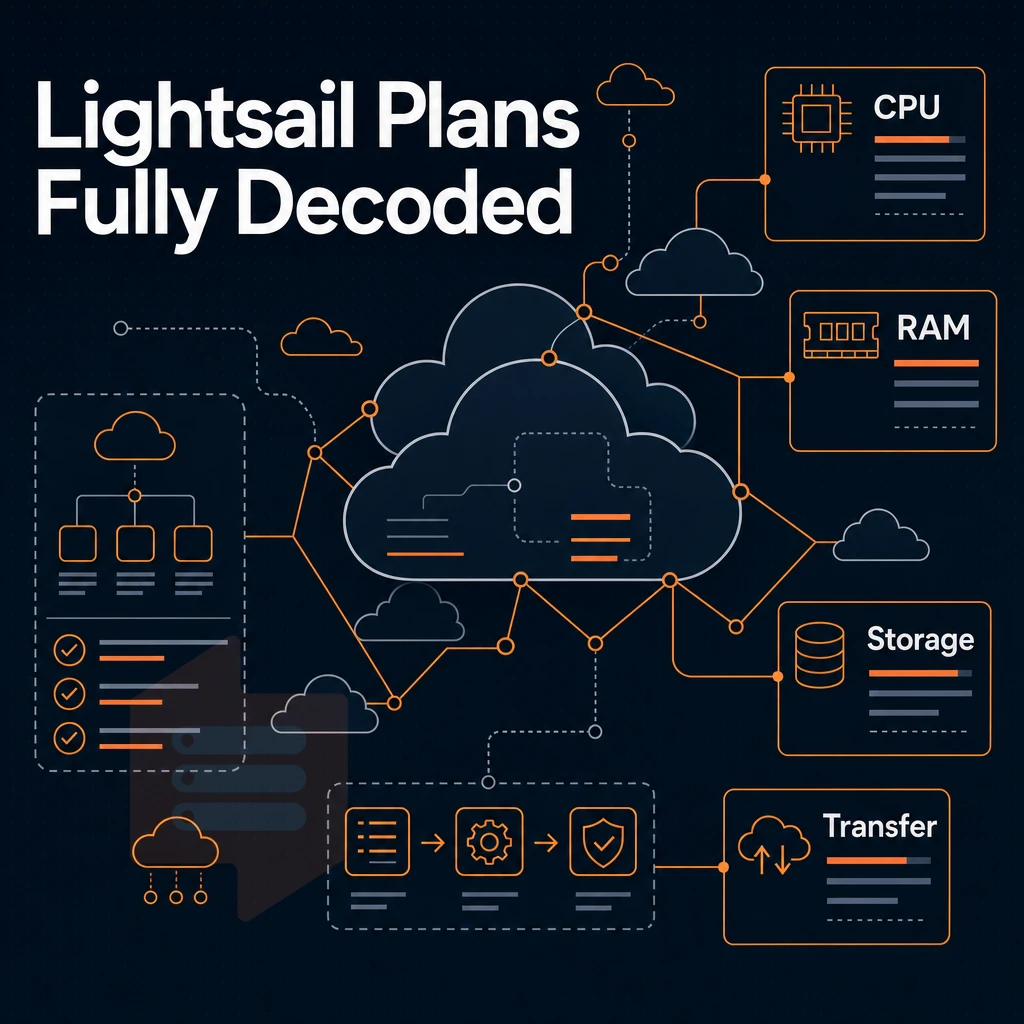
We bundle compute, storage, and transfer into a single monthly price for you. Amazon Lightsail offers a variety of pricing tiers, and rather than being charged per resource per hour, you'll know exactly how much you'll be billed monthly. We provide details of the pricing for each tier below, to help you choose the right one for your needs. Understanding lightsail instance pricing upfront allows teams to budget accurately without worrying about variable hourly charges or unexpected overages.
What each lightsail instance plan includes
Each Lightsail instance includes a fixed number of vCPUs, amount of RAM, amount of SSD storage, and data transfer allowance. Instances that are stopped are charged for the storage that they are using, as well as the reserved IP address, in addition to the regular instance cost. Stopping an instance is not the same as deleting it. For instances that are over the GB of outbound transfer included in the plan, overage is charged.
If you no longer need an instance, you should delete resources entirely to avoid ongoing storage and IP address charges. When you restart a stopped instance, it resumes as a running instance and billing returns to the full monthly rate for that tier. Understanding how lightsail charges apply to stopped versus running instances helps teams avoid unexpected bills when pausing workloads temporarily instead of deleting them.
We offer three plan classes: general purpose Linux/Unix, general purpose Windows, and memory optimized. These Linux Unix plans support web servers, development environments, and containerized applications without EC2's variable pricing complexity. Each plan price reflects bundled resources, making tier comparisons straightforward. The standard plan price includes all core resources with no hidden fees, and the right standard plan depends on whether your workload is CPU-bound or memory-intensive, as each tier scales both proportionally.
IPv4 vs ipv6-only plans
We now offer IPv6-only bundles in addition to the existing IPv4-based plans. The IPv6-only bundles are priced lower than their counterparts because we no longer include a public IPv4 address for you to use. It Is now going to cost you money, directly, by AWS, whether you like it or not.
As long as your application stack is completely IPv6-compatible then this can save you a lot of money. However, If it isn’t then you’ll need to either order the IPv4 bundles for now or work out how to use a NAT64 in front of your instances. Migrating legacy systems to IPv6 can require upfront engineering effort, but the resulting infrastructure becomes more cost effective over time as IPv4 address scarcity drives prices higher.
Free tier trial and object storage
Amazon Lightsail offers a free 3 month trial for new accounts on qualifying Linux instances. The free trial is separate from the AWS Free Tier which offers free usage of different services. In addition to instances, Lightsail also offers Object Storage as an add-on service which is charged on top of the cost of the instance.
A KVM VPS from BuyVPS on AMD EPYC servers in Amsterdam and New York offers full root access, NVMe RAID10 storage, and a no-overselling guarantee so every allocated GB delivers consistent performance. Engineer-led 24/7/365 support is included, not documentation-first troubleshooting as with AWS. EC2's purchasable instances come with their own trade-offs once you move past Lightsail.
Ec2 on demand, reserved instances, and savings plans explained
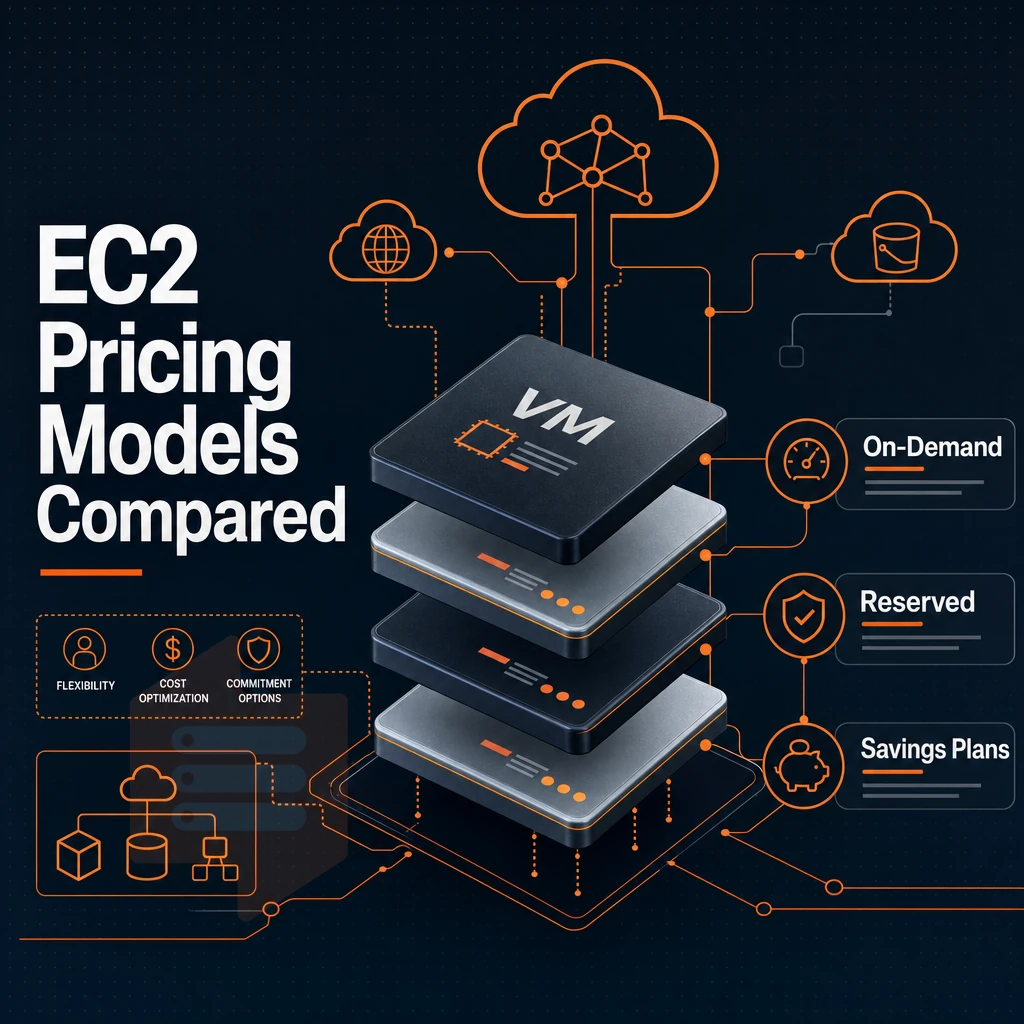
The pricing model for EC2 differs fundamentally from the flat monthly pricing of a single Lightsail plan. EC2 offers multiple purchase options, each optimized for a specific usage pattern and budget. Understanding amazon lightsail pricing alongside EC2's variable costs helps teams decide whether simplicity or granular control fits better. Carefully compare these discount options against workload predictability and financial planning horizon before committing.
Understanding your purchase options
-
On demand with a free tier
, pay by the hour or second with no upfront commitment. This is the most flexible option. It suits unpredictable traffic spikes or short-lived experiments where you don't want to forecast usage months in advance.
-
Reserved instances vs on demand pricing
, commit to a 1- or 3-year term in exchange for a significant discount versus on-demand rates. Reserved capacity works best for stable workloads with consistent resource requirements. The longer the term, the deeper the discount.
-
Savings plans vs on demand pricing
, a more flexible commitment model than reserved instances. You pledge a consistent hourly spend rather than locking to a specific instance type, ideal when workload volume is predictable but instance mix may shift.
Spot pricing and dedicated hosts
-
Spot pricing vs on demand
, bid on unused EC2 capacity at steep discounts. The trade-off is interruption risk: AWS can reclaim spot instances with two minutes' notice. Use spot only for fault-tolerant, interruptible jobs such as batch processing or rendering.
Note: Never run a production database or stateful application on spot instances. Unexpected termination will cause data loss or downtime.
-
Dedicated hosts
, rent a physical server exclusively for your workloads. This matters for software licensing tied to physical cores, or strict compliance requirements. It is the most expensive EC2 option by a wide margin.
Choosing the right option
Map your purchase decisions to the natural life cycles of your workloads. Use on-demand to handle completely unexpected surges. Continuously running workloads are the best candidates for Reserved Instances. Brief, disposable compute resources are ideal for Spot instances. And for your license and compliance edge cases, dedicated servers are the way to go.
Lightsail prices fixed for standard plans for bandwidth, storage and compute. EC2 bills you for compute, storage, data transfer and load balancing as separate items. While more flexible than Lightsail, EC2 requires active cost control to avoid surprises. The greatest surprise will likely come from the separate line items for the various dimensions of cost that we discuss in more detail in the following section.
The hidden costs: data transfer, overage charges, and what gets billed separately
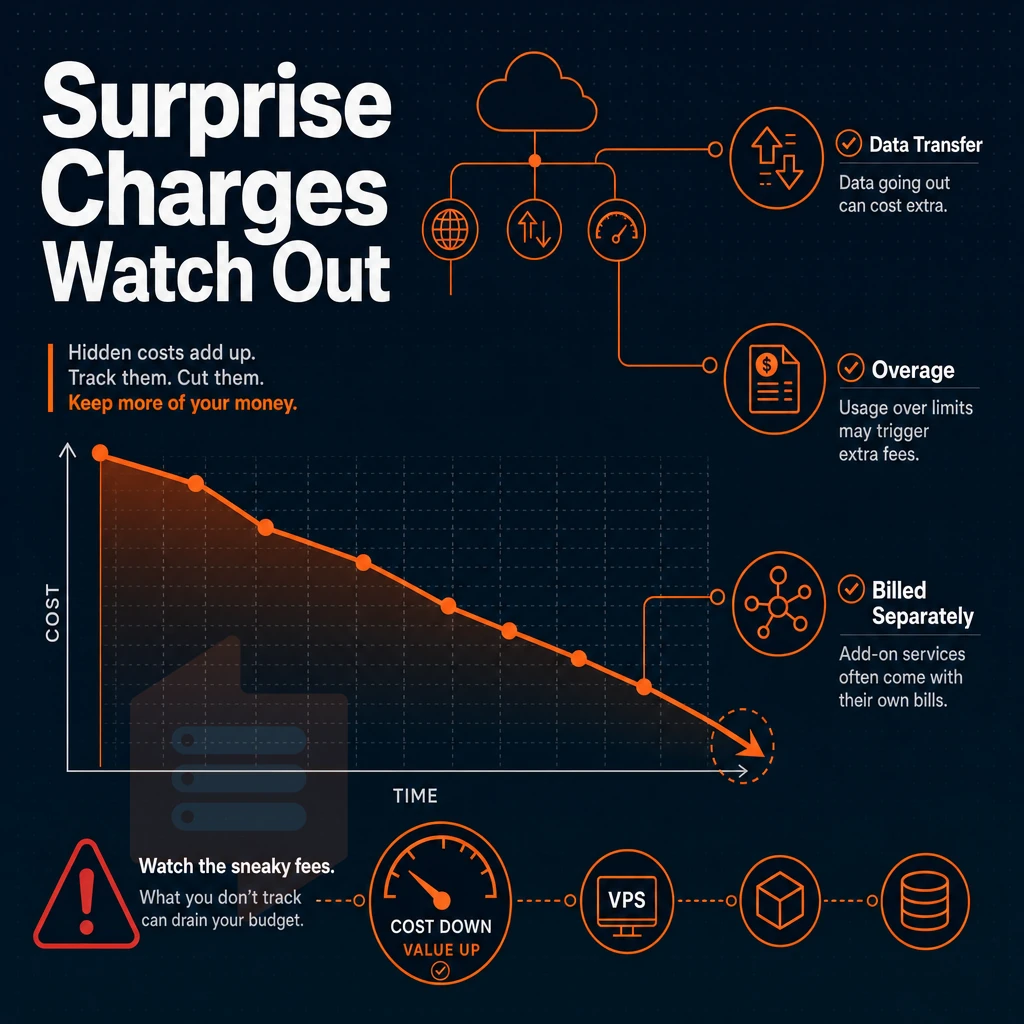
The list price for any of the AWS-family of VPS plans rarely equals the true cost per month.
Outbound traffic and overage mechanics
Each plan includes a fixed data transfer allowance (e.g. the 'Basic' plan includes a small monthly outbound allowance). Inbound traffic is free. Exceeding your standard data transfer allowance triggers overage charges per GB, which can quickly dwarf the plan cost for very active sites.
Note that EC2 instances are metered differently. Rather than a large bundled allowance that gets used up before you start paying per GB. Every GB of egress is charged from the first GB at a per-GB rate that decreases as you go through higher volume tiers.
Note also that the cross region rate and the internet egress rate are different. As a result, The variable portion of your bill for EC2 is heavily influenced by your architecture decisions regarding where you run instances relative to your users.
Outbound traffic is the only truly variable cost for AWS VPS pricing. The rest of the add-ons are fixed once you provision them, and egress costs scale with your traffic and never reach a hard cap unless you design for one.
Add-on services billed separately
Many capabilities that are bundled by providers are also charged for individually on AWS, such as CDN distribution via the Lightsail CDN. This Is charged per distribution for a fixed monthly amount plus egress charges in tiers. In contrast, a Lightsail load balancer is charged as a fixed monthly amount, as a separate line item, and is not included in the price of any instance. These charges on top of the instances’ base rate.
Block storage and lightsail managed databases
Block storage is charged on a per GB-month basis on top of the disk already included with the SSDs of your instances. Additionally, managed databases for MySQL and PostgreSQL are charged on a fixed monthly rate for the selected plan and do not have limits on the number of instances that can connect to them. In addition to storage used in Object Storage, there is also a charge for egress from the bucket.
For example, BuyVPS offers NVMe RAID10 storage, IPv4/IPv6 networking, and full root access in a single rate for a given plan, without per-GB egress metering that must be included in your cost model. The differences in cost to run a workload can vary even more in a given region.
Aws VPS pricing across US east, europe, and asia pacific regions
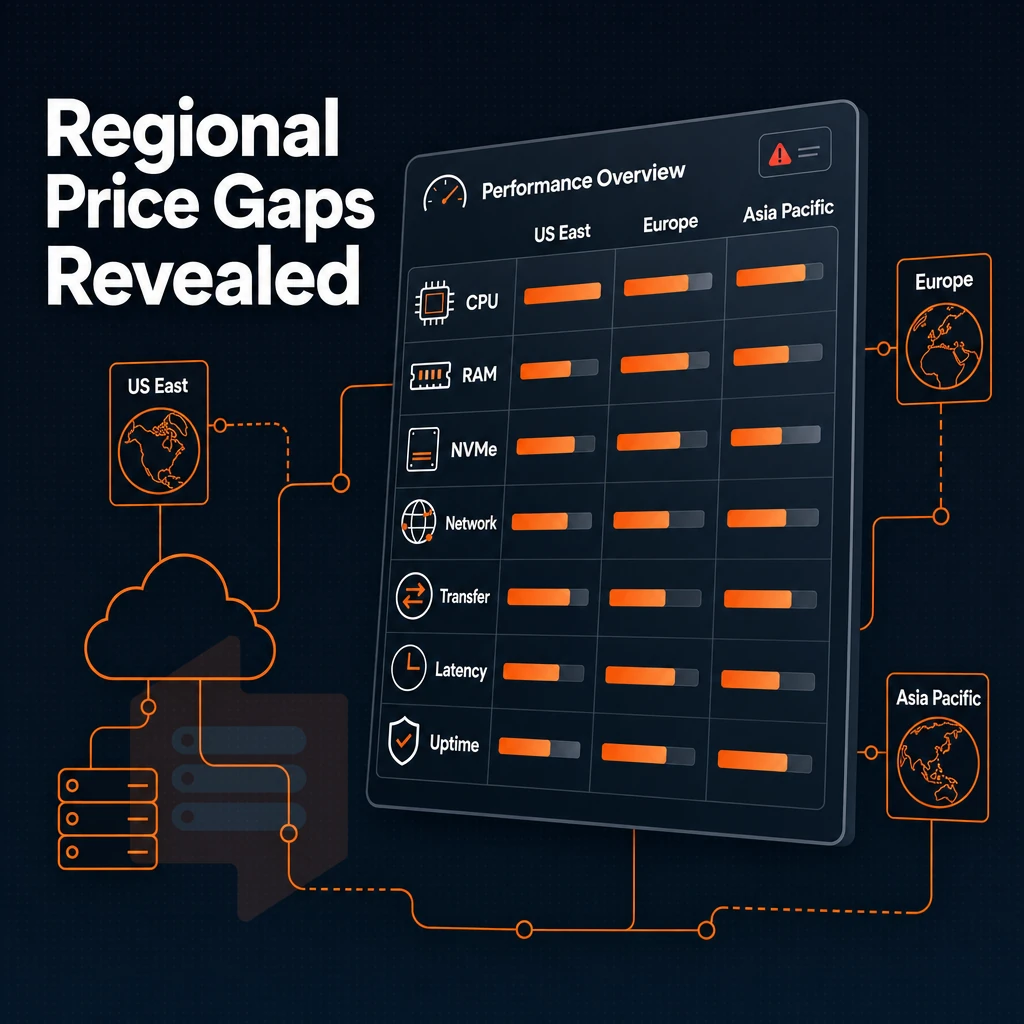
AWS instance costs vary greatly by region. Where you host affects compute, storage, and data transfer prices, sometimes dramatically.
How region affects compute cost
The US East region is used as a base price for AWS. European regions are priced slightly above this base while Asia Pacific regions are generally the most expensive due to the higher cost of the underlying linux unix infrastructure, power and connectivity in those regions.
This pattern holds across instance types (e.g. general purpose, memory optimized), and a configuration that fits your budget in one region may not in another. Always check costs in your target region before committing.
Availability zones are sub-regions within a region, typically hosted in separate data centers. Distributing instances across availability zones adds resilience but does not change compute power per instance.
Container service data transfer and outbound costs
Note that the cost of compute only makes up part of the total cost. Egress (outbound transfer) is typically billed separately from instance hours and varies greatly by region. Costs for egress in Asia Pacific regions tend to be higher than their counterparts in US and European regions.
Workloads moving heavy traffic, video delivery, API calls, large file downloads, will find egress costs from distant regions exceeding compute costs. Even spot-priced instances don't reduce transfer charges.
CDN distribution as a cost-control lever
Routing traffic through a CDN reduces the amount of direct egress from your origin instance. For Asia Pacific regions where bandwidth charges are highest, this can be particularly important.
A simple fixed rate VPS plan, like the standard offers from BuyVPS Amsterdam and New York hosting, will charge a fixed rate for the plan and eliminate the per GB egress charge variable.
Lightsail vs ec2: side-by-side comparison of pricing models
Amazon Lightsail and Amazon EC2 serve different buyers. While Lightsail trades flexibility for simplicity, EC2 trades simplicity for control. Therefore, it’s helpful to know where each model breaks, in order to pick the right virtual server for your use case from the start.
Lightsail pricing vs. Ec2 billing for instances
Note that Lightsail costs a flat monthly amount for each instance you are using under your Instance Plan. In contrast, EC2 charges by the second for a large number of resources (e.g. compute, storage) in multiple regions, plus data transfer and load balancing, etc. So Lightsail costs are fixed and predictable, while EC2 costs vary with every change you make to your configuration.
| Dimension | Lightsail | EC2 |
|---|---|---|
| Pricing model | Flat monthly cap | Pay as you go |
| Billing unit | Monthly (capped) | Per second |
| Data transfer | Included allowance per plan | Metered separately |
| Auto scaling | Not supported | Native support |
| Managed databases | Available (fixed plans) | Via RDS (variable cost) |
| Container service | Built-in, simplified | ECS/EKS (complex) |
| Server management | Minimal, guided console | Full, IAM, VPC, CLI |
| Cost predictability | High, same instance, same bill | Low without Reserved pricing |
| Lightsail load balancer | Available, fixed add-on cost | ALB/NLB metered per LCU |
Who should use which
For small teams, Lightsail provides fixed costs for minimal infrastructure. For variable workloads that require auto-scaling, granular IAM, or multi-region orchestration, EC2 is generally a better fit. There is no single “winner” here, though, the best service is determined by the characteristics of your traffic and your team’s maturity.
Most teams grow past both shared servers and managed clusters and end up going with a dedicated VPS provider. We’ve worked with many teams in this situation at BuyVPS, offering up high-performance KVM virtual servers running on our latest AMD EPYC servers in our Amsterdam and New York datacenters.
With no-oversell and in-place upgrades, you get to upgrade in-place without changing IP addresses or worrying about surprise billing.
Common use cases: when to choose lightsail, ec2, or a dedicated VPS
Save money and avoid overengineering your project by selecting the right compute resources for your workload. There are three tiers of compute that we test against: Amazon Lightsail, Amazon EC2, and a dedicated-core Virtual Private Server (VPS). This article describes how to match your project to the right compute today and how your project will scale as traffic increases.
Lightsail: simple sites and low-traffic projects
-
Identify a simple, bounded workload.
Lightsail suits a WordPress site, a portfolio, or a small marketing page. If your monthly visitor count is modest and you don't need custom networking, Lightsail's fixed-resource bundles keep things straightforward.
-
Offload static assets to object storage.
Lightsail includes a CDN-backed storage option. Move images, CSS, and JS there to reduce instance load and improve page speed without added infrastructure complexity.
-
Note: Lightsail is not a stepping stone to EC2. Migrating a Lightsail instance into a VPC-native EC2 setup requires manual re-architecture. Plan your growth path before you launch.
Ec2: auto scaling and enterprise applications
-
Use ec2 when workloads spike unpredictably.
Auto scaling groups add or remove capacity on demand, suiting enterprise applications, in memory caching layers, and analytics workloads that burst during business hours.
-
Evaluate reserved or dedicated hosts for steady-state capacity.
On-demand EC2 billing rewards variable workloads. For always-on services, reserved capacity or bare-metal hosts reduce per-hour cost, but add billing complexity.
Dedicated-core VPS: stable workloads and predictable billing
-
Choose pinned cores when consistency matters.
A dedicated-core VPS gives you guaranteed CPU allocation. No noisy neighbors, no shared-core contention, latency stays flat under real load.
-
Confirm the billing model before committing.
A cost efficient dedicated-core VPS charges a flat monthly rate with no per-request or data-egress surprises. BuyVPS locks that same rate through year five, with in-place upgrades and no IP rotation.
-
Note: Cloud complexity is optional. If you don't need auto-scaling groups, IAM roles, or multi-region failover, a dedicated-core VPS in Amsterdam or New York delivers comparable raw performance with far less operational overhead.
Understanding use cases shows where each platform fits, but it's equally important to recognize where AWS is actively working against you before you commit.
When Aws is not the right choice for your VPS workload
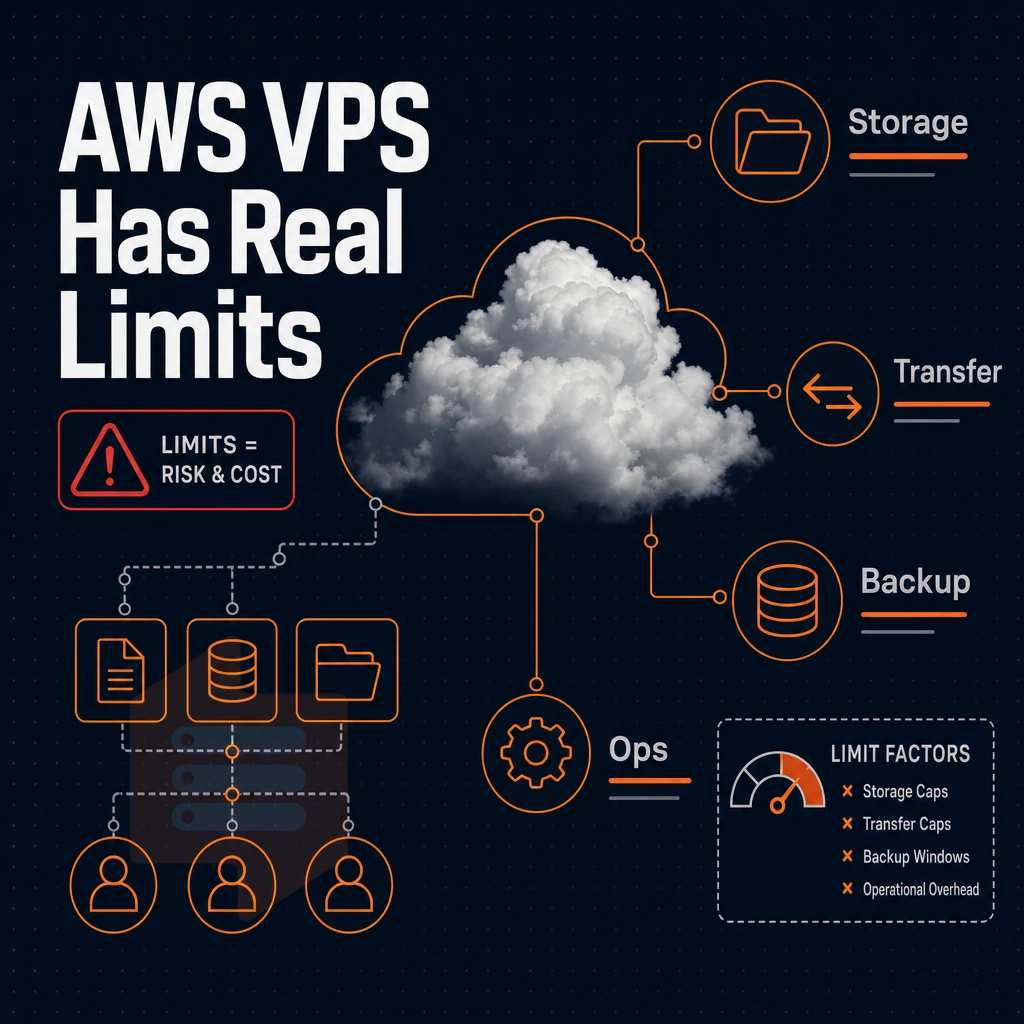
AWS handling a workload doesn't mean it's cost effective. For many common scenarios, the billing model, operational overheads, and service costs work against you.
Egress costs, data encryption, and outbound data transfer count
Data transferred out of AWS is charged by the gigabyte. For large file serves, video distribution, and high-volume API access, this can quickly scale to become a large component of total bill.
Serving static content like images, downloads, and documentation to a global audience can easily generate more egress fees than the server itself costs. Flat-rate VPS pricing includes egress bandwidth in the plan price with no overage charges, when the limit is exceeded, the included allowance simply kicks in.
The outbound data transfer count is an unknown quantity to many teams at the planning stage and then a surprise in the invoice that arrives later.
Windows instances and licensing overhead
Windows instances run on top of compute and incur additional per-hour licensing on top of the cost to run the instance. For many enterprise applications, Windows Server is a required component, which means the associated license cost is pass-through and not controllable. Furthermore, the licensing cost is variable by instance family and size and not easily projected on an hourly basis.
You upload your own ISO or choose from supported Linux distributions on a flat-rate KVM VPS, and your monthly charge stays fixed from that point on.
Operational complexity and accidental spend
AWS charges dozens of interconnected services, including the cost of compute, storage, snapshots, load balancers, and even a public IPv4 address for each instance. Often, teams forget to delete test resources and then these resources continue to rack up charges until they are manually deleted.
Managing servers on AWS means learning about IAM, VPCs, security groups and billing alerts on top of just running a server to production load. A simple VPS on the other hand gives you root access and one monthly bill.
BuyVPS includes IPv4 and IPv6 on all plans at no extra charge, and in-place server upgrades mean your IP won't change when scaling. These friction points are common reasons teams move off Lightsail as workloads mature.
Why businesses upgrade from Aws lightsail to a dedicated VPS
For many businesses, their first foray into the cloud will be to start on Lightsail as it provides a simple entry point and is inexpensive. But then the problems surface for any linux unix or cloud environment: vCPUs are shared and therefore contended for, storage I/O is unpredictable and can vary greatly, and the cost of data transfer quickly outstrips the growth of your workload.
When shared vcpu limits become the bottleneck
Even though you pay for shared compute, real load on instances (e.g. database queries, image processing, multiple simultaneous API requests) causes so called “noisy neighbors” to consume CPU cycles that you have paid for.
With a Dedicated-core VPS you assign all the cores of a processor to a single VPS, thus removing any contention for resources. With all dedicated cores your latency becomes more predictable and your p99 response times no longer spike during peak loads.
Storage performance and data transfer service costs
For stable workloads that constantly egress data such as media delivery, backup replication and log shipping, overages quickly add up beyond the included amount.
Note that shared SSD storage on Lightsail is also shared-pool. In contrast, dedicated VPS platforms, and hi i can connect you with the right one, are built on top of NVMe RAID10 storage that utilizes direct PCIe access to gain access to consistently high IOPS rather than doling out burst credits that get exhausted in the middle of a job.
Pricing model and migration path
Lightsail doesn't reward loyalty. Other cloud providers lock in the same rate from day one through year five, no renewal hikes, no negotiations.
Migrating is simple and gives you root access, custom ISO images, and data at rest encryption. Bring your own images or use a standard Linux distribution.
One constraint to note is that Lightsail covers asia pacific regions that a European or US East Coast VPS won’t cover. If your primary user base is in APAC, be sure to factor this in when you’re comparing potential providers.
BuyVPS Dedicated CPU Tier offers pinned EPYC Genoa CPU Cores, NVMe RAID10 Storage, and generous Included Transfer to address the above triggers.
Why choose BuyVPS as your Aws VPS alternative
AWS pricing complexity, on-demand rates, reserved instances, spot pricing, savings plans, and data transfer overage charges billed separately, makes it hard to forecast a predictable bill. BuyVPS is built around the opposite philosophy: one monthly price, no renewal hike, and no surprise service costs.
- No-oversell architecture. Hard memory caps per node and low node density mean your Linux/Unix VPS gets the resources it paid for, no noisy-neighbor surprises on stable workloads.
- Three tiers for every workload. Standard CPU (shared AMD EPYC vCPU) for cost-efficient virtual servers, Dedicated CPU (EPYC Genoa, pinned cores) for latency-sensitive or analytics workloads, and High Memory for memory-optimized plans that need a high RAM-to-core ratio.
- NVMe RAID10 storage. PCIe-direct SSD storage, benchmarked at 122,959 4K read IOPS. No block storage add-ons billed separately.
- Dual-stack networking. Every plan includes IPv4 and IPv6. Data centers in Amsterdam (EU) and New York (US East) cover the regions most teams actually need.
- KVM isolation + full root access. A separate kernel per VPS, custom ISO support, and in-place upgrades with no IP rotation. The 99.8% uptime SLA backs it.
If you're evaluating AWS VPS alternatives and want a straightforward pricing model without hidden data transfer allowance traps, compare BuyVPS plans or reach out, our engineers can help you find the right fit.
Key takeaways: Aws VPS pricing models at a glance
Amazon Lightsail pricing delivers flat-rate virtual servers with a predictable bill, one monthly price covers compute, SSD storage, a data transfer allowance, and an IPv4 address, making it ideal for a WordPress site or small container service. EC2's on-demand and reserved capacity pricing model adds flexibility for complex workloads, but outbound data transfer, managed databases, and a load balancer are all billed separately.
The biggest surprises are data transfer overage charges and the higher service costs in Asia Pacific regions versus US East. Businesses running stable workloads often find a dedicated VPS provider more cost-efficient, BuyVPS, for example, bundles compute, NVMe storage, and generous transfer into a single plan with no renewal hikes and no hidden overage charges.
Frequently asked questions
After the Amazon lightsail free trial, what does the encrypted VPS standard plan cost?
Amazon does not sell a product explicitly labeled "VPS." The closest equivalent is Amazon Lightsail, which bundles compute, storage, and a fixed data transfer allowance into a predictable monthly plan. For more granular control, EC2 instances serve the same role as a traditional VPS but bill by the second with separate charges for storage, bandwidth, and other resources. Neither maps cleanly to the fixed-resource, root-access model that dedicated VPS providers offer.
How much does Amazon Aws cost?
AWS costs depend on the service, region, instance type, and consumption volume. A small EC2 instance can look cheap, but data transfer fees, EBS storage, snapshots, and support plans add up fast. Lightsail offers more predictable billing with bundled plans but caps flexibility. Providers like BuyVPS publish flat monthly rates with no per-resource surcharges and no renewal hikes.
Who is aws's biggest competitor?
At the hyperscaler level, AWS competes primarily with two other major cloud platforms that offer overlapping compute, storage, and managed services globally. For VPS and infrastructure workloads specifically, a wider field of competitors applies, including independent VPS providers that skip the free tier model and instead prioritize predictable pricing, dedicated hardware, and direct engineer support over the breadth of managed services. BuyVPS, for example, competes directly on compute performance and cost transparency for teams that do not need the full managed-cloud stack.
What is the pricing for Aws rds snapshot?
AWS charges for RDS snapshot storage beyond the size of your provisioned database, and as memory optimized plans scale, it's worth knowing that automated backups up to 100% of your DB storage are included, but manual snapshots and anything above that threshold are billed per GB-month. Rates vary by region and storage type. Because AWS pricing changes frequently, check the official AWS RDS pricing page for current figures rather than relying on any third-party article.
Does Aws charge for data transfer between regions?
Yes. Data transferred between AWS regions is billed at per-GB rates on both the sending and, in some cases, the receiving side. This is one of the most commonly underestimated costs in AWS architectures, a workload that moves significant data across regions can generate substantial monthly fees. By contrast, providers like BuyVPS include a fixed data transfer allowance per plan with no inter-region surcharge, since all traffic routes through the chosen location (Amsterdam or New York).
What happens when you exceed your lightsail data transfer allowance?
Once you exceed your Lightsail plan's bundled transfer allowance, AWS bills overage at standard EC2 data transfer rates per GB. Outbound traffic is metered; inbound traffic is generally free. The overage rate can quickly erode the cost advantage that Lightsail's flat-rate plans appear to offer, especially for media-heavy or high-traffic applications. If predictable bandwidth costs matter, look for VPS providers that clearly state their overage policy, or offer generous included transfer with transparent caps.
Is Amazon lightsail cheaper than ec2 for small workloads?
For simple, low-traffic workloads, Lightsail's bundled plans are typically cheaper than an equivalent EC2 setup once you account for EBS storage, Elastic IP, and data transfer costs on EC2. However, Lightsail limits instance sizes, networking options, and integration with the broader AWS ecosystem.
For teams comparing amazon lightsail cost against other options and wanting predictable billing without AWS complexity, independent VPS providers often deliver better raw performance per dollar, BuyVPS, for instance, runs AMD EPYC processors with NVMe RAID10 storage and charges a flat monthly rate with no hidden transfer fees.
Initial prices for AWS VPS servers rarely reflect the true cost of running them. Whilst initial prices for Lightsail server bundles may seem cheap at first, egress limits can quickly catch out the unwary. The on-demand prices for EC2 instances vary by region.
Additionally, The up-front payment for pre-purchased instances can fix your capital for a long time before you have worked out the true load on your VPS servers. And then there are the hidden costs: data transfer overages, elastic IP fees, and even storage which is charged independently of the server.
A purpose-built VPS provider may be worth a brief comparison if predictable, all-inclusive pricing is important to your business.
Review the Standard, Dedicated, and High Memory plans at BuyVPS.com and see how the specs stack up against what you're currently paying for.