


The term budget VPS hosting with cPanel looks fine on paper until one starts to compare offers and finds that many web hosting providers either do not provide the control panel at all. Alternatively, They charge you a cPanel license fee on top of the cost of the VPS hosting which can end up doubling your bill.
Furthermore, many web hosting providers secretly overstock their servers. Additionally, it's only when things start to freeze under real load on a dedicated server that one finds out about the huge differences between the advertised price, the real price and the hosting provider's reliability.
This guide will cut through the noise and give you a clear rundown of cPanel licensing costs on VPS infrastructure and the key specifications of VPS plans that matter for the type of work cPanel does: email. DNS, multiple PHP versions, MySQL databases.
We will also cover KVM-based VPS hosting with hard memory caps, high performance NVMe storage and full root access to provide a stable cPanel hosting platform compared to shared-kernel over-sold servers. The guide will be useful for those looking to migrate existing cPanel hosting or start from scratch. As always we start with the basics and explain what cPanel VPS hosting is and how the two technologies work together.
What is a VPS hosting provider with cPanel and how does it work?
cPanel VPS hosting typically consists of two separate components: virtualized servers and a control panel to administer the servers. To make an informed decision regarding your VPS hosting it is helpful to learn more about the technologies and their interaction.
First month $1
Then the normal monthly price. One per customer. No setup fee, and a 30-day performance guarantee on your first order.
See the plans“Perfect and fast VPS with good support.”
What is a virtual private server vs a dedicated server?
We divide up a physical server into isolated instances (also called Virtual Private Servers or VPSes) using our KVM hypervisor. Each instance has its own kernel, dedicated RAM, CPU and storage. We differentiate Virtual Private Server hosting from shared hosting (where all accounts on a server share resources on a single OS) by this isolation.
This isolated environment ensures that resource spikes or security issues on one instance cannot affect others on the same physical hardware. Unlike a physical machine where all hardware is consumed by a single tenant, virtualization allows multiple isolated instances to coexist securely on shared infrastructure.
Cheaper than shared hosting but usually more unpredictable than a dedicated server, VPS hosting provides you with guaranteed resources, root access and no noisy neighbors, all without the high cost of owning a whole server.
Where cPanel fits in with a day money back guarantee
cPanel is third-party software. It is not bundled by any of the VPS hosting providers. You have to install it on your Linux server after it has been provisioned. Once installed, you can use the cPanel control panel from within your web browser to manage your files, databases, email accounts, DNS zone and SSL certificates. The cPanel control panel features a user friendly interface that simplifies complex server administration tasks for both beginners and experienced administrators.
A common configuration for this type of virtual private server is KVM VPS with AlmaLinux installed and cPanel on top. Here, the Operating System manages the Kernel and system calls, whereas the cPanel manages the application layer. In this scenario, developers and agencies can host many of their customers' sites on a single VPS server, utilizing only the cPanel interface for most actions and never touching the command line.
Cheap VPS hosting with cPanel and the cost factor
When looking for cheap VPS hosting it’s also important to know the cPanel license cost on top of the server cost. At BuyVPS we setup KVM VPS servers with full root access. These servers are hosted in Amsterdam and New York and can be managed with cPanel or any other control panel you like. So who is searching for cheap cPanel VPS hosting and what are they sacrificing?
Why buyers search for cheap cPanel VPS servers
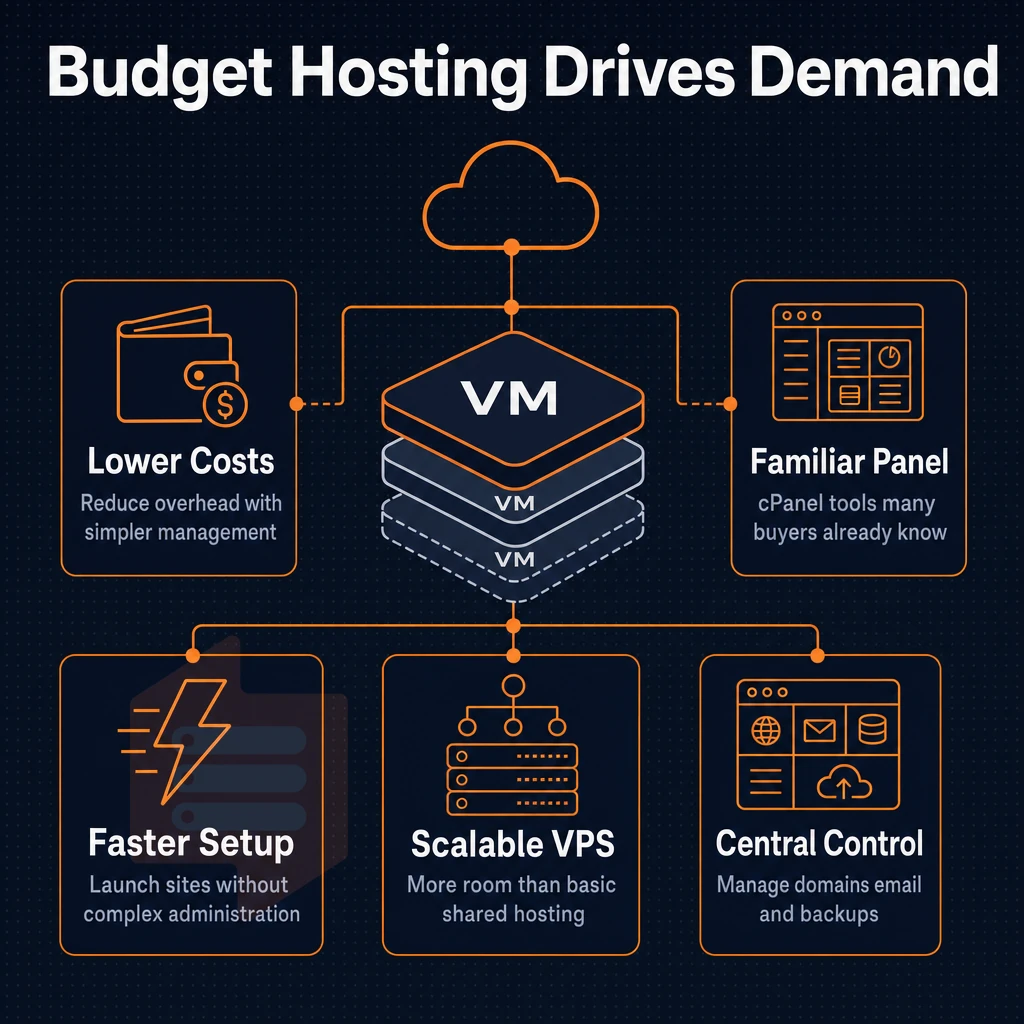
There are three primary types of buyers searching for cPanel VPS servers to purchase. Each of these groups has its own set of concerns when it comes to looking for affordable VPS servers. Many providers offer free trials or money-back guarantees, allowing buyers to test performance and compatibility before committing to a long-term contract. Understanding these buyer profiles helps providers tailor their offerings and helps customers save money by selecting plans that match their actual requirements rather than overpaying for unnecessary features.
Who is actually searching for litespeed web hosting
The largest group of our customers are site owners who were using shared web hosting (using cPanel interface) and whose sites grew out of shared web hosting environment. Too slow, limited memory and noisy neighbors on the same server. They need dedicated resources but don’t want to learn a new control panel.
The second group of customers are developers. They require full root access in order to install alternative versions of PHP, as well as to modify the configuration of the Nginx or LiteSpeed web server. In addition to this, they require background processes to run.
However, developers also have non-technical clients or colleagues who require a GUI. A cPanel hosted VPS will meet both of their requirements. Modern cPanel installations also include developer friendly features such as Git integration, WP-CLI support, and staging environments that streamline deployment workflows.
The third set of users is resellers, who operate as a hosting company by using Web Host Manager (WHM) on top of cPanel to create and manage hundreds of individual accounts for their own customers. A VPS provides the necessary isolation and control over resources that cannot be provided by a shared server. Many resellers serve e-commerce clients who need a reliable online store platform, making the stability and uptime of the underlying infrastructure critical to their business success.
What "cheap" actually cuts
Budget cPanel VPS plans contain 3 ‘buts’. But1: Overselling i.e. too many VPSes are placed on one server and it cannot handle the load in real life. But2: Shared vCPUs i.e. allocated CPU cores are shared with other users and therefore can experience unpredictable delays during CPU-intensive operations.
But3: Traditional ‘spinning’ disk storage i.e. even the cheapest VPS or the best VPS in terms of allocated CPU and RAM resources will perform poorly during peak concurrent database writes if it is not equipped with fast NVMe storage. Selecting the cheapest VPS without verifying the underlying storage technology often leads to bottlenecks that negate any initial cost savings during production workloads.
This plan looks great on paper but performs similarly to a shared hosting account under load.
How to honestly evaluate a VPS server with cPanel
| Dimension | Low-end risk | What to verify |
|---|---|---|
| CPU | Shared vCPU contention | Pinned or dedicated cores vs. burst-only allocation |
| Storage | Spinning disk or low-IOPS SSD | NVMe with published IOPS benchmarks |
| Memory | Soft caps, oversold nodes | Hard memory caps, low node density |
| Uptime | No SLA or sub-99% guarantees | Published SLA of at least 99.8% |
| Root access | Restricted or panel-only control | Confirmed root access with KVM isolation |
When looking at a list of prices for cPanel hosting (like this one from BuyVPS), it’s useful to have each row described individually. Additionally, KVM isolation with separate kernel per VPS.
For workloads that require guaranteed CPU, the Dedicated CPU tier is also available: dedicated servers without the overhead of running bare metal. The next thing to price out is the cPanel license itself. These dedicated CPU instances ensure consistent processing power for resource-intensive applications, delivering exceptional performance even during traffic spikes or complex database operations.
The real cost of a cPanel license on a VPS plan
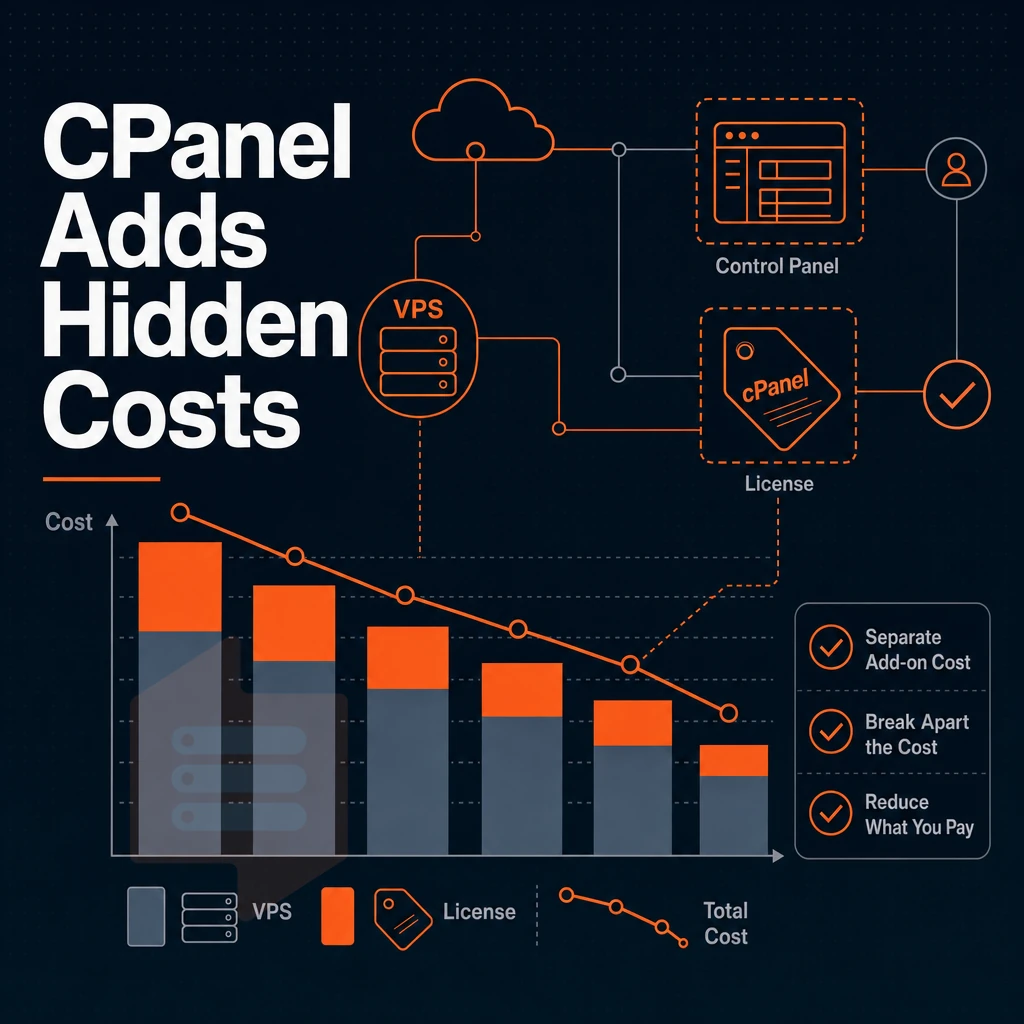
The low cost of a VPS can often hide the cost of the control panel, particularly cPanel. It is licensed on top of the cost of the server and whilst some providers may include it in the cost of their hosting services. Others will expect you to sort it yourself and charge you for it. Providers bundle licenses differently, so comparing the total cost across hosting services requires adding both the base server fee and any separate control panel charges.
Understanding the tier structure
- First determine how many accounts you will need. cPanel licenses are generally sold in tiers of hosting account slots (5 accounts, 30 accounts, 100 accounts, etc.). Even a micro VPS running a single website would fall into the lowest tier of cPanel account slots and would incur a monthly fee on top of the cost of the server itself.
- This cost should also be added to the VPS price you were given for the advertised VPS plans. Their tiered fees are added to the price of the VPS plans advertised on their site. Thus what seemed like a very low cost plan for an MSSQL server could actually end up costing more than a so called “bundle” once you include the cost of the license.
Evaluating bundled vs. Self-managed options
- The total cost of the hosting (not just the low price of the Hosting) has to be compared. There are providers that include cPanel in their offers for their Hosting packages and charge for this. Other providers offer a bare VPS and you have to install cPanel by yourself. Both models are okay but have to be compared apples to apples.
- Decide who manages your servers. When you have a self-managed VPS with cPanel installed, you are responsible for updates, security patches and license renewal. All these things are managed by the provider in a bundled plan.
Note: Annual plans sometimes reduce the effective monthly license cost. Check whether paying upfront for a full year lowers the per-month figure before committing to monthly billing.
Making the right call for your workload
- Audit your real account count to make sure you’re not throwing money away by overpaying for a higher cPanel account tier. Make sure you’re on the right cPanel tier for your actual usage.
- Instead consider an alternative to the cPanel license. For people with small numbers of websites, a lightweight cPanel alternative or even managing sites from the command line can be far cheaper without sacrificing control. BuyVPS VPS servers come with full root access so you can choose the control panel that best suits you and switch if required.
Now that we have a handle on the licensing, we can determine how much management work we want to do ourselves with managed/unmanaged hosting. Many hosting services offer tiered management levels, from fully managed environments where the provider handles all updates and security patches, to unmanaged plans where you retain complete control.
Managed vs unmanaged cPanel VPS: which fits your needs?
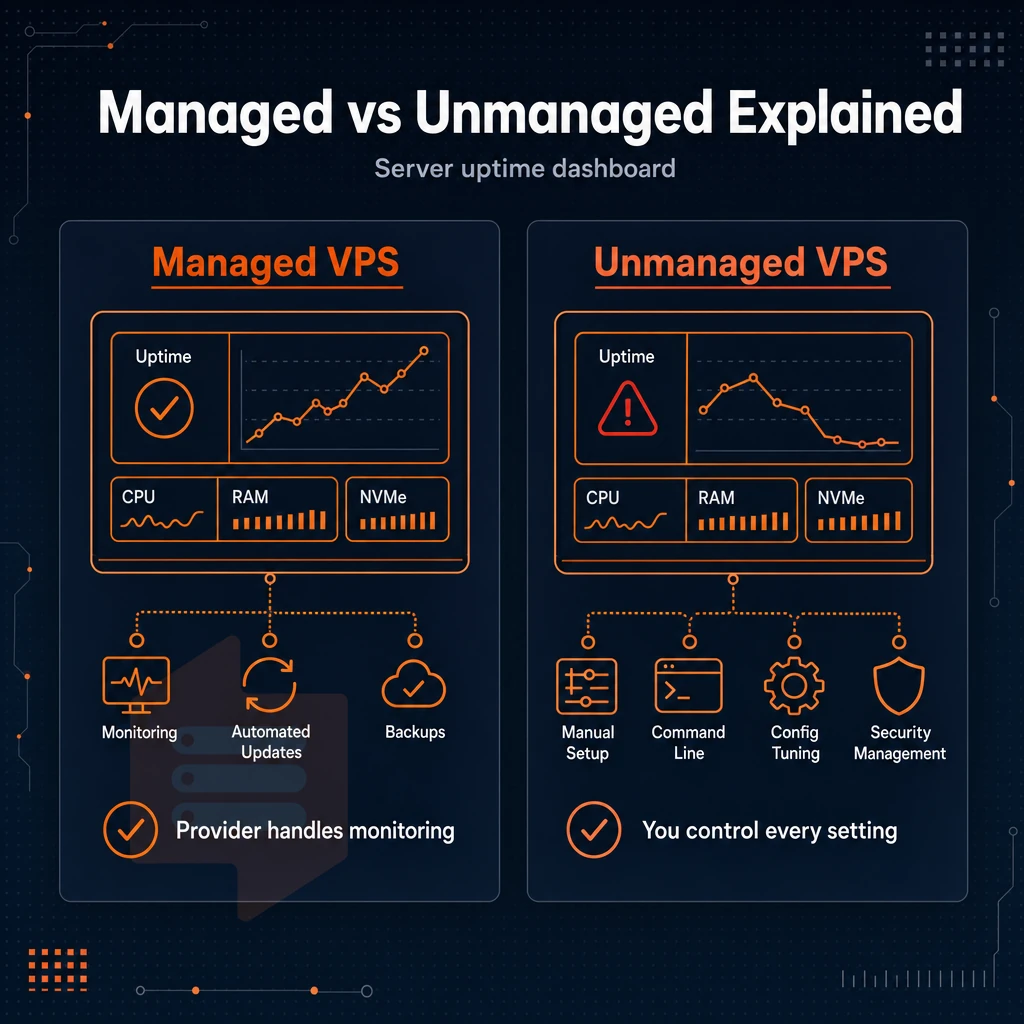
When looking for a cPanel VPS hosting plan, one of the first decisions you have to make is whether to opt for a managed or unmanaged setup. The choice between hosting plans depends on various factors, like the technical depth of you and your team, and the degree of control you want to have over the server and its operating system.
What your managed VPS hosting provider covers
We manage the routine tasks such as operating system upgrades, cPanel license renewals, security fixes and kernel upgrades for you. You log in to cPanel and manage your websites as normal, whilst we manage the underlying infrastructure for you.
The Managed Model is suitable for agencies and non-technical site owners who require a solid platform without the burden of server management. Managed tiers attract a premium over their Self Administered counterparts.
Managed plans include proactive monitoring, automated updates, and 24/7 support for server-related issues. This is as opposed to only being able to submit a billing issue.
What an unmanaged VPS plan gives you
An unmanaged VPS plan is provisioned with full root access immediately. You will set up cPanel, configure your firewall, patch your system and manage every layer of the server. Things will only happen when you make them happen.
Many developers and sysadmins prefer to run such systems.
Matching the model to your workload on cPanel VPS servers
Really the only question here is, “Who is going to be managing servers on a day to day basis?” If no one, managed is probably the best way to go. However, if you have a sysadmin or ops-savvy developer on staff, unmanaged cPanel VPS servers can be fine tuned for maximum performance while saving a ton of overhead.
BuyVPS offers unmanaged KVM VPS servers with root access in Amsterdam and New York. On unmanaged servers you will have the technical support of the engineers behind first tier chatbot support. The actual plan features are what will determine if the underlying infrastructure can keep up with your chosen model. Here is a comparison of the main features of each plan.
Key features to compare across every VPS hosting provider plan

VPS hosting plans vary greatly from a cheap offer to a well-thought-out solution. The major differences between the cheapest VPS offers and pricier ones are clearly visible when putting a heavy workload to a server and not in the salesman's sales pitch. These are the important categories when comparing hosting offers.
CPU, RAM, and storage type
There are essentially two models for CPU allocation: shared vCPU (i.e. shared cores among tenants) and pinned dedicated vCPUs (i.e. dedicated physical cores for your VPS). Under burst traffic, shared vCPU plans are prone to unpredictable throttling. Pinned vCPUs, however, always deliver consistent performance.
While RAM is an important feature, how it’s implemented is even more important. Implementing hard memory caps for each node is a huge differentiator from typical shared hosting implementations that combine all server resources into a single, pool-able entity with no hard limits.
Storage is the third variable in this comparison. NVMe SSD storage performs greatly better than SATA SSD storage for random I/O operations which are needed for databases, mail servers, etc. Even cPanel’s metadata operations benefit from this. We measure 122,959 4K read IOPS on our test NVMe RAID10 storage.
Network, DDoS protection, and uptime SLA
"Unlimited traffic" claims vary.
Edge-level DDoS protection should be a standard feature of any serious hosting environment, not a bonus feature. Verify that it is enabled for your account.
Operating system and cPanel control panel flexibility
A capable VPS plan should support multiple Linux distributions as well as uploading of custom ISOs. The choice of operating system should be yours, not be restricted to a single vendor-supplied image. In addition to full superuser access, a properly flexible setup is also supplied with an API-accessible control panel.
| Feature | What to look for | Red flag |
|---|---|---|
| CPU type | Pinned cores or clearly labeled shared vCPU | No disclosure of core allocation model |
| RAM | Hard caps, low node density | Soft limits or no oversell policy stated |
| SSD storage | NVMe with published IOPS benchmarks | SATA SSD or spinning disk with no spec disclosure |
| Bandwidth | Stated monthly transfer or confirmed unmetered | "Unlimited" with no fair-use policy |
| DDoS protection | Included at edge, no extra charge | Listed as a paid upgrade |
| Uptime SLA | Written SLA with a stated percentage | No SLA or "best effort" language only |
| OS flexibility | Multiple distros, custom ISO upload | Single locked image, no root access |
Even though a plan scores well on most of the rows above and may even be the cheapest VPS option, it does not necessarily mean it is the right choice for you, since cPanel itself is not always the best tool. In the next section we will discuss when you should use cPanel and when you should refrain from using it.
cPanel VPS services vs alternatives: when to skip cPanel
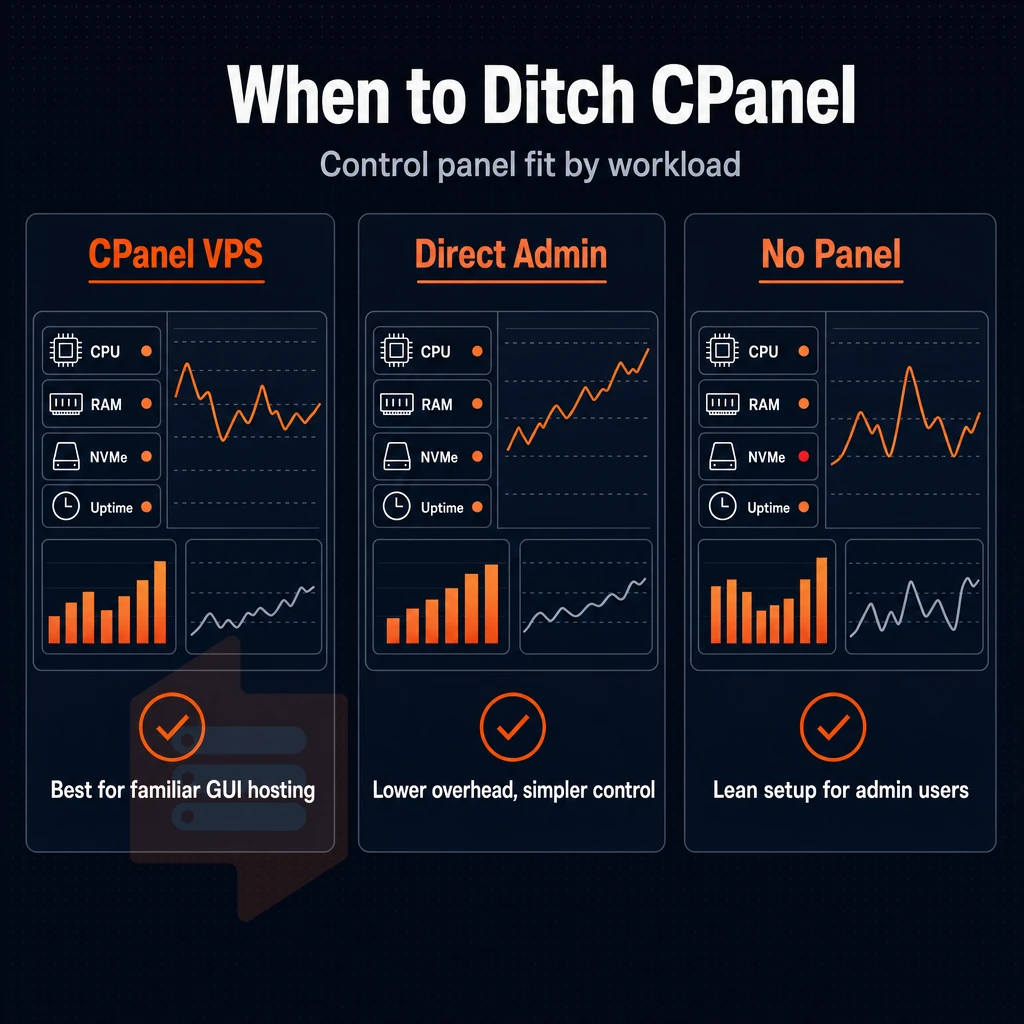
The typical workload for cPanel VPS hosting is traditional web hosting with a graphical interface to manage (among others) FTP accounts, email, DNS zones, SSL certificates and even private nameservers. Most other workloads do not have enough value in the cPanel licenses to pay for the license overhead.
When cPanel adds real value
For web hosting resellers and agencies, cPanel automates routine VPS management tasks such as setting up accounts, renewing SSL certificates and setting up DNS for websites. Therefore cPanel is justified as it means your clients have the familiar control panel they expect.
Note: Unlimited traffic policies and a 99.8% uptime SLA are also important for virtual machines running cPanel. Under sustained visitor loads, they need consistent I/O and memory to run versus being stuck in shared-node contentions. Unlimited traffic policies and a 99.8% uptime SLA matter here too. A virtual machine running cPanel among several virtual servers under sustained visitor loads needs consistent I/O and memory headroom versus being stuck in shared-node contentions.
When to skip cPanel and choose alternatives
Developers who run containerized workloads (Docker, Kubernetes, etc.) get nothing from cPanel. A headless Linux VPS with full administrator privileges and popular programming languages as packages (e.g. PHP, Python, Ruby) on a system managed by a package manager like yum or apt is much leaner, much faster to set up. Additionally, Much cheaper to run month by month.
Plesk is a mid-level shared hosting service option for developers, offering features like Git deployment, support for Node.js, and a user-friendly interface for non-technical users of servers. It costs less per license than cPanel, and it runs on KVM, just like cPanel.
Data centers, Windows VPS, and the cPanel exception
Latency locations: Amsterdam and New York data centers, both running on AMD EPYC processors with NVMe RAID10 storage. Your chosen location delivers identical performance.
VPS running Windows falls into a separate category and cPanel is not designed to run on Windows. When looking for the cheapest VPS option, you will need to look at the various alternative control panels that run on the Windows platform and find one that your required services and applications run on i.e. plan for Windows from the off.
| Setup | Best for | cPanel needed? |
|---|---|---|
| cPanel VPS | Web hosting resellers, agency clients | Yes |
| Headless Linux VPS | Containers, CI/CD, custom app stacks | No |
| Plesk VPS | Mixed teams needing GUI + dev tools | No |
| Windows VPS | Windows-native apps,.NET workloads | No, incompatible |
You should only choose cPanel if your workflow specifically requires the hosting tools that cPanel provides. A clean Linux VPS (such as the KVM-isolated servers in our Amsterdam and New York data centers) will provide you with more control and less overhead for just about everything else. Then, you can choose the tool and find the right provider for your needs.
How to evaluate a cheap VPS hosting provider before you buy
All Affordable Hosting Solutions are not created equal. This checklist will help you to distinguish between quality hosting infrastructure and the over-sold, under-managed server nodes.
Infrastructure and virtualization checks
- Check the type of virtualization offered. KVM for example grants every VPS its own kernel and true resource isolation. OpenVZ containers run on the same kernel as other containers and hence have limitations on what can be run and virtual servers can more easily be oversold by providers. Verify that your provider offers KVM.
- Check for node overselling. Find out whether the provider enforce hard memory limits per node. If they don’t, you’ll get random slowdowns. Low node density usually means a server is not over-sold.
- Verify the control panel. The control panel should allow self-service reinstalls, in-browser console access, and API access. A basic plan with manual ticket requests for every change is not sufficient.
Virtual private server location and SLA review
- Choose a data center near your audience. As latency adds up fast, choosing a location close to your main audience is more important than other specs.
- Read the SLA carefully. While a 99.8% uptime guarantee sounds good, ensure all elements (networks, hypervisors, storage) are covered. Maintenance windows in exclusions can strip the promise of value. Check if SSL certificates are included in the price or if they cost extra on top.
Support and renewal pricing
- Test the support model. Direct responses from engineers (as opposed to a chatbot generating a long chain of responses) will win every time. Test pre-sales questions for response quality, not just speed.
- The rate for renewal must be clearly communicated as often providers advertise low introductory prices and then increase the rate at renewal time. A guarantee of day money back is useful but of far greater importance is that the provider offers a flat rate in year two and subsequent years.
Note: Skipping the renewal-pricing check is the most common mistake buyers make when comparing affordable hosting solutions. The headline rate rarely tells the full story.
Of the above checks, Geography probably warrants a little more detail on its own.
Amsterdam and new york dedicated server locations for low-latency hosting
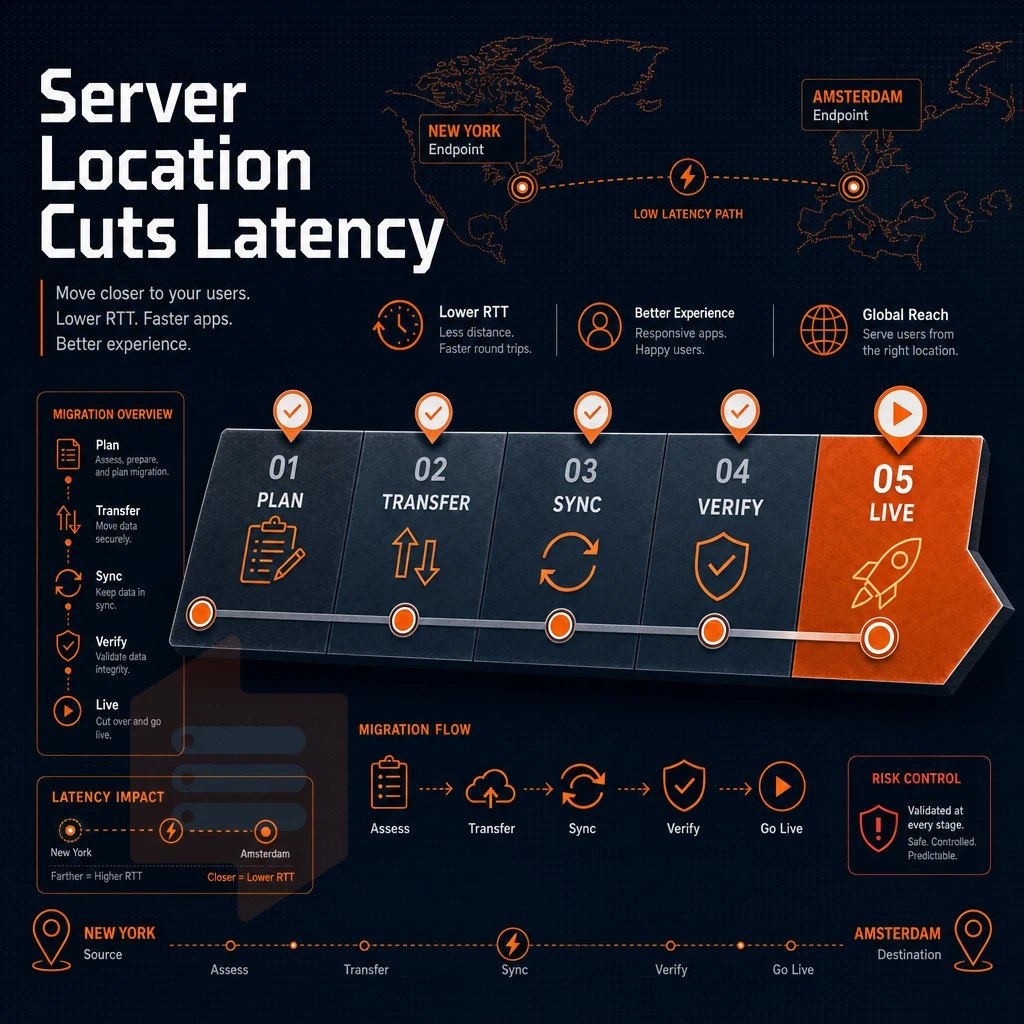
Latency caused by server location is the biggest factor. Every millisecond of round-trip time (RTT) adds up on each page load, API call and database query. We operate two data centers, Amsterdam and New York, to serve the two biggest internet populations in the Atlantic corridor.
Cheapest VPS placement and why geography drives it
The latency of light travels through fiber so latency follows speed of light.
The cheapest VPS in an incorrect location will likely lose more money in conversion than you save on the monthly charge. Proximity to your target audience is more important than specifications when choosing a VPS.
VPS server services for european audiences: amsterdam
Amsterdam is one of Europe’s major interconnects. The city is perfectly positioned to serve users in Western, Central and Northern Europe with low latency VPS hosting services. For WordPress hosting aimed at EU readers, for GDPR restricted applications, Amsterdam is the natural home for any EU data residency focused workload.
For teams running multiple virtual servers on top of a microservices architecture. Amsterdam is a good location for any hosting company offering hosting plans because intra-region traffic stays within the EU and thus is subject to less restrictive rules than cross-Atlantic traffic for example. Additionally, It also reduces round-trip times.
Virtual servers for US east coast and transatlantic traffic: new york
New York is located on the US East Coast and offers sub-20 ms latency to all relevant metro areas. A VPS server hosted in New York is also very efficient in terms of transatlantic communication, since the fiber distance to Western Europe is shorter from New York than from any US West Coast facility.
New York generally provides better aggregate latency for customers in North America and Europe than Amsterdam. Overhead for managing servers is identical to Amsterdam: same control panel, API, and KVM isolated servers.
Identical by design: hardware, control plane and pricing for BuyVPS is identical for Amsterdam and New York locations. You choose a location geographically closest to your users and deploy, rest assured that underneath you’re running on identical code.
virtual private servers from BuyVPS are offered with IPv4 and IPv6 dual-stack in both locations. In-place upgrades of VPS solutions mean that the IP addresses of your servers will not change when upgrading in either location. We cover these features in more detail in the next section.
Why choose BuyVPS for cheap VPS hosting?
When you need low-cost cPanel VPS hosting on a platform that won't throttle you at peak load, the underlying infrastructure matters as much as the price. Our virtual private server hosting runs on KVM with a separate kernel per VPS, true isolation, not a shared-kernel shortcut.
Every VPS hosting plan ships with full superuser access, so you can install cPanel on a clean Linux base yourself, configure your control panel exactly as needed, and manage server management tasks without restrictions.
- No-oversell guarantee: Hard memory caps per node and low node density mean your dedicated resources stay yours, no noisy neighbors stealing RAM or CPU from your VPS server.
- NVMe RAID10 PCIe-direct storage: Measured at 122,959 4K read IOPS (fio median), our NVMe SSD storage keeps cPanel VPS servers responsive under real load.
- AMD EPYC hardware: Standard CPU S-tier VPS plans share EPYC Milan cores; Dedicated CPU D-tier pins cores for predictable latency on production workloads.
- Two data centers, identical specs: Amsterdam and New York run the same hardware, control plane, and hosting plans, pick the server location closest to your website visitors.
- No renewal hike, ever: Same price in year five as year one. No surprise fees on annual plans or multi-year VPS hosting services.
- In-place upgrades: Scale your VPS hosting plan without IP rotation or migration downtime, your hosting environment stays consistent.
Founder-run since 2002 with engineer-staffed support, BuyVPS pairs budget hosting options with infrastructure built for developers who take cPanel VPS hosting seriously. Compare our VPS plans or reach out to our team at BuyVPS.com to find the right fit. Before you do, here's a plain-language summary of what the cheapest plans on the market actually deliver, and where they fall short.
The cheapest VPS hosting options: what you actually get

The cheapest VPS plans may initially seem like a good deal. Most of these are running on OpenVZ containers on highly oversold nodes with old spinning hard disks. The support you get is often that of a shared hosting account. And don’t even get me started on the cPanel licenses, adding a lot of value to the initial price quickly. So in the end, you only need to look at the total price for the VPS and the control panel.
Most affordable VPS hosting with cPanel is pretty awful for consumers. However, low-cost plans that sacrifice the key aspects of quality hosting for short-term gains can end up causing much more pain in the long run.
At BuyVPS, we're committed to delivering KVM virtualization, real memory caps, top-grade NVMe RAID10 storage, and robust, no-oversell node configurations, all at very competitive pricing and backed by a day money back guarantee. The below checklist serves as a summary of this guide to assist with your search for quality, affordable web hosting.
Key takeaways: choosing the right cPanel VPS plan
Picking the right cPanel VPS comes down to a short checklist. Decide between managed and unmanaged VPS hosting before you compare plans, managed VPS costs more but offloads server management tasks entirely. Confirm the VPS uses KVM virtualization, NVMe SSD storage, and a server location close to your users. Factor in the cPanel license fee, which adds to your monthly total. And verify that your hosting provider locks in the same rate at renewal, no surprise hikes.
Once those boxes are checked, deploying cPanel VPS hosting takes just a few clicks. The control panel handles the rest: DNS, FTP accounts, SSL certificates, and email, all from one user-friendly interface. For a full breakdown of vetted VPS plans across every budget, see our cheap VPS guide.
cPanel licensing adds real cost to any VPS hosting plans, and knowing that upfront separates a genuinely competitive offer from one that looks cheap until the invoice arrives. Whether you choose managed or unmanaged hosting on a cPanel hosting plan or otherwise, the underlying server specs matter just as much as the control panel: underpowered hardware and oversold nodes will drag down every site you run on them.
When comparing plans, prioritize dedicated or hard-capped resources, NVMe storage, and a provider that doesn't bury renewal hikes in the fine print. If you're ready to move beyond shared hosting without locking into a bloated managed package, BuyVPS runs KVM VPS instances on AMD EPYC hardware across Amsterdam and New York, full root access, no-oversell nodes. Additionally, In-place upgrades with no IP rotation. Review the available plans at BuyVPS.com and find the tier that fits your workload.