


Finding cheap VPS UK hosting with great value and which does not sacrifice performance to be cheap enough is really quite difficult to find. So many low-cost VPS services reserve very small amounts of RAM and ssd storage on underpowered servers, over-sell under managed servers, and lock customers into very expensive renewal terms after an initial very cheap promotional period. As a result, you get to experience slow responses, irritating neighbors, and then are surprised when the price doubles at year two.
In this guide we differentiate between cheap VPS hosting and cost-effective VPS hosting. There are many ways to offer cheap VPS hosting, such as by overselling underpowered servers with shared kernels, and hiding crucial performance parameters behind fluff, and charging extra for support via live chat.
In this guide we cover the crucial performance parameters for VPS hosting (including CPU isolation, storage I/O performance. Additionally, Network performance), the major pitfalls when it comes to the cost of VPS hosting (including surprises when it comes to renewal fees).
Additionally, Provide you with a list of cost-effective providers that deliver solid performance for affordable monthly rates. We run our KVM-based VPS hosting platform on AMD EPYC hardware, using NVMe RAID10 storage, and operate from two data centers: Amsterdam and New York.
We don’t oversell, and we never hike the renewal fee. We’re thus a good option for UK-adjacent workloads that require serious performance at non-enterprise price points. Our transparent pricing model extends to the control panel itself, with no hidden fees for accessing the billing platform or managing your infrastructure.
What are cheap VPS hosting services and who needs them?
Virtual Private Servers (VPS) sit in the middle of shared hosting and dedicated servers. You get your own slice of a physical server. You have isolated resources, your own server environment, and root access. But you don’t have to pay for a whole server.
First month $1
Then the normal monthly price. One per customer. No setup fee, and a 30-day performance guarantee on your first order.
See the plans“Good support, fast VPS. Thanks!”
What is a VPS and how does it differ from shared hosting?
On a shared hosting account, there are dozens of other accounts on the same server. On shared VPS servers or hosting plans, all accounts are competing for the same CPU cycles, RAM, and I/O, meaning one very busy 'noisy neighbor' account can affect the performance of all other accounts on the same server.
The VPS runs on your very own Virtual Server. The Hypervisor has isolated the server and created a Virtual Private Server for you. Your VPS has its own RAM and CPU allocation. Another tenants' spikes in traffic will not affect you. This isolation model ensures that dedicated resources remain available to your workload even during peak usage periods across the physical host.
For workloads requiring even greater resource guarantees and hardware-level isolation, a dedicated server offers the next tier of performance beyond virtualized environments. Organizations planning for growth should verify that their provider offers seamless upgrade paths to larger resource tiers, ensuring scalable infrastructure that can expand alongside business demands.
The key differences come into play under load. A shared account may hold up to 200 concurrent visitors while simultaneously crashing at 500 visitors. In the meantime a VPS account would scale to handle the traffic without the shared account’s resource bottleneck.
Who needs VPS plans?
Three types of customers consistently outgrow shared hosting and need to move to a VPS: Businesses experiencing consistent traffic spikes, developers needing root-level control, and agencies managing multiple client sites typically find they've outgrown shared hosting when resource contention begins impacting site reliability. Evaluating the best VPS providers for these use cases means comparing not just price, but also the quality of isolation, storage performance, and whether the provider offers genuine dedicated resources or merely partitioned shared infrastructure.
- Need to create a clean environment to deploy custom stacks (e.g. Node.js, Python, Go) and can’t deal with a host’s locked-down configuration?
- Growing businesses with websites or APIs hitting shared plan limits on memory or concurrent connections.
- Advanced users with self-hosted applications such as databases, game servers and CI/CD tools that require persistent processes and open ports.
The most important feature for a server is full root access. Without it you would not be able to install software, tune kernel parameters or set up a firewall as you need. Root access enables complete control over server setup, allowing you to configure services, install dependencies, and optimize the environment for your specific application stack.
Choosing the right cheap VPS hosting provider and plans
Not all providers are created equal. Look for KVM isolation, NVMe storage, and capped memory to ensure you’re not on an oversold platform. When evaluating the best cheap VPS options, prioritize providers that publish transparent IOPS benchmarks and guarantee dedicated CPU cores rather than shared threads. Comparing the best cheap VPS services side-by-side reveals that uptime guarantees and support responsiveness matter just as much as raw hardware specs.
Additionally, you should also consider the available Operating System versions. While most Linux distributions are suitable for most applications, some customers require a Windows VPS hosting server to run.NET applications or older software which is not compatible with Linux anymore. Providers that support multiple operating systems give you flexibility to switch environments as your application requirements evolve without migrating to a different host.
We run KVM with hard memory caps per node and low node density to ensure that the performance you measure on the first day still holds up 6 months later. After that it’s just a matter of picking an OS for your VPS. This architecture delivers reliable performance by preventing resource contention at the hypervisor level, ensuring your workloads maintain consistent throughput regardless of neighboring tenant activity.
Linux vs Windows VPS hosting: which should you choose?
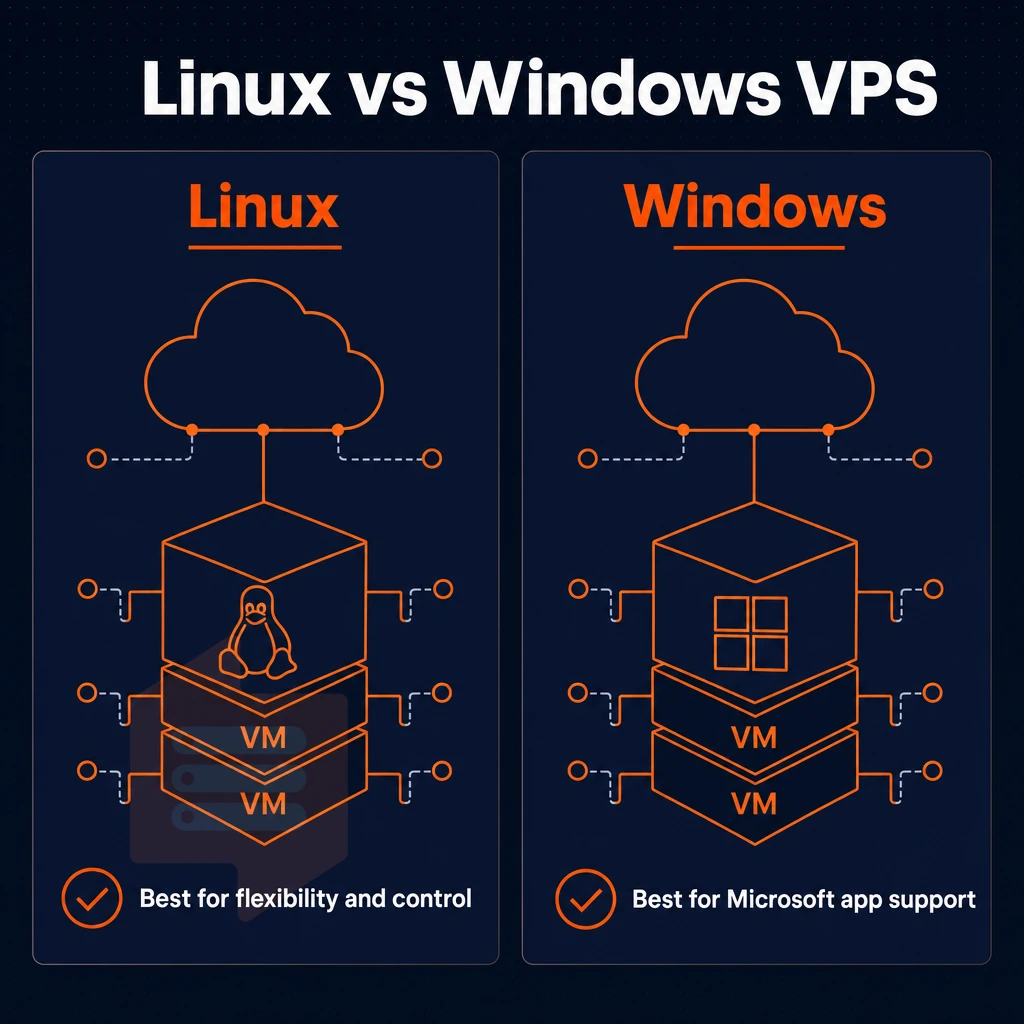
The choice between Linux and Windows hosting affects issues such as the software you can use and the amount of maintenance you will need to do in the long run. Both types of hosting offer full root access and complete control over your hosting environment. However, there are many differences between the two when it comes to the types of workloads they can handle.
Popular operating systems compared by SSD storage
Linux remains the dominant operating system in open-source and developer-oriented environments. All Linux distributions available at BuyVPS (Ubuntu, Debian, AlmaLinux, Rocky Linux, CentOS Stream and Fedora) are suitable for various server management purposes, from minimal web servers to serious databases.
We recommend Windows Server environments for.NET applications, ASP-based legacy applications, and other Microsoft-based tools and services. Some hosts offer more than one Operating System and support Windows. BuyVPS is a Linux only uk VPS host and offers custom ISOs, so we recommend other hosts who list Windows as a supported Operating System for Windows-dependent applications.
| Dimension | Linux VPS | Windows VPS |
|---|---|---|
| Typical use cases | LAMP/LEMP stacks, Node.js, Python, containers | ASP.NET, legacy Windows apps, Remote Desktop |
| Licensing overhead | None, open-source | Windows license cost added to plan |
| RAM efficiency | Minimal OS footprint (~200-500 MB idle) | Higher baseline (~1-2 GB idle for Windows Server) |
| Server configuration | CLI-first; scriptable and automatable | GUI-driven; familiar to Windows admins |
| Uptime SLA (BuyVPS) | 99.8% | N/A, not offered |
Is a cheap VPS in the UK good enough for a business website?
Yes, you can get decent performance from a VPS, as long as you choose the right host and go for NVMe RAID10 storage plus a no-oversell configuration. On BuyVPS’s storage layer for example, we measure 122,959 4K read IOPS which is more than sufficient to power database-driven business sites. Modern nvme ssd storage architectures deliver consistent sub-millisecond latency across mixed workloads, making them essential for applications that demand predictable I/O response times under concurrent user sessions.
The real differentiator here is the underlying hypervisor. KVM virtualization with a separate kernel for each VPS ensures that even the most obtuse and noisy of other tenants will not bring down your site. Combine that with the real 99.8% SLA (not some embellished number) and the fact that we offer dual-stack IPv4/IPv6 on a well-specced VPS, and these cheap VPS hosting services are genuinely ready for production use by businesses.
Proper hypervisor isolation and redundant storage architecture are the foundation of consistent site availability, especially when traffic patterns become unpredictable. Many production environments also benefit from built-in ddos protection to maintain uptime during volumetric attacks that would otherwise saturate network links.
Location is important. BuyVPS are a hosting company based in Amsterdam and New York. For UK based visitors connecting to the Amsterdam location latency is typically sub-10 ms and fine for any web application. Proximity to UK data centers ensures compliance with regional data residency requirements while maintaining the low-latency connectivity essential for customer-facing applications. Selecting a uk VPS provider with strategically positioned data centers minimizes round-trip time for end users and improves overall application responsiveness across the region.
Which SSD storage option should you choose?
Choose Linux if you’re running open-source applications, you’re working in the console and you want the absolute lowest cost of operating system. We’ve got six Linux distributions available and the ability to upload your own custom ISO on every plan. BuyVPS is a purpose-built platform for Linux users.
If you need Windows VPS server, Remote Desktop, or software that’s licensed by Microsoft, you need a Windows-capable hosting provider. Make sure your chosen hosting provider lists Windows support. After choosing an OS for your VPS, look at the features of the hosting plans to see which will actually be useful to you. Evaluate whether the provider includes essential features like automated backups, snapshot capabilities, and API access for infrastructure automation before committing to a plan.
Many providers structure their hosting plans with tiered resource allocations, so confirm that CPU cores and RAM scale appropriately with your expected workload before selecting a tier. Some providers bundle plesk control panel licenses at no extra cost, which simplifies site management for users who prefer graphical interfaces over command-line administration.
Key features to look for in cheap VPS plans
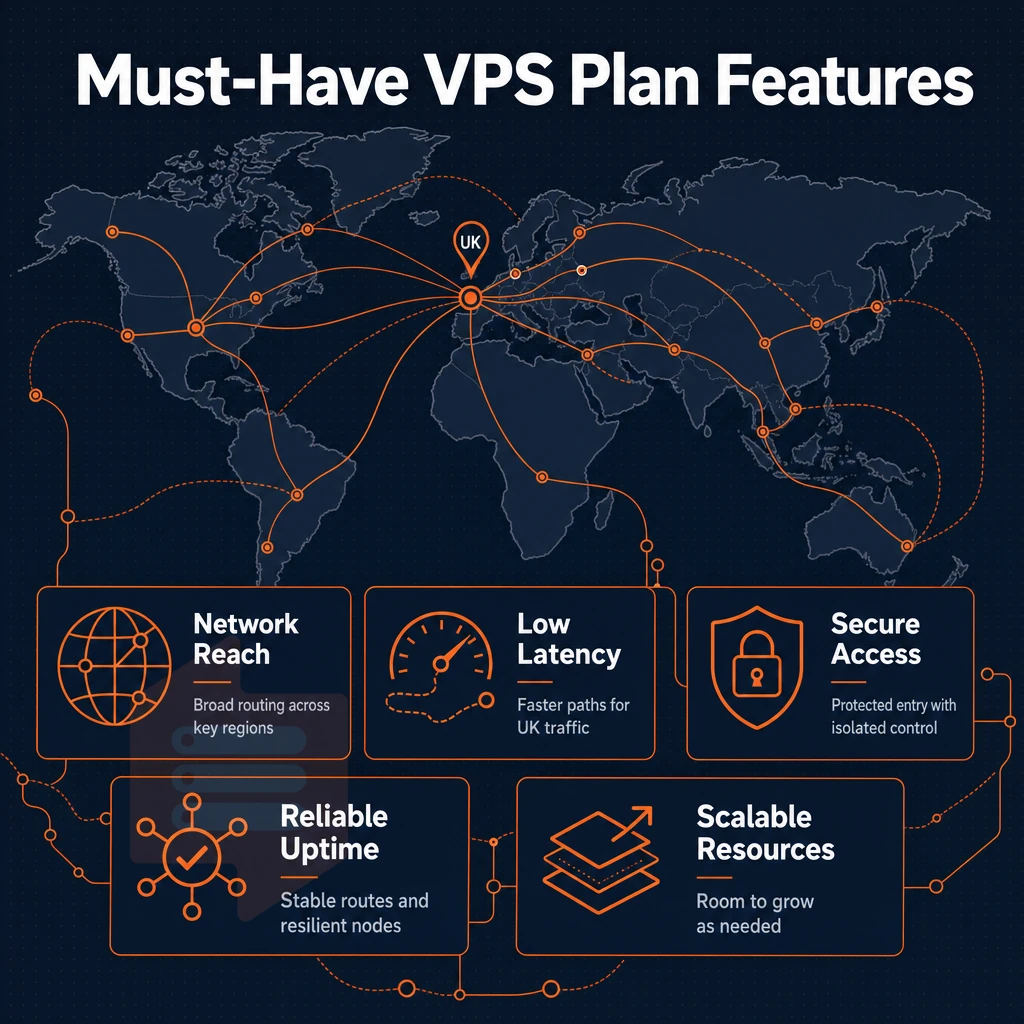
While a budget VPS UK host may save your wallet in the short term, not all of them are made equal. In the long run, checking a few key features will save you a lot of headaches and prevent you from having to migrate your sites at a later time.
Use this checklist to make sure you’re getting value for your money as opposed to simply getting the lowest cost possible. Identifying the best VPS requires balancing upfront cost with long-term reliability, ensuring your provider delivers consistent performance without surprise fees or resource throttling.
SSD storage, performance, and dedicated resources
- Please verify that NVMe SSD storage is provided. The database load, file server load and boot times are significantly better than with older SATA hard drives. All plans at BuyVPS are equipped with NVMe RAID10 storage. Measured with Igor IOPS tool on real load it reaches more than 122 000 4K read IOPS.
- Make sure the resources allocated to you are really dedicated to you. If a VPS service you chose for your online business is overselling RAM and CPU to its clients, its performance would degrade as load increases. Check for hard memory caps per node and for low node density. BuyVPS enforces both.
- Check for KVM virtualization. VPSes created with KVM each have their own kernel. This allows for isolation from noisy neighbors and also allows for custom kernel modules to be loaded as well as uploading your own ISO to the VPS.
Uptime guarantee, DDoS protection, backups, and day money back guarantee
- Check the uptime guarantee carefully. While BuyVPS commits to a 99.8% uptime guarantee, many vendors advertise even higher numbers. Check the SLA (Service Level Agreement) for the promised credits in case of failures as well as the number promised in the ad.
- Please confirm DDoS protection is included in the plan as well as edge filtering which should be a standard feature of any credible hosting plan. Is this feature active at the network level or is it an optional paid feature?
-
Ask about automated backups. Some providers include automated backups in the base plan; others charge extra. Clarify the retention period and whether restores are self-service.
Note: Backups stored on the same node as your VPS offer no protection against hardware failure. Confirm off-node or remote storage.
Managed VPS hosting vs unmanaged VPS hosting differences
An unmanaged VPS is provided to you as root and you are fully responsible for updating the Operating System as well as applying security patches. A managed VPS hosting account is administered by the provider. This can include patching, monitoring and even application of software as well as management of client accounts.
Unmanaged servers are typically the preferred option of most developers and sysadmins as they offer more control over the server for less money. All of our BuyVPS plans are supplied with full root access, self-service panel with API access, in-browser VNC console as well as VPS control panel.
Additional services such as free domain registrations, free site transfers, and licensed control panels like cPanel or Plesk are often bundled on top of the SSD storage and compute that you pay for. You should carefully weigh up whether you actually need the additional services on top of the managed/unmanaged service that you require.
Managed vs unmanaged VPS: understanding the difference
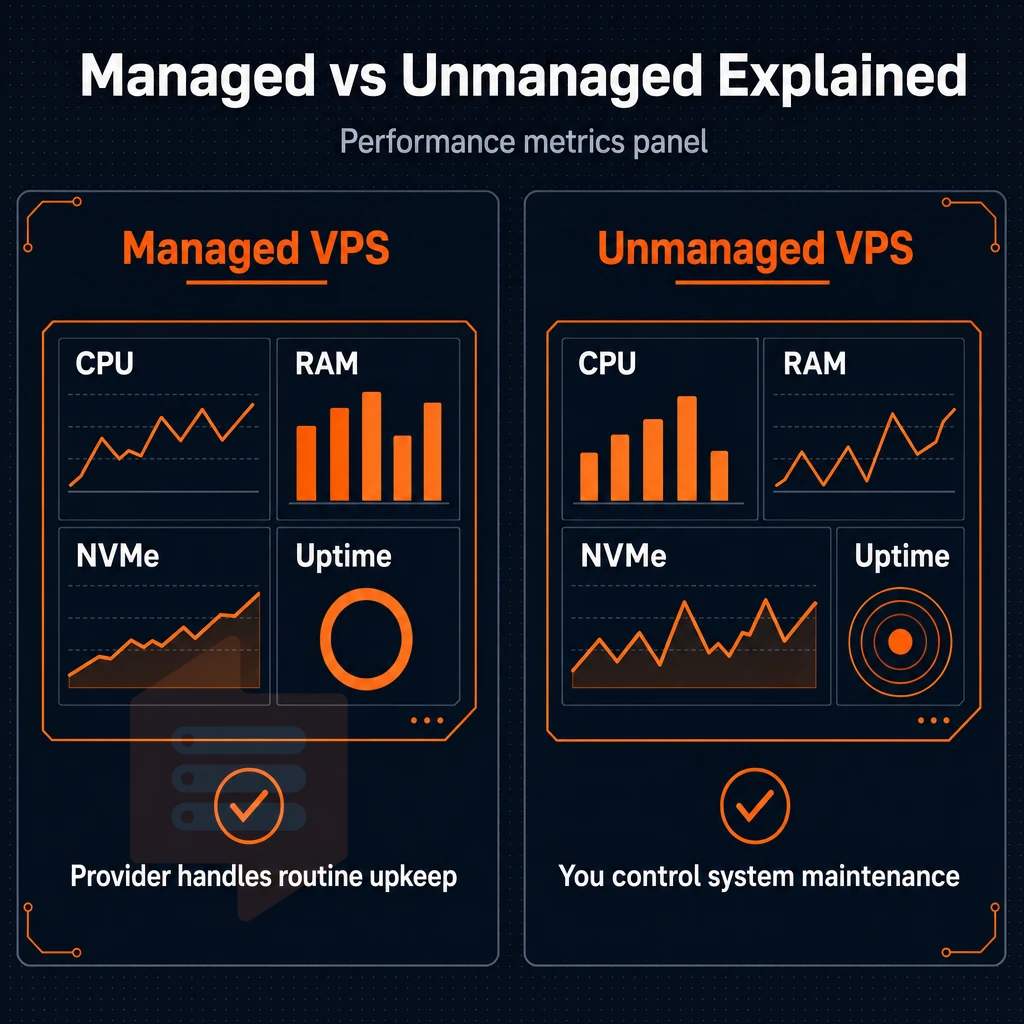
Deciding between managed and unmanaged VPS hosting affects many subsequent operational decisions. The mechanical differences between two types of hosting have to be understood in order to choose the hosting model that is suitable for the team in place.
What managed VPS hosting actually covers
A managed VPS is a hosted service where the provider does the server administration for you. E.g. OS updates and security patches, as well as configures the firewall for you and can also perform performance tuning. In addition, some managed VPS providers even monitor application-layer issues for you. You just use your hosted service, and the provider handles the below-mentioned lower layers of the stack for you.
This is suitable for business websites and e-commerce sites without in-house sysadmins. Managed services have a number of tradeoffs including less flexibility. Typically you will find that the provider will restrict you to certain software, kernel parameters and even depth of modification to the base OS.
Note that there will be additional cost to cover the overhead for such operational structure. This is essentially the cost of a remote operations team.
How unmanaged VPS plans work
An unmanaged VPS gives you root access and then steps back. You are responsible for the server setup, the OS hardening, the package management, the cron jobs, the log rotation etc. The provider only takes care for the physical server, the network and the hypervisor. Everything above that layer is your responsibility.
This model gives advanced users complete control over the stack. You choose the kernel, init, firewall rules and the various deployment tools. None of these is abstracted away from you.
Most developers, DevOps engineers and other infrastructure teams prefer to work in this model because of the control it offers them.
Do i need technical knowledge to run an unmanaged VPS?
Yes, you should have a basic level of Linux administration skills. This means you are familiar with basic package management, managing SSH keys, configuring firewalls (iptables or nftables) and reading system logs. Not difficult for a developer, but you have to be able to do this.
BuyVPS is an unmanaged platform. When you get stuck our engineers will reply directly to your question or issue (no chatbots, no tiered ticket system). Making the transition to being fully self-managed as smooth as possible while never taking control of your server away from you. The location of your server(s) has as large of an impact on performance as the management model of your server(s).
UK VPS hosting: why data center location matters
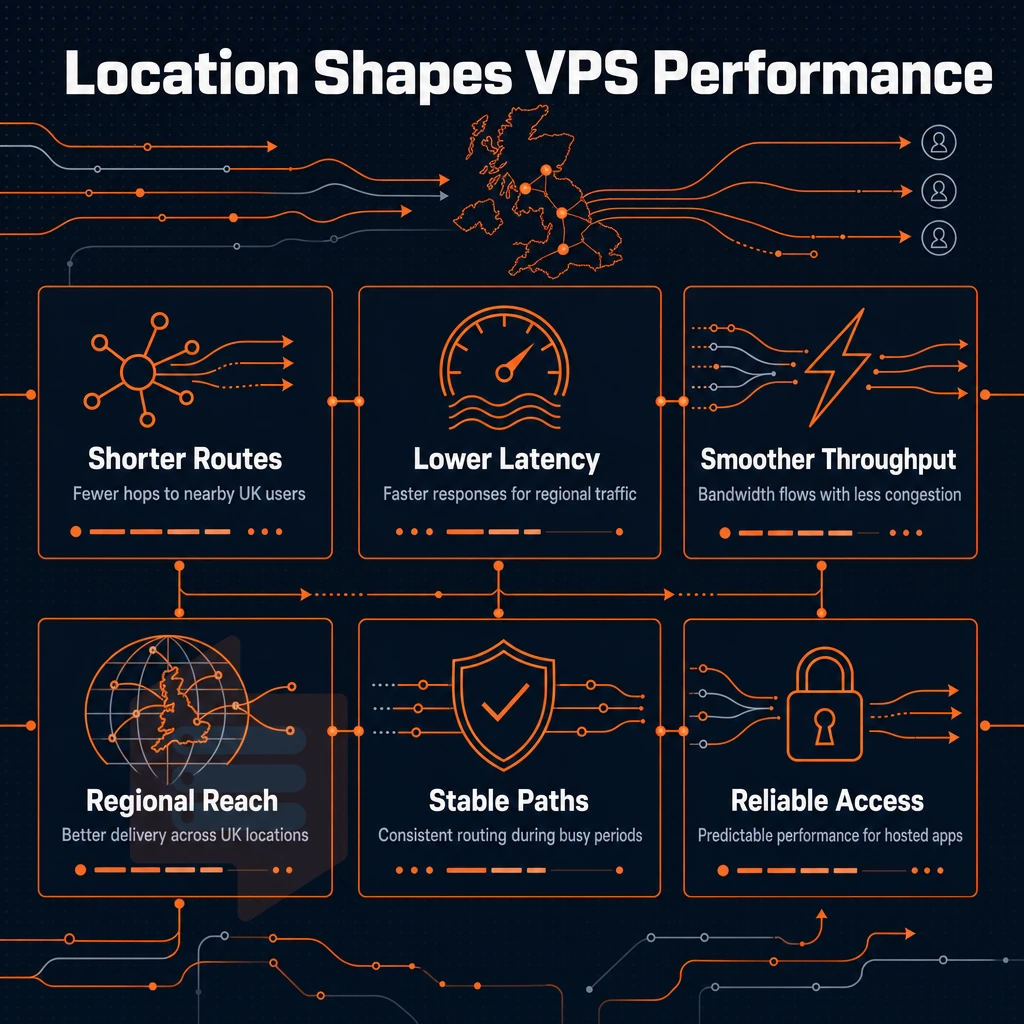
When looking for low-cost UK VPS to buy, for most users the first technical consideration is how close to their users the server will be. The typical concerns are latency (end to end total round trip time), where your VPS data resides and VPS server performance.
Why location drives reliable performance for UK and EU users
The physical distance between a server in continental Europe and users in the UK adds up to measurable latency, typically below 20 ms for a round trip. This has a bearing on e-commerce sites, real-time dashboards and any number of applications hosted on a uk VPS where hosting providers know that the time it takes to deliver a response influences conversion.
A separate concern for UK data sovereignty. The UK has its own data protection legislation in place post-Brexit, in addition to the EU GDPR legislation. Most teams choose to host European version of their deployment to cover both sets of legislation.
Note that our only real locations are Amsterdam and New York. While we can’t be in the UK itself, Amsterdam is our nearest location to UK users. All of our Amsterdam-based servers are situated within the EU and so are covered by all EU regulatory areas. In practical terms, this means that our servers in Amsterdam connect to UK servers over well-peered transatlantic and cross-channel pipes.
What to look for in VPS hosting services near the UK
Evaluate the network quality of your prospective VPS hosting service before you commit to them.
- Peering and uplinks: multi-homed networks reduce single-point failure risk.
- Uptime guarantee: our SLA covers reliable uptime at 99.8%.
- In-place upgrades: no IP rotation means DNS stays stable when you scale.
- Onboarding support: some providers offer free website transfers to reduce migration friction.
BuyVPS uses KVM with hard memory caps on very low node density hardware to deliver a reliable managed VPS hosting environment and avoid the problems of noisy neighbors on highly oversold servers.
What operating systems can i run on a cheap VPS?
All our plans support Ubuntu, Debian, AlmaLinux, Rocky Linux, CentOS Stream and Fedora. You can upload your own ISO for less common distributions or even appliances.
Full root access on all tiers. This means you have full control of the kernel, the package manager and the runtime and no restrictions are imposed by the platform.
Best VPS picks for uk-adjacent deployments on a budget
We believe Amsterdam is the best cheap VPS location for UK customers who require an EU-based datacenter with low cross-channel latency. Our Amsterdam location is configured with the same high-spec hardware as our New York location, featuring AMD EPYC processors and NVMe RAID10 storage. Being able to see what a ‘best location’ looks like makes it far easier to then compare providers.
Comparing cheap VPS hosting providers: what the market offers
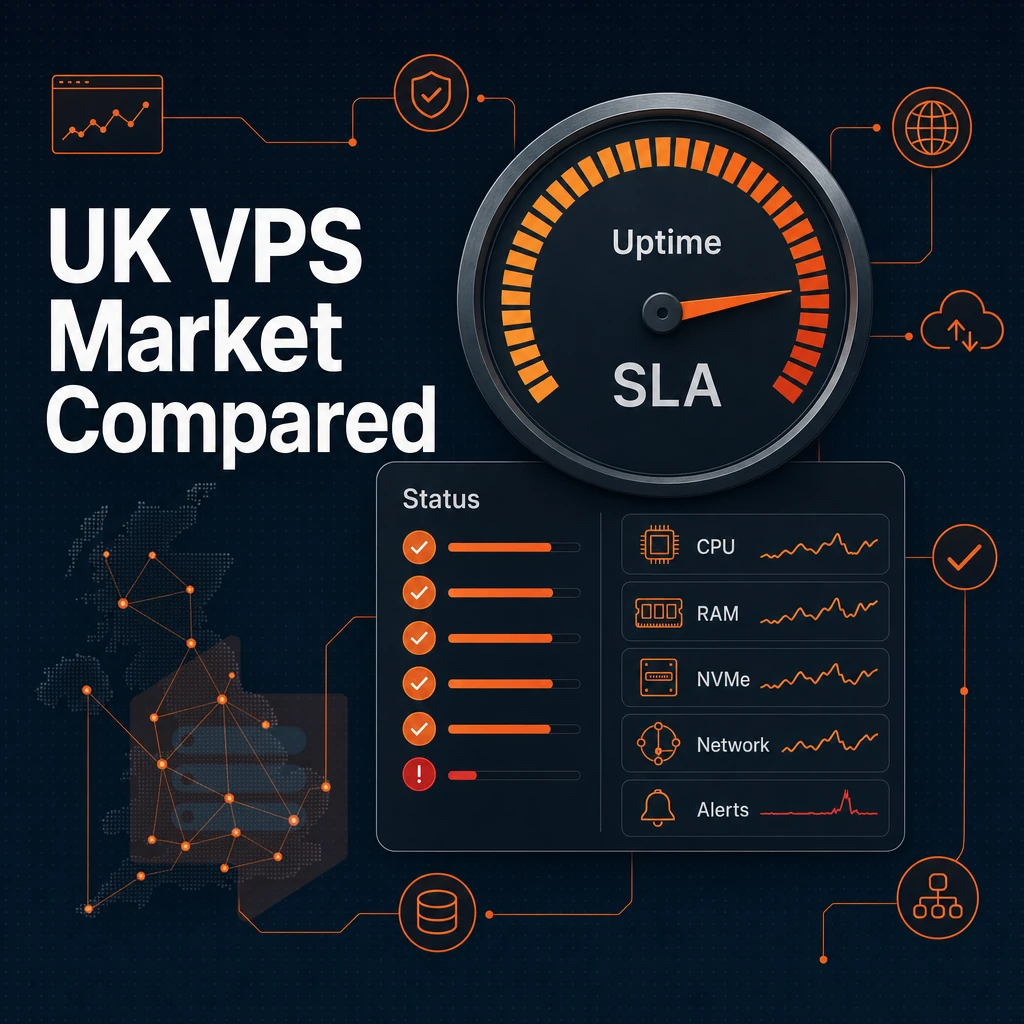
The market for cheap VPS hosting is very crowded with many providers offering similar entry-level specifications and often also bundled with ‘extras’ and promises of good quality support. In reality there can be a big difference between what is advertised and the actual performance of the VPS. We outline below what to look for when checking out cheap VPS services to help you create your own checklist.
What hosting providers typically bundle
Most very cheap VPS plans promote a control panel (cPanel, DirectAdmin, etc.) and a free domain name (for one year) for annual payments. Many also offer free website migrations (in the form of a credit). These promotions are usually not representative of the quality of the used infrastructure, though.
Support models differ greatly from one low-cost VPS hosting provider to another. Many use first-tier scripts to handle incoming tickets. However, the best cheap VPS hosting services pair their ticket tracking systems with qualified technical engineers who know the ins and outs of kernel and network issues and can address them rather than simply reset a password and close a case. Such customer support quality is typically revealed only in times of crisis.
VPS plans: typical specs and what they signal
The entry-tier VPS offerings from various hosting providers typically include 1-2 vCPUs, 2-4GB RAM and either SSD or NVMe storage. Typical Uptime SLAs are set at 99.9%. Network specifications, which factor into overall server management, vary between the 100Mbps uplink and 1Gbps uplink with latency to end of customer in UK varying depending on whether the node is located in the UK or Proxied via a European hub.
| Feature | Budget tier (typical) | BuyVPS |
|---|---|---|
| CPU architecture | Mixed; often unspecified | AMD EPYC Milan / Genoa |
| Storage | SATA SSD or basic NVMe | NVMe RAID10, PCIe direct, 122,959 4K read IOPS |
| Uptime SLA | 99.9% | 99.8% published SLA |
| Memory policy | Often oversold | Hard caps, low node density |
| Virtualization | KVM or OpenVZ | KVM, separate kernel per VPS |
| Locations | Varies | Amsterdam, New York |
Does BuyVPS have a data center in the UK?
We run 2 data centers: Amsterdam (Netherlands) and New York (USA). No UK location is available. The closest node for workloads targeting to offer services to users in the UK would be the Amsterdam node. Offering low-latency connectivity to all endpoints in London and throughout the UK via highly peered European routes.
The standard refund period is a day and you should check the specific refund period for your purchase as well as whether it covers all plans.
So, for the purposes of your check list on cheap VPS deals, note the CPU generation, memory oversell, storage type and real support. A free domain name and control panel is nice to have but of little use to you. The criteria above are relevant for the actual work loads you will be running on your new server.
VPS servers use cases: from business websites to gaming
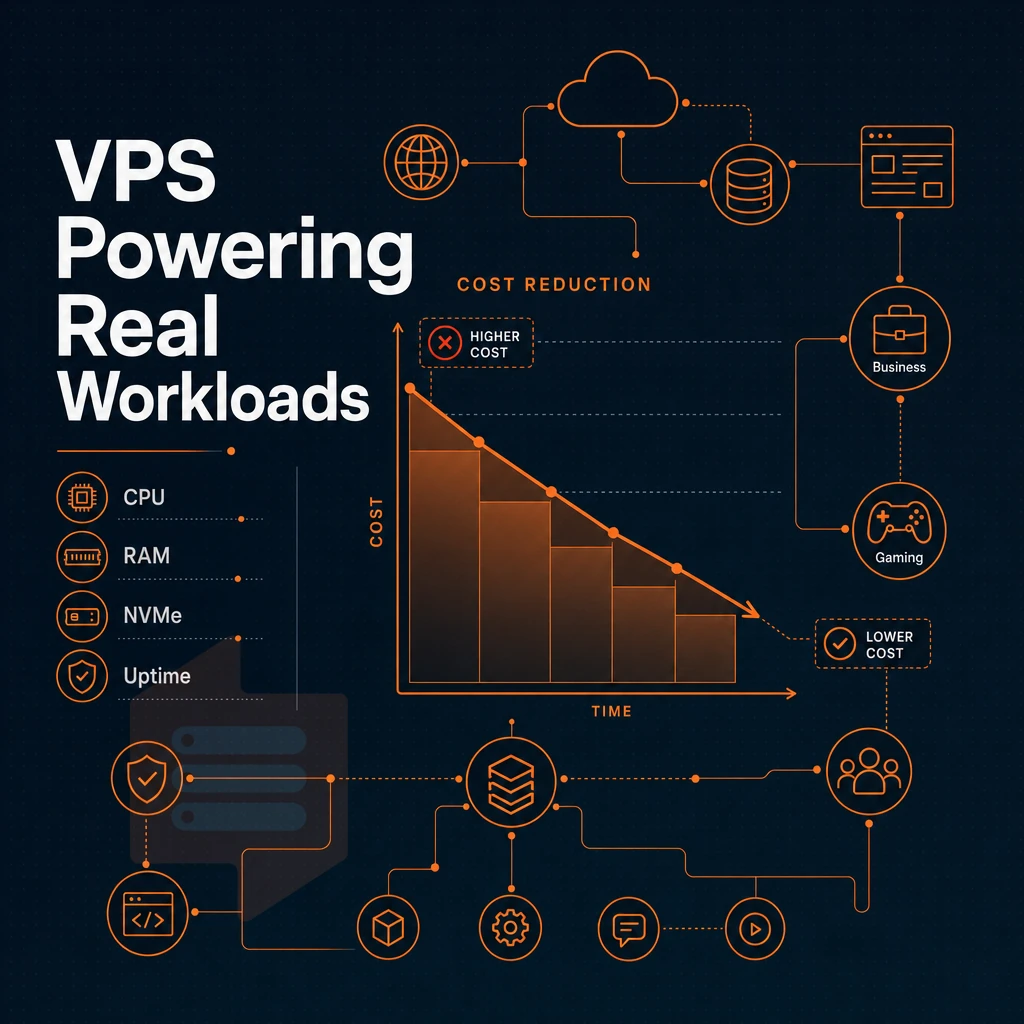
Virtual private servers (VPS) offer a self-contained virtual environment with guaranteed server resources, making them perfect for lean startup websites and high traffic platforms. We have a range of scalable VPS plans available that grow with your demand, without the need for a full dedicated server.
Business websites, e-commerce, and client platforms
- Host your business site with consistent performance. Your business website needs consistent response times even under intense loads. A VPS ensures that your site’s CPU and RAM are isolated from those of other users, meaning a traffic spike on a neighboring account will never slow you down.
- Run e-commerce and billing platforms. Low-latency database queries and good uptime for checkout flows and the underlying billing platform logic are required. Run the database process with dedicated resources and the application on the same node to minimize round-trip time.
- Manage all of your clients from one location. CRM tools, ticketing systems and client portals all benefit from being in a single controlled environment. With Full Root Access you can tune PHP workers, set memory limits and even schedule cron jobs.
Note: Avoid cramming multiple apps onto one tiny plan. Segment by workload, or upgrade in place, rather than sharing a single under-resourced instance.
Developer environments and multiple websites with SSD storage
- Spin up isolated dev and staging environments on your VPS. You can mirror production exactly (same OS, kernel, package versions, etc.). Bugs you find in staging won’t affect your customers.
- Hosting multiple websites under a single plan. As opposed to hosting each site on a separate shared account for multiple domains, hosting them off a single VPS can save a lot of money and keep everything organized with virtual hosts or containers.
- Deploy scalable computing from day one. Start off with a small configuration and scale up as needed. Our in-place upgrades for VPS hosting mean you can upgrade without IP address change or any downtime and your DNS records will remain valid.
What should i look for in a cheap VPS hosting plan?
The best VPS hosting plan is a combination of strong features and easy use. Here are the four key things to look for.
- Hard compute and RAM guarantees. Check that the provider configures hard memory limits per host, as opposed to soft limits that neighboring projects can consume down.
- Use NVMe or SSD storage. Local disk I/O bottlenecks web hosting stacks much faster than local CPU bottlenecks. Fast local storage is critical for applications with databases and high concurrency.
- Basic server management tools. API accessible control panel, in-browser console and a clean OS reinstall process to save as much time as possible for more important things, building.
- The honest upgrade path to more power is a dedicated server but it’s very expensive. A VPS is a good middle ground and if a provider allows in-place upgrades then you have the options of growing within a limit or migrating to a dedicated server when appropriate.
We run a number of KVM-isolated VPS plans from two locations: Amsterdam and New York City. Our VPS servers are powered by AMD EPYC processors and utilize storage that’s been configured as NVMe RAID10. With hard memory caps per node and low node density, what you see is what you get with our offerings. Below, we outline a number of general use cases and then detail how we’ve mapped each of them to a particular VPS plan tier.
How to choose the best cheap VPS hosting plan for your needs
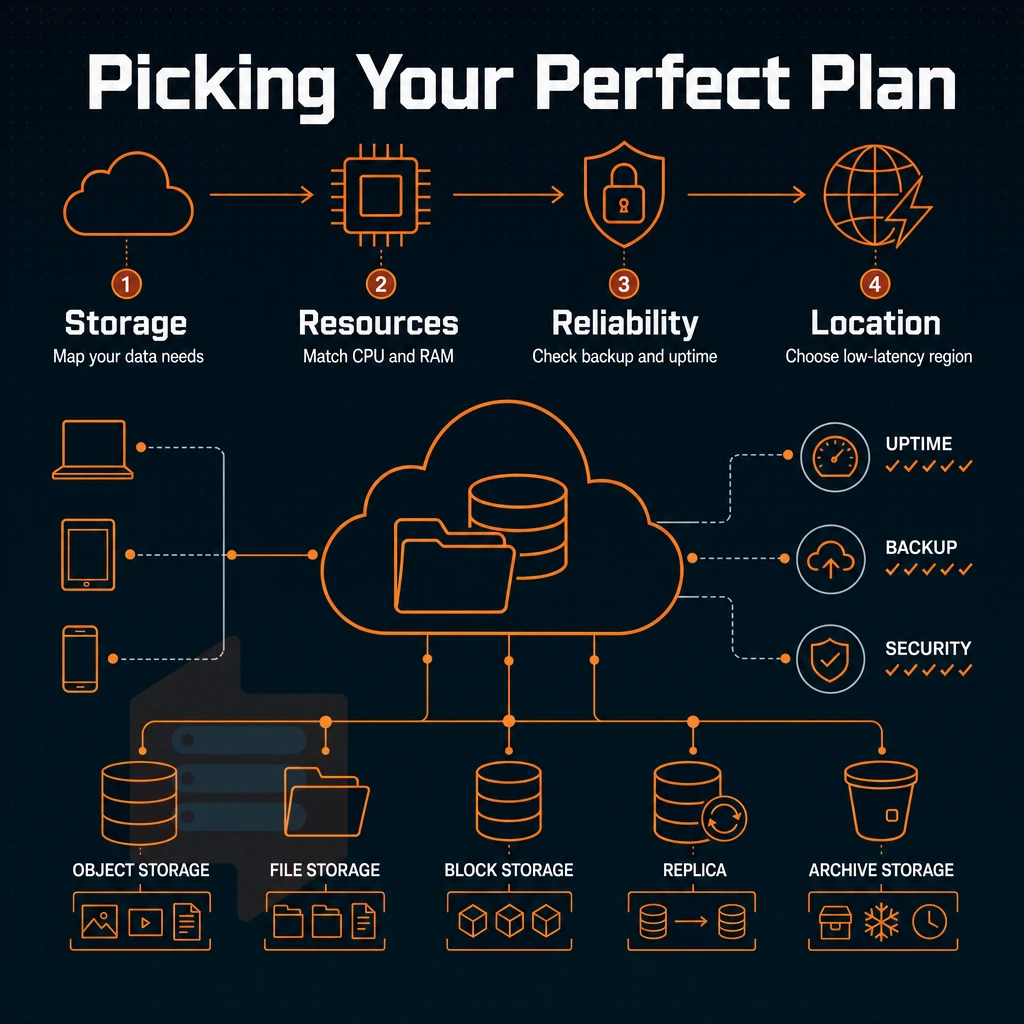
Up from shared hosting to a VPS is an obvious step once you have outgrown your current host. Choosing the wrong VPS hosting plan, however, means throwing money down the drain and creating a host of future problems. The only three things that matter are your workload, your needs, and your plans for the future.
Match the virtual private server tier to your workload
CPU-bound tasks (like building, running a CI job, or processing a queue) require stable and predictable compute resources. While a shared vCPU plan with ssd storage is suitable for sporadic or low-concurrent CPU usage, dedicated and pinned CPU cores provide the ideal solution for sustained CPU usage, completely eliminating the noisy-neighbor problem.
Memory-intensive workloads (in-memory databases, caching, analytics) require headroom in RAM. High-memory tiers with adequate RAM/vCPU ratios are typically better suited for these workloads than plain plans with lots of storage bolted on.
High storage workloads like media servers, backups and large datasets need fast I/O. Look for NVMe RAID10 attached directly to PCIe instead of networked storage which adds latency in heavy use.
Managed vs. Unmanaged: an honest trade-off
Unmanaged VPS hosting plans are set up as full root access to you and your VPS will be provisioned with its own Operating System. With cheap VPS hosting services, you will have full control of all the layers, which is what developers and other power users with technical knowledge need to manage patching, hardening and all of the configuration issues. Managed VPS hosting plans offer a lot of convenience but restrict control and cost more.
Operating System choice also matters. If you need Plesk control panels for your stack, verify whether your unmanaged hosting provider supports it. Most of them support Ubuntu, Debian, AlmaLinux and Rocky Linux out of the box. As always, you can upload your own custom ISOs, too.
You should verify the following essential features before buying a server: root access, KVM isolation, dual stack IPv4/IPv6, in-place upgrades (no IP reassignment), and a published SLA for server uptime.
Upgrade path and server environment commitment
In-place upgrades. We call them differentiators for a reason: as your server grows, it grows in place, without requiring you to migrate or switch between IP addresses. So you can start small, scale up as needed, all without requiring a reconfig of your DNS, firewalls or app configs.
How billing is committed to change total cost to you. Shorter projects are best suited with monthly billing only. Although annual or even 2 year billing commitments cost more in upfront payments in the short term, they can reduce your average cost per month over time.
Note that affordable UK VPS hosting has been advertised in the past but cost more on renewal than when first signed up. Always check the average renewal price against the initial signup price of any potential VPS provider.
As a cheap VPS hosting provider, BuyVPS maps directly to these criteria: Standard CPU (shared vCPU, AMD EPYC, NVMe) for general workloads, Dedicated CPU (pinned cores) for latency-sensitive tasks, and High Memory for data-intensive applications. Both Amsterdam and New York hosting plans carry identical specs, there are no UK data centers in the BuyVPS network, so factor location latency into your decision if your users are UK-based. Here is why that infrastructure approach translates into a practical advantage for your deployment.
Why choose BuyVPS for cheap VPS hosting
Finding cheap VPS hosting that doesn't cut corners on performance is harder than it looks. Many cheap VPS hosting providers oversell nodes, throttle resources under load, and quietly raise prices at renewal. BuyVPS is built differently, founder-run since 2002, with a straightforward approach to reliable hosting and dedicated resources.
Our VPS hosting runs on KVM with a separate kernel per VPS. That means genuine isolation, not a shared environment where noisy neighbors eat your CPU. Every virtual private server gets hard memory caps and low node density by design, no overselling, no surprises.
- Proven storage performance: NVMe RAID10 PCIe direct storage, measured at 122,959 4K read IOPS (fio median). Your website files load fast under real load.
- Dedicated CPU option: The Dedicated tier pins cores on AMD EPYC Genoa, consistent performance and predictable latency, closer to a dedicated server than shared hosting.
- Full root access on every plan: Install your own operating system, configure your server environment exactly as needed. Custom ISO upload is supported.
- Amsterdam location for UK proximity: Our EU data center in Amsterdam delivers low-latency VPS hosting services to UK and European users, no UK data center claims, just honest geography.
- No renewal hike: The same price in year five as year one. Reliable VPS service with predictable costs.
- In-place upgrades: Scale your VPS plans without migration or IP rotation.
Published benchmarks (Geekbench 6, fio, pgbench) back every performance claim. If you want to compare VPS hosting plans or discuss the best cheap VPS setup for your workload, reach out to our engineering team at support@buyvps.com. Understanding what separates genuine value from a low headline price makes that conversation more productive.
The core differences between cheap and premium VPS hosting
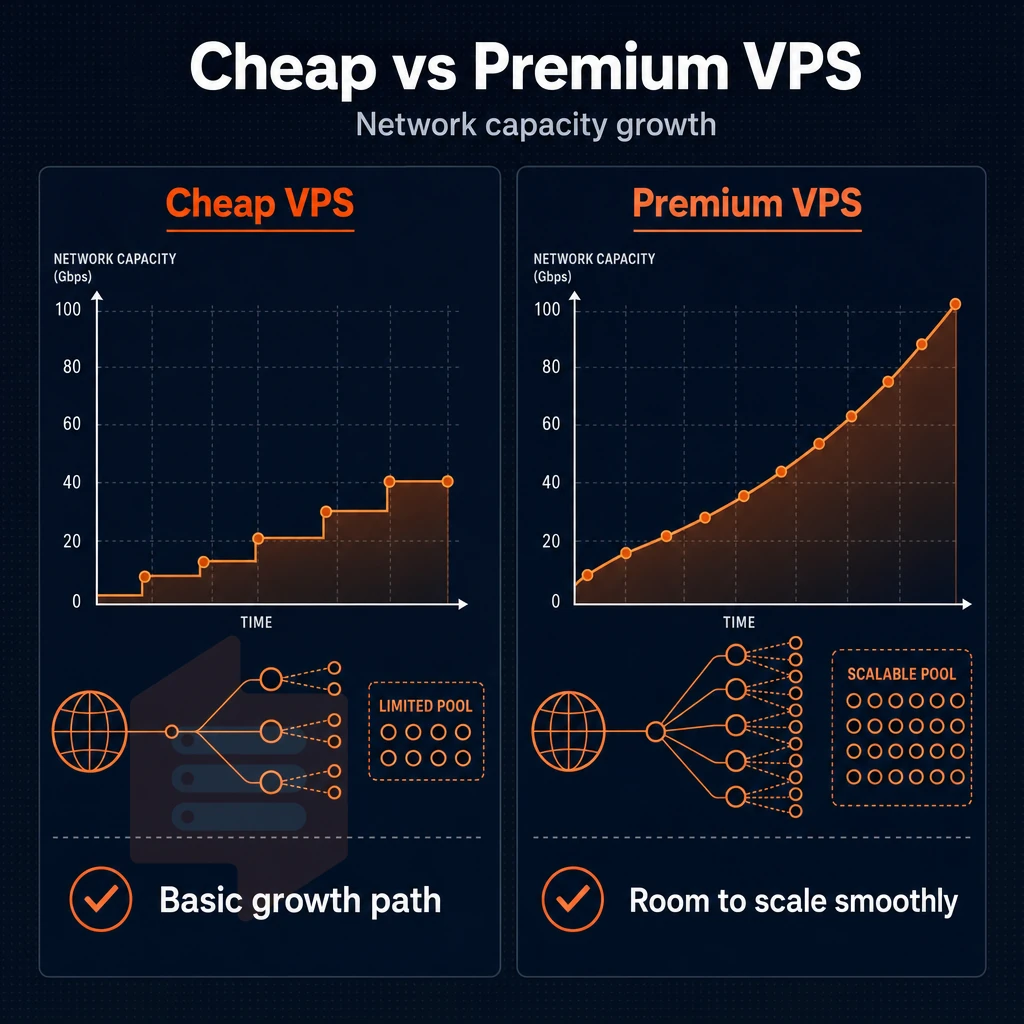
When choosing between a cheap VPS hosting service and a quality VPS hosting service, there are four key factors to take into account. Firstly, the hosting service’s policy on overselling resources on the individual nodes, secondly. The type of storage that your VPS servers will run from, thirdly, the virtualization layer that your VPS servers will be running under. Additionally, Lastly, the price that you will be charged at renewal compared to what you paid on the first day.
When choosing cheap VPS hosting, consider the basic features as the main value proposition of a VPS. Inexpensive hosting does not necessarily mean low quality hosting. Reliable uptime and adequate server resources are basic features that any VPS provider should deliver.
Therefore, when choosing from cheap VPS hosting services, pay attention to the following basic features: NVMe SSD storage, no overselling policy, and transparent pricing for renewal periods. We mean efficient hosting, not dirty cut-rate tricks with essential server components that will keep your VPS fast and scalable under load. These basic features are what any host selection ultimately comes down to.
How to benchmark and monitor your cheap VPS UK performance
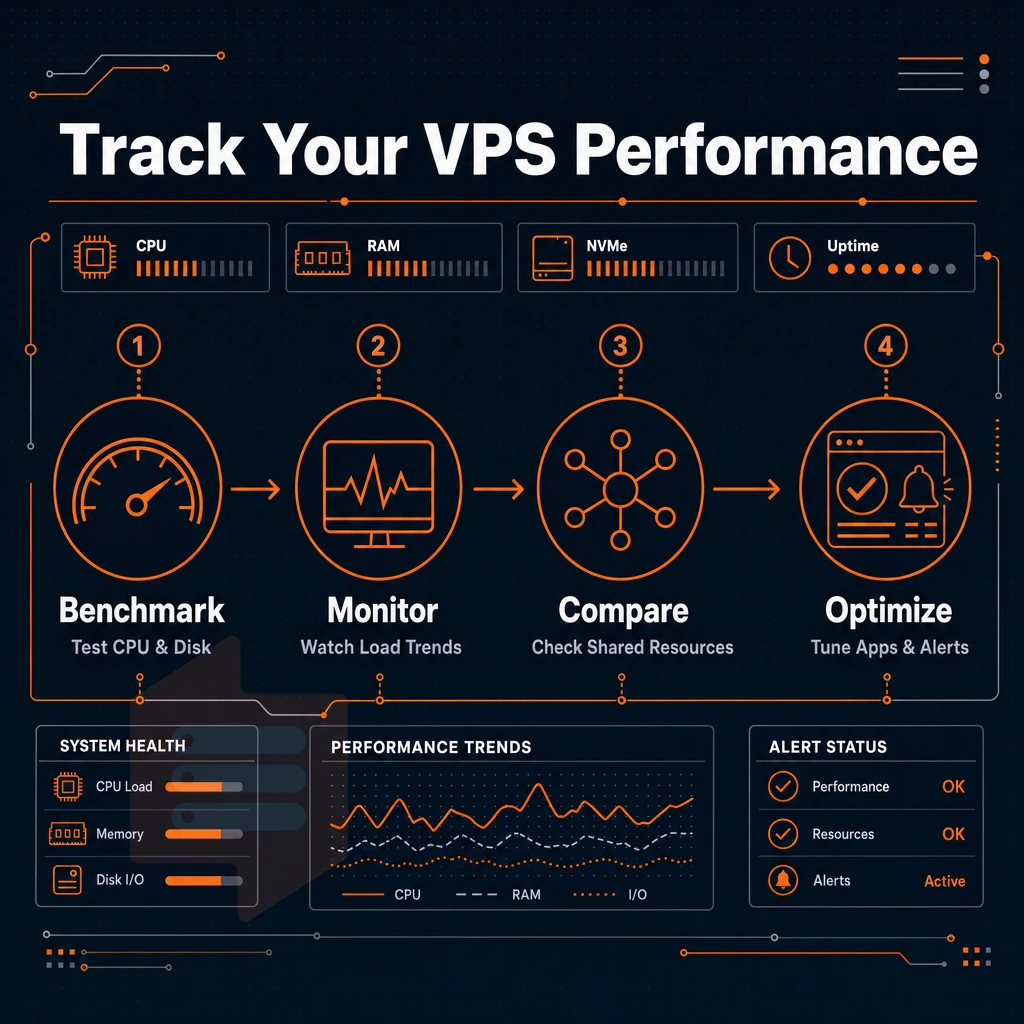
After launching your VPS, you would like to know whether you really got the performance you paid for. On a shared-vCPU system, virtual CPUs of different customers running on the same physical server compete with each other.
In order to determine the impact on your applications, you should watch the CPU steal time. Tools like top, htop and vmstat show you the steal percentage as it changes over time. Values above 10% on a regular basis clearly reveal contending for resources with negative impact on your application’s response time.
The measurements for Disk I/O are also very interesting, especially for the NVMe-backed plans which often advertise fast sequential reads. You can run a small fio-benchmark on the mount point of your VPS after provisioning. For an entry-level VPS on NVMe storage you should expect sequential reads above 1 GB/s and random 4K reads above 50,000 IOPS. On a plan that is marketed as NVMe and you get far less than that, it is worth complaining about this with the support team.
The latency from endpoints in the UK to a data centre in Amsterdam typically ranges from 8ms to 15ms. To get a more realistic view of the latency to your users, run mtr or ping from a probe in the UK. Tools like Ping.pe even let you test from multiple cities at once. For a business website with a UK VPS audience based in London, 12ms is of no consequence, but for a trading bot executing microsecond scale logic, it could be a deal breaker.
Monitoring memory usage on a UK VPS running KVM is easy using `free -m`, but good server management means tracking peak memory usage over a 24 hour period using `sar` to establish a baseline for your application's memory usage before it reaches the limit of your VPS.
If your application consistently gets near to the memory limit of your VPS, good server management with cheap VPS hosting services means scaling to a high memory instance is likely to be more efficient than struggling with the effects of memory swapping, which can cause a huge performance penalty even on fast storage like NVMe. The key is to measure and scale in the first week of a new application.
Key advantages of choosing the right VPS hosting provider
The real decision when choosing a VPS hosting provider is between four variables: the location of the data center to your visitors. Managed vs. unmanaged servers based on your OS preferences and level of server expertise, the confirmed uptime guarantee offered. Additionally, Verified root access with no hidden price hikes on renewal. Cheap VPS hosting has to get all of these basics right, or you’ll soon find that the initial savings quickly disappear.
For economical VPS hosting UK workloads, BuyVPS delivers best VPS hosting-grade specs, NVMe RAID10 storage, KVM isolation, full root access, and a no-renewal-hike pricing model, from both Amsterdam and New York. It is one of the few hosting providers that publishes real benchmark numbers to back up its claims. Evaluate your requirements against those criteria, then visit the cheap VPS pillar page to compare plans.
Choosing a VPS involves 3 main choices: the operating system (Linux is very cost effective and offers lots of flexibility. Windows can be chosen for specific requirements of your stack), the level of management offered by your uk VPS hosting providers (unmanaged for the technically able, managed for those who aren't). Additionally, Where the data center is located (ideally close to your users to provide best latency and compliance). For UK-based workloads, therefore, a European data center would be the sensible default.
Even the best performance and price for a VPS can fall apart when the underlying infrastructure is oversold. Look for a host that publishes hard memory caps, NVMe storage and KVM isolation as key specs to ensure your VPS performs well under load.
BuyVPS runs KVM VPS infrastructure out of Amsterdam with AMD EPYC processors, NVMe RAID10 storage, and a strict no-oversell policy. Browse the plans at BuyVPS.com and find the tier that fits your workload.