


Shared hosting does not perform well under load. To scale past noisy neighbors and achieve guaranteed resources (computing, I/O), full root access, and reasonable cost beyond bare metal dedicated servers, dedicated virtual private server hosting exists.
Dedicated VPS products are not made equal.
What guarantees does your hypervisor make regarding isolation?
In this guide, we will explain in detail how dedicated VPS solutions works, go over what to look for in a potential web host’s infrastructure.
What is dedicated resources VPS hosting?
Dedicated VPS hosting is a type of hosting that provides you with a Virtual Private Server (VPS). This VPS is allocated a set of virtual resources which are dedicated to your use and consist of pinned CPU cores, guaranteed RAM and isolated storage. None of your neighbors can impact your performance. This is achieved at the Hypervisor level as opposed to via policy.
First month $1
Then the normal monthly price. One per customer. No setup fee, and a 30-day performance guarantee on your first order.
See the plans“Excellent experience from start to finish! The server was delivered promptly, and the service was reliable and efficient. I m very happy with the results and would definitely recommend them.”
How a virtual private server differs from a dedicated server
Our KVM virtualization platform enables you to run multiple fully independent servers off of one very powerful machine. This architecture is particularly valuable when you need to host multiple websites with isolated environments, each requiring its own configuration and security boundaries. By consolidating multiple isolated environments on one physical server, you gain operational efficiency while maintaining the security and performance characteristics of separate machines.
On Dedicated CPU tier, every VPS has pinned cores.
What is the difference between a dedicated server and a shared VPS?
Shared VPS solutions share server resources with other tenants. As traffic on one tenant’s instance increases, other tenants’ instances will slow down. With dedicated resources, you’re working with a completely different model. When your application demands consistent performance, dedicated resources ensure that your allocated computing power remains available regardless of activity on neighboring instances.
- Shared VPS: vCPUs float across a pool; RAM has a ceiling but not a floor; shared hosting behavior under load.
- Dedicated VPS: cores are pinned; RAM is hard-capped per node; performance is consistent regardless of neighbors.
When a physical server comparison matters
Virtual private server hosting is generally offered between shared hosting and dedicated servers. Virtual private servers provide the isolated server environment of a dedicated server for a fraction of the cost of actually owning the machine. For extremely latency sensitive applications such as databases, real-time APIs, and financial applications, this level of isolation is critical. We’ll discuss the details of how the hypervisor achieves this in the next section.
How a virtual private server works on a dedicated server

Even a single physical server can support dozens of isolated environments. We use a hypervisor (KVM at BuyVPS) to divide up the server hardware into individual virtual machines, each running its own kernel, disks and network. A single VPS operates with complete independence from its neighbors, maintaining isolated processes and network interfaces despite residing on shared hardware.
How virtualization splits one machine into virtual servers
Each VPS running on the same physical server runs its own Operating System. The hypervisor in place creates a hard boundary for each windows VPS across data centers, ensuring that one VPS's workload cannot scale beyond its own allocated limits, such as CPU, RAM, or memory, and consume resources that belong to another.
Each VPS runs as if it were a completely standalone server, sharing a physical machine with other VPS’s. The hypervisor enforces strict resource allocation, so each instance receives its guaranteed cpu ram allocation without interference from neighboring workloads. The hypervisor also manages network isolation, controlling data transfer between instances to prevent cross-tenant traffic leakage or bandwidth contention.
Root access and operating system isolation
Our plans include full root access on a clean OS install (Ubuntu, Debian, AlmaLinux, Rocky Linux, CentOS Stream or Fedora), you control the kernel, packages and configuration. No shared control panel, no landlord restrictions. This level of access gives you complete control over every aspect of your server environment, from security policies to custom application stacks. This architecture provides more control than managed environments where administrative privileges are restricted by the provider's policies.
Is dedicated hosting better than shared hosting?
Most technical workloads can run fine on a VPS, whereas shared hosting typically hundreds of low-margin sites on the same server with no guarantees. A VPS on the other hand gives you hard limits on CPU and RAM, KVM (or equivalent) level isolation, and your own kernel. So performance is generally quite stable and a single very busy ‘noisy neighbor’ site cannot suddenly cause huge problems with latency, etc.
| Feature | Shared hosting | Standard VPS (shared vCPU) | Dedicated VPS (pinned cores) |
|---|---|---|---|
| CPU isolation | None | Soft limits | Pinned cores, guaranteed |
| Root access | No | Yes | Yes |
| Own OS kernel | No | Yes (KVM) | Yes (KVM) |
| Noisy-neighbor risk | High | Low | None |
| Uptime SLA | Varies | 99.8% | 99.8% |
The Standard tier is suitable for typical workloads and occasional bursts of CPU usage. I'll outline the key differences from shared hosting below. Standard tier delivers reliable performance at affordable prices, making it an excellent entry point for growing businesses.
Dedicated server VPS hosting vs shared hosting: key differences

The choice between dedicated virtual server hosting and shared hosting service is determined by one simple question: Do you need guaranteed resources or can you share them?
Resource isolation vs. Resource contention
In shared hosting, many users share the same server resources, like CPU power, RAM and storage space. A very busy website can thus affect other sites on the same server severely. This phenomenon is commonly known as noisy neighbor. In contrast to shared hosting, a dedicated VPS reserves all the VPS resources (as allocated by your hosting provider for your account) for your use. Additionally, Other users on the server do not use any of them.
Note: Providers that oversell nodes reintroduce contention even on VPS plans. BuyVPS enforces hard memory caps and low node density to prevent this.
Can i install a custom operating system on a dedicated VPS?
Yes, you get full root access to the underlying KVM environment with private dedicated server hosting. This means you can boot from a custom ISO, change operating systems, or even run a hardened kernel. The list of supported OSes for Dedicated VPS includes Ubuntu, Debian, AlmaLinux, Rocky Linux, CentOS Stream, Fedora and many more.
All of these OSes are available on all of our dedicated virtualized hosting plans and you can even upload your own custom ISO. Many developers leverage this flexibility to spin up a test environment alongside production, using identical OS configurations to validate updates before deployment.
Virtual private server management and performance consistency
Server management is your responsibility when using a VPS, this includes things like OS updates, security patches and configuration of any software you need to run. You will get consistent performance though. With shared hosting you have server management abstracted away from you but performance is inconsistent and claims of unlimited bandwidth on shared hosting plans are usually short-lived when subject to real-world loads.
| Factor | Dedicated VPS hosting | Shared hosting |
|---|---|---|
| Resource isolation | Guaranteed, hard-capped | Shared pool, contention risk |
| Root access | Full | None |
| Performance consistency | Predictable | Noisy-neighbour risk |
| Custom OS / kernel | Yes, including custom ISO | No |
| Management overhead | Higher (you control the stack) | Lower (provider manages OS) |
This table compares shared hosting with VPS hosting. The next thing to consider when choosing between a VPS and dedicated servers is whether you need a dedicated VPS or if you can go with a bare-metal server instead.
Dedicated VPS hosting vs dedicated server: pros, cons, and cost effectiveness
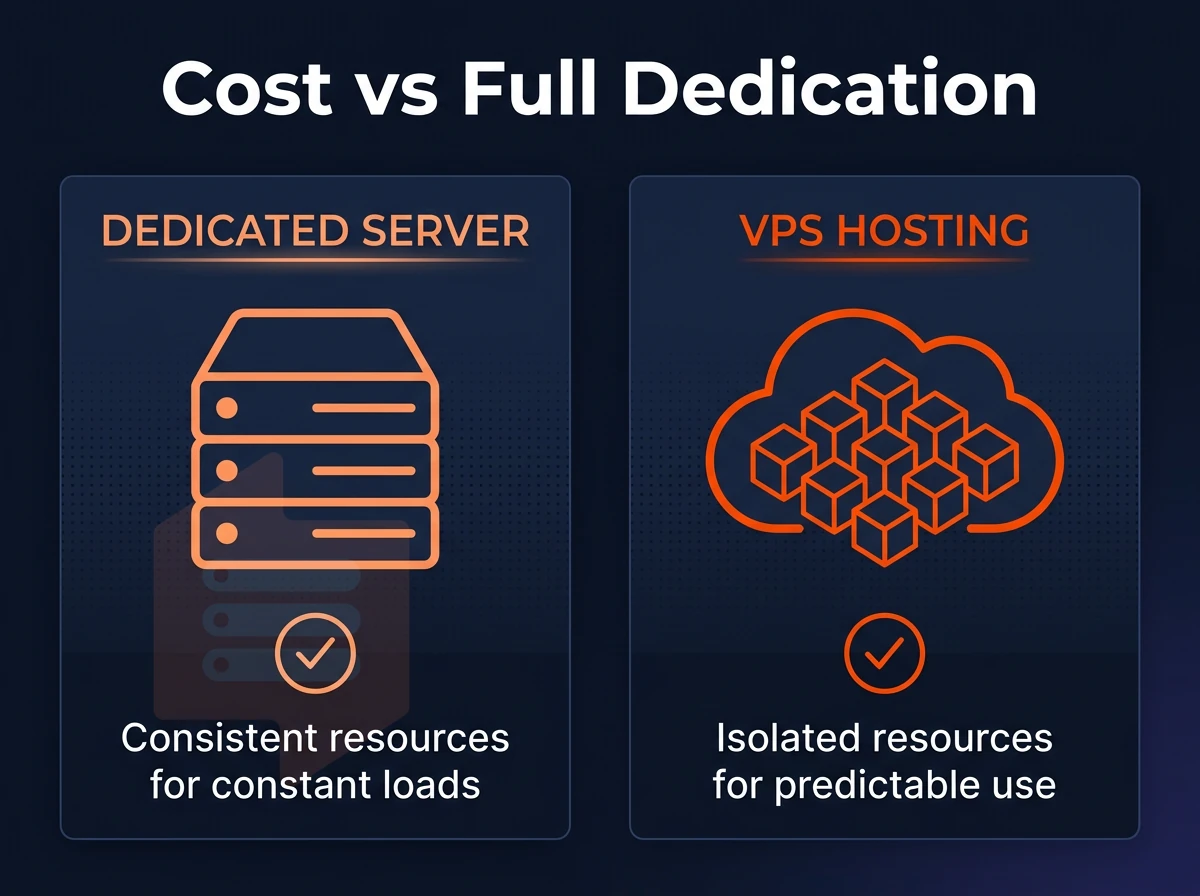
isolated VPS hosting and bare-metal dedicated servers offer dedicated resources but vary greatly in terms of architecture, cost and operational overhead. Choosing the wrong option means you either end up paying for unused hardware or hit a ceiling that cannot be raised quickly enough.
Dedicated server hosting: VPS vs bare metal
Bare-metal dedicated servers provide you with the complete physical server including all cores and all amounts of RAM. In contrast, a dedicated VPS server provides you with your very own dedicated resources which are carved out from physical hosts. When you provision a bare-metal server, you receive all the resources of that physical machine without any virtualization layer in between.
Each dedicated VPS receives a guaranteed allocation of disk space carved from the underlying storage infrastructure, ensuring predictable capacity for your applications and data. Some providers also offer the option to attach external storage volumes to your VPS, allowing you to expand capacity without reprovisioning the entire instance.
These resources are managed via a KVM hypervisor and even are separated from others by a separate kernel which ensures hard isolation. Note though that in both cases the amount of computing power that can be dedicated to your workloads is guaranteed, even if the way in which it is delivered to you is different. Modern virtualization technology has matured to the point where the performance gap between virtualized and bare-metal environments is negligible for most enterprise workloads.
Bare metal servers run without a hypervisor and therefore can be beneficial for highly I/O sensitive workloads or environments that require special compliance reporting. For the majority of production workloads such as databases, APIs and containerized applications serving multiple users, the overhead of running on dedicated web hosting with a well-tuned KVM-based virtualization environment is negligible.
When evaluating dedicated hosting options, consider whether the flexibility of virtualized environments outweighs the raw performance ceiling of bare metal for your specific workload profile. A game server running on KVM virtualization typically experiences less than 2% performance overhead compared to bare metal, making it an efficient choice for multiplayer environments. Modern KVM implementations deliver high performance that rivals bare metal for most application workloads, with latency differences measured in microseconds rather than milliseconds.
Scalability and procurement speed
Bare metal scaling requires you to order new hardware and wait for it to be provisioned and for you to migrate to it. With virtualized environments, you can scale resources vertically by adjusting CPU and RAM allocations through your control panel, often completing the upgrade within minutes rather than days.
Provisioning bare metal can take days to weeks, whereas in-place upgrades to a VPS can happen in minutes.
What does "full root access" mean on a VPS?
Full superuser access on your VPS lets you have complete superuser control on your VPS. This means you can install any package, change kernel parameters (within your own kernel namespace), set up firewalls and so much more. Unlike managed VPS hosting where the provider controls the OS layer for you, there are no restrictions to the software stack in unmanaged VPS hosting packages.
Full privileged access is available on all of our servers. We offer a clean OS install for your web hosting setup (Ubuntu, Debian, AlmaLinux, Rocky Linux or even a custom ISO of your choice) and you'll have full control of the server from the moment it's finished booting. The VNC console in your control panel also grants out-of-band access should you encounter a problem with SSH configuration.
full administrative access on a VPS is basically the same as sudo access on bare metal. The scope of what you can do is constrained by the VPS control panel and what the provider has allowed you to do, not by any lack of permissions as root.
Use-case fit
Workloads that use up an entire host, like large-scale rendering, HPC work, or compliance hosts that cannot run multi-tenant hardware, are best suited for bare metal. However, for the majority of production workloads like web applications, databases, CI/CD environments, etc. that require isolation, performance, and the ability to scale quickly, a Dedicated VPS is the way to go.
Common use cases: when dedicated VPS hosting is the right choice

reserved VPS hosting is suitable for a specific type of workload, beyond shared server hosting, but not yet at the level of bare-metal dedicated servers.
Web applications and ecommerce sites that have outgrown shared hosting
When an application grows, it can hit limits on a shared server such as CPU throttling or running out of memory. A dedicated VPS gives you fixed resources, so you don’t get affected by other users on the server.
For online stores, it’s critical to have consistent performance at the checkout process. While increased traffic temporarily can slow download time to the shopping cart page, it should not cause a transaction to fail. Our Dedicated CPU tier handles increased loads predictably with hard memory caps and NVMe RAID10 storage.
Sites powered by PHP applications, Node.js APIs and other database-driven sites also greatly benefit from being hosted on dedicated virtual servers that simulate an entire physical server environment, ensuring you have all the RAM and CPU power you need without sharing resources with adjacent accounts.
Dedicated server hosting for game server and latency-sensitive workloads
For a gaming server, low and stable latency is more important than low average latency.
Staging, multiple sites, and private networking
One VPS can host many clean websites with virtual hosts isolated on the application level. A dedicated VPS is also very useful as a staging or test environment, a full copy of production without having to test on live traffic.
Typically a VPS tier that this supports will also allow custom firewall rules and VLAN access on demand. That makes for a decent VPS for the type of work load that wants a private network or strict ingress filtering.
How does KVM virtualization improve VPS performance?
KVM isolates each VPS to its own kernel.
Our suite of tiered servers all run off of KVM virtualization to deliver a fully-dedicated environment, configurable to mimic just about any physical hosting environment. Our fio benchmarks for published workloads under load reflect this well-performing hosting for real-world workloads, as seen in 122,959 4K read IOPS, for example. Knowing a good use case for a given host is only half the battle, however, one must also pick a provider that can deliver on the host’s promise.
What to look for in a dedicated server VPS hosting provider
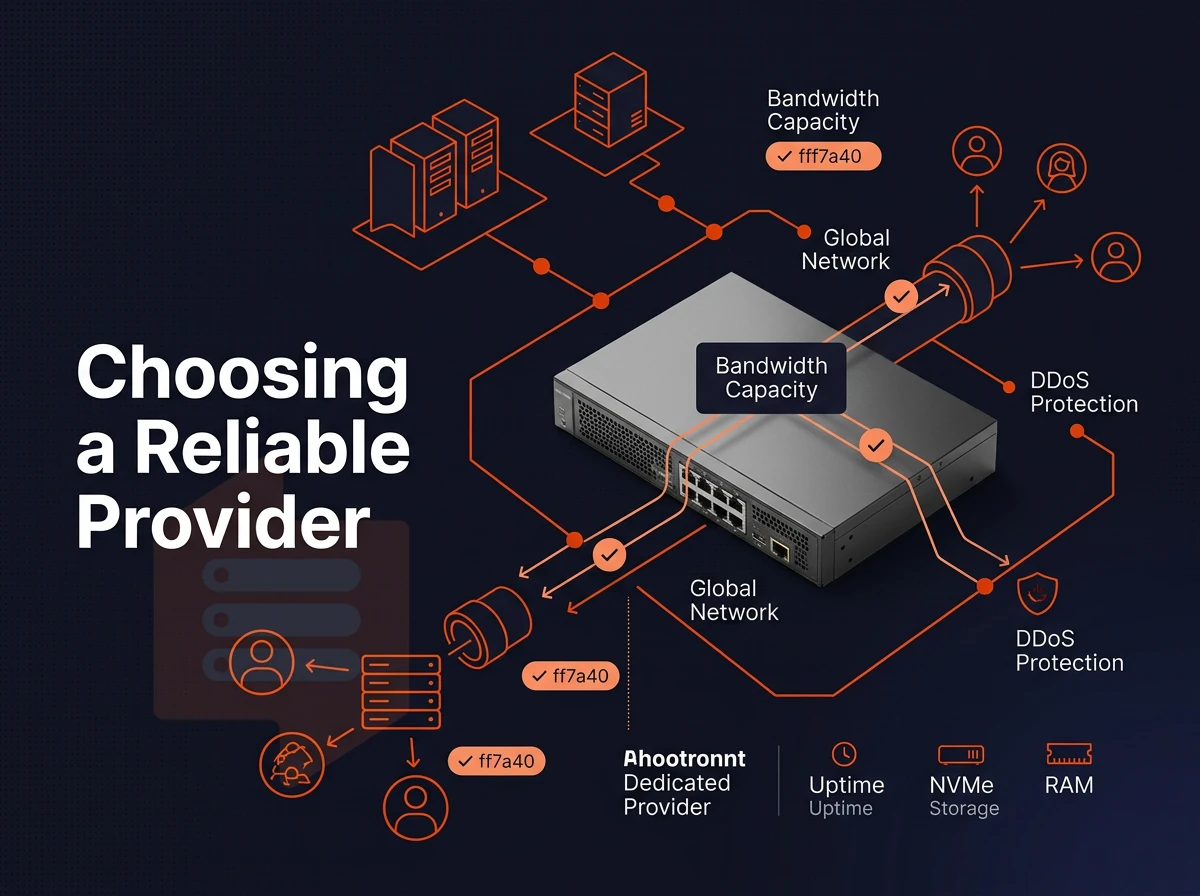
When selecting a dedicated virtual machine hosting provider, it is essential to realize that not all are created equal. Critical considerations include the current hardware generation, type of storage, type of virtualization as well as quality of the support. Here is what to look for when selecting a VPS hosting plan.
Hardware, storage, and virtualization technology
The current generation of AMD EPYC processors deliver much higher memory bandwidth and higher per-core performance than the previous generation of Xeon-based nodes. Paired with NVMe RAID10 storage (which BuyVPS measures to deliver 122,959 4K read IOPS), each virtual machine runs on a new platform perfectly configured to handle very database-intensive as well as latency-sensitive workloads. SATA-based storage on the older nodes simply don’t deliver the same.
KVM creates a unique kernel for every VPS and limits memory use hard.
Network security and uptime SLA
Edge level DDoS protection as a minimum feature, check for written minimum 99.8% SLA for uptime. BuyVPS offers multi-homed uplinks with edge filtering, IPv4 and IPv6 dual-stacked in Amsterdam and New York.
Do i need managed VPS hosting or can i self-manage?
Managed VPS hosting is typically best for organizations without a dedicated Linux administrator as the hosting provider handles patching, monitoring, etc. for you. Self-managed servers are best for developers who require administrator access to install packages, etc. in a completely controlled environment. Additionally, many providers offer Windows Server and VPS hosting solutions for organizations tied to the Microsoft stack. Be sure to verify which Operating Systems a provider offers prior to signing up for a server.
Support quality and pricing transparency
Engineer-led support is generally able to resolve issues faster than first-tier chatbots. Can the support team handle kernel-level issues, or will they just restart services for you?
| Criterion | What to look for | Red flag |
|---|---|---|
| CPU | Current-gen EPYC or equivalent | Unspecified or legacy Xeon |
| Storage | NVMe RAID10, published IOPS | SATA SSD, no benchmark |
| Virtualization | KVM with hard memory caps | Container-based (OpenVZ) |
| Uptime SLA | 99.8% or higher, in writing | No published SLA |
| Support | Engineers, not chatbots | Tier-1 script readers only |
Geography then becomes a further factor to consider when shortlisting from your chosen providers, as even the best hardware and virtual environment used for hosting websites is affected by the location of users in relation to the provider's premises.
Dedicated server locations and network quality for low latency

Geography has a greater influence on latency than most other infrastructure decisions.
Choose your data centers strategically
We run two locations to serve our customers: Amsterdam for the EU market and New York for the US East Coast market.
- Start by mapping out your user base and run a simple geographic distribution report on your current traffic. If your user base is primarily in Europe then host in Amsterdam. If your users are predominantly on the East Coast of the US then host in New York. You can also split the load between two locations to achieve global coverage.
- When choosing a location for a VPS instance, we have to account for the network path as well as the distance to your users. Even if a location is “closer” to your users on paper, poor peering or high volumes of traffic through other connections can cause a VPS to underperform. We use multi-homed uplinks at both locations to spread the traffic over several upstream carriers.
Note: Raw server distance is not the same as network latency. A well-peered node 500 miles away often beats a poorly connected node 50 miles away.
Configure your network stack
- Allow IPv4 + IPv6 dual-stack on all plans. Future proof your hosting and enable your servers to hold as many websites / services as you require without running out of IP addresses. Request additional IP addresses where required by your application.
- Edge filtering is used as baseline security for our network. Our edge filtering uses abuse-policy-based firewall rules to ensure that unwanted traffic never reaches your VPS and wastes no bandwidth or CPU.
What is DDoS protection on a VPS and why does it matter?
DDoS protection identifies malicious traffic and drops it at the edge of the network, preventing it from ever reaching your VPS. Without DDoS protection, even a relatively small volumetric attack can fill up your uplink and bring your site down.
Edge filtering gives you full control over your availability during an attack. In dedicated hosting and other web hosting environments, traffic scrubbing is performed upstream of the server and therefore all traffic (good and bad) will reach the server, with the unwanted packets then being discarded by the edge filtering.
On a shared physical server an unmitigated attack on another tenant could affect other tenants on the same server, i.e. “degrade your neighbors”.
Why choose BuyVPS for dedicated VPS hosting
BuyVPS has operated founder-run infrastructure since 2002. Our single-tenant VPS hosting is built for teams that need predictable performance from a virtual private server, not shared resources on an overloaded physical server.
- Pinned cores, guaranteed RAM. The Dedicated CPU tier uses AMD EPYC Genoa with pinned vCPUs and hard memory caps per node. No other users on the same physical machine can steal your dedicated resources.
- KVM virtualization with kernel isolation. Every VPS instance runs its own kernel. That separation keeps your virtual environment clean and your server resources consistent under real load.
- NVMe RAID10, PCIe-direct storage. Published fio benchmarks confirm 122,959 4K read IOPS. Disk space performance holds up across multiple virtual servers on the same physical hardware.
- Full unrestricted shell access on every plan. Install any operating system from our supported list or upload a custom ISO. Complete control over server management, firewall rules, and software updates, no control panel lock-in.
- In-place upgrades, no IP rotation. Scale resources without migrating. Your IP addresses stay put when you move to a larger VPS plan.
- Two data centers, identical specs. Amsterdam and New York run the same hardware, the same network, and the same pricing. No surprises in year five.
Engineers, not chatbots, handle our support queue. If you have questions about which virtual private server hosting tier fits your workload, reach out to the team at support@buyvps.com or compare our dedicated hosting tiers directly on BuyVPS.com.
The core differences between dedicated VPS and other hosting plans

VPS hosting is often compared with multi-tenant hosting. However, Whereas several users will be sharing resources on a physical server in a shared web hosting setup. A virtual private server offers a fully dedicated environment complete with dedicated resources, full system access and even a fully isolated operating system. With KVM virtualization, the boundaries are enforced at hardware level so you won’t have to worry about noisy neighbors or resource conflicts.
We differentiate VPS hosting plans from communal hosting and a full dedicated server by the separation that is provided between virtual private servers. Unlike a shared-resource hosting account, you have control of a virtual server. Unlike a full dedicated server, you are not renting an entire physical server. For most applications, the balance of performance, flexibility, and cost that VPS hosting offers over dedicated hosting makes it the ideal solution that scales with you to efficiently manage growth and meet ever increasing demands.
The key advantages of dedicated VPS hosting for growing web projects
When you need growing web sites to have solid performance, dedicated, isolated server resources, and the ability to install software updates and custom configurations, dedicated cloud server hosting is the answer.
Unlike shared environment hosting where your site’s performance can be impacted by other hosted web sites on the same server, your virtual private server hosting environment is never affected by other hosted web sites. You have your own dedicated resources, your own operating system and you have full control of the virtual server environment.
That combination of high performance and flexibility makes VPS services the natural next step once you've outgrown multi-user hosting. Explore the full range of plans at BuyVPS VPS Hosting and find the virtual private server built for your workload.
A Dedicated VPS sits in the middle ground between more isolated and more performant hosting and a fully dedicated server for less money. With a Dedicated VPS you own the resources of the server: fixed CPU cores, a hard memory limit and no other users to exacerbate any performance issues with your site.
The VPS server is the right option for you depending on your needs. Programs that require a lot of CPU power, highly visited websites, and applications with strict latency requirements all benefit from the dedicated server-level power of a VPS without having to manage a whole physical machine. In terms of control, performance and pricing, VPS servers are where it's at.
BuyVPS offers Dedicated CPU VPS plans on AMD EPYC Genoa with pinned cores and NVMe RAID10 storage, deployed in Amsterdam and New York. Full root access, KVM isolation, and in-place upgrades are included on every plan. Browse the plans at BuyVPS.com and find the configuration that matches your workload.